

Tensordock
TensorDock · Coding · Other
TensorDock is a cloud GPU platform that rents on-demand servers for AI training, inference, rendering, and cloud gaming from $5, with 45 GPU models across 100+ locations.
About Tensordock
What Is TensorDock
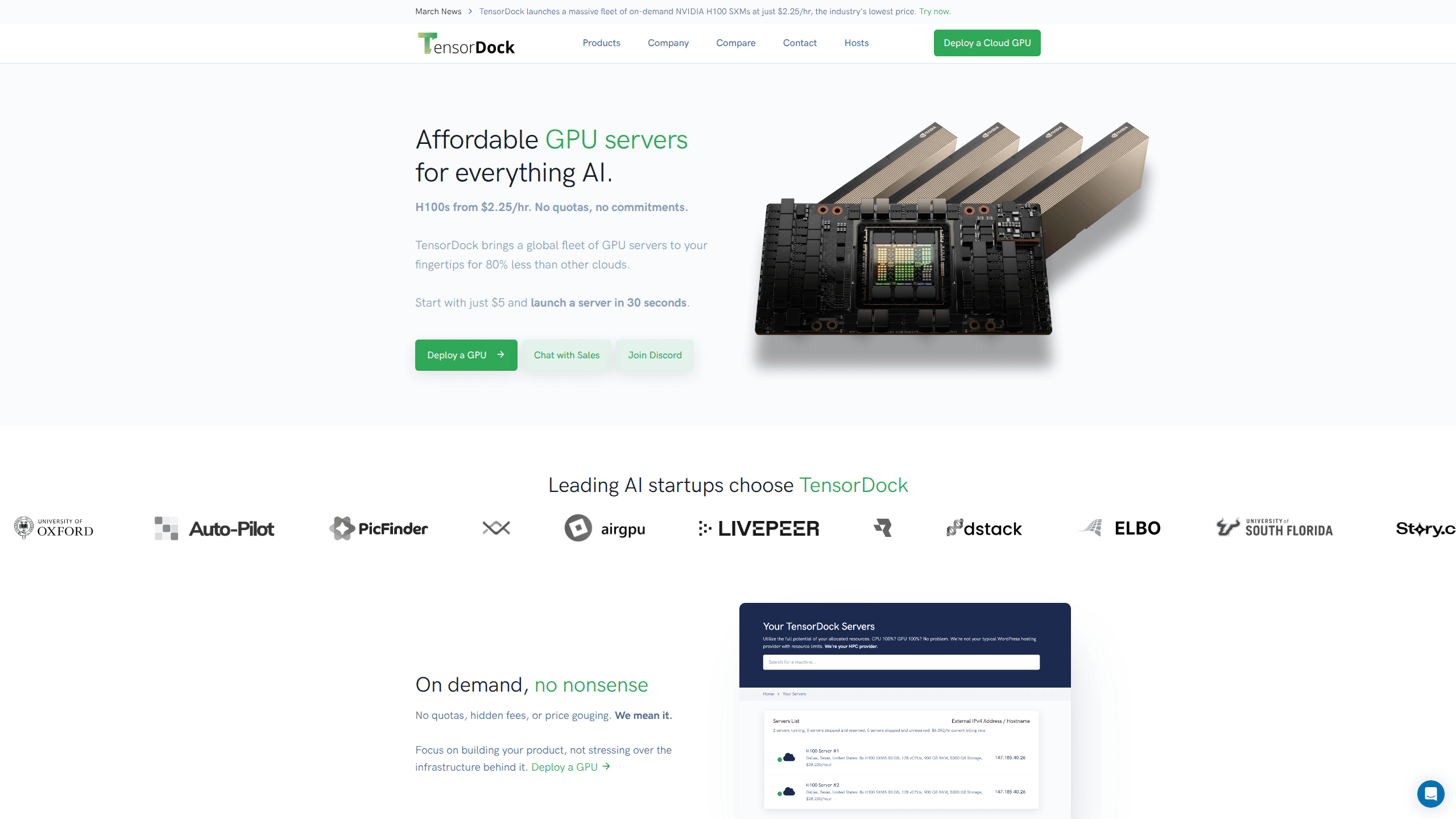
TensorDock is an infrastructure provider that connects you to a global fleet of GPU servers. Instead of selling reserved capacity on a fixed contract, it lists machines from vetted hosts and lets you rent them by the hour. The pitch is simple: the kind of hardware hyperscalers run, at a fraction of what hyperscalers charge. The company says its pricing runs up to 80% below other clouds.
The main draw is the breadth of hardware and the lack of friction. You don't sign a quota agreement or pay a setup fee. Pick a GPU, deploy a virtual machine or container, and pay for the time you use. Consumer cards like the RTX 4090 start around $0.35/hr, while enterprise H100 SXM5 SXM chips start at $2.25/hr. Prices vary because hosts set them, so the same GPU can cost different amounts depending on the machine and region.
The biggest limitation is that the cheap tier relies on third-party hosts. TensorDock vets them and holds them to a 99.99% uptime standard, but availability fluctuates, and the newest or most in-demand GPUs can sell out. If you need guaranteed capacity for a long training run, check stock before committing. It also won't suit anyone who needs managed ML tooling. You're handed a raw VM rather than a turnkey platform.
Getting Started
- Create an account at tensordock.com and add funds, since the entry point is $5.
- Open the dashboard and browse the available GPUs by model, price, and location.
- Pick a GPU, choose a template (Docker is included on all VM templates), and set your OS, including Windows 10 if you need it.
- Launch the server, then connect over SSH or your preferred remote tool with root access to configure drivers and software.
- Shut the server down when you're done to stop the meter, or scale up more instances as your workload grows.
Product Information
A quick look at Tensordock's pricing, supported platforms, and performance.
Best for
The users, tasks, and scenarios where this tool fits best.
Users
- Indie AI developers
- ML researchers
- 3D artists and animators
- Cloud gaming fans
Tasks
- Training machine learning models
- Running inference at scale
- Rendering animations
- Deploying via API
Scenarios
- Weekend prototyping
- Overflow capacity
- Teaching or workshops
Key features
Wide GPU Selection
TensorDock lists 45 GPU models, so you can match hardware to budget and workload. At the low end, consumer cards start around $0.12/hr and handle lighter inference and rendering jobs without breaking a sweat. At the top, HGX H100 SXM5 80GB systems from $2.25/hr cover serious training. The middle is crowded with options like the A100 SXM4 at $1.80/hr, which balances price and speed for AI inference. Plenty of choice.
On-Demand, No Commitments
There are no quotas, no hidden fees, and no long-term contracts. You pay by the hour. Stop the server, stop the meter. That model suits anyone who can't predict how much compute a project needs, or who only wants a burst of power for one specific job and nothing after it.
KVM Virtualization with Root Access
Every machine is a real virtual machine, not a locked-down sandbox. You get root access, full OS control, and your own driver management, which means no compatibility surprises and the freedom to run whatever stack your project needs, from a custom CUDA build to a full Windows 10 desktop environment. Windows 10 is supported alongside Linux.
Global Scale
Capacity runs across 100+ locations in over 20 countries, all in tier 3 and tier 4 data centers. That reach matters for latency when you serve users in a specific region. TensorDock also says up to 30,000 GPUs are available through its partners. The number you can actually grab depends on what's online at the time. Availability shifts hour to hour.
Reliable, Vetted Hosts
TensorDock checks hosts for hardware quality and holds them to a 99.99% uptime standard. Maintenance has to be scheduled at least two weeks ahead, and hosts that fall short get removed from the platform entirely. That vetting is what keeps a marketplace model from turning into a lottery. Not every host passes.
Developer API
The platform ships with a REST API that exposes metadata, availability, and server management. You can query stock and deploy machines from your own tooling, which is exactly what teams need when GPU capacity sits inside a larger automated pipeline that spins servers up and down on demand without a human pushing buttons every time.
Pros and cons
Pros
- Entry point of $5 with hourly billing means low risk to try.
- Prices run well below major cloud providers, with consumer GPUs from $0.12/hr.
- Wide hardware range covers everything from light inference to H100 training.
- Full root access and Windows 10 support remove the usual VM restrictions.
- API makes it scriptable for teams automating deployments.
Cons
- Availability depends on third-party hosts, so popular GPUs can sell out.
- You handle drivers, software, and setup yourself, which adds work compared with managed platforms.
- Prices vary by host and region, so budgeting takes a little digging.
Frequently asked questions
It rents cloud GPU servers for AI training, inference, rendering, and cloud gaming. You pick a GPU, launch a VM, and pay by the hour. What do you get for that money? A dedicated card with root access, not a shared slice of someone else's machine.
Related content
Explore related tools, skills, and articles for Tensordock.
Tensordock Alternatives
Forefront
Forefront · CodingForefront is a web platform for building with open-source AI. It lets you fine-tune leading open-source language models on your own data, evaluate how they perform, and run them through an API or export them to host yourself. Developers who want the convenience of a closed-source platform but insist on owning their models and data are the target audience here.

Startkit
StartKit.AI · CodingStartkit is a boilerplate for building AI SaaS and AI wrapper products. Think of it as an AI startup boilerplate with the boring parts already wired up: authentication, Stripe and Lemon Squeezy payments, usage limits, transactional email, and an AI API starter that talks to OpenAI, Anthropic, Groq, or Llama. You clone the repo, set your price, and start on the part of your product that people actually pay for. It's Next.js under React and Tailwind, so most of the boilerplate code already feels familiar.
Testim
Tricentis · CodingTestim is an AI-powered test automation platform for building and running end-to-end tests across web, mobile, and Salesforce applications. It leans on machine learning to keep tests stable when an interface changes, so teams spend less time fixing broken selectors. Not bad for an automated testing tool you can start using today. You create tests by recording actions in a browser, then optionally add JavaScript when you need more control. It's a solid pick for busy QA teams.