

Textrans
Peng Jiang · Productivity
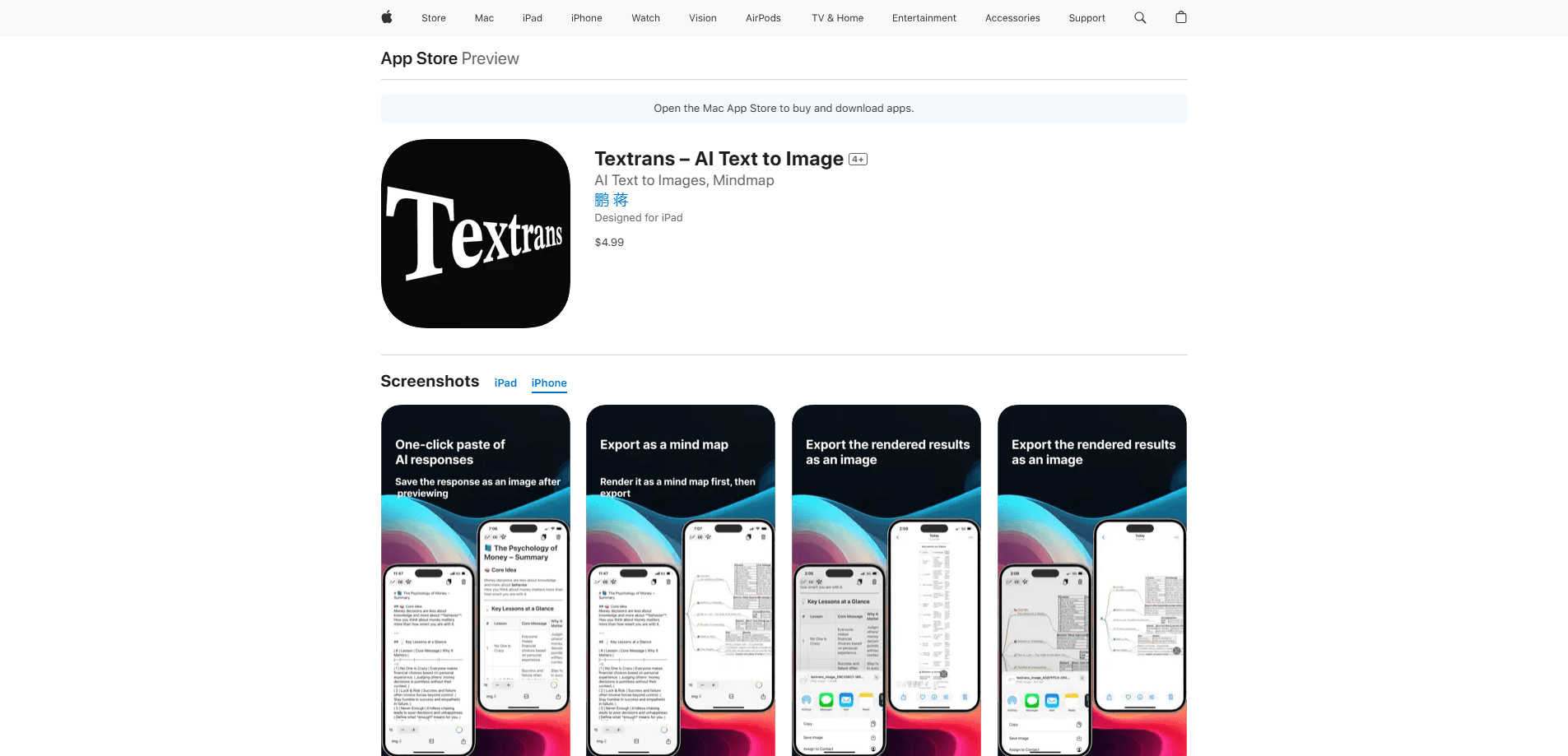
Textrans is a mobile AI writing companion for people who work with AI chatbots and end up with walls of generated text. It's an AI text to image tool at heart: it takes long responses and Markdown files and turns them into formatted long images, multi-page exports, and PDFs. The app runs on iPhone and iPad and is aimed at content creators, students, and knowledge workers who want their AI output to look organized. Think of it less as an AI model and more as the last step before you hit share.
About Textrans
What Is Textrans
Textrans is an iOS app that converts raw AI-generated text and Markdown into finished visual documents. If you've ever copied a long DeepSeek or ChatGPT answer and pasted it into a note that looked like a wall of gray text, that's the exact pain it targets. You hand it the text, and it renders headings, lists, code blocks, and tables into something that actually looks designed.
The tool covers three output types: long images, split multi-page images, and PDFs. It also doubles as a mind map generator. It reads Markdown mind map structures and exports them as images, which makes it useful for turning an outline into a visual you can drop into a slide or a chat.
The biggest limit is the platform. There's no Android or web version right now, so you need an iPhone or iPad running iOS 16.6 or later. It's also a formatting and export tool, not an AI model itself. It won't generate or rewrite your content, it just makes what you already have presentable. That's the trade-off. Simple job, done well, on one platform only.
Getting Started
- Download Textrans from the App Store and open it on your iPhone or iPad.
- Paste or import the AI text or Markdown you want to convert into the app.
- Pick an output type: a single long image, split pages, a PDF, or an exported mind map.
- Review the rendered preview and adjust how the content breaks across pages if needed.
- Save the result to your device or share it directly to another app.
Product Information
A quick look at Textrans's pricing, supported platforms, and performance.
Best for
The users, tasks, and scenarios where this tool fits best.
Users
- Content creators who post AI-assisted writing and want it to look polished before it goes out, as long as they shoot on iOS.
- Students and researchers who collect long AI summaries and need them as readable PDFs they can archive or print.
- Knowledge workers who build outlines and want a quick way to turn a Markdown list into a shareable mind map image.
Tasks
- Converting a long ChatGPT or DeepSeek answer into a clean long image for social posts, since the raw text never fits a single screenshot.
- Rendering Markdown docs with headers, code blocks, and tables into a PDF that keeps its structure.
- Turning a Markdown mind map into a visual diagram for a presentation or a quick share in a chat app.
Scenarios
- Finishing a writing session on a phone and exporting the final text as a formatted image without opening a laptop.
- Archiving study notes or research summaries as PDFs instead of leaving them buried in a chat history.
- Sending a neat visual summary to a team or class group when a plain text dump would get ignored.
Key features
Text to Image and PDF Export
The core job of Textrans is turning written content into a picture or a document. You paste in your text, choose an output format, and the app lays it out with proper spacing, fonts, and structure. You can go with a single tall image for one-glance reading, split the content across several images when it's too long, or save the whole thing as a PDF. For anyone who wants a simple text to PDF app on the phone, this covers it without a desktop step. That range matters because a chat message needs a compact image while an archive needs a proper file.
Markdown Rendering with Real Structure
Textrans detects Markdown syntax and styles it instead of dumping plain characters. Headings get hierarchy, lists line up, code blocks stay monospaced and readable, and tables keep their columns. This is the difference between pasting AI output that looks like a mess of asterisks and getting a document that reads the way the author intended. If your AI tool spits out Markdown by default, this is the feature you'll use most.
Mind Map Export
Markdown mind map structures can be exported as images rather than left as nested text. If you outline ideas with indentation in a Markdown file, Textrans reads that hierarchy and turns it into a visual diagram. Need a fast mind map generator? This is it. It's the quickest path from a rough outline to something you can actually show someone, which is handy for planning sessions, study maps, and quick brainstorming recaps.
Flexible Long-Image Splitting
A very long answer doesn't have to become one unwieldy image. Textrans lets you choose between a single continuous long image and a set of smaller pages. Single long images work well for reading on a scroll, while split pages fit platforms that crop or compress tall images. Having both options means you can match the output to wherever you're posting.
Simple Mobile Workflow
Everything happens on the device, which fits the way many people already use AI, straight from a phone. There's no desktop step, no account setup blocking you from the first conversion, and the interface stays focused on importing, previewing, and exporting. For routine formatting jobs, that low-friction loop is the whole appeal. Paste. Preview. Export. That's the flow, and it stays out of your way.
Pros and cons
Pros
- Handles the exact problem of AI text being too long and too plain to share, with images, PDFs, and page splitting all in one place.
- Markdown rendering keeps headings, lists, code blocks, and tables intact instead of flattening them.
- Mind map export turns a Markdown outline into a visual without any separate diagramming tool.
- Free to use, so you can test the formatting quality before committing to anything.
- Lightweight and quick, which suits short phone-based sessions.
Cons
- iOS only, so Android and desktop users are left out entirely.
- It formats and exports content but doesn't generate or edit the text itself, so it won't help if you need writing done.
- Long documents with complex tables may need some manual checking of how pages break.
- No API, which means you can't wire it into an automated pipeline or script.
Frequently asked questions
Textrans converts long AI-generated text and Markdown into formatted images, PDFs, and mind maps. It's a formatting and export tool for iOS, so you bring the content and it makes it presentable and easy to share.
Related content
Explore related tools, skills, and articles for Textrans.
Textrans Alternatives

Swms
Swms AI · Writing · Productivity · BusinessSwms is an AI safety compliance tool that turns a plain description of a job into ready-to-use safety documents. Describe your project, trade, and known hazards, and it writes a safe work method statement, job hazard analysis, safe work procedure, RAMS, or safety data sheet in seconds. It also ships with Oscar, a chat assistant that answers workplace safety questions in any language. Teams in construction, mining, transport, and warehousing use it to cut the paperwork that usually eats into a workday.

Wordly AI Translation
Wordly · Voice & Language · ProductivityWordly AI Translation is a real-time AI translation and captioning platform built for meetings, conferences, and events. It delivers live translation, captions, transcripts, and summaries in more than 60 languages, and attendees join by scanning a QR code or opening a link instead of using dedicated headsets. The platform works with Zoom, Microsoft Teams, Google Meet, and Webex, and it's designed for organizations that want multilingual access without hiring human interpreters for every session. Simple as that.

Rows
Rows (Superhuman) · Productivity · BusinessRows is an AI spreadsheet and data analysis tool that imports live data from more than 50 sources, then lets you work with it using plain language instead of SQL queries or nested formulas. You can pull numbers out of PDFs, connect ad platforms, databases, and bank accounts, and ask the AI to build reports, merge datasets, or set up models that recalculate themselves. It runs in the browser, works like a spreadsheet, and now sits under the Superhuman umbrella.