

The New Microsoft Copilot
Microsoft · Chatbot
Microsoft Copilot is Microsoft's AI work assistant for web, desktop, and mobile. It answers questions, grounds replies in company data through Work IQ, and works inside Word, Excel, PowerPoint, Outlook, and Teams.
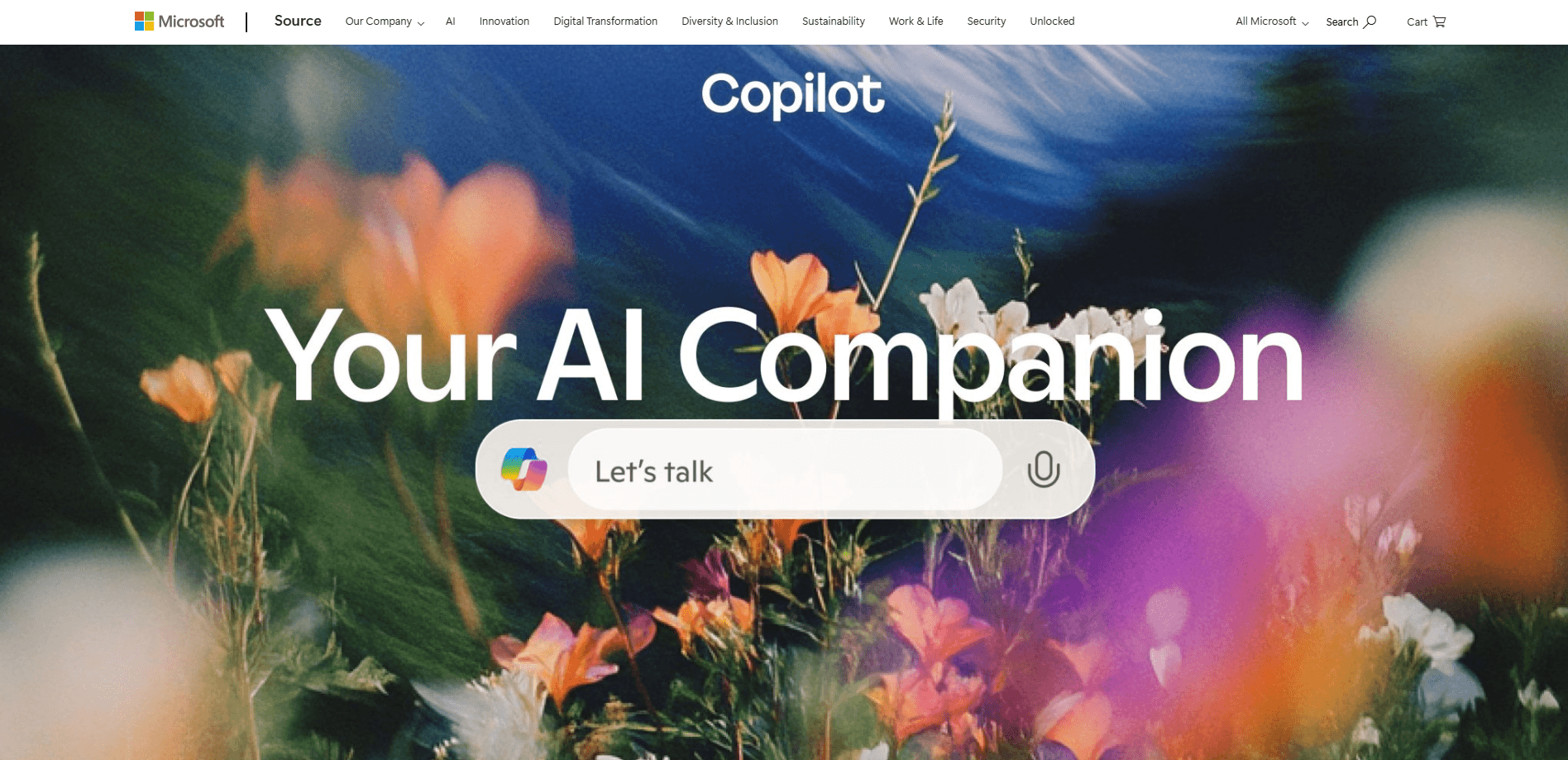
About The New Microsoft Copilot
What Is The New Microsoft Copilot
Microsoft rebuilt its Copilot app around a single question: what does AI look like when it knows your work, not just the open web? The new Copilot pulls Copilot Chat, Cowork, and a coding mode called Code into one place. It sits on Work IQ, an intelligence layer that reads your Microsoft 365 content, your team's roles, and the context behind your projects.
For most people the biggest change is that Copilot now works where the work already lives. A full copy of Word, Excel, and PowerPoint runs inside the app through Office in Copilot. You can ask for a budget model or a pitch deck and get an editable file back without jumping between windows.
The catch is scope. The richest features assume a Microsoft 365 subscription and a work account. Personal accounts get a useful but smaller Copilot, and some mode-specific tools are still rolling out to early testers.
Getting Started
- Sign in with a Microsoft account at copilot.microsoft.com, or install the Copilot app on Windows, Mac, Android, or iOS.
- Pick an account type. A work account unlocks Work IQ grounding across Microsoft 365 files and mail; a personal account keeps things separate.
- Start with Chat for quick questions or drafts. Switch to Cowork when you want a multi-step task finished end to end.
- Ask Copilot to open a document, build a spreadsheet, or draft a slide deck, then edit the file in place.
- Use Agent Builder to turn a repeated task into an agent, and manage it in Copilot Studio when the task scales up.
Product Information
A quick look at The New Microsoft Copilot's pricing, supported platforms, and performance.
Best for
The users, tasks, and scenarios where this tool fits best.
Users
- Office workers
- Students and researchers
- Small business owners
Tasks
- Drafting and rewriting documents
- Building spreadsheets
- Delegating multi-step projects
Scenarios
- Catching up after time away
- Turning a repeated process into an agent
- Researching with your own files
Key features
Work IQ grounding
Work IQ is the layer that lets Copilot understand your company, your team, and your projects. It reads Microsoft 365 content and metadata, plus business data pulled in through connectors, so answers reflect your actual work. Without it, Copilot only sees the web and whatever you paste in.
Office in Copilot
Word, Excel, and PowerPoint run inside the Copilot app, so you can move from a request to a finished, editable file without switching apps. Ask for a release brief, a budget model, or a deck and edit it right there. It cuts the version sprawl that comes from bouncing between tools.
Chat and Cowork modes
Chat is the fast lane for questions, drafts, and quick lookups. Cowork is for work you hand off: define the task and it runs to completion, producing material like client briefs or finance closeouts. You pick the mode that matches the job.
Code for knowledge workers
Code reuses the technology behind GitHub Copilot to build small tools and solutions from plain language. It's aimed at people who aren't full-time developers but still need something custom. Microsoft says the mode runs in a controlled environment.
Agent Builder
Agent Builder turns your know-how into agents using natural language, and most simple agents take minutes to set up. It's the closest thing to an AI agent builder that non-developers can actually use. You give clear instructions, set the response format, and deploy where your team works. Copilot Studio takes over when you need to manage agents at scale.
Auto model routing
Copilot draws on several leading AI models rather than one. Auto weighs accuracy, speed, and cost for each request and routes it to the model that fits. You focus on the task instead of picking a model by hand.
Pros and cons
Pros
- Works inside Word, Excel, PowerPoint, Outlook, and Teams, so you keep your existing files and habits.
- Work IQ grounding pulls answers from your own documents and mail, which suits private, company-specific questions.
- Free Copilot Chat covers everyday questions and drafting for anyone with a Microsoft account.
- Agent Builder produces reusable agents from plain instructions, no coding required.
Cons
- The strongest features need a Microsoft 365 work account, so personal users see a much thinner product.
- Some of the new modes, including Home and Code, are still rolling out through early-access programs.
- Fabricated answers are a real risk. Copilot can misread a source, which means you verify anything you plan to act on.
Frequently asked questions
It's Microsoft's rebuilt AI work assistant. It brings Chat, Cowork, and Code into one app, adds Office apps inside the experience, and grounds answers in your work through Work IQ. It replaced the older, chat-only Copilot app.
Related content
Explore related tools, skills, and articles for The New Microsoft Copilot.
The New Microsoft Copilot Alternatives

Knocket
Knocket (Tencent RTC team) · Productivity · Business · ChatbotKnocket is a free live chat and contact page tool that lets visitors message you from your website, app, or a shareable link, with every reply handled from Telegram or one inbox.
Agibot
Agibot · Productivity · AI Assistant · ChatbotAgibot is a personal AI agent for Mac that keeps running after you close the window, runs routines on a schedule, and works from Telegram or Slack with your own API keys.

Melete
Melete · Productivity · AI Assistant · ChatbotMelete is an AI workspace for teams where agents research, draft, and act in Slack, Notion, Linear, and GitHub. Shared memory and approval gates keep people in control.