

TikTok Super Tool
Panda Analytics · Marketing
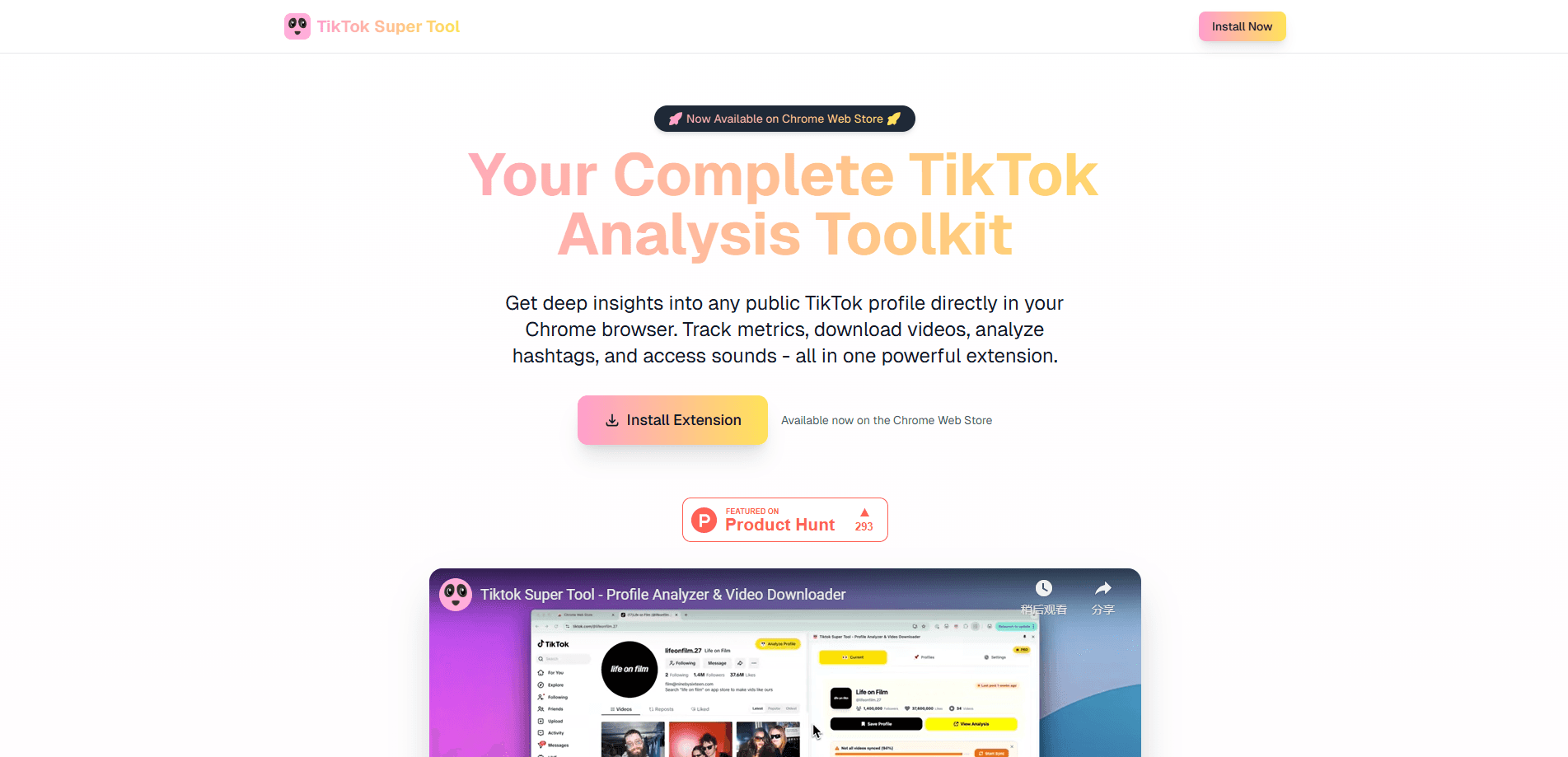
TikTok Super Tool is a Chrome extension from Panda Analytics. It analyzes public TikTok profiles, tracks engagement stats, finds trending sounds, and downloads videos or audio in your browser.
About TikTok Super Tool
What Is TikTok Super Tool
TikTok Super Tool is a browser extension that adds a layer of analytics on top of the TikTok website. Instead of guessing why one video outperforms another, you open a public profile and read the numbers behind it. The extension pulls engagement rates, posting history, and performance trends. Then it shows them while you scroll.
It ships from Panda Analytics and installs from the Chrome Web Store in a single click. The creators it targets are people who treat posting as a job: solo creators, social media managers, and agencies. All want to compare accounts without an enterprise dashboard.
The biggest limitation is scope. It reads public profile pages only, so private or deleted accounts stay out of reach, and it lives inside Chrome. Post mainly from the phone, and the breakdowns arrive on desktop, not in the app itself.
Getting Started
- Open the Chrome Web Store and search for TikTok Super Tool, or visit the Panda Analytics site and click Install Extension.
- Add the extension to Chrome and pin it to the toolbar so it stays one click away.
- Open TikTok in a new tab and sign in if your workflow involves your own account.
- Visit any public profile and open the extension panel to read the analytics breakdown.
- Use the trending and download tools from the same panel, and save profiles you want to monitor over time.
Product Information
A quick look at TikTok Super Tool's pricing, supported platforms, and performance.
Best for
The users, tasks, and scenarios where this tool fits best.
Users
- Solo TikTok creators
- Social media managers
- Agency analysts
Tasks
- Auditing a competitor's posting pattern
- Finding trending sounds early
- Downloading a reference video or sound
Scenarios
- Planning next week's content calendar
- Reporting on client growth
- Researching a niche before launch
Key features
Profile Analytics
Point the extension at any public TikTok profile and it returns a breakdown of posting activity, engagement rate, and how performance changes across recent videos. You can spot whether an account is trending up or coasting, and see which uploads carried the growth.
Trending Sounds and Hashtags
A trending panel sorts rising sounds and hashtags so you can see what's gaining traction right now. Timing counts. Starting a video with audio that's already climbing reaches further than picking a track at random.
One-Click Video and Sound Downloads
The extension downloads any public TikTok video or sound to your device without a third-party converter site. That saves a step. It's useful for archiving your own posts, saving reference clips, or grabbing a sound file for editing.
Saved Profile Monitoring
Bookmark the creators you care about and revisit their numbers later. Watching a saved profile over weeks shows the direction of an account better than any single snapshot. That matters when you're deciding whether a collaboration is worth it.
In-Browser Integration
Everything runs inside Chrome while you browse TikTok normally. No separate dashboard. There's no dashboard to log into and no exporting of data between apps, so checking a profile stays part of the same scroll.
Pros and cons
Pros
- Reads engagement, posting history, and performance trends for any public TikTok profile
- Installs from the Chrome Web Store in a single click and works inside the browser you already use
- Surfaces trending sounds and hashtags before they saturate the feed
- Downloads videos and sounds without routing through a sketchy converter site
- Free to start, so you can test the analytics before committing to anything
Cons
- It only reads public profiles, so private and deleted accounts won't show data
- Desktop Chrome only, which leaves mobile-first creators switching devices to see the breakdowns
- Features depend on TikTok's public data, so a platform change can affect what the extension can show
Frequently asked questions
It adds analytics to the TikTok site you already use. You open a public profile and the extension shows engagement rate, posting patterns, and performance trends, plus trending sounds and one-click downloads.
Related content
Explore related tools, skills, and articles for TikTok Super Tool.
TikTok Super Tool Alternatives

Tractionwave
TractionWave · Image · MarketingTractionWave is an AI attention heatmap tool for static ads. Upload a PNG or JPG and it returns predicted attention, ranked hotspots, and fixes before you spend budget.

OpenSEO - AI Visibility
EveryApp · Coding · Marketing · BusinessOpenSEO is an open source SEO platform for keyword research, backlinks, rank tracking, site audits, and AI visibility, with usage-based pricing and MCP access for AI agents.

Plugins Radar
Plugins Radar · Marketing · BusinessPlugins Radar tracks where your ChatGPT plugin ranks in directory and in-chat search, which competitors outrank it and what changed, with hourly checks on 9,885 listings.