
Tiktok Symphony Creative Studio
TikTok · Video · Marketing
TikTok Symphony Creative Studio is a free AI video generator built by TikTok for businesses that advertise on the platform. It takes a product link, a script, or a single image and produces TikTok-style ad videos in minutes. AI voiceovers, digital avatars, and multilingual dubbing come standard. So what's the catch? You'll need a TikTok for Business account to use it, and the tool lives inside the Creative Center rather than as a standalone download.
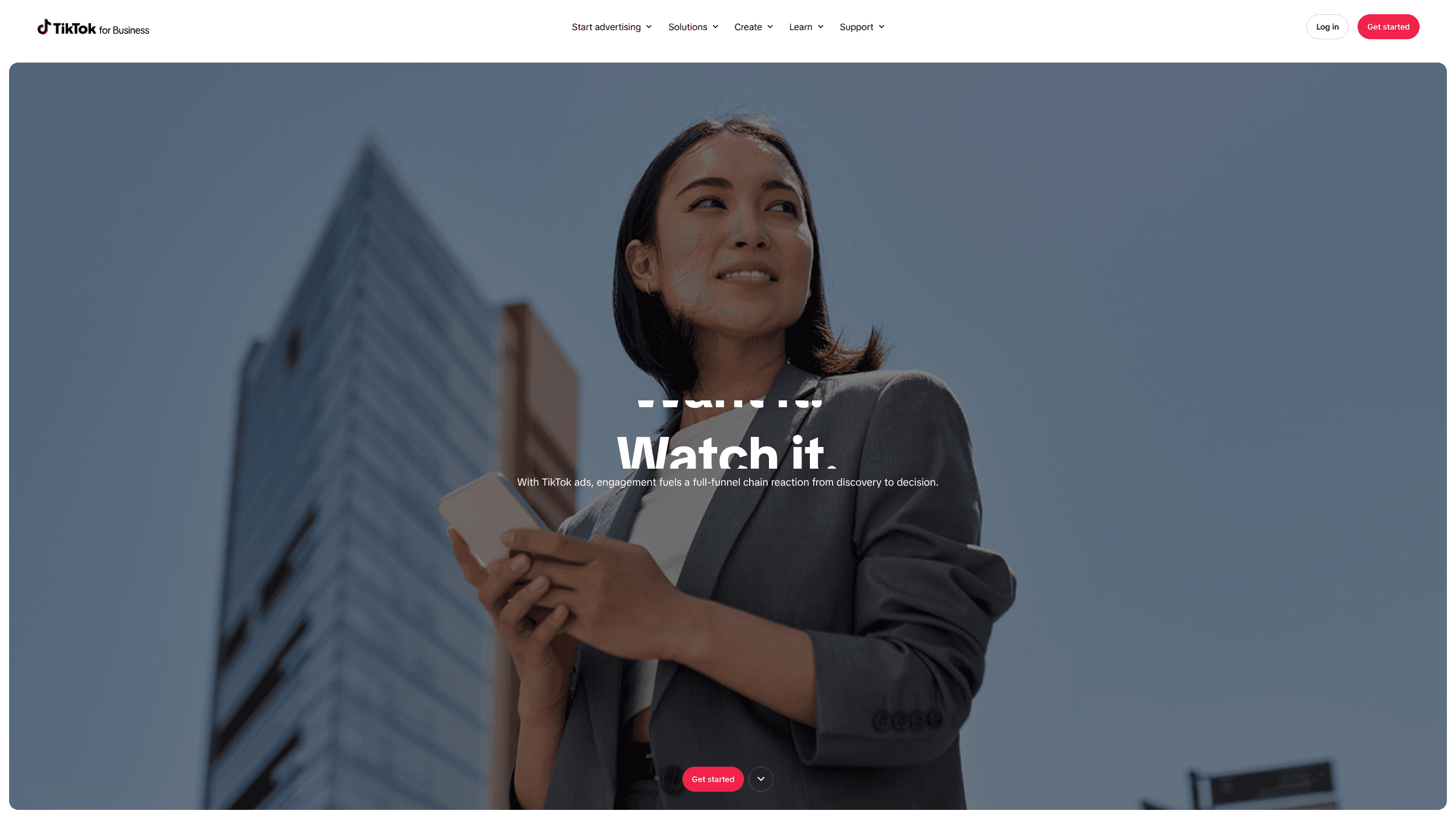
About Tiktok Symphony Creative Studio
What Is TikTok Symphony Creative Studio
TikTok Symphony Creative Studio is a browser-based AI ad generator that removes most of the production work from making short-form video ads. Paste a TikTok Shop or Amazon link, add a product image, or type a short prompt. The AI video generator does the rest. It assembles a finished clip with footage, captions, a voiceover, and music.
It's part of a bigger suite called TikTok Symphony, launched in May 2024, where the studio handles the video-making while Symphony Assistant covers script writing and trend research and Ads Manager integration auto-fixes clips you've already published.
The main catch: this is a tool for advertisers, not casual creators. Everything runs through TikTok for Business, which means you need a business account and an ad setup before the editor becomes useful, and every clip you make is locked to TikTok's vertical format.
Getting Started
- Log in to your TikTok for Business account and open the Creative Center, then pick Symphony Creative Studio from the tools menu.
- Add a product by pasting a link from TikTok Shop, Amazon, Shopify, or an app store page, or upload your own images and clips.
- Choose what to build: product video, avatar video, image to video, or a script-driven clip.
- Pick a voice, language, and digital avatar, then let the AI generate a few preview versions.
- Edit the winner, download it, or push it straight into Ads Manager as a live ad.
Product Information
A quick look at Tiktok Symphony Creative Studio's pricing, supported platforms, and performance.
Best for
The users, tasks, and scenarios where this tool fits best.
Users
- Small business owners who sell on TikTok Shop and want ad creative without a production team
- Marketing teams at agencies juggling several brands
- Creators with a Spark Ads deal
Tasks
- Turning a product page into a short ad
- Making multilingual versions of one clip
- Producing presenter videos without filming
- Reviving an old ad that underperformed
Scenarios
- Launching a new product with zero footage
- Running a seasonal promo across several markets
- Testing many hooks before a campaign
Key features
Generate and Remix Videos
Paste a product link or drop in raw assets and the tool spits out a TikTok-style clip. Cuts, captions, and music are already applied. It's the fastest route from a product page to something you can post. You get a handful of preview variations, so testing different angles doesn't mean editing from scratch.
Digital Avatars
Symphony ships with a library of licensed digital avatars that read your script on camera, and unlike a stock presenter you'd hire for a single shoot, these can be reused across every campaign you run. You upload the text, pick a face and a voice, and the presenter video is ready. Brands that qualify can also build a custom avatar from an endorser or spokesperson after an identity check, which keeps a familiar face in the ad without re-shooting.
Image to Video and Text to Video
These two modes cover the moments when you have almost nothing. A single product photo becomes a moving clip. A written prompt becomes a full scene. Neither replaces real footage for flagship campaigns. Both get you a usable ad when the camera crew isn't an option.
Translation and Dubbing
The dubbing tool translates your voiceover into other languages and matches the lip movement to the new audio. For sellers running the same campaign in several countries, this cuts out a whole round of re-recording. Tone doesn't always survive a translation. Spot-check the results anyway.
Script Generation
Type in your product and audience, and the tool drafts an ad script with a hook, a middle, and a call to action that follows the same structure most top-performing TikTok ads use. It's a starting point rather than a finished piece. The drafts tend to be safe and predictable, so plan on rewriting the hook yourself.
Video Editor and Ad Refresh
The editor lets you trim, rearrange, and restyle generated clips into something that matches your brand, which matters because a template that looks like every other ad rarely stops anyone mid-scroll. Refresh Ads goes a step further. It rebuilds a video you've already run, which is handy when a spot has gone stale but the product is still selling and you just need the same message in a fresher wrapper.
Pros and cons
Pros
- Free to use for TikTok for Business account holders, with no separate subscription for the studio itself.
- Cuts ad production from days to minutes, which matters for small teams shipping weekly campaigns.
- Multilingual dubbing and avatars handle localization without booking voice actors.
- Every AI-generated clip is labeled as AI-generated, so viewers aren't misled.
- Assets and projects stay organized by product, which keeps multiple campaigns from bleeding together.
Cons
- You need a TikTok for Business account and an ad setup, so it's closed to anyone who just wants a casual video tool.
- Output is locked to TikTok's vertical format, which means extra work to reuse clips on other platforms.
- The AI scripts and stock avatars lean generic, so heavily AI-made ads can blend into the feed and underperform.
- Custom avatars require verification and authorization, so most users are stuck with the stock set.
Frequently asked questions
Yes. The studio is free to use once you have a TikTok for Business account, and there's no separate subscription for the creative tools themselves. You only pay when you actually run the ads through Ads Manager, so the creative side carries no extra cost.
Related content
Explore related tools, skills, and articles for Tiktok Symphony Creative Studio.
Tiktok Symphony Creative Studio Alternatives

ngram 2.0
ngram · Video · Marketingngram 2.0 is an AI video generator for teams. It turns a prompt, a screen recording, or a product URL into a narrated explainer, product demo, or AI avatar video, and every scene stays editable.

OpenScreen 2
OpenScreen (open-source project) · Video · ProductivityOpenScreen 2 is a free, open-source screen recorder and demo video editor for Windows, macOS, and Linux, with automatic zooms, styled frames, local captions, and agent edits.

Skreno
Skreno · Video · ProductivitySkreno is a browser screen recorder that captures a tab, a window or your whole display, then attaches AI transcripts, summaries and console logs to one share link.