

Tila AI
Tovie Mobile · Image · Other
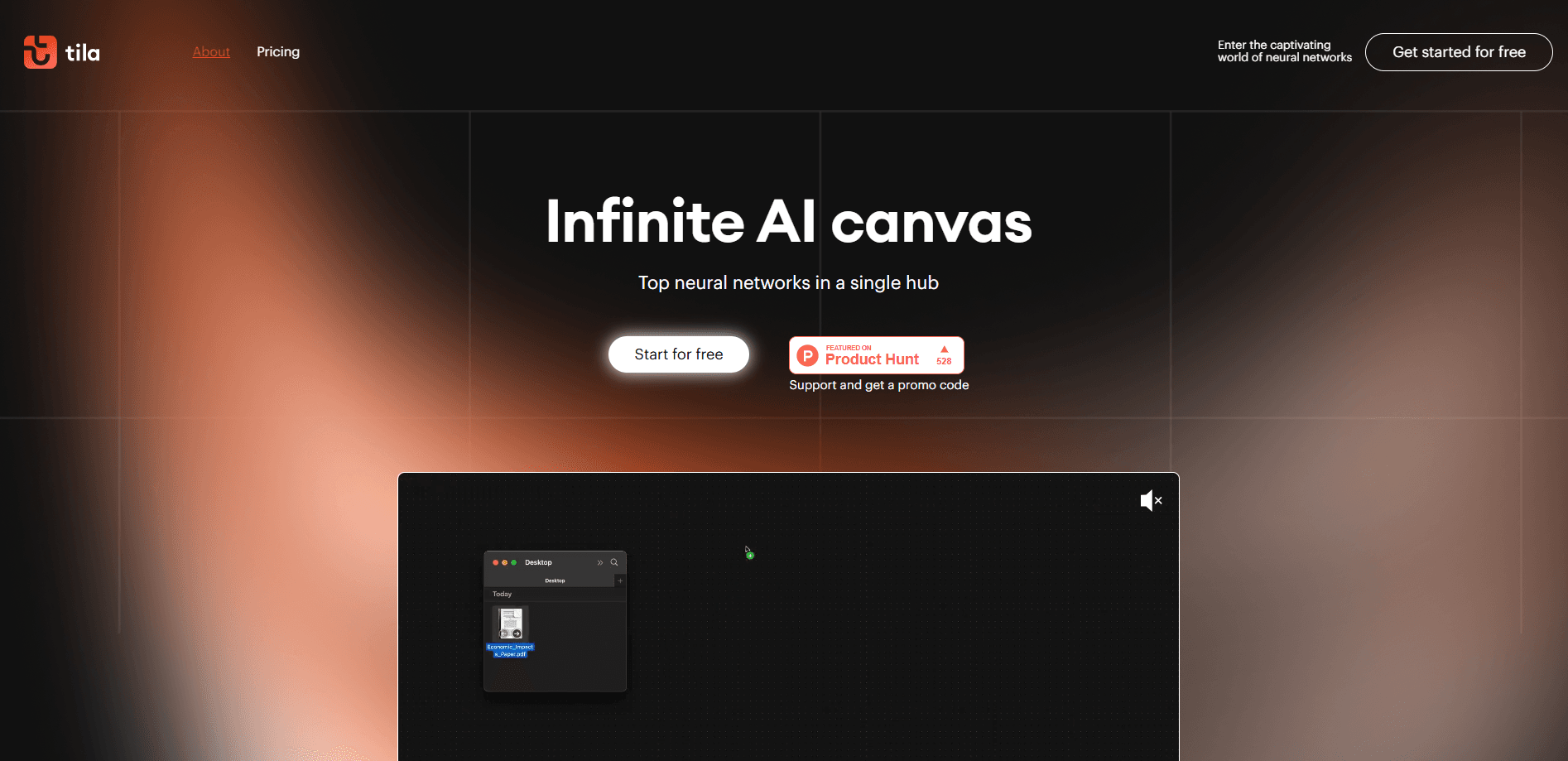
Tila AI is a visual workspace where multiple AI agents share one infinite canvas for text, images, video, and research. It brings AI workflow automation and top models into a single credit plan.
About Tila AI
What Is Tila AI
Tila AI is a multi-agent workspace built by Finnish company Tovie Mobile. Instead of juggling separate subscriptions for chat, image generation, and video editing, you connect AI agents like building blocks on a shared canvas and let them work on the same project.
The platform targets people who want one place to create rather than a toolbox of disconnected apps. You describe a task in words, drop in a file, or paste a link, and Tila picks the models that fit. Results land as cards you can move, connect, and refine.
The catch is the pricing model. Tila runs on credits, and heavy models burn through them quickly. There's no unlimited plan, and the mobile version is view-only for now, so serious work needs a desktop browser.
Getting Started
- Create an account on the Tila website and confirm your email.
- Claim the 450 signup credits that come with your account.
- Open a canvas and describe your task in text, or drop in a file or link.
- Let Tila suggest the right models and agents for the job, then approve the steps you want.
- Drag the results into new cards, connect them, and export the finished output.
Product Information
A quick look at Tila AI's pricing, supported platforms, and performance.
Best for
The users, tasks, and scenarios where this tool fits best.
Users
- Content creators
- Small marketing teams
- Students and researchers
Tasks
- Turning a meeting recording into a summary
- Repurposing a blog post into social visuals
- Building a mood board from links
- Prototyping a simple web page
Scenarios
- Late-night creative sessions where you want images, captions, and a short clip from a single prompt.
- Early project research, when you're collecting sources and sketches before committing to a full workflow.
- Quick client mockups, where you assemble a rough visual and a written pitch in the same afternoon.
Key features
Infinite Canvas Workspace
The canvas is the core of Tila. You place cards anywhere, connect them to show how work flows, and keep every asset for a project in view at once. It's built for people who think visually and want to see how the pieces relate, not scroll through a list of chats.
Multi-Agent Orchestration
Tila runs several agents on one task and picks the models that suit each step. Ask for a blog draft and an image, and the platform routes the writing to a large language model and the picture to an image model. You approve the plan before it runs.
Access to Premium AI Models
A single subscription reaches GPT-4, Claude, Gemini, DALL-E 3, Flux, Ideogram, Stable Diffusion, Deepseek, Qwen, Luma, Kling, Minimax, and more. It doubles as an AI assistant for everyday drafting and a script-driven AI image generator for visuals. There's no setup and no separate API keys. For most users, this breadth is the main reason to pick Tila over a single-model tool.
Multimodal Content Creation
Tila moves between formats. It turns meeting audio into mind maps, websites into podcasts, and photos into video. Audio and video transcription runs on Whisper v3, while text-to-speech comes from ElevenLabs. This is what makes the canvas feel like a studio rather than a chat window.
Credit-Based Usage Tracking
Every task spends credits, and the cost shows up in each tile's menu once it finishes. You see what each step used, which makes it easier to plan work around the 50 daily free credits or a paid allowance.
Web-Based Access
Tila runs in a desktop browser, so there's nothing to install and your projects follow your account. The mobile version is view-only, so you can check work on your phone but not run new tasks there.
Pros and cons
Pros
- One subscription replaces several separate AI tools.
- The visual canvas makes multi-step projects easier to track.
- Reaches top models from OpenAI, Anthropic, Google, and others in one place.
- Free plan offers 50 daily credits to test real tasks.
Cons
- Credits run out fast on premium models, and there's no unlimited plan.
- The mobile app is view-only, so new work needs a desktop browser.
- No clear public API, which limits developers who want to build on it.
Frequently asked questions
Tila AI is a workspace for multimodal projects. People use it to write, generate images and video, transcribe audio, and organize research on a single canvas instead of switching between apps.
Related content
Explore related tools, skills, and articles for Tila AI.
Tila AI Alternatives

X Ray Interpreter
X-ray Interpreter · ImageX Ray Interpreter is a web-based AI radiology tool that turns X-rays, CT scans, MRI, ultrasound, and PET images into plain-language reports. You upload a scan, get a preliminary X-ray interpretation in moments, then ask follow-up questions if something needs explaining. It works as a second opinion and a learning aid, not as a medical diagnosis.

Aieasypic
AIEasyPic · ImageAIEasyPic is an AI image generator that turns plain text prompts into finished artwork in seconds. You can also train custom models on your own photos, swap faces in existing images, and create short video clips from text, all from a browser. It suits casual creators who want quick visuals and hobbyists who want to build a personal model without touching any code.

Chargen
Chargen · ImageChargen is an AI character generator and worldbuilding toolkit built for Dungeons & Dragons and other tabletop RPGs. It turns a one-line idea into a painted character portrait, spins up NPCs, monsters, maps and encounters from the same session, and keeps every creature's details close at hand. The tabletop RPG art side runs on a credit system called Gold, while the text generators stay free for everyone.