

Timix
AI Garden Ltd · Productivity
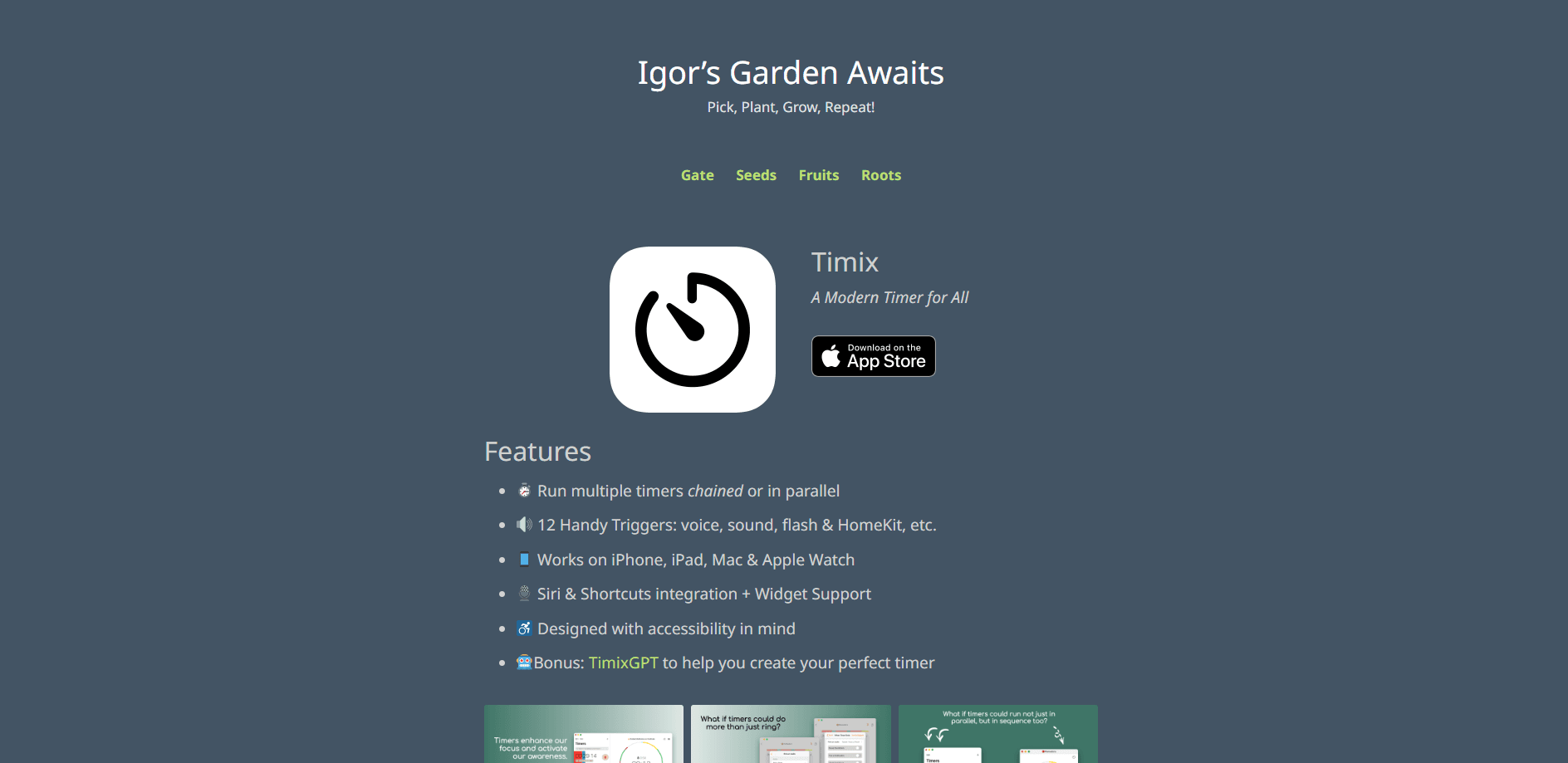
Timix is an Apple-only timer app that runs several countdowns at once, chains them into repeatable routines, and fires automatic actions when each timer starts or ends.
About Timix
What Is Timix
Timix turns a plain countdown into a routine you set up once and reuse. You can run multiple timers side by side, or link them into a sequence so one starts the next. Each timer can trigger an action when it begins or finishes, which is what separates Timix from the stopwatch app already sitting on your phone.
The app comes from AI Garden Ltd and is built for Apple devices only. It runs on iPhone, iPad, Mac, and Apple Watch, and hooks into Siri, Shortcuts, widgets, Handoff, HealthKit, and HomeKit. A built-in TimixAI tool uses Apple Intelligence to build a timer or a whole sequence from a short description.
The big limit is the platform. Timix is Apple-only, so there is no Android or Windows version. It also leans on newer system features, which means older devices cannot run it.
Getting Started
- Download Timix from the App Store on a device running a supported system version, from iPhone and iPad to Mac and Apple Watch.
- Create a timer. Give it a name, set a duration, and choose what should happen when it starts or ends.
- Add more timers and arrange them side by side, or chain them into a sequence that runs in order.
- Attach triggers to a timer. Options include a sound, a Shortcut, a workout log, or a HomeKit accessory toggle.
- Save the setup as a template so you can run the whole routine again with one tap, or let TimixAI build one for you.
Product Information
A quick look at Timix's pricing, supported platforms, and performance.
Best for
The users, tasks, and scenarios where this tool fits best.
Users
- Students
- Home cooks
- Fitness fans
- ADHD and routine builders
Tasks
- Running interval sessions
- Multi-step cooking
- Automating a routine
- Tracking time use
Scenarios
- Deep-work sprints
- Weeknight dinner
- Morning routine
- Home workouts
Key features
Multiple timers and sequences
Timix runs several timers at the same time, so you can watch more than one countdown without closing anything. You can also string timers into a sequence that runs in order, which suits anything with fixed steps. A study session, a workout circuit, or a cooking flow all fit the same pattern: set it once, then let it run.
Fifteen built-in triggers
Any timer can fire an action when it starts, when it ends, or both. The list covers an alarm that rings even in silent mode, spoken text, a notification, a workout start or stop saved to Health, an audio file, a sound, a song, a flashlight or screen flash, a vibration, starting the next countdown, and toggling a HomeKit accessory. Combining triggers is what turns a plain interval into an automated step.
TimixAI with Apple Intelligence
Rather than building a routine by hand, you can describe what you want and let TimixAI assemble the timer or the full sequence. It leans on Apple Intelligence, so it needs a device that supports those features. For people who know the goal but not the exact intervals, it removes most of the setup work.
Health app workout logging
Any timer can become a workout. When the timer starts, Timix can begin a workout; when it ends, it can stop it and save the activity type and duration to the Health app. You pick from more than 80 activity types, including running, yoga, and strength training. The logging happens on iPhone or iPad, so you do not need an Apple Watch to use it.
Built for Apple devices
Timix plugs into the tools you already use: Siri, Shortcuts, Apple Watch, widgets, Handoff, HealthKit, and HomeKit. You can launch a timer from Siri, run any Shortcut, start one from a home screen widget, or control it from your wrist. Handoff means you can begin a timer on one device and pick it up on another.
Templates and a progress timeline
Save a routine as a template and it is one tap away the next time. Timix also keeps a visual timeline of finished and cancelled timers, where you can search, filter, and compare routines. Running totals of time, run count, and trigger count give you a rough read on how a routine is actually used. The app adds no ads and, per the developer, does not track your personal data.
Pros and cons
Pros
- Multiple timers and sequences cover routines that a single countdown timer cannot handle.
- Fifteen triggers let a timer do real work, from running a Shortcut to logging a workout.
- Deep Apple integration across Siri, Shortcuts, widgets, Handoff, HealthKit, and HomeKit.
- TimixAI builds a timer or sequence from a plain description when you would rather not set intervals by hand.
- Workout logging works on iPhone and iPad, so an Apple Watch is not required.
- The app shows no ads and, per the developer, does not track personal data.
Cons
- Apple-only, so there is no Android, Windows, or web version.
- Reaching the useful Apple Intelligence features needs a newer, supported device.
- The free tier is limited by in-app purchases for the premium features, so long-term use means paying.
- There is no documented public API, so it is hard to wire Timix into tools that sit outside Apple's own software.
Frequently asked questions
Timix is an Apple timer app that runs multiple countdowns at once, chains them into repeatable sequences, and triggers actions when each timer starts or ends. It goes past a basic countdown by automating what happens around the time.
Related content
Explore related tools, skills, and articles for Timix.
Timix Alternatives

Swms
Swms AI · Writing · Productivity · BusinessSwms is an AI safety compliance tool that turns a plain description of a job into ready-to-use safety documents. Describe your project, trade, and known hazards, and it writes a safe work method statement, job hazard analysis, safe work procedure, RAMS, or safety data sheet in seconds. It also ships with Oscar, a chat assistant that answers workplace safety questions in any language. Teams in construction, mining, transport, and warehousing use it to cut the paperwork that usually eats into a workday.

Wordly AI Translation
Wordly · Voice & Language · ProductivityWordly AI Translation is a real-time AI translation and captioning platform built for meetings, conferences, and events. It delivers live translation, captions, transcripts, and summaries in more than 60 languages, and attendees join by scanning a QR code or opening a link instead of using dedicated headsets. The platform works with Zoom, Microsoft Teams, Google Meet, and Webex, and it's designed for organizations that want multilingual access without hiring human interpreters for every session. Simple as that.

Rows
Rows (Superhuman) · Productivity · BusinessRows is an AI spreadsheet and data analysis tool that imports live data from more than 50 sources, then lets you work with it using plain language instead of SQL queries or nested formulas. You can pull numbers out of PDFs, connect ad platforms, databases, and bank accounts, and ask the AI to build reports, merge datasets, or set up models that recalculate themselves. It runs in the browser, works like a spreadsheet, and now sits under the Superhuman umbrella.