

TimeSkip
TimeSkip · Video · Marketing · Leaning
TimeSkip is an AI YouTube chapter generator that reads any video and writes SEO-ready timestamps in about five seconds. Creators add chapters without tracking every section by hand.
About TimeSkip
What Is TimeSkip
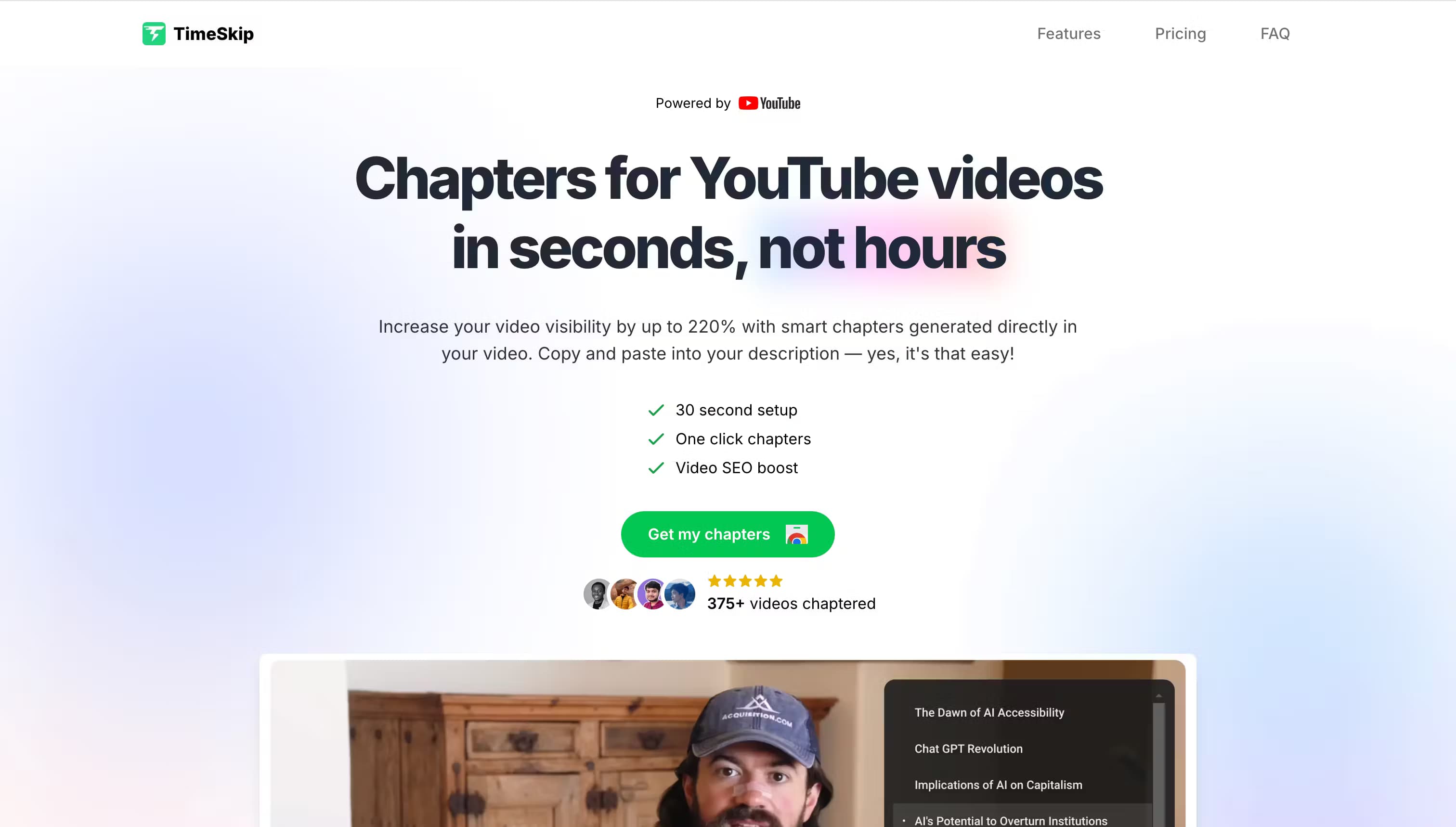
TimeSkip is a Chrome extension that generates chapters for YouTube videos. You load a video, click the extension, and it returns a list of timestamps with titles you can paste into the description. The build here is the chapter step of a video workflow, not a full editing suite.
The problem it targets is time. Chapters help videos show up in search and let viewers jump to the section they want, but writing them by hand means rewatching the footage and noting every topic change. TimeSkip watches the video for you and drafts the list. According to the developer, it produces chapters for a one-hour video in about five seconds.
The trade-offs are worth knowing before you commit. TimeSkip is a browser extension that leans on Chrome and a YouTube session, not a phone. Its boost claims include a 220% discovery figure from the company's own marketing rather than independent testing. And the entry plan caps you at 15 videos a month and 90-minute video length.
Getting Started
- Install the TimeSkip extension from the Chrome Web Store and sign in with the account you use for YouTube.
- Open the video you want to chapter and click the TimeSkip icon in the toolbar.
- Preview the generated chapters, then adjust titles or timestamps where a section needs a clearer label.
- Copy the finished list into the video description. Start the first timestamp at 00:00 so YouTube and Google can read it.
Product Information
A quick look at TimeSkip's pricing, supported platforms, and performance.
Best for
The users, tasks, and scenarios where this tool fits best.
Users
- Podcasters
- Educational creators
- Marketing agencies and studios
- Solo YouTubers who skip chapters
Tasks
- Generating chapters
- Writing titles for sections
- Drafting descriptions
- Improving video SEO
Scenarios
- A podcaster shipping a two-hour episode
- An agency processing a batch of client videos
- A creator reviving an old tutorial
- A solo channel testing chapters for the first time
Key features
AI chapter generation
TimeSkip reads a video and returns a timestamped list of chapters with titles. You load the video, click the icon, and preview the result. The developer says a one-hour video takes about five seconds to chapter, which is the gap it's selling against doing the job by hand.
Direct YouTube player integration
The extension works inside the YouTube player rather than a separate dashboard. Chapters are one click from landing in your description, and you can jump through the video using the draft list before publishing. It's built for a browser session, so desktop Chrome is where it runs.
Title, description and tag help
Beyond chapters, TimeSkip drafts titles, descriptions and tag suggestions for the video. That covers more of the upload checklist. It matters for creators who post on a schedule and want the metadata steps handled in one place.
Claimed view and engagement gains
TimeSkip says chapters raised total view duration by 15% and average view duration per viewer by 3% for its customers, and its homepage carries a 220% discovery figure. These are the company's own numbers. Treat them as marketing claims, not measured results.
Plans that scale with output
The Pro plan covers 15 videos a month and 90-minute footage. Studio raises the cap to 50 videos and 10-hour video length. A one-time Lifetime option removes the monthly bill for teams that chapter videos constantly.
Chrome Web Store install
TimeSkip installs from the Chrome Web Store like any other extension. There's no desktop app to run alongside it, and the free trial starts without entering payment details.
Pros and cons
Pros
- Chapters a one-hour video in about five seconds, per the developer. That drops the rewatch-and-note step.
- Runs inside the YouTube player, so timestamps are one click from your description.
- Adds title, description and tag drafts, covering more of the upload checklist.
- Free to try with no credit card. That suits creators who want to test chapters first.
- A one-time Lifetime plan fits teams that chapter videos every month.
Cons
- It's a Chrome extension, so phone-only creators and browsers other than Chrome are left out.
- The performance figures come from TimeSkip's own marketing, not independent testing.
- The Pro plan's 15-video and 90-minute caps are tight for anyone posting daily.
- There's no public API, so it can't be wired into a custom publishing pipeline.
Frequently asked questions
TimeSkip is an AI YouTube chapter generator. It reads a video and returns timestamps with titles you paste into the description, so viewers can jump to sections and the video can pick up search traffic. Podcasters, educators and agencies use it to add automatic chapters instead of rewatching footage.
Related content
Explore related tools, skills, and articles for TimeSkip.
TimeSkip Alternatives

ngram 2.0
ngram · Video · Marketingngram 2.0 is an AI video generator for teams. It turns a prompt, a screen recording, or a product URL into a narrated explainer, product demo, or AI avatar video, and every scene stays editable.

OpenScreen 2
OpenScreen (open-source project) · Video · ProductivityOpenScreen 2 is a free, open-source screen recorder and demo video editor for Windows, macOS, and Linux, with automatic zooms, styled frames, local captions, and agent edits.

Skreno
Skreno · Video · ProductivitySkreno is a browser screen recorder that captures a tab, a window or your whole display, then attaches AI transcripts, summaries and console logs to one share link.