

Tines
Tines · Coding · Productivity
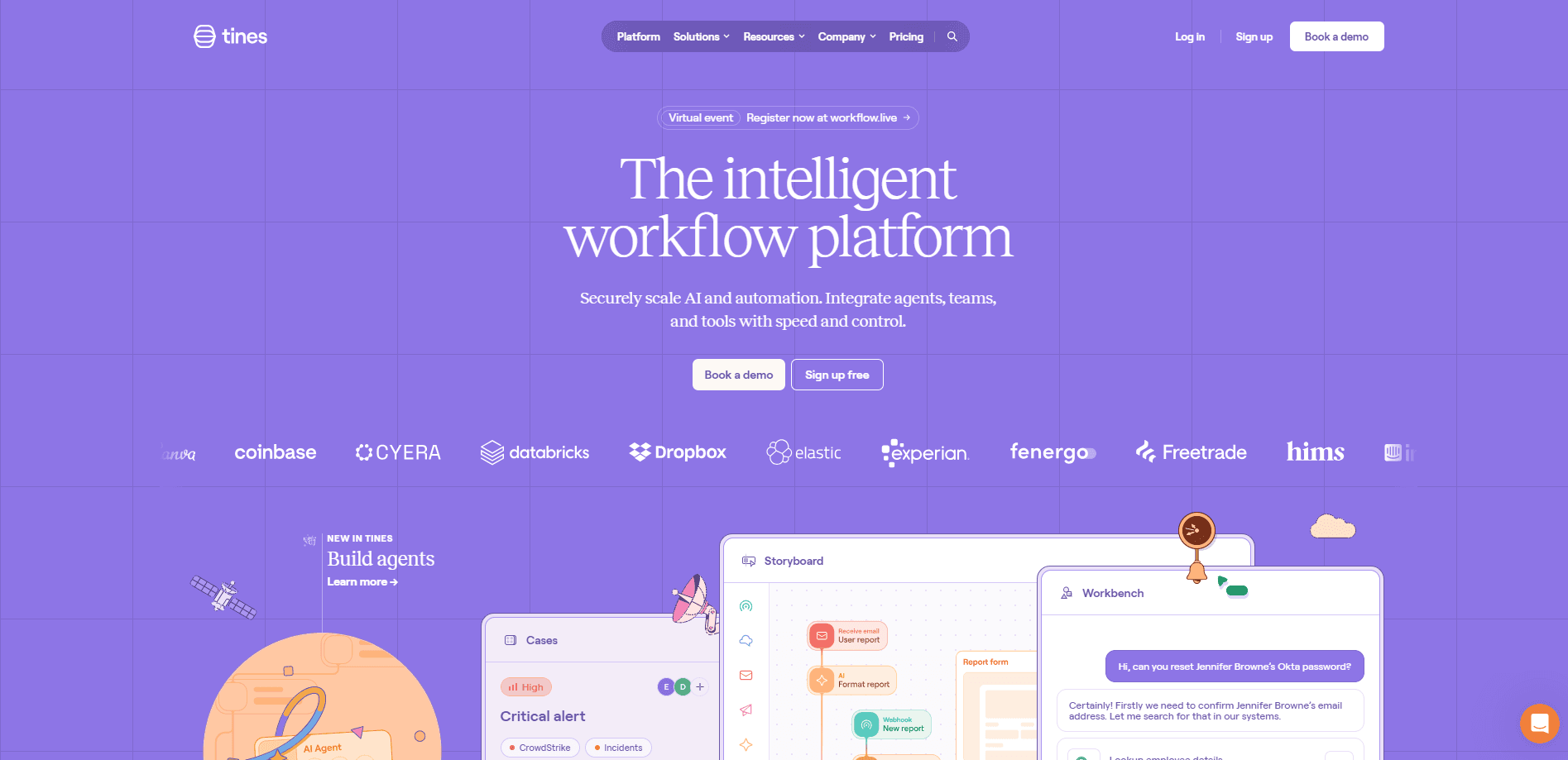
Tines is a no-code automation platform built for security and IT teams that need to connect many tools and run repeatable tasks without writing scripts. Its core unit is a Story, a visual workflow where you drag actions onto a canvas and link tools like Slack, VirusTotal, and Jira into a single process. The pitch is simple: the people who understand an alert should be able to automate the response themselves, not wait on an engineering queue. Think about that for a second. The analyst who knows the alert best usually can't touch the code that would fix it.
About Tines
What Is Tines
Tines is a workflow automation platform designed around a problem most security teams live with daily, where the same manual steps repeat every time an alert lands. A suspicious login fires an alert, someone copies details into three different tools, checks a reputation service, sends a Slack message, and logs the case. That loop repeats hundreds of times a week, and it eats the hours analysts would rather spend on real threats. Nobody likes it. Nobody has time to fix it either.
Tines lets you draw that loop once and run it forever. You build a Story on a visual canvas, drop in actions for each tool, and wire the output of one step into the input of the next. No Python, no fragile glue code that breaks when a vendor changes an API. So what does that actually save you? Hours, mostly. The kind of hours analysts spend copying alert details between tabs.
The company is based in Dublin, Ireland, and was founded in 2018 by Eoin Hinchy and Thomas Kinsella. It has raised a large amount of venture funding and counts big enterprises among its users. It isn't a general-purpose scripting toy; it focuses hard on security operations, IT, and infrastructure work. The same builder handles plenty of everyday office automation too.
The main thing to know before you commit: Tines is a platform, not a single app. Its value depends on how many of your tools it can reach and whether your team actually builds and maintains the Stories. Small teams with a handful of manual tasks may find a lighter tool is enough. Fair warning.
Getting Started
- Create a free account on the Tines website. The free Community Edition is enough to build and test real workflows.
- Connect your tools by adding credentials for services like Slack, email, or a ticketing system. Each connection is stored once and reused across Stories.
- Build a Story on the canvas: drag in an action, choose the tool, and map its fields to the data coming from the previous step.
- Add logic where you need it, such as a condition that only escalates high-severity alerts, then test the workflow with sample data.
- Publish the Story, connect it to a real trigger like a webhook or schedule, and monitor runs from the dashboard.
Product Information
A quick look at Tines's pricing, supported platforms, and performance.
Best for
The users, tasks, and scenarios where this tool fits best.
Users
- Security operations teams
- IT and infrastructure admins
- Automation-minded analysts
Tasks
- Alert triage and enrichment
- Phishing investigation
- Employee onboarding and offboarding
- Threat intelligence routing
Scenarios
- Cutting the manual copy-paste between security tools that eats analyst time every day.
- Standardizing how incidents get handled so the response doesn't depend on who is on shift.
- Prototyping an automation idea quickly before asking engineering to build anything permanent.
- Running scheduled housekeeping, like checking certificate expiry or syncing user lists.
Key features
Visual no-code workflow builder
Tines centers on a drag-and-drop canvas where each workflow, called a Story, is a chain of actions. You pick an action, choose the tool it talks to, and connect its output to the next step. The builder is aimed at people who know the work but not the code. Logic steps like conditions, loops, and event transforms let you branch and reshape data without scripting. It isn't a toy.
Large integration library
The platform connects to a broad set of services across security, IT, and general business software, so most teams find their existing tools already supported. Connections are stored once and reused, which keeps credentials in one place instead of scattered across scripts. If a service is missing, a generic HTTP action can reach almost any API, so a gap in the connector list rarely blocks the exact workflow a team actually needs to build. In practice, you rarely hit a wall.
Automation of security operations
Tines is best known for security work: alert triage, phishing analysis, threat hunting, and incident response. Workflows can enrich an alert with context, apply a decision, and route the outcome to the right channel. According to Tines, this lets analysts handle cases faster and at a more consistent standard. Less busywork. More real analysis.
Logic and branching without code
Conditions, looping, and data transforms let a Story make decisions instead of running a fixed script. A workflow can check whether an alert is high severity, look up the affected asset, and choose a different path based on the answer. This is what separates it from a simple trigger-and-post tool.
Scheduled and event-driven triggers
Stories can start from a webhook, an inbound email, a chat message, or a schedule. That means the same builder covers both reactive work, like an alert arriving, and routine work, like a nightly report. You aren't locked into one model of automation. Pick your trigger.
Monitoring and run history
Every run is logged, so you can see which steps ran, what data passed through, and where something failed. When a workflow breaks, the run history shows the exact step. That cuts debugging from guesswork to a quick fix. Teams can also share Stories across the workspace to reuse proven workflows.
Free Community Edition
There is a genuinely usable free tier, not just a trial. Small teams can build and run real automation at no cost. That makes it easy to prove value before paying. Paid plans add scale, governance, and support rather than unlocking basic function.
Pros and cons
Pros
- Visual builder lets non-developers build real automation without scripting.
- Free Community Edition is usable for production, not a time-limited demo.
- Deep integration library covers most security and IT tools out of the box.
- Strong fit for security operations, where automation saves the most analyst time.
- Run history and monitoring make broken workflows easy to diagnose.
Cons
- The platform model means you must build and maintain your own workflows; it does nothing on its own.
- Best value comes with many connected tools, so teams with few systems see less return.
- Paid pricing is custom and quote-based, which makes budgeting harder before you talk to sales.
- Leaning toward security use cases means non-security teams may find the focus narrower than expected.
Frequently asked questions
Tines is used to automate repetitive workflows, most often in security and IT. Teams build visual workflows that connect their tools and run tasks like alert triage, phishing investigation, and account provisioning without writing code. That's the whole point.
Related content
Explore related tools, skills, and articles for Tines.
Tines Alternatives
Forefront
Forefront · CodingForefront is a web platform for building with open-source AI. It lets you fine-tune leading open-source language models on your own data, evaluate how they perform, and run them through an API or export them to host yourself. Developers who want the convenience of a closed-source platform but insist on owning their models and data are the target audience here.

Startkit
StartKit.AI · CodingStartkit is a boilerplate for building AI SaaS and AI wrapper products. Think of it as an AI startup boilerplate with the boring parts already wired up: authentication, Stripe and Lemon Squeezy payments, usage limits, transactional email, and an AI API starter that talks to OpenAI, Anthropic, Groq, or Llama. You clone the repo, set your price, and start on the part of your product that people actually pay for. It's Next.js under React and Tailwind, so most of the boilerplate code already feels familiar.
Testim
Tricentis · CodingTestim is an AI-powered test automation platform for building and running end-to-end tests across web, mobile, and Salesforce applications. It leans on machine learning to keep tests stable when an interface changes, so teams spend less time fixing broken selectors. Not bad for an automated testing tool you can start using today. You create tests by recording actions in a browser, then optionally add JavaScript when you need more control. It's a solid pick for busy QA teams.