

Toggle for OpenClaw
ToggleX · Coding · Productivity
Toggle for OpenClaw is a context layer that feeds your AI agent a live stream of what you're actually working on. It's built for OpenClaw, the personal assistant framework, and it runs as a Chrome extension that watches your browser activity, groups it into projects and sessions, and passes structured context to your agent. The pitch is simple: stop re-explaining your day to your tools, and let the agent answer questions like "what did I get done yesterday" with real data instead of a guess.
About Toggle for OpenClaw
What Is Toggle for OpenClaw
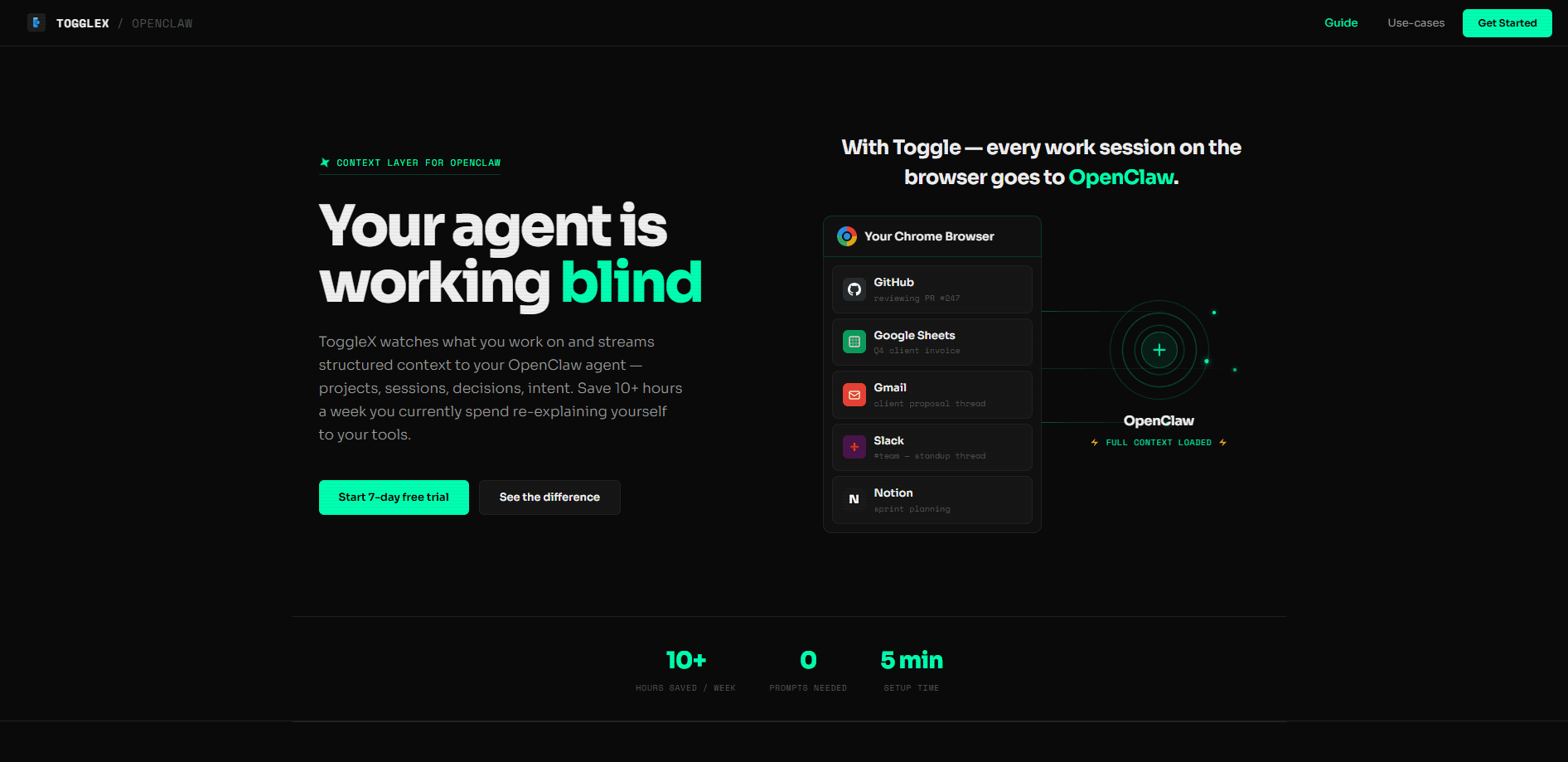
Toggle for OpenClaw, also branded ToggleX, is a context layer rather than a standalone chatbot. Most AI assistants start every conversation blind. They don't know which pull request you reviewed an hour ago or which document you edited all morning, so you spend the first few minutes of each session catching them up. Toggle fixes that by capturing your browser work across tabs and tools and streaming it to your OpenClaw agent as structured context: projects, sessions, focus time, and intent signals.
The problem it solves is context loss. If you work across GitHub, Google Sheets, Gmail, Slack, and Notion, your activity is scattered and invisible to your agent. Toggle stitches those signals into a single feed the agent can read, so it can act on its own instead of waiting for you to type out what you've been doing. It runs silently in the background, and the setup is meant to take minutes rather than hours.
The big limitation is scope. Toggle only sees what happens in your Chrome browser. It watches tabs and web apps, but it doesn't read your desktop apps, terminal, or native tools. The other catch is dependency: nothing happens until the extension and the OpenClaw skill are both installed, so it's not a tool you can try in isolation.
Getting Started
- Sign up on ToggleX. No credit card is required, and a 7-day free trial starts right away.
- Install the ToggleX Chrome extension so it can capture your activity across tabs and apps.
- Install the ToggleX skill in your OpenClaw configuration to connect the feed to your agent.
- Let it run for a day so it can build up sessions and project context.
- Ask your agent something like "what did I work on yesterday" and check that it answers from your real activity.
Product Information
A quick look at Toggle for OpenClaw's pricing, supported platforms, and performance.
Best for
The users, tasks, and scenarios where this tool fits best.
Users
- Solo builders and indie developers who live in the browser and want an agent that already knows their projects without a briefing each morning.
- Freelancers juggling several clients who need a quick, factual recap of hours spent per project, as long as their work happens in web tools.
- OpenClaw power users who run cron jobs and want their assistant to trigger updates from real activity rather than a manual prompt.
Tasks
- Generating daily standup notes from what you actually did, instead of reconstructing it from memory.
- Spotting work that has gone stale, like a page edit that's been idle for days.
- Tracking focus and tab-switching patterns so you can see when you drifted.
Scenarios
- Starting a workday with an agent that already has yesterday's context loaded and ready.
- Running an automatic evening digest to Discord or Telegram with no typing required.
- Picking a stalled project back up when you've forgotten where you left off.
Key features
Real-Time Browser Context
Toggle captures your activity as you work and turns it into structured data: which project, which session, how long, and what you were doing. The agent reads that feed instead of asking you to describe it. For anyone whose work lives in web tools, this is the whole value in one feature. The catch, again, is that it's browser-only.
Automatic Daily Recaps
On a day with three deep work sessions, Toggle can tell your agent that you shipped a branch, reviewed two pull requests, updated a backlog, and left a design task unfinished at 45 minutes. That's the kind of recap you'd otherwise write by hand. It turns a vague "what did I do" into a specific, time-stamped list. No more guessing.
Cron Jobs and Event Triggers
The skill can run scheduled jobs and event triggers that push insights to Discord or Telegram without you opening a chat. So instead of asking for a summary, it arrives. Heads-up alerts about idle work and focus dips fit here too. It's the difference between an assistant you query and one that taps you on the shoulder.
Focus and Distraction Signals
Toggle watches how long you stay on task and how often you switch tabs, then reports a focus score and your deepest session of the day. If you bounced between eight tabs in twenty minutes without going deep, it says so. Useful if you want an honest read on your own attention, and slightly uncomfortable the first time.
Project and Session Grouping
Instead of a raw log of every click, Toggle groups activity into projects and sessions with a status, like roughly 80 percent done with responsiveness testing left. That framing is what makes the context usable. An agent can act on "this is nearly finished" in a way it can't act on a list of page visits.
Multi-Tool Coverage
It follows you across GitHub, Google Sheets, Gmail, Slack, Notion, and similar web apps. When one project touches all five, the agent sees the connections between them rather than five unrelated trails. That cross-tool view is the part a single-app assistant can't give you.
Prompt-Free Operation
The stated goal is zero prompts. The agent pulls context on its own and acts, whether that's answering a question or firing a scheduled update. If you're used to typing a paragraph of background before every request, this is the part that changes your routine. So how much time does that save? The site claims 10 or more hours a week, and your own numbers will tell you fast.
Pros and cons
Pros
- Removes the daily re-explaining tax. Your agent starts with context instead of a blank slate.
- Setup is short. Sign up, add the extension, install the skill, and you're roughly done in minutes.
- Scheduled digests mean insights can reach you on Discord or Telegram without you asking.
- The 7-day free trial lets you test the capture quality before committing.
Cons
- Browser-only capture means desktop apps, terminals, and native tools stay invisible to your agent.
- It only works inside OpenClaw, so it's not useful if you use a different agent framework.
- Pricing beyond the free trial isn't clearly published, which makes long-term cost hard to plan for.
Frequently asked questions
It streams structured data about your browser work to your OpenClaw agent so the agent knows what you're doing without manual prompting. You install a Chrome extension plus an OpenClaw skill, and the agent reads a live feed of your projects, sessions, and intent.
Related content
Explore related tools, skills, and articles for Toggle for OpenClaw.
Toggle for OpenClaw Alternatives
Forefront
Forefront · CodingForefront is a web platform for building with open-source AI. It lets you fine-tune leading open-source language models on your own data, evaluate how they perform, and run them through an API or export them to host yourself. Developers who want the convenience of a closed-source platform but insist on owning their models and data are the target audience here.

Startkit
StartKit.AI · CodingStartkit is a boilerplate for building AI SaaS and AI wrapper products. Think of it as an AI startup boilerplate with the boring parts already wired up: authentication, Stripe and Lemon Squeezy payments, usage limits, transactional email, and an AI API starter that talks to OpenAI, Anthropic, Groq, or Llama. You clone the repo, set your price, and start on the part of your product that people actually pay for. It's Next.js under React and Tailwind, so most of the boilerplate code already feels familiar.
Testim
Tricentis · CodingTestim is an AI-powered test automation platform for building and running end-to-end tests across web, mobile, and Salesforce applications. It leans on machine learning to keep tests stable when an interface changes, so teams spend less time fixing broken selectors. Not bad for an automated testing tool you can start using today. You create tests by recording actions in a browser, then optionally add JavaScript when you need more control. It's a solid pick for busy QA teams.