
Toki: AI Executive Assistant
Toki · Productivity · AI Assistant · Business
Toki: AI Executive Assistant is an app that handles scheduling the way a human assistant would. Instead of trading emails to find a meeting time, you tell Toki what you need and it contacts the attendees, checks calendars, and locks in a slot. It also plans your day, guards blocks for deep work, sends reminders, and can even phone you when it's time to leave. That last part surprises people. It runs across iOS, Android, desktop, and the browser, and pulls together Google, Apple, and Outlook calendars into one schedule.
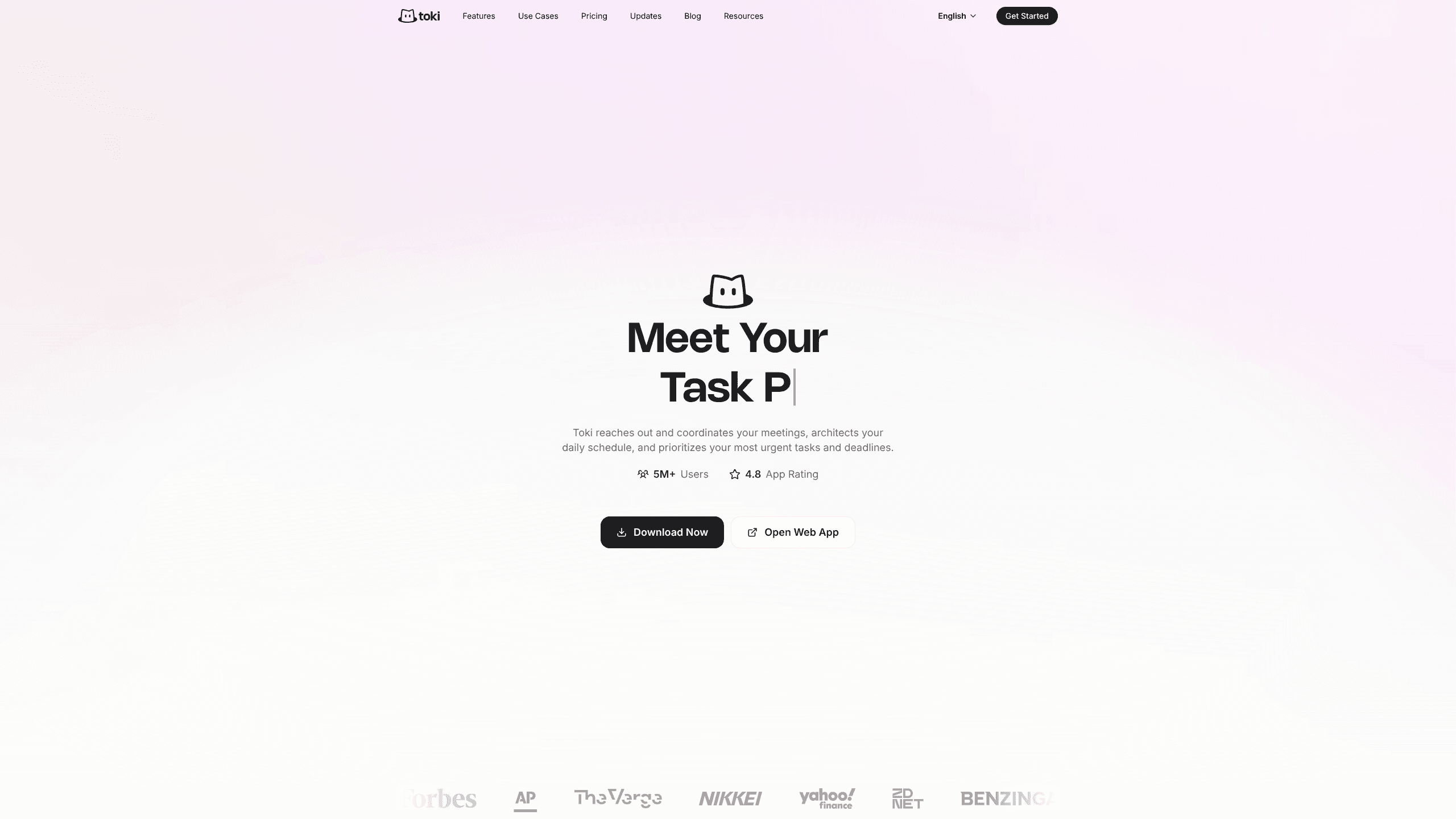
About Toki: AI Executive Assistant
What Is Toki: AI Executive Assistant
Toki is a scheduling and calendar assistant built around conversation rather than menus. You type or speak a request like "schedule a meeting with the team," and an AI agent does the coordination work: it reaches out to the people involved, compares availability, and proposes times that actually fit. The company says more than 5 million people have used it, and its app listing holds a 4.8 rating across over 30,000 reviews.
Where it goes beyond a normal calendar sync app is the proactive layer. Toki doesn't just store events. It looks at your day and reworks it, protecting time for focused work and flagging the things you can't miss. It learns habits too, so if you like Friday afternoons free, it quietly schedules around that. There's also a triggers feature: tell it to watch for something, like a stock dropping below a price or a deadline, and it keeps watch.
The limits are worth knowing up front. Toki leans on your existing calendars and accounts, so it's only as good as what you connect, and the deeper automation sits behind the paid tiers. If you just need a static calendar, is this more machine than you need? Probably.
Getting Started
- Create an account on toki.com or download the app for iOS, Android, Mac, Windows, or Linux.
- Connect your calendars. Toki syncs Google Calendar, iCloud, and Outlook, and the free plan covers up to three calendars.
- Set your preferences in plain language, such as keeping mornings for deep work or avoiding back-to-back meetings.
- Ask Toki to schedule something, either by typing or sending a voice note, and let it coordinate with the other attendees.
- Review the daily plan it builds and adjust by replying in chat. Reminders and calls arrive automatically once events are set.
Product Information
A quick look at Toki: AI Executive Assistant's pricing, supported platforms, and performance.
Best for
The users, tasks, and scenarios where this tool fits best.
Users
- Busy professionals
- People with ADHD or packed schedules
- Remote and hybrid workers
Tasks
- Booking meetings
- Planning the day
- Setting reminders and watches
Scenarios
- Setting up a group call where nobody shares a calendar link.
- Keeping a day on track when last-minute requests keep landing on it.
- Getting a call before you need to leave for an appointment.
Key features
Meeting Coordination Without the Back-and-forth
The headline feature is automated scheduling. You ask Toki to set up a meeting, and like a real assistant it reaches out to the attendees, works through their availability, and finds times that suit everyone. It's an automatic meeting scheduler that runs on chat rather than forms. Toki also offers scheduling links, which work much like Calendly for people who'd rather hand off a public booking page. It's the difference between three emails and one sentence.
Proactive Day Planning
Toki doesn't sit passively on your calendar. It architects your daily schedule, weighing deep work against urgent demands, and rearranges blocks so your time goes where it should. The company describes it as thinking ahead rather than just holding events. In practice, that means your agenda gets reshaped before you ask, not after you notice it's a mess.
Natural Interaction
You can talk to Toki the way you'd talk to a person. Voice notes, screenshots, quick texts, and half-formed requests all get captured and turned into events, to-dos, and reminders. A stray "remind me about the flight tomorrow" is enough for it to find the details and set the alert. That looseness is the point. You don't need clean inputs.
Reminder Calls and Follow-through
One of the more distinctive touches is the phone call. Say you need a reminder before leaving for a flight, and Toki watches the timing, factors in traffic, and calls you when it's time to go. Think of it as an AI reminder app that escalates when a notification wouldn't be enough. Reviewers have singled this out, with one noting it sets reminders and makes calls, not just pings. For people who tune out app alerts, a ringing phone lands differently.
Personal Memory
Toki learns how you work over time. It picks up patterns like preferring no meetings on certain days or blocking out mornings, and builds those into future scheduling without being told each time. The more you use it, the less you have to repeat yourself. The memory feature is part of the paid plans, not the free one.
Calendar Sync Across Devices
Toki connects Google Calendar, iCloud, and Outlook, and keeps them in step across your phone, desktop, and browser. It also extends to Apple Watch and Siri, so the assistant is reachable from the devices already on you. One schedule, everywhere, is the promise. The free tier caps sync at three calendars, while the paid tiers allow up to five.
Pros and cons
Pros
- Handles meeting coordination end to end, saving the usual scheduling emails.
- Works across iOS, Android, macOS, Windows, Linux, and the web.
- Syncs Google, iCloud, and Outlook calendars into a single schedule.
- Voice, text, and screenshot input make it easy to capture requests on the fly.
- Phone-call reminders cut through notification fatigue.
Cons
- Its deep automation and personal memory sit behind the paid plans, so the free tier is limited.
- Because it depends on connected calendars and accounts, usefulness drops if you don't link them.
- No API is documented, so building custom integrations isn't an option right now.
Frequently asked questions
It acts as a scheduling and calendar assistant. You describe what you need in chat or voice, and an AI agent coordinates meetings, plans your day, sends reminders, and can call you when it's time to leave. Think of it less as a calendar and more as a helper that manages the calendar for you.
Related content
Explore related tools, skills, and articles for Toki: AI Executive Assistant.
Toki: AI Executive Assistant Alternatives

Swms
Swms AI · Writing · Productivity · BusinessSwms is an AI safety compliance tool that turns a plain description of a job into ready-to-use safety documents. Describe your project, trade, and known hazards, and it writes a safe work method statement, job hazard analysis, safe work procedure, RAMS, or safety data sheet in seconds. It also ships with Oscar, a chat assistant that answers workplace safety questions in any language. Teams in construction, mining, transport, and warehousing use it to cut the paperwork that usually eats into a workday.

Wordly AI Translation
Wordly · Voice & Language · ProductivityWordly AI Translation is a real-time AI translation and captioning platform built for meetings, conferences, and events. It delivers live translation, captions, transcripts, and summaries in more than 60 languages, and attendees join by scanning a QR code or opening a link instead of using dedicated headsets. The platform works with Zoom, Microsoft Teams, Google Meet, and Webex, and it's designed for organizations that want multilingual access without hiring human interpreters for every session. Simple as that.

Rows
Rows (Superhuman) · Productivity · BusinessRows is an AI spreadsheet and data analysis tool that imports live data from more than 50 sources, then lets you work with it using plain language instead of SQL queries or nested formulas. You can pull numbers out of PDFs, connect ad platforms, databases, and bank accounts, and ask the AI to build reports, merge datasets, or set up models that recalculate themselves. It runs in the browser, works like a spreadsheet, and now sits under the Superhuman umbrella.