

ToMoviee
Wondershare · Video
ToMoviee is an all-in-one AI creative studio from Wondershare. It turns text, images, and audio references into multi-shot video with synced sound, consistent characters, and scene transitions.
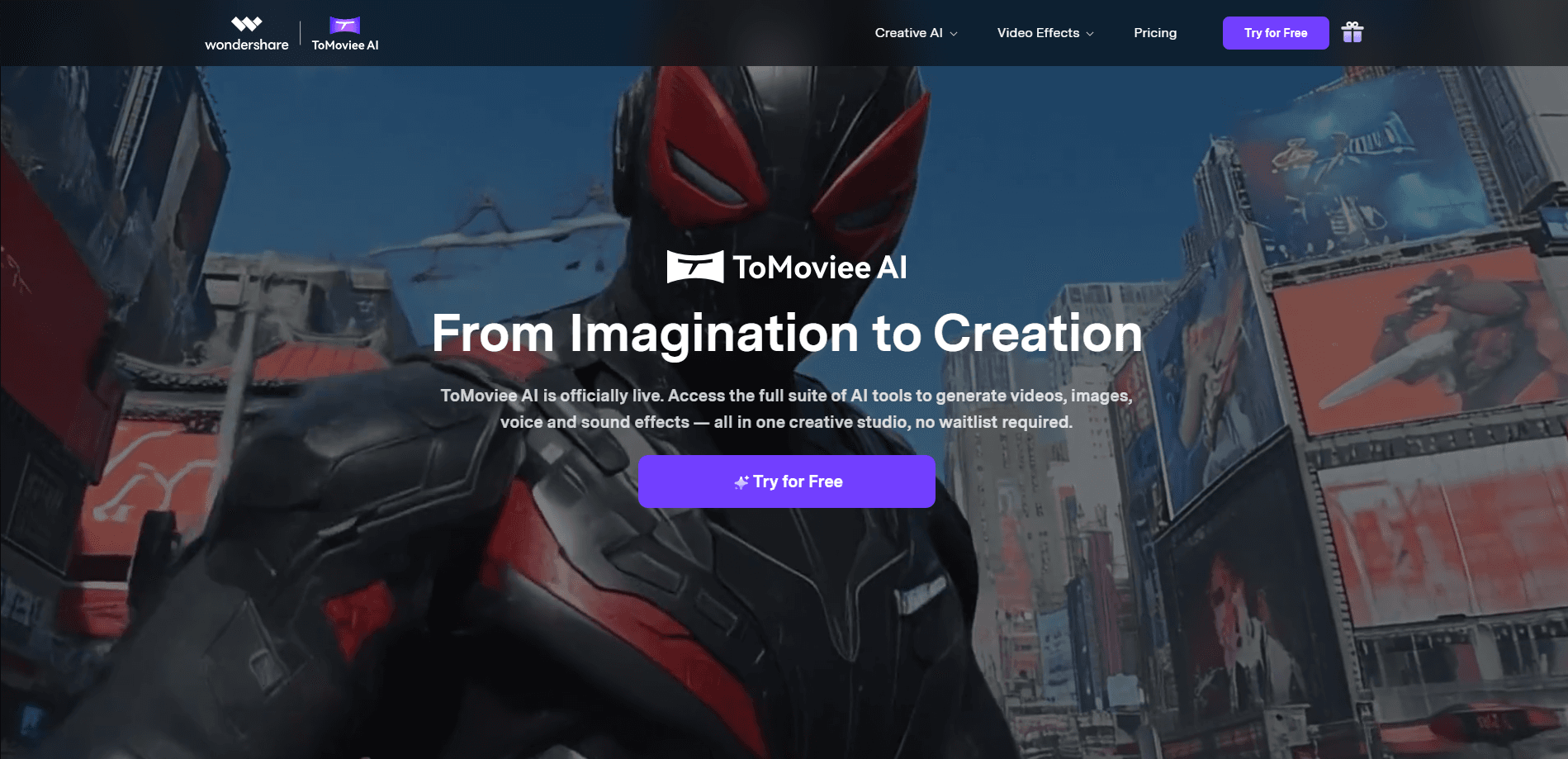
About ToMoviee
What Is ToMoviee
ToMoviee is an AI video and audio creation platform built by Wondershare, the Chinese software company behind Filmora and PDFelement. It bills itself as an all-in-one AI creative studio rather than a single-purpose generator. You describe a scene, feed it images or audio clips, and it returns a finished video with motion, lighting, and sound that the model tries to keep coherent from the first shot to the last.
The centerpiece is multi-shot generation. Most AI video tools produce one continuous clip, which makes a real narrative hard to build because a cut usually breaks the look of the subject. ToMoviee instead holds characters, props, and scenes steady across several shots and adds synced sound on top. That combination is what separates it from single-shot generators: a creator can assemble something closer to a scene than a looping fragment.
ToMoviee also treats audio as a first-class output, not an afterthought. Text to music, text to sound effects, text to voice, and auto background music all run inside the same studio. For a solo creator, that means a short video, its soundtrack, and its voiceover can come out of one place instead of three separate tools and a manual mix.
The scope has limits that matter for planning. Credits drive almost everything, and heavier models and longer clips burn through them faster. The most capable features sit behind paid plans, and the free allotment is meant for testing, not production. It's also a Wondershare product, so data-handling and procurement reviews follow the same path as the company's other software.
Getting Started
- Create an account on the ToMoviee site or in the mobile app, which lands a bundle of gift credits for trying features.
- Pick a starting mode: text to video, image to video, or a reference-based generation.
- Write a prompt and, when needed, upload the images or audio that should guide the result.
- Generate the clip, then use video extend, image generation, or the audio tools to build out the piece.
- Download the result or post it straight from the studio once it clears your quality bar.
Product Information
A quick look at ToMoviee's pricing, supported platforms, and performance.
Best for
The users, tasks, and scenarios where this tool fits best.
Users
- Short-video and short-drama creators
- Solo creators working without a crew
- Marketers and small teams on tight budgets
Tasks
- Text to video
- Image to video
- Video extend
Scenarios
- Producing a multi-shot short drama
- Making a social ad with a soundtrack
- Testing an idea cheaply
Key features
Multi-shot video with consistent characters
This is the feature ToMoviee leans on hardest. Instead of one continuous take, the model builds a sequence of shots and keeps characters, props, and settings recognizable from one cut to the next. For anyone assembling a short drama or a story-driven ad, that solves the break in continuity that makes single-clip output feel like a fragment rather than a scene.
Synced sound and a full audio suite
Sound isn't bolted on after the fact. The studio generates voice, music, and sound effects alongside the video and syncs them to what happens on screen. Text to music, text to sound effects, text to voice, and auto background music each work as standalone tools too, so a creator can score an existing clip or lay a voiceover over a finished cut.
Text to video and image to video
The entry modes work much like other AI video tools. A prompt alone can drive a clip, and a single image can be animated into motion with lighting and movement that match the subject. Both paths support the common aspect ratios social platforms expect, so a vertical clip and a wider shot can come from the same idea.
Video extend
Short clips are the norm in AI video, and ToMoviee answers that with an extension feature that pushes a generation toward longer runtimes. It holds the subject and look steady as the clip grows, which lets a creator build a scene outward from a short seed instead of forcing everything into a single pass.
AI image generation
Beyond video, the studio generates still images from prompts. That covers thumbnails, storyboards, and the reference frames a video project needs, which keeps the whole workflow inside one product rather than bouncing between a generator and a separate image tool.
Web studio and companion app
ToMoviee runs in the browser and as an iOS and Android app. A clip can be started on one device and finished on another, and finished work can be posted from inside the app, so the tool covers creation and distribution rather than stopping at the render.
Pros and cons
Pros
- Multi-shot generation with consistent characters, the hardest part of AI video to get right.
- Audio tools for voice, music, and sound effects live in the same studio as the video.
- Image to video and auto background music cut production time for solo creators.
- A web studio plus iOS and Android apps keep projects portable across devices.
- Free gift credits let new users test real prompts before paying.
Cons
- Credits drive usage, and heavier models and longer clips drain them quickly.
- The most capable features sit behind paid plans, so the free allotment is testing-only.
- Output quality tracks prompt skill, and weak prompts produce weak results.
- Long narratives depend on video extend rather than a single long generation.
Frequently asked questions
It's an all-in-one AI creative studio for video and audio. It generates multi-shot videos from text, images, and audio references, then adds synced sound, consistent characters, and scene transitions.
Related content
Explore related tools, skills, and articles for ToMoviee.
ToMoviee Alternatives

ngram 2.0
ngram · Video · Marketingngram 2.0 is an AI video generator for teams. It turns a prompt, a screen recording, or a product URL into a narrated explainer, product demo, or AI avatar video, and every scene stays editable.

OpenScreen 2
OpenScreen (open-source project) · Video · ProductivityOpenScreen 2 is a free, open-source screen recorder and demo video editor for Windows, macOS, and Linux, with automatic zooms, styled frames, local captions, and agent edits.

Skreno
Skreno · Video · ProductivitySkreno is a browser screen recorder that captures a tab, a window or your whole display, then attaches AI transcripts, summaries and console logs to one share link.