

Toolhouse
Toolhouse · Coding
Toolhouse is a platform where teams build AI workers that complete repetitive tasks across 5,000+ work tools, no coding required.
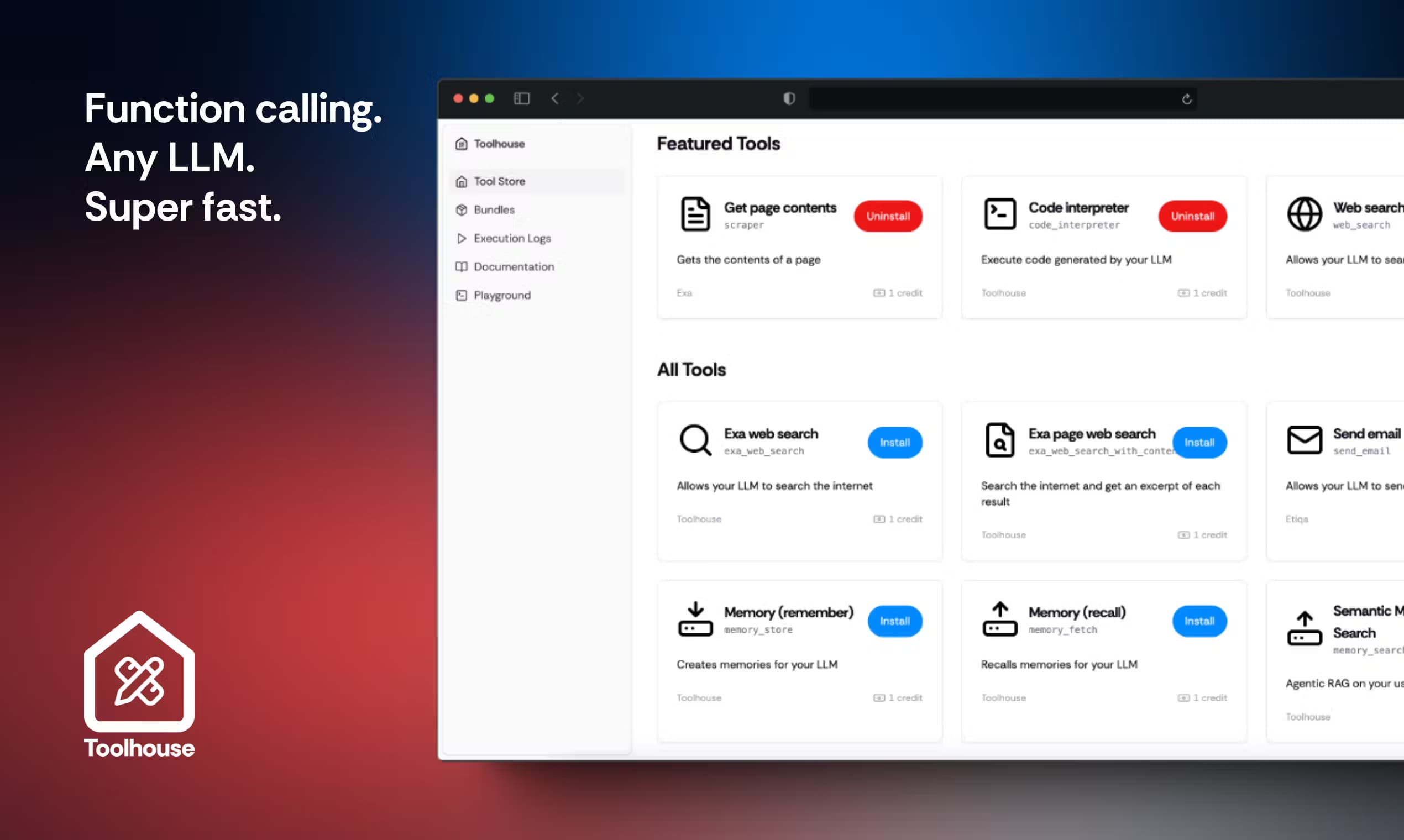
About Toolhouse
What Is Toolhouse
Toolhouse is a cloud platform for creating AI workers: scripted AI agents that carry out repetitive, multi-step work on their own. As an AI worker platform, it takes a task you'd normally grind through by hand and hands it to a worker that plans, executes, and reports back. You describe the task in plain language, and the platform writes the prompt, picks the integrations, and runs the job. Finished work lands back in your inbox, Slack, or Microsoft Teams, not as a draft you still have to polish.
The move away from touching code is deliberate. Earlier versions pitched a universal SDK that let developers call AI tools from their own apps. Today the same team targets the office worker who repeats a weekly process and wants it gone. It's no-code AI automation aimed at people, not engineers. Run the same multi-step task more than once a week? It's a fair candidate for a worker.
The catch is scope. Toolhouse isn't a blank canvas for any odd job. Handing a worker access to your email, CRM, or ticketing system means trusting it with real accounts. Complex work also earns a security review, which adds time before a team gets going.
Getting Started
- Sign up at toolhouse.ai and open the Agent Editor.
- Describe the task in plain language, the way you'd brief a colleague.
- Answer the editor's follow-up questions and add any integrations it suggests.
- Upload templates or reference files as skills and knowledge so the worker follows your rules.
- Test the worker, then connect it to Slack, email, or a schedule and let it run.
Product Information
A quick look at Toolhouse's pricing, supported platforms, and performance.
Best for
The users, tasks, and scenarios where this tool fits best.
Users
- Small marketing teams drowning in repetitive content, posting, and reporting, as long as they're willing to connect their email and social accounts.
- Founders and solo operators with no developer on hand who need lead outreach and follow-ups to run on their own.
- Support and ops managers who want routine tickets filed and answered, provided the help desk can grant API access.
Tasks
- Turning an inbox request into a finished deliverable, like comparing supplier quotes or drafting a proposal, with the file returned by email.
- Summarizing long documents
- Creating and scheduling content
- Lead generation and outbound
Scenarios
- A weekly report that pulls numbers from two or three systems and never quite gets finished on time.
- Handing off ticket triage so nothing sits unread overnight or over a weekend.
- Keeping a content calendar full while the team focuses on launch work.
Key features
Plain-language worker builder
The Agent Editor turns a plain description into a structured prompt. Then it asks the questions it needs answered. It also wires up the integrations your task seems to call for, so you don't have to know which service to connect before you start. Refining a worker is easy. Just tell the editor what to change.
Thousands of integrations
Workers plug into more than 5,000 services, from Gmail and Slack to Salesforce, HubSpot, Notion, and Google Sheets, which means most cross-tool workflow automation happens without writing any connector code at all. Integrations are shared across workers. Once Google Drive or Slack is connected, any worker using the same virtual computer can reach those services too.
Automatic capability selection
Most abilities attach themselves. Describe a task that fetches a file and Toolhouse adds file download. Describe an analysis and it adds the virtual computer that runs Python in an isolated sandbox. You can also pin an integration manually when you always want it on hand.
Skills and knowledge files
You can upload templates, guidelines, and reference documents straight into a worker's instructions. They travel with the worker every run. That's what keeps output consistent when the same task repeats weekly.
MCP server and model choice
Toolhouse ships an MCP server, the open protocol for connecting outside tools, and stays model-agnostic, so the models powering a worker can be swapped without rebuilding the workflow around them. You pick the models you prefer across providers and switch when your needs change. No vendor lock-in.
Worker orchestration
Workers can hand tasks to one another. That lets a chain of small specialists cover a workflow too clumsy for a single agent to finish. A lead-qualifying worker can pass a record to a booking worker, for example.
Schedules, logs, and worker email
Workers run on a schedule or on demand. They keep logs you can inspect, and you can brief them by email when something comes up. Long-term memory lets a worker remember data and past outputs between runs.
ROI dashboard and spend cap
A KPI dashboard tracks each worker's return. A spend cap keeps costs capped even if a job loops. Toolhouse also states your data is never used for training.
Pros and cons
Pros
- No coding needed, so non-technical teams can ship a working agent in an afternoon.
- 5,000+ integrations cover the everyday stack, which cuts setup compared with stitching tools together yourself.
- Model-agnostic design means you aren't locked into one provider's models.
- Finished deliverables come back to your inbox or Slack, not as drafts to babysit.
- A spend cap and ROI dashboard make cost easy to watch.
Cons
- No free tier for heavy use, so testing finds the limits of the free allowance quickly.
- Giving workers account access to email, CRM, or help desks means you're trusting automation with live credentials.
- Custom integrations and private-cloud deployment sit behind the custom Business plan, which needs a sales call.
Frequently asked questions
It builds AI workers that handle repetitive, multi-step tasks. You brief the worker in plain language, it does the work using your connected tools, and it sends the result back.
Related content
Explore related tools, skills, and articles for Toolhouse.
Toolhouse Alternatives
Forefront
Forefront · CodingForefront is a web platform for building with open-source AI. It lets you fine-tune leading open-source language models on your own data, evaluate how they perform, and run them through an API or export them to host yourself. Developers who want the convenience of a closed-source platform but insist on owning their models and data are the target audience here.

Startkit
StartKit.AI · CodingStartkit is a boilerplate for building AI SaaS and AI wrapper products. Think of it as an AI startup boilerplate with the boring parts already wired up: authentication, Stripe and Lemon Squeezy payments, usage limits, transactional email, and an AI API starter that talks to OpenAI, Anthropic, Groq, or Llama. You clone the repo, set your price, and start on the part of your product that people actually pay for. It's Next.js under React and Tailwind, so most of the boilerplate code already feels familiar.
Testim
Tricentis · CodingTestim is an AI-powered test automation platform for building and running end-to-end tests across web, mobile, and Salesforce applications. It leans on machine learning to keep tests stable when an interface changes, so teams spend less time fixing broken selectors. Not bad for an automated testing tool you can start using today. You create tests by recording actions in a browser, then optionally add JavaScript when you need more control. It's a solid pick for busy QA teams.