

TOVA - Tokti AI Video Enhancer
Tokti · Video
TOVA - Tokti AI Video Enhancer is an Android app that upscales low-resolution clips to 4K, 8K, or 16K and smooths motion with AI frame interpolation.
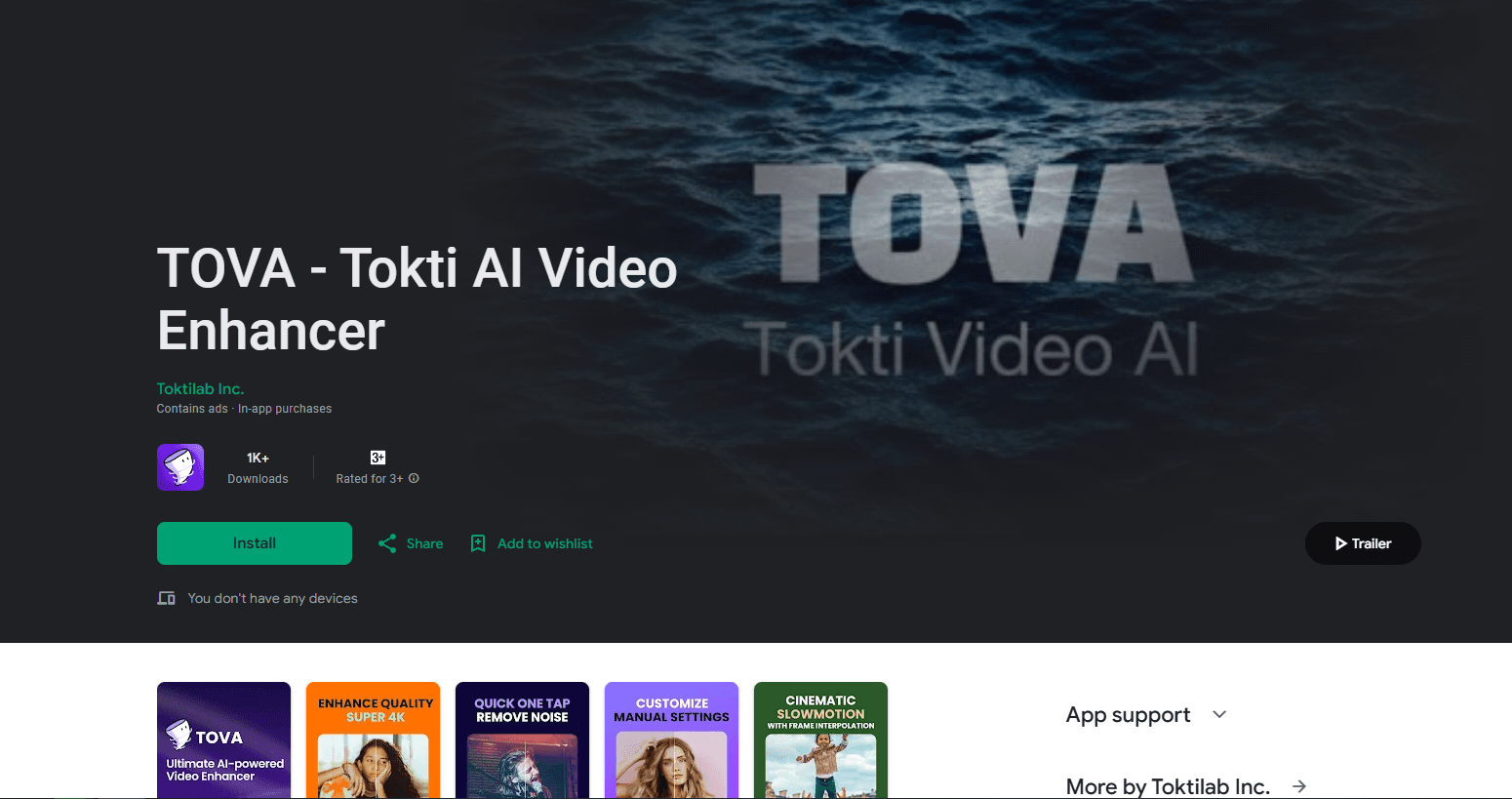
About TOVA - Tokti AI Video Enhancer
What Is TOVA - Tokti AI Video Enhancer
TOVA - Tokti AI Video Enhancer is a mobile video upscaling app for improving videos you already have. As an AI video upscaler, it rebuilds detail as it raises the resolution. It takes soft, low-resolution footage and rebuilds it at a higher resolution, up to 4K, 8K, or 16K. The pitch is simple: old phone clips, downloaded videos, and social media exports can look sharper without reshooting anything.
The app pairs upscaling with frame interpolation, which adds in-between frames so motion looks smoother, and motion blur removal, which cleans up smeared frames. That set of tools covers the common fixes people want for footage that feels dated or compressed.
The limits matter too. It runs on Android through Google Play, with no desktop or iOS version found. Output quality depends on the source: a heavily compressed clip gives the AI less to work with, and very high targets like 16K take longer and produce large files. Long videos also take more time to process.
Getting Started
- Install TOVA - Tokti AI Video Enhancer from Google Play on an Android device.
- Open the app and pick a video from your gallery, or record one first.
- Choose the output resolution or the enhancement you want, such as upscaling or frame interpolation.
- Start the process and wait while the app renders the new version.
- Save the result and export it to your gallery or share it.
Product Information
A quick look at TOVA - Tokti AI Video Enhancer's pricing, supported platforms, and performance.
Best for
The users, tasks, and scenarios where this tool fits best.
Users
- Android users with old footage
- Social media creators
- Casual editors who want one fix
- People restoring downloaded videos
Tasks
- Upscaling a low-resolution video
- Smoothing choppy motion
- Removing motion blur
- Preparing a clip for social media
Scenarios
- A phone update left old videos looking rough
- A short clip needs a quick polish before posting
- A downloaded video looks pixelated on a large screen
- Someone curious about AI video tools
Key features
AI video upscaling up to 16K
The headline feature raises the resolution of a video. You feed it a low-resolution clip and pick a target, and the AI rebuilds detail as it scales the image up. The app claims support for 4K, 8K, and even 16K output. The highest targets suit short clips best, because of the file size and render time.
AI frame interpolation
Frame interpolation adds new frames between the ones already in a video, so playback looks smoother. This helps with action footage, sports clips, and camera pans that stutter on a low frame rate. The result is a higher frame rate feel without reshooting at a higher setting.
Motion blur removal
Fast movement often leaves smeared frames. This feature targets that blur and tries to clean the frame so the motion reads more clearly. It pairs well with interpolation, since smooth motion looks better when the underlying frames are sharp.
One-tap enhancement
The app keeps the steps short. You choose a video and a setting, then let it run. That design suits people who want a quick fix rather than a timeline editor, and it keeps the process inside one screen on the phone.
Mobile-only workflow
Everything runs on the Android device you already carry. There is no need to move files to a desktop or to learn a professional suite. For casual edits on the go, that alone can decide whether a tool gets used at all.
Google Play distribution
TOVA - Tokti AI Video Enhancer is installed from Google Play, which handles updates and device compatibility for Android users. The store listing is the main official source for the app, alongside its in-app screens.
Pros and cons
Pros
- Upscales low-resolution video toward high targets, up to 16K, on an Android phone.
- Combines upscaling with frame interpolation and motion blur removal in one app.
- Keeps the workflow to a few taps, so no editing experience is required.
- Runs on the device you already own, with no desktop step.
Cons
- Android only, with no iOS or desktop version found, so other platforms are left out.
- Quality depends on the source clip, and heavily compressed footage limits how much detail the AI can rebuild.
- Very high targets like 16K take longer and create large files, which strains phone storage.
- Pricing details are not clearly published, so the cost of the full feature set is hard to judge in advance.
Frequently asked questions
It improves videos you already have. The app upscales low-resolution clips to higher resolutions, adds frames to smooth motion, and reduces motion blur, all on an Android phone.
Related content
Explore related tools, skills, and articles for TOVA - Tokti AI Video Enhancer.
TOVA - Tokti AI Video Enhancer Alternatives

ngram 2.0
ngram · Video · Marketingngram 2.0 is an AI video generator for teams. It turns a prompt, a screen recording, or a product URL into a narrated explainer, product demo, or AI avatar video, and every scene stays editable.

OpenScreen 2
OpenScreen (open-source project) · Video · ProductivityOpenScreen 2 is a free, open-source screen recorder and demo video editor for Windows, macOS, and Linux, with automatic zooms, styled frames, local captions, and agent edits.

Skreno
Skreno · Video · ProductivitySkreno is a browser screen recorder that captures a tab, a window or your whole display, then attaches AI transcripts, summaries and console logs to one share link.