

Trackly
Trackly · Coding
Trackly is an LLM tracking platform that watches every AI call your app makes and turns the raw usage into something you can act on. It covers automated token tracking, cost attribution, and latency monitoring across providers like OpenAI, Anthropic, Groq, and Gemini, then adds a decision layer that explains retry storms, cost spikes, and slow steps in plain English. Call it AI cost monitoring with a brain. If you run agents or chains in production and want to know where the money and the seconds go, this is the kind of tool that answers that question without you writing dashboards by hand.
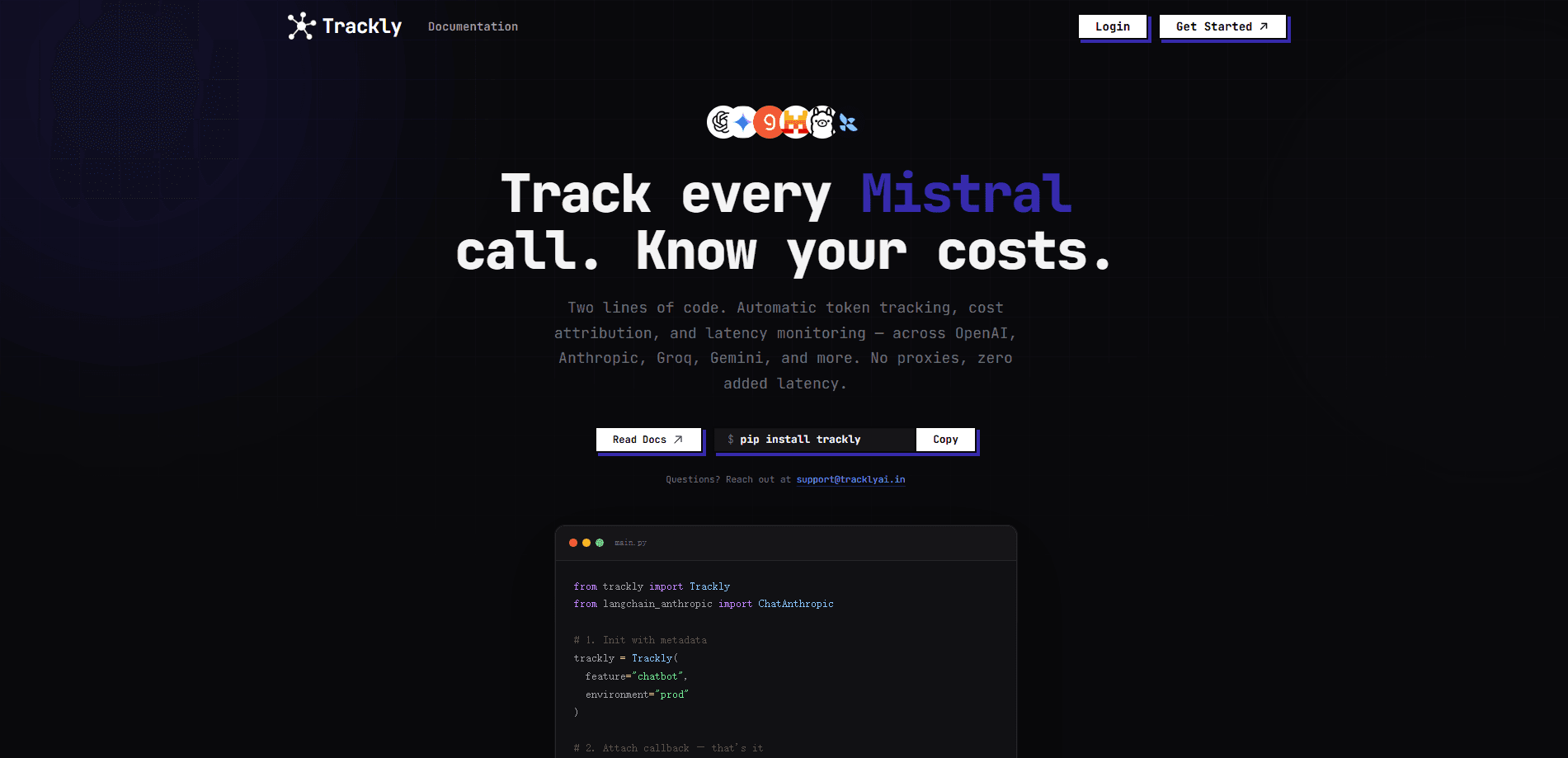
About Trackly
What Is Trackly
Trackly is the AI decision engine for improving production AI systems. Most teams start with logs, and logs tell you what happened. Trackly goes a step further and tells you what to do about it, surfacing auto insights, detecting critical paths, and suggesting model swaps that save real money.
The core problem it solves is visibility. When an app talks to four providers through a dozen chains, token costs and latency hide in places nobody checks until a bill or a timeout slaps you in the face. Trackly pulls all of that into one place where each run, step, and provider call is attributed and compared. For teams juggling several vendors, that's what LLM observability is supposed to feel like. Not another silent log file.
The biggest limitation is fit. This is a developer tool, so you install an SDK and instrument your code. It won't help non-technical users, and it rewards teams already running Python-based agents or LangChain workflows. From what I can tell, the value scales with how much AI traffic you actually push.
Getting Started
- Create an account on the Trackly site and grab your project credentials from the dashboard.
- Install the Trackly SDK in your Python app and point it at your providers, or use the exported provider constants instead of raw strings.
- Wrap your LLM calls or agent runs so Trackly can capture tokens, cost, and timing per step.
- Run your app, then open the dashboard to review auto insights, critical path, and run comparisons.
- Act on the suggestions, such as swapping a model for a cheaper one, and re-run to confirm the cost drop.
Product Information
A quick look at Trackly's pricing, supported platforms, and performance.
Best for
The users, tasks, and scenarios where this tool fits best.
Users
- Backend and ML engineers
- Founders watching burn
- Platform teams running multi-provider setups
Tasks
- Tracking token usage per feature
- Spotting cost spikes early
- Comparing model choices
- Tracing slow agent runs
Scenarios
- Right after a launch, when traffic grows and costs scale faster than expected.
- Debugging a production incident where latency balloons and you can't tell which chain caused it.
- Reviewing a week of agent runs to decide whether a cheaper model still meets quality bars.
Key features
Auto Insights
Trackly reads your runs and writes findings in plain English, things like a retry storm on one chain or a cost spike after a prompt change. You get the signal without building a single chart, which matters when nobody on the team has time to babysit a monitoring stack. No dashboards. No guesswork. Just the finding.
Critical Path Detection
Every agent run has a slowest and most expensive path through its steps. Trackly highlights that path automatically, so you stop guessing which tool call is dragging latency and start fixing the step that actually drives it.
Cost Intelligence
The platform suggests concrete model swaps with estimated savings, for example moving a workload to a smaller, cheaper model to cut spend by a wide margin. According to Trackly, the suggestions are grounded in your own runs, not generic advice, so they reflect your traffic instead of a benchmark.
Run Comparison
Compare two runs side by side on cost, latency, and step count. That's how you catch a regression after a refactor before it ships, and it's the fastest way to prove a change actually helped. Did the new prompt get cheaper? Now you can see it.
Multi-Provider Token Tracking
Trackly tracks usage across OpenAI, Anthropic, Groq, and Gemini in one place and exports helper constants so you're not hand-typing provider strings. If your app spreads work across vendors, this is what keeps the totals honest. One number. Every provider.
Pros and cons
Pros
- Turns raw LLM usage into plain-English decisions instead of another dashboard to read.
- Cost attribution works per step, so you can find the exact chain burning budget.
- Supports several major providers in one view, which suits multi-vendor apps.
- Run comparison makes it easy to prove whether a model or prompt change paid off.
Cons
- The SDK approach means real setup work, so it isn't a plug-and-play tool for non-developers.
- It focuses on Python and agent frameworks, so apps built on other stacks get less out of it.
- Pricing details aren't published up front, which makes budgeting harder before you sign up.
Frequently asked questions
It tracks every LLM call in your app and reports token usage, cost, and latency, then turns that data into suggestions. Think of it as an observability layer with an opinion, not just a logging sink.
Related content
Explore related tools, skills, and articles for Trackly.
Trackly Alternatives
Forefront
Forefront · CodingForefront is a web platform for building with open-source AI. It lets you fine-tune leading open-source language models on your own data, evaluate how they perform, and run them through an API or export them to host yourself. Developers who want the convenience of a closed-source platform but insist on owning their models and data are the target audience here.

Startkit
StartKit.AI · CodingStartkit is a boilerplate for building AI SaaS and AI wrapper products. Think of it as an AI startup boilerplate with the boring parts already wired up: authentication, Stripe and Lemon Squeezy payments, usage limits, transactional email, and an AI API starter that talks to OpenAI, Anthropic, Groq, or Llama. You clone the repo, set your price, and start on the part of your product that people actually pay for. It's Next.js under React and Tailwind, so most of the boilerplate code already feels familiar.
Testim
Tricentis · CodingTestim is an AI-powered test automation platform for building and running end-to-end tests across web, mobile, and Salesforce applications. It leans on machine learning to keep tests stable when an interface changes, so teams spend less time fixing broken selectors. Not bad for an automated testing tool you can start using today. You create tests by recording actions in a browser, then optionally add JavaScript when you need more control. It's a solid pick for busy QA teams.