

Travel Bug
11978853 CANADA INC. · Marketing · AI Assistant
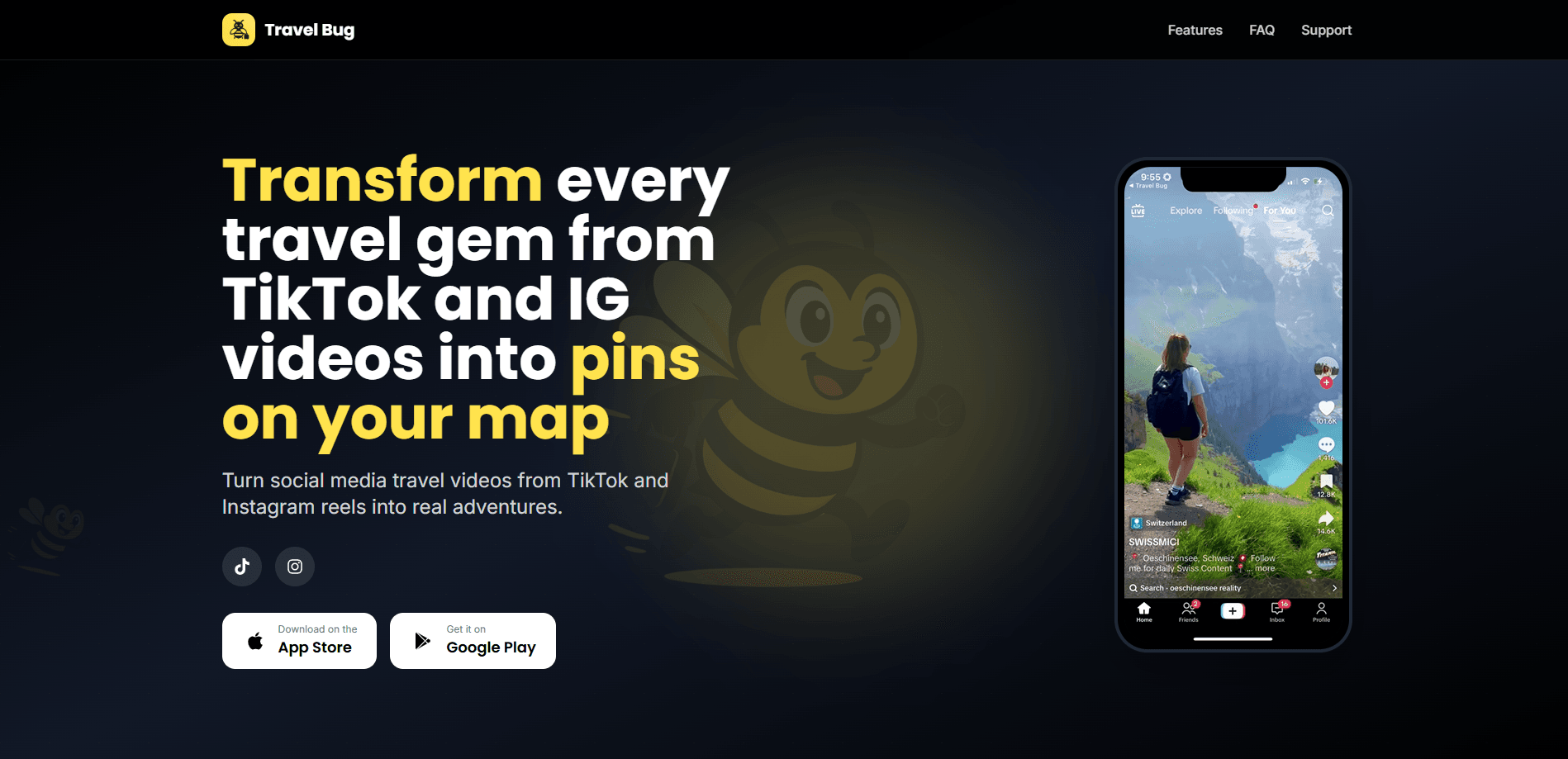
Travel Bug is an iOS app that turns TikTok and Instagram travel videos into saved map pins, pulled out of each clip with AI and organized into an itinerary.
About Travel Bug
What Is Travel Bug
Travel Bug is a travel planning app built for people who save travel reels and then never act on them. Instead of scrolling back through a feed, you share a video straight from TikTok or Instagram into the app, and its AI reads the clip to work out where it was filmed.
The app looks past the caption. It studies text in the description and comments, transcribes any spoken place names, and inspects frames from the video itself. From that it pulls coordinates, an address, photos, and background detail, then saves everything as a "Find" you can view on a map or in a list.
The catch is scope. Travel Bug runs only on iPhone and iPad right now, and the team says an Android version is still in the works. The free plan is small, capped at a handful of extractions before you need Premium, so heavy users will end up paying. Extraction quality also depends on how much location detail the original video gives it.
Getting Started
- Download Travel Bug from the App Store and sign up with a Google or Apple account.
- Share a travel video from TikTok or Instagram to the app using your phone's share sheet.
- Let the AI analyze the clip and pull out the location, coordinates, and photos.
- Review the new Find, which is filed under categories like landmarks, beaches, or restaurants.
- Open the map view to see every saved destination, or start building an itinerary.
Product Information
A quick look at Travel Bug's pricing, supported platforms, and performance.
Best for
The users, tasks, and scenarios where this tool fits best.
Users
- Frequent TikTok and Instagram users
- Casual trip planners
- Couples and friend groups
Tasks
- Extracting a location from a video
- Building an itinerary from saved reels
- Packing for a destination
Scenarios
- Saving a spot you saw weeks ago
- Planning a multi-stop trip
- Sharing ideas with a travel companion
Key features
Location extraction from video
The core of the app is reading a travel clip for place information. Travel Bug checks the caption, the comments, the audio, and individual frames, so it can surface a location that the creator only showed on screen and never wrote down. Each result comes with coordinates and an address you can send to Apple Maps or Google Maps.
Map and list views
Every saved discovery lands on an interactive map alongside a plain list. The map is where the app earns its name: instead of a folder of forgotten reels, you see your trips as a set of points you can group and route.
Per-spot packing and tips
For a given destination, the app suggests gear and notes based on the place and what you plan to do there. That turns a saved clip into a short prep list rather than just a bookmark.
Auto-categorization and search
Finds are sorted into categories such as landmarks, beaches, and restaurants, and get AI-generated tags. You can search the whole collection, which matters once a few dozen pins pile up.
Travel analytics
The app tracks total finds, countries explored, and monthly discoveries in a small dashboard. It is a light progress view rather than a planning tool, but it gives a reason to keep saving.
Pros and cons
Pros
- Solves a real problem: saved travel reels are easy to lose, and the app turns them into pins you can act on.
- Pulls locations from the video itself, not just the caption, so it catches spots that were never written down.
- Free to start, with four extractions before you need to pay.
- Keeps coordinates and addresses ready for a maps handoff, which removes a manual lookup step.
Cons
- iOS only for now, so Android users cannot use it at all.
- The free plan is limited to four extractions, which runs out fast for anyone who saves a lot.
- Premium costs $4.99 a month or $34.99 a year, so it isn't free once past the trial.
- Extraction quality drops when a clip gives little location detail, and the app itself warns users to double-check important details.
Frequently asked questions
It turns TikTok and Instagram travel videos into saved map pins. You share a video to the app, its AI extracts the location and details, and the result is stored as a Find you can view on a map or plan around.
Related content
Explore related tools, skills, and articles for Travel Bug.
Travel Bug Alternatives

Tractionwave
TractionWave · Image · MarketingTractionWave is an AI attention heatmap tool for static ads. Upload a PNG or JPG and it returns predicted attention, ranked hotspots, and fixes before you spend budget.

OpenSEO - AI Visibility
EveryApp · Coding · Marketing · BusinessOpenSEO is an open source SEO platform for keyword research, backlinks, rank tracking, site audits, and AI visibility, with usage-based pricing and MCP access for AI agents.

Plugins Radar
Plugins Radar · Marketing · BusinessPlugins Radar tracks where your ChatGPT plugin ranks in directory and in-chat search, which competitors outrank it and what changed, with hourly checks on 9,885 listings.