
Type.com
Type · Productivity · Business
Type.com is a shared AI workspace, and more specifically an AI collaboration tool, built for teams that want one place to run Claude and Codex together. It pulls work out of individual chat windows and into collaborative Spaces where teammates share conversations, docs, apps, and automations. The pitch is simple: stop re-explaining your company to every new AI session. Everything connects through a single integration gateway with per-user permissions, and the workspace keeps a self-learning memory that improves as your team works. Plans start at $50 per month for two members and scale from there.
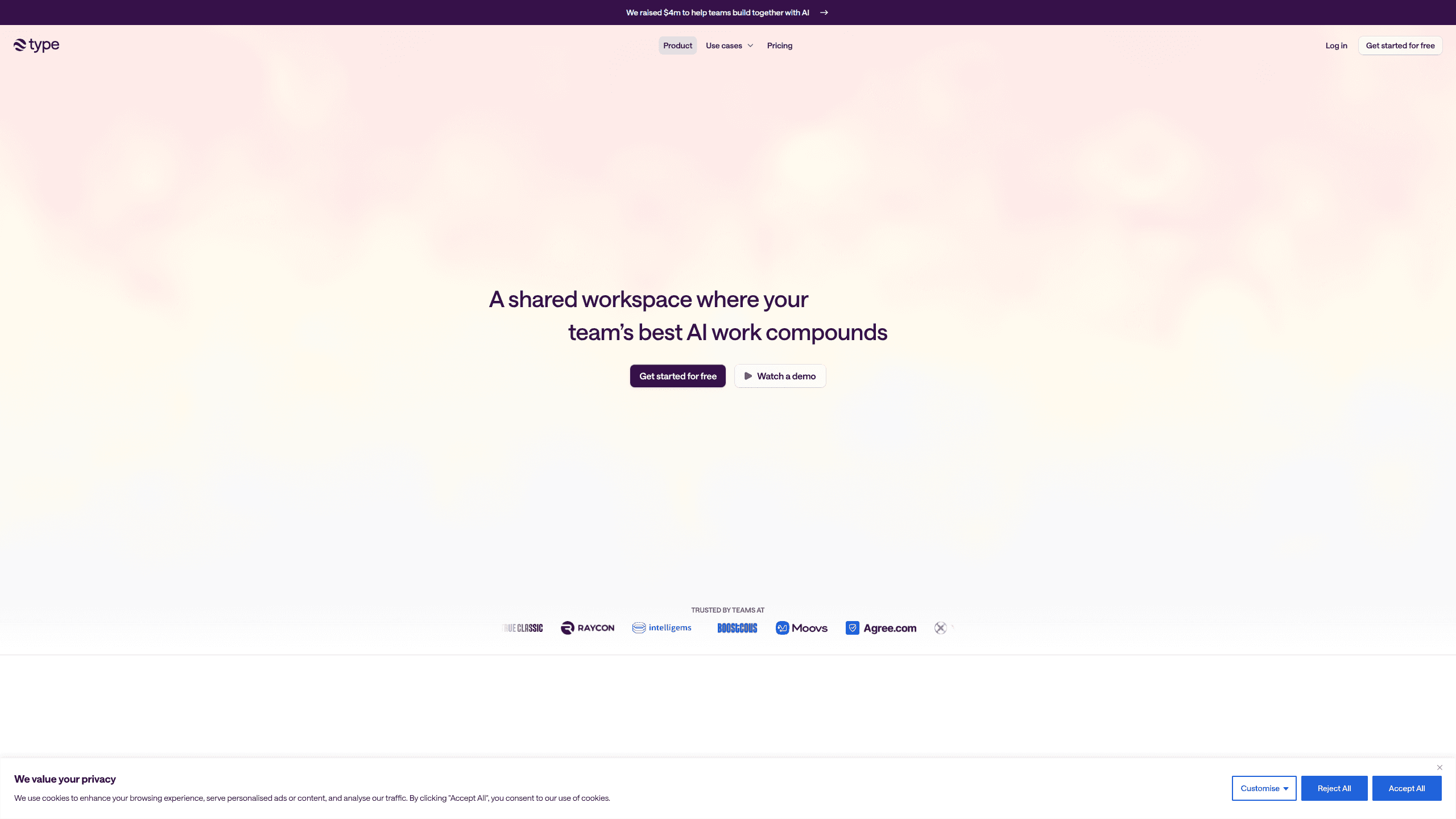
About Type.com
What Is Type.com
Type.com is a collaborative layer that sits on top of the AI tools your team already pays for. Instead of one person's Claude conversation disappearing into a private thread, Type lets you share that work into a central Space where everyone can see, reuse, and build on it. It targets operations and go-to-market teams, not just engineers. It works from Slack, email, or its own desktop and mobile apps.
The product's core idea is a shared company brain. It's an AI team workspace, not another personal chatbot. Context, memory, and skills live in the workspace and keep improving as more people use it. You can connect your own Claude or Codex subscriptions, or lean on Type's built-in AI access, and route requests accordingly. It also avoids locking you into one model vendor, which matters when the best model changes every few months and your team has to carry its context, habits, and integrations across the switch.
The main limitation is cost and structure. There's no free tier, so you're committing at least $50 per month before you've tested it with a real team. Credits are metered by underlying model cost, and heavy use can pause work once you hit your monthly allowance unless an admin enables auto-upgrade. Teams under two people won't get much from it.
Getting Started
- Create a workspace and pick a plan size based on how many people you'll invite.
- Connect your Claude or Codex subscriptions, or use Type's own AI access through the shared credits.
- Hook up the tools your team depends on, like Slack, email, and your CRM, through OAuth, MCP, or the API.
- Create a Space and set who can access it, down to individual connections and roles.
- Start a task by tagging Type in a channel or asking directly, then share the result back into the Space.
Product Information
A quick look at Type.com's pricing, supported platforms, and performance.
Best for
The users, tasks, and scenarios where this tool fits best.
Users
- Operations teams
- Go-to-market teams
- Small businesses running recurring AI workflows
Tasks
- Turning ad-hoc AI chats into reusable shared assets
- Building lightweight internal tools
- Onboarding new hires
Scenarios
- A marketing lead drafts a campaign, asks Type to check it against past releases, and shares the thread so a colleague can edit it.
- A support manager builds a small dashboard that pulls from connected tools and shares it with the whole team.
- A distributed team tags Type in Slack and gets the answer pushed to the desktop app later.
Key features
Multiplayer AI Work
Type starts from a plain idea. AI work should be shareable. You can lift a conversation out of an individual Claude or ChatGPT session and drop it into a central Space, where teammates read it, add to it, or fork it. That single move changes who can benefit from the work. Chats, docs, and apps all live in the same place, so a project doesn't fragment across five private windows.
Shared Company Brain
The workspace keeps context, memory, and skills that carry across sessions and people, so every new task starts grounded in what the team has already figured out instead of from a blank page. Every new task is grounded in what the team already knows, which reduces the ritual of pasting background into every prompt. The memory is described as self-improving, meaning it sharpens as more of your team's work flows through it.
Bring Your Own Model
Type supports the major models out of the box and lets you connect your own Claude or Codex subscriptions. Those eligible requests route through your subscriptions and skip the workspace's credits. If you'd rather not manage subscriptions, the included credits cover model requests directly.
One Integration Gateway
Connections run through OAuth, MCP, or plain API calls, all behind a single gateway. Set permissions once. You can scope access by user, by Space, and by role, so a contractor sees the tools they need and nothing else. The catalog spans more than 900 integrations.
Custom Dashboards, Apps, and Automations
It's not just chat. Teams build dashboards, small apps, and automations that reflect how their specific business works. Real tools, not prompts. Because those tools draw on the company's own context, answers about ads, images, landing pages, or analytics stay grounded instead of generic.
Works Where You Do
You can tag Type in any Slack channel, email thread, or meeting, and the activity syncs to dedicated desktop and mobile apps. Shared cloud computers run tasks around the clock, so work continues when your laptop is closed. No babysitting required.
Enterprise-Grade Security and Controls
Access is granular by design. Admins define who can enter a Space and which API connections are private to a person versus open to the whole organization. Usage controls and credit warnings give admins a handle on spend before it runs away.
Pros and cons
Pros
- Shared Spaces turn one person's AI progress into a resource the whole team can reuse. The effect compounds over weeks. That's the point.
- Connecting your own Claude or Codex subscription keeps eligible requests off your Type credits.
- Granular permissions by user, Space, and role fit organizations with contractors and mixed access needs.
- Over 900 integrations through a single gateway reduce the usual tool sprawl.
- Works from Slack, email, desktop, and mobile instead of forcing one interface.
Cons
- No free plan, so testing with a real team starts at $50 per month. That's a real gate.
- Credits are capped by model cost; at 100% usage, work pauses until you upgrade or the new billing period starts.
- Team member slots are fixed per plan, so growing means jumping to the next tier or contacting sales.
- Small teams and solo users get little value from the collaboration features. Skip it.
Frequently asked questions
It's a shared workspace where a team runs Claude and Codex work together instead of in isolated chats. You share conversations, docs, and apps into Spaces, and the workspace keeps a shared memory so context carries across sessions.
Related content
Explore related tools, skills, and articles for Type.com.
Type.com Alternatives

Swms
Swms AI · Writing · Productivity · BusinessSwms is an AI safety compliance tool that turns a plain description of a job into ready-to-use safety documents. Describe your project, trade, and known hazards, and it writes a safe work method statement, job hazard analysis, safe work procedure, RAMS, or safety data sheet in seconds. It also ships with Oscar, a chat assistant that answers workplace safety questions in any language. Teams in construction, mining, transport, and warehousing use it to cut the paperwork that usually eats into a workday.

Wordly AI Translation
Wordly · Voice & Language · ProductivityWordly AI Translation is a real-time AI translation and captioning platform built for meetings, conferences, and events. It delivers live translation, captions, transcripts, and summaries in more than 60 languages, and attendees join by scanning a QR code or opening a link instead of using dedicated headsets. The platform works with Zoom, Microsoft Teams, Google Meet, and Webex, and it's designed for organizations that want multilingual access without hiring human interpreters for every session. Simple as that.

Rows
Rows (Superhuman) · Productivity · BusinessRows is an AI spreadsheet and data analysis tool that imports live data from more than 50 sources, then lets you work with it using plain language instead of SQL queries or nested formulas. You can pull numbers out of PDFs, connect ad platforms, databases, and bank accounts, and ask the AI to build reports, merge datasets, or set up models that recalculate themselves. It runs in the browser, works like a spreadsheet, and now sits under the Superhuman umbrella.