

Typeframes
Revid AI (formerly Typeframes) · Video
Typeframes is an AI video tool that turns product pages and text prompts into demo and launch videos. It now runs as Revid AI, which adds an editor, social publishing and credit-based plans.
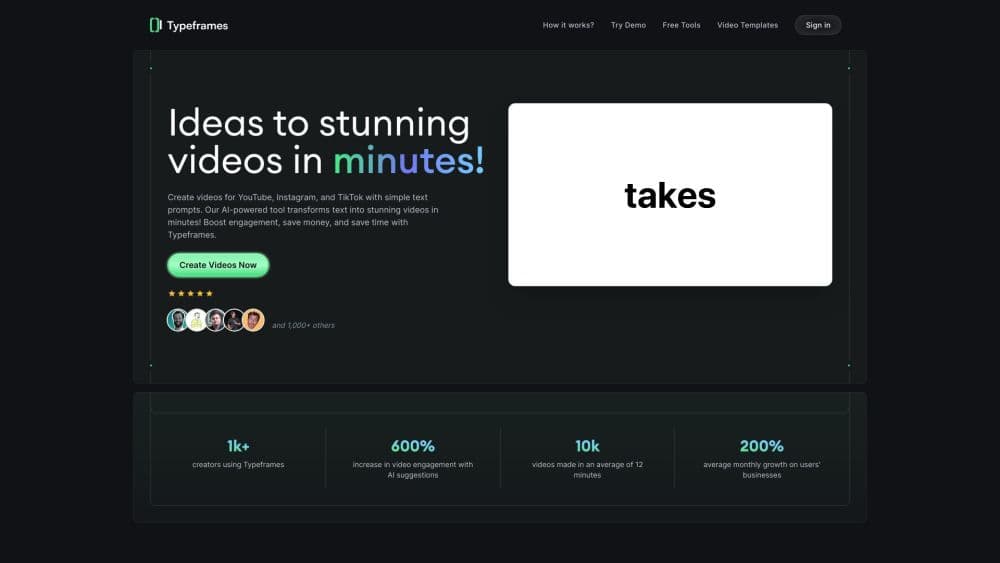
About Typeframes
What Is Typeframes
Typeframes started as a way to make a product demo video without a designer. You paste a link to your product or type a short brief, and the tool writes a script, picks visuals, adds a voiceover and renders a finished clip. The appeal was speed: a SaaS founder could publish a launch video the same afternoon instead of booking an agency.
The product has since moved. Typeframes.com now loads Revid AI, the same team's wider video platform. Revid keeps the text to video core and wraps it in more of everything: a research feed that studies formats already getting views, a rebuilt editor, publishing to TikTok, YouTube and Instagram, and agent access through an API, an MCP server and a CLI. Existing work and the general workflow carry over, but the surface you get today is Revid.
Two limits matter before you sign up. Output quality tracks your input. A vague prompt gives you a generic clip with stock motion and a flat voice, so the tool rewards people who write a tight script or feed it a real product page. Also, Revid bills in credits. Long videos and premium models burn through them faster than short social clips, so heavy users need to watch the balance rather than the calendar month.
Getting Started
- Open revid.ai and create an account. The free tier runs without a card, which is enough to test one or two renders.
- Pick a starting point. Paste a product URL, drop in a prompt, or upload a script, a blog post, audio or a PDF.
- Review the generated script and voice. Swap the voice, trim scenes, and change the visual style until the draft reads like your product.
- Edit in the timeline. Fix captions, reorder scenes and adjust pacing before you export.
- Publish or download. Send the file straight to a connected channel or export it for a manual upload.
Product Information
A quick look at Typeframes's pricing, supported platforms, and performance.
Best for
The users, tasks, and scenarios where this tool fits best.
Users
- Solo SaaS founders
- Indie makers shipping often
- Short-form creators repurposing written work
Tasks
- Product launch clips
- Feature walkthroughs
- Turning articles into video
Scenarios
- A launch week with no production budget
- A content calendar that needs volume
- Testing a message before a paid campaign
Key features
Prompt and URL to First Cut
The fastest path is to hand over a product page or a sentence and let the tool build the first version. It reads the page, picks the core benefit, writes a script and matches scenes to the lines. What you get is a rough cut with real structure, not a slideshow of stock clips. From there you edit rather than start from a blank timeline.
Script, Voice and Captions in One Pass
Script writing, text to speech and subtitles happen in the same run. Voices cover dozens of languages, and the caption timing follows the audio automatically. That combination removes the usual three-tool shuffle of a writer, a voice artist and a subtitle app. It also means a mistake in the script carries into the voice and the captions, so fix the text first.
Format Research Before You Write
Revid includes a feed of videos already pulling views in a niche, with a breakdown of why the structure works. You can follow channels and turn a found format into your own version. For an AI product video generator, this is the part that addresses the real problem. Generation is easy now. Knowing what to make is the hard bit.
Timeline Editor for AI Mistakes
Every project lands in an editor with scenes, captions and audio on separate tracks. You can cut a scene, rewrite a line, swap a voice or replace a clip without regenerating the whole video. This matters because no model gets a two-minute script right on the first try. The editor is where a decent draft becomes something you'd actually post.
Publishing to Social Channels
Finished videos can go out to TikTok, YouTube and Instagram from the same account. Scheduling and performance stats sit next to the projects, so you can see which cut held attention. Publishing from the tool saves the download and re-upload step, which is where most small teams lose an afternoon.
API, MCP and CLI Access
Revid exposes its rendering through an API, an MCP server and a command line tool. Teams can trigger a video from a CMS, a release pipeline or an agent without opening the web app. Model calls are passed through at cost according to the company, which matters if you render at volume. This is the feature that separates it from consumer video apps.
Pros and cons
Pros
- The first draft arrives fast. A usable product demo video is often ready in one session rather than one week.
- Script, voice, captions and editing live in one place, so there's no export and import between tools.
- The format research feed gives you a reason to make one video instead of ten, which saves credits and time.
- Publishing and stats are built in, so you can judge a clip by retention instead of guesswork.
- API, MCP and CLI access make automated or agent-driven rendering possible for teams.
Cons
- Credits are the real budget. A few long renders with premium models can eat a mid-tier plan before the month ends.
- Generic prompts produce generic videos. The tool amplifies a good script and exposes a lazy one, so the writing work doesn't disappear.
- Brand control takes setup. Fonts, colors and lower-third styles need configuring once, and every new project can drift from them.
- The Typeframes name now points at a broader platform, so old tutorials and screenshots no longer match what you see after login.
Frequently asked questions
Typeframes turns text, a product link, a document or audio into an edited video with a script, voiceover and captions. The original focus was product demo and launch videos for software teams. Today the same account runs on Revid AI, which adds research, publishing and agent access on top of that core.
Related content
Explore related tools, skills, and articles for Typeframes.
Typeframes Alternatives
Griffin by Tavus
Tavus · Voice & Language · Video · ChatbotGriffin by Tavus is the first Human Interaction Model: a full-duplex, video-to-video system that watches, listens, and answers during a live video call in real time.

Syllaby AI Avatar 2.0
Syllaby · Video · MarketingSyllaby AI Avatar 2.0 turns a script into a presenter-led video with a reusable AI avatar, natural voice, B-roll and automatic subtitles, all in one browser workflow.

Vitra.ai
Vitra.ai · Voice & Language · Video · MarketingVitra.ai is an agentic content platform that creates, translates, reviews, and publishes video, images, documents, and app content in 120 languages from one shared brief.