
TypMo
TypMo (Adit Gupta) · Productivity
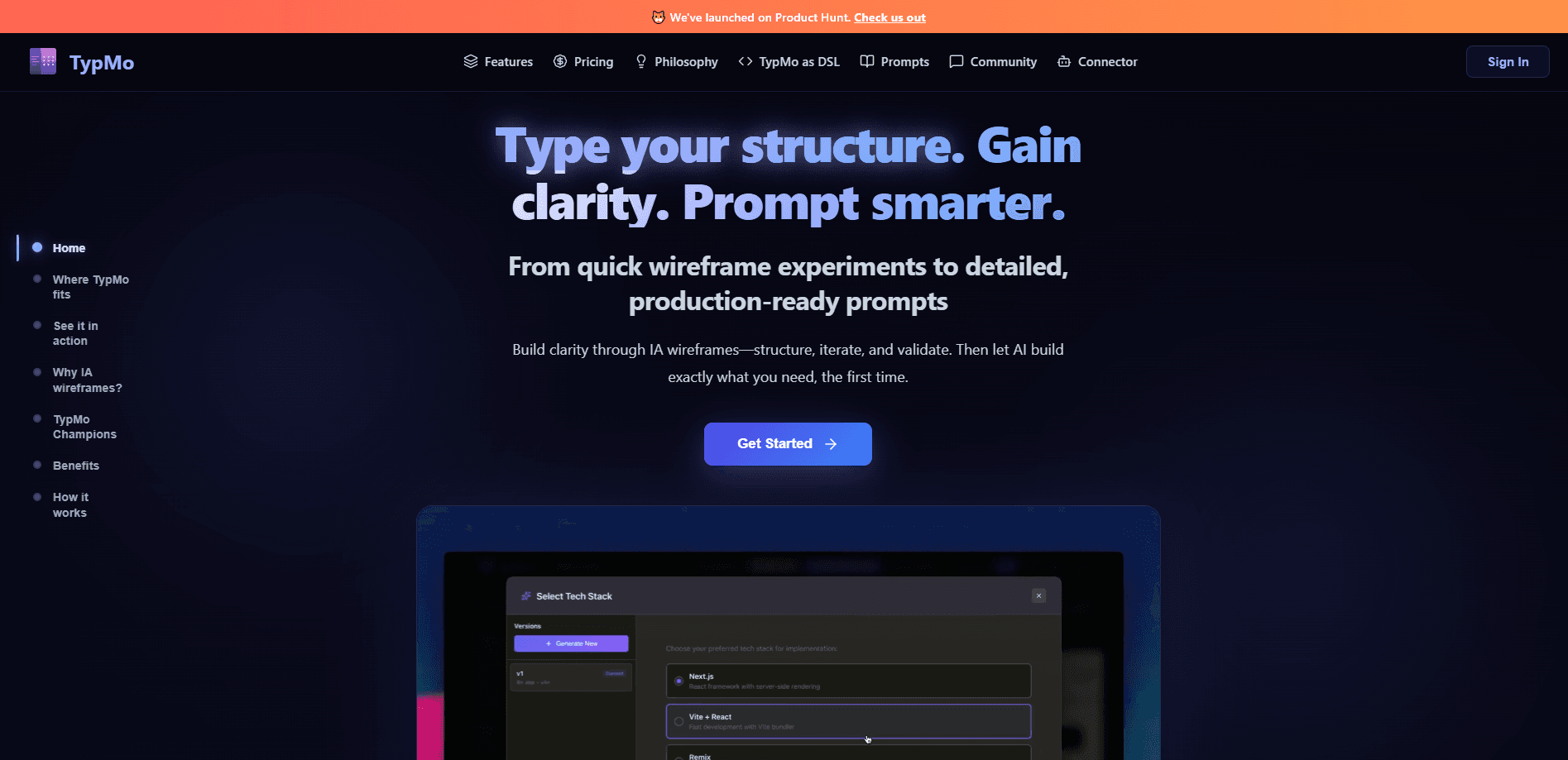
TypMo is a product compiler that helps product teams turn rough app ideas into structured specifications before any AI coding tool starts writing code. Its whole premise is to build systems, not screens. Instead of designing screens first, it captures the roles, entity states, business rules, and agent logic behind a system, then compiles that into specs an AI coding agent can read. The result is a shared source of truth that Claude Code, Cursor, and other agents query through MCP, so they build the product you actually described.
About TypMo
What Is TypMo
TypMo sits between a product idea and the AI coding tool that builds it. Most teams today jump straight from a paragraph of requirements to prompting an agent, and that gap is where AI keeps building the wrong features. TypMo closes it by structuring intent first. That's the whole point of spec-driven development. It sounds obvious. Plenty of teams skip it anyway.
The tool is powered by two purpose-built languages. PTL (Product Thinking Language) is for structuring how you think about the product, and ISL (Interface Structure Language) compiles that thinking into an interface structure. Founder Adit Gupta, who spent 15 years in product design at companies like PayPal and ServiceNow, built it around one idea: clarity is what makes AI output good, not better prompts.
The main limit is scope. TypMo is aimed at complex systems, such as CRMs, claims platforms, HR tools, and compliance workflows, where a wrong build is expensive. Simple pages don't need it. If you're shipping a simple marketing page, the structure overhead won't pay off.
Getting Started
- Start a project in the web app and describe what you're building, or drop in reference material your team already shares.
- Let Think Mode generate structural notes covering roles, entity states, business rules, and journeys from that single description.
- Refine those notes until the model matches your intent, since changes here are cheap.
- Run Build Mode to compile the notes into role-based designs, prototypes, and implementation prompts.
- Connect Claude Code, Cursor, or another agent through the TypMo MCP server so it can query the full spec on demand.
Product Information
A quick look at TypMo's pricing, supported platforms, and performance.
Best for
The users, tasks, and scenarios where this tool fits best.
Users
- Product managers
- Solo founders and technical leads
- Engineering teams using AI coding agents
Tasks
- Writing a product spec before development
- Turning an idea into wireframes
- Auditing whether the build matches the plan
- Feeding context to a coding agent
Scenarios
- Early planning for a multi-role app
- Reviews with a client or stakeholder
- Handing a project to a new engineer
Key features
Product Thinking Language and ISL
TypMo runs on two languages built for this job. PTL structures product thinking, and ISL compiles it into interface structure. That combination is what separates TypMo from a plain note-taking tool. The output is a spec the system understands, not a document a human has to interpret later.
Think Mode
Describe what you're building, and Think Mode generates 20-plus structural notes in one pass. These cover roles, entity states, business rules, and agent blueprints. The point is to get the skeleton of a complex system onto the page fast. You spend your time correcting structure rather than inventing it.
Build Mode and prompt generation
Build Mode takes the notes you've validated and compiles them into hi-fi role-based designs, implementation prompts, prototypes, and handoff decks. Because the structure is settled first, the prompts it exports carry the context, hierarchy, and specifications that AI design and coding tools need. Good prompts follow from a clear plan.
Track Mode and System Traces
Track Mode scans your codebase against the spec and flags missing states, roles, and business rules before users run into them. System Traces follow any trigger through every actor, state change, rule, and handoff, so you can see where a flow breaks. This is where the tool earns its keep. Most planning tools stop at the doc. TypMo checks the build.
MCP Server for coding agents
The TypMo MCP server connects Claude Code and Cursor to your compiled spec. Your agent queries the full spec on demand instead of working from a prompt you typed an hour ago. For teams already using agentic coding, this is the feature that ties the whole workflow together. Stale context is the quiet killer here.
Product Map and Agent Blueprints
The Product Map is an AI-generated overview of your entire system, covering what it does, who it serves, and a risk matrix. Agent Blueprints let you spec AI agents with triggers, decision logic, confidence thresholds, guardrails, and handoff payloads, and Agent Readiness shows how much of your spec is already compiled into an executable pipeline.
Integrations
TypMo imports from GitHub, Jira, Linear, Notion, and Zoom, and exports to Slack, Jira, Linear, Notion, and Google Docs. That means the spec fits into the tools a team already uses, rather than forcing everyone into another silo.
Pros and cons
Pros
- Targets the real failure point in AI-assisted development, which is unclear intent rather than weak models.
- The MCP server keeps a coding agent's context current, so it works from the spec instead of a stale prompt.
- Track Mode and System Traces catch spec drift after the first build, which most planning tools ignore.
- Two-purpose languages (PTL and ISL) mean the output is structured and queryable, not just readable.
- Free tier with unlimited projects on paid plans lowers the cost of trying it on a real system.
Cons
- It's built for complex apps, so simple projects get little value from the full workflow.
- The learning curve is real, since you're adopting a new way of structuring product thinking, not just a new UI.
- It's a young product from a solo founder, so the feature set and roadmap move with one person's pace.
- Category data isn't published on the library listing, so buyers comparing tools have less to go on upfront.
Frequently asked questions
TypMo captures the roles, states, business rules, and agent logic of an app, compiles them into structured specs, and serves those specs to an AI coding agent through MCP. It's a product compiler, not a design tool or a note app.
Related content
Explore related tools, skills, and articles for TypMo.
TypMo Alternatives

Swms
Swms AI · Writing · Productivity · BusinessSwms is an AI safety compliance tool that turns a plain description of a job into ready-to-use safety documents. Describe your project, trade, and known hazards, and it writes a safe work method statement, job hazard analysis, safe work procedure, RAMS, or safety data sheet in seconds. It also ships with Oscar, a chat assistant that answers workplace safety questions in any language. Teams in construction, mining, transport, and warehousing use it to cut the paperwork that usually eats into a workday.

Wordly AI Translation
Wordly · Voice & Language · ProductivityWordly AI Translation is a real-time AI translation and captioning platform built for meetings, conferences, and events. It delivers live translation, captions, transcripts, and summaries in more than 60 languages, and attendees join by scanning a QR code or opening a link instead of using dedicated headsets. The platform works with Zoom, Microsoft Teams, Google Meet, and Webex, and it's designed for organizations that want multilingual access without hiring human interpreters for every session. Simple as that.

Rows
Rows (Superhuman) · Productivity · BusinessRows is an AI spreadsheet and data analysis tool that imports live data from more than 50 sources, then lets you work with it using plain language instead of SQL queries or nested formulas. You can pull numbers out of PDFs, connect ad platforms, databases, and bank accounts, and ask the AI to build reports, merge datasets, or set up models that recalculate themselves. It runs in the browser, works like a spreadsheet, and now sits under the Superhuman umbrella.