

Uncensored AI
Uncensored AI · Chatbot
Uncensored AI is an unfiltered AI chat platform with 50+ models for text, images, voice and code, built for people who want fewer refusals and private sessions.
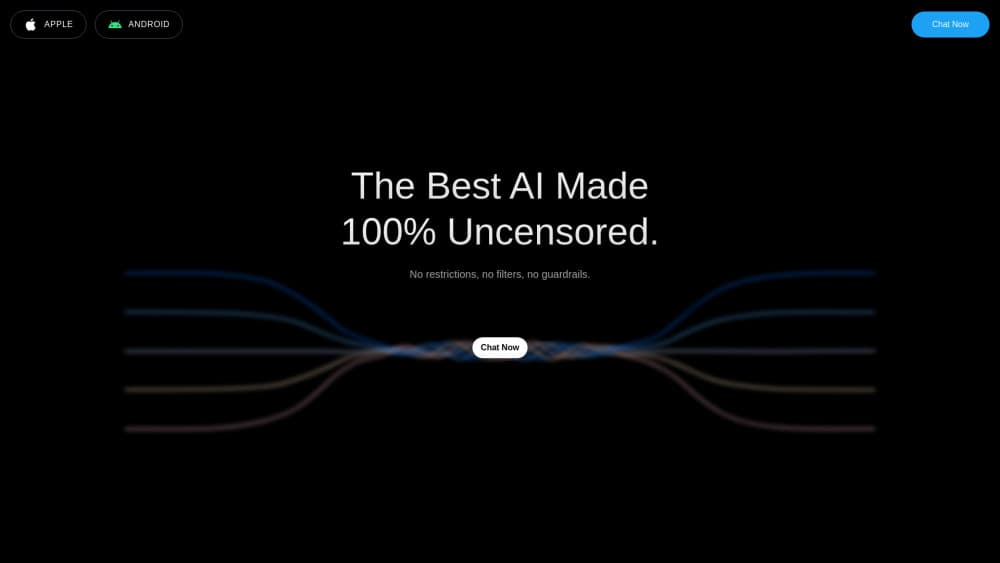
About Uncensored AI
What Is Uncensored AI
Uncensored AI is a web and app platform that gives you access to a large library of chat models with fewer of the refusals you hit on mainstream assistants. The pitch is simple: ask what you want, get a direct answer, and keep sensitive details private through automatic redaction. It started as an experiment in December 2022 and now serves more than 10 million users, according to the company.
The platform goes beyond plain text. You can generate and edit images from prompts, talk to models with voice, pull live answers through web search, and run code-oriented tasks that fetch and update data. A single subscription covers the whole set. No juggling five tools and five bills.
The limits are real. Uncensored AI still bans illegal material and specific misuses like non-consensual likeness generation under its Acceptable Use Policy, and accounts that break those rules get revoked. Purchases are also non-refundable by default, so it's worth testing the free tier before you commit. Free users face lower usage ceilings, and the heaviest features can get throttled to keep the platform stable.
Getting Started
- Open uncensored.com and create a free account, or install the app on iOS or Android.
- Pick a model from the list, or stay on the default the platform recommends.
- Send your first prompt in Chat, or switch to Generate for images, Voice for speech, or Code Mode for data tasks.
- Review your usage in settings, then upgrade to a paid plan or buy credits if you need higher limits.
- For developers, grab an API key from the dashboard and test a call before scaling up.
Product Information
A quick look at Uncensored AI's pricing, supported platforms, and performance.
Best for
The users, tasks, and scenarios where this tool fits best.
Users
- Writers and roleplayers who want fiction or character dialogue without a model shutting the scene down, as long as the content stays within the AUP
- Privacy-conscious users handling sensitive notes or research, since auto-redaction keeps more of a session out of the model's memory
- Developers who want one API key to compare many models instead of signing up for each provider separately
Tasks
- Unfiltered brainstorming and creative writing
- Image generation and editing
- Quick model comparisons
Scenarios
- Late-night writing sessions where you want a fast, blunt response rather than a lecture
- Researching a sensitive topic you'd rather not paste into a mainstream assistant tied to your real identity
- Prototyping an AI feature for an app and needing a cheap way to test several models before picking one
Key features
A Large Model Library in One Place
Uncensored AI doesn't build its own flagship model. It routes your requests to a rotating library of third-party models, including well-known names and uncensored or roleplay-tuned variants. That means you can compare how different models answer the same prompt without opening five tabs. The company says it adds and swaps models regularly, so the exact lineup shifts over time.
Unfiltered Chat With Auto-Redaction
The core draw is chat that refuses less. Ask something a mainstream assistant deflects, and the platform often answers directly. That's what makes the AI roleplay chat angle work for writers and character work. Auto-redaction adds a privacy layer by stripping sensitive details from what the model retains. Keep in mind this is a product claim from the vendor, not an audit result you can verify from outside.
Image Generation and Editing
Generate mode turns prompts into images and lets you refine them with references and edits. As an uncensored image generator, it avoids the prompt blocks you hit on some rivals. Community feedback on the site leans on image output, with users calling out cleaner results on specific models. Quality varies by model, so it pays to test a couple before settling on one.
Voice and Vision
Models here can speak and process images, not just text. Voice makes hands-free back-and-forth practical, and vision models let you upload an image and ask about it. So which one matters more? For most people, voice. This puts the platform closer to a full multimodal assistant than a plain chat box.
Code Mode and Live Data
Code Mode targets tasks that need current information rather than a frozen training snapshot. It fetches and updates live data, which helps with research, monitoring, and building small tools that depend on fresh inputs. It's not a full IDE. Treat it as a scripting aid, not a replacement for your dev setup.
Uncensored API for Developers
A single API key gets you into the same model roster the chat app uses. The appeal for developers is cost and convenience: compare models through one endpoint instead of five accounts. The site markets it as one-click access from the model browser, which shortens the gap between testing and shipping.
Pros and cons
Pros
- One subscription covers chat, image, voice, code and API access, so you avoid stacking separate tools
- A free tier lets you test the unfiltered behavior before paying anything
- Model variety makes it easy to find the tone and style you want instead of being locked to one model
- Auto-redaction gives privacy-minded users an extra layer over a standard chatbot
- 10 million-plus users suggests the platform is stable enough for daily use
Cons
- Purchases are non-refundable by default, so an annual plan is a real commitment you can't easily undo
- Free and lower tiers carry usage caps, and heavy features can throttle, which gets annoying during long sessions
- You depend on the platform's model roster and pricing, both of which can change without warning
- Reliability of any single third-party model is out of the vendor's hands, so quality can dip between updates
Frequently asked questions
It's a chat platform that routes your prompts to a large library of uncensored and standard AI models. Beyond text you get image generation, voice chat, vision, code-oriented tasks with live data, and API access for developers.
Related content
Explore related tools, skills, and articles for Uncensored AI.
Uncensored AI Alternatives

Knocket
Knocket (Tencent RTC team) · Productivity · Business · ChatbotKnocket is a free live chat and contact page tool that lets visitors message you from your website, app, or a shareable link, with every reply handled from Telegram or one inbox.
Agibot
Agibot · Productivity · AI Assistant · ChatbotAgibot is a personal AI agent for Mac that keeps running after you close the window, runs routines on a schedule, and works from Telegram or Slack with your own API keys.

Melete
Melete · Productivity · AI Assistant · ChatbotMelete is an AI workspace for teams where agents research, draft, and act in Slack, Notion, Linear, and GitHub. Shared memory and approval gates keep people in control.