
Undress AI V2
try9.ai · Image
Undress AI V2 is a browser-based AI image generator from try9.ai that turns a short written prompt into a finished picture. You type what you want to see, the model builds it, and you download the result without installing anything. As a text to image generator, it sits in the same crowded lane as the other tools doing this, so its appeal comes down to how fast you can go from idea to image.
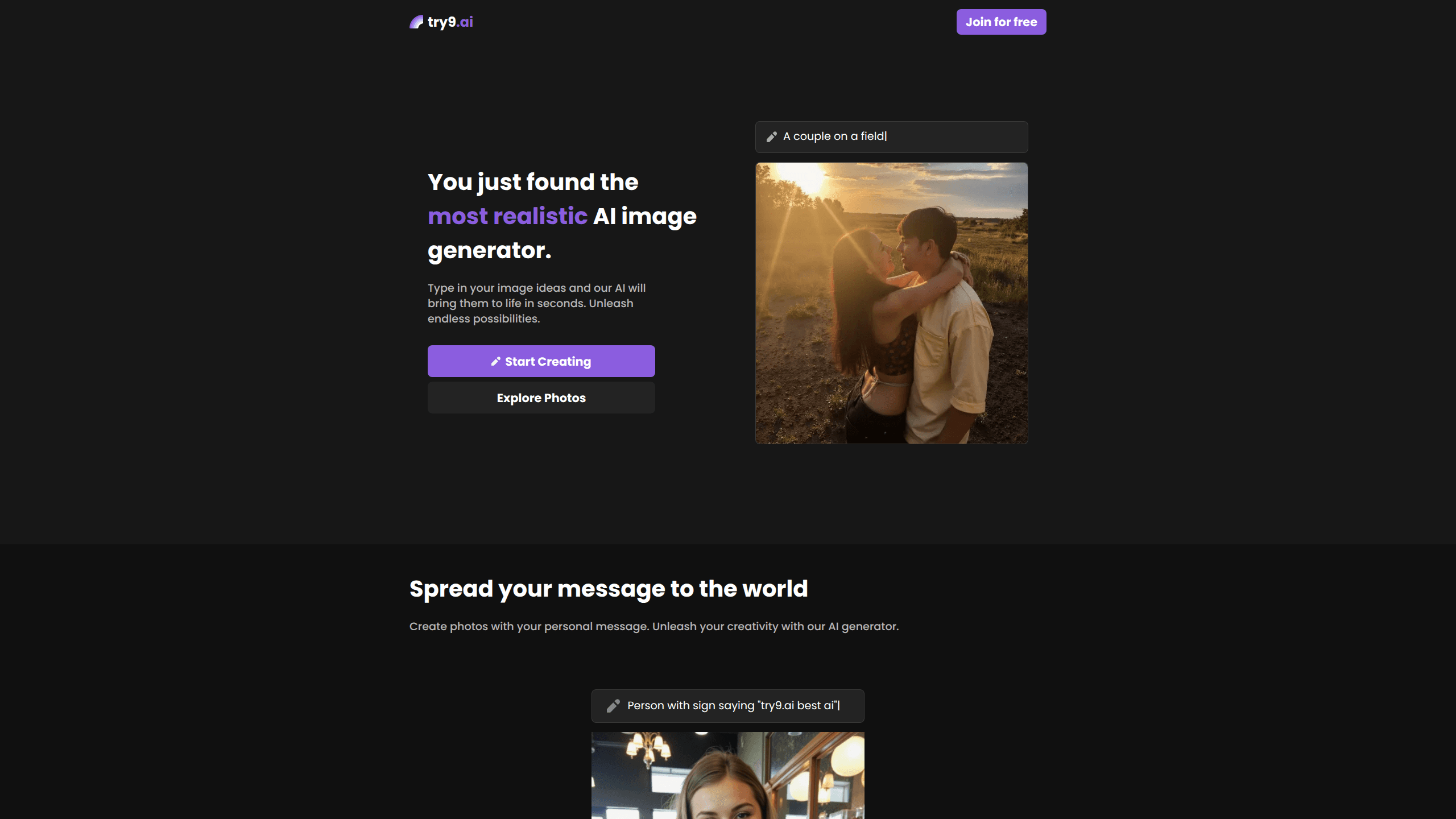
About Undress AI V2
What Is Undress AI V2
Undress AI V2 is a web app, not an installed program. You open try9.ai in a browser, describe an image, and the service returns a rendered result in seconds. The pitch on the site is blunt: images that look more like real photographs than generated ones. That claim is the vendor's, and it's the kind of thing you should judge with your own test prompts.
The tool targets casual creators who want visuals for posts, mood boards, or quick mockups without learning a design suite. There's no editing timeline, no layer stack, no export settings to puzzle over. You write, you wait, you keep or discard.
The biggest limitation is transparency. Pricing, plan limits, and the exact model behind the generator aren't spelled out on the landing page, so you go in without a clear picture of what a free run costs you or how many images you get. If you need guaranteed commercial rights or a published data policy before you commit, that gap matters.
Getting Started
- Open try9.ai in any modern browser. No download or install is required.
- Type a description of the image you want into the prompt box. Keep it specific about subject, setting, and mood.
- Pick any available style or aspect options the interface offers, if your prompt needs them.
- Start the generation and wait a few seconds for the result to render.
- Review the output, generate again with an adjusted prompt if it misses, then download the image you want to keep.
Product Information
A quick look at Undress AI V2's pricing, supported platforms, and performance.
Best for
The users, tasks, and scenarios where this tool fits best.
Users
- Casual creators who want quick visuals for social posts without a full design tool
- Hobbyists testing prompt ideas before committing to a paid generator
- Anyone on a browser-only setup who can't or won't install desktop software
Tasks
- Turning a short written scene into a single finished image
- Building rough concept art to hand off or iterate on
- Producing quick test images to compare prompt phrasing and styles
Scenarios
- Drafting a thumbnail or cover idea in a few minutes
- Exploring a visual style before starting a larger project
- Making placeholder art when a real photo isn't available yet
Key features
Prompt to Image Generation
The core loop is simple: you write a description, the model renders it. There's no prompt syntax to memorize beyond plain language, which keeps the barrier low for people who've never touched a diffusion tool before. Specific prompts about light, framing, and mood tend to land closer to what you pictured.
Realistic Output Focus
try9.ai leans hard on realism, pitching itself as a realistic image generator rather than a stylized art tool. The site claims results that read as more genuine than a typical generated image. Does it hold up? That's the only test that matters. Realism is the hardest thing for any image model to fake well, so try this feature first with your own prompt instead of taking the claim at face value.
Browser-Only Access
Everything runs in the browser. That matters if you're on a locked-down machine, a Chromebook, or a phone, where installing software isn't an option. You get the same tool from any device with a connection, and there's nothing to update or configure.
No-Learning-Curve Interface
There's no timeline, no layers, and no tool panel to learn. The interface is built around one action: describe and generate. For someone who just wants an image and not a workflow, that focus is the point.
Pros and cons
Pros
- Runs entirely in a browser, so there's nothing to install or maintain
- Plain-language prompts mean no steep learning curve for beginners
- Fast round trip from idea to image suits quick drafts and testing
- Realism-focused output is a genuine differentiator if it holds up on your prompts
Cons
- Pricing and plan limits aren't clearly published on the landing page, so budgeting is guesswork
- No editing tools means fixing a near-miss image requires a whole new generation
- No confirmed API, so you can't wire it into an automated workflow
Frequently asked questions
It's an AI image generator for turning short text prompts into finished pictures. People use it for quick concept art, social visuals, and testing ideas before committing to a heavier design tool.
Related content
Explore related tools, skills, and articles for Undress AI V2.
Undress AI V2 Alternatives

X Ray Interpreter
X-ray Interpreter · ImageX Ray Interpreter is a web-based AI radiology tool that turns X-rays, CT scans, MRI, ultrasound, and PET images into plain-language reports. You upload a scan, get a preliminary X-ray interpretation in moments, then ask follow-up questions if something needs explaining. It works as a second opinion and a learning aid, not as a medical diagnosis.

Aieasypic
AIEasyPic · ImageAIEasyPic is an AI image generator that turns plain text prompts into finished artwork in seconds. You can also train custom models on your own photos, swap faces in existing images, and create short video clips from text, all from a browser. It suits casual creators who want quick visuals and hobbyists who want to build a personal model without touching any code.

Chargen
Chargen · ImageChargen is an AI character generator and worldbuilding toolkit built for Dungeons & Dragons and other tabletop RPGs. It turns a one-line idea into a painted character portrait, spins up NPCs, monsters, maps and encounters from the same session, and keeps every creature's details close at hand. The tabletop RPG art side runs on a credit system called Gold, while the text generators stay free for everyone.