

Unsloth
Unsloth AI · Coding
Unsloth is an open-source platform for running and training AI models on your own machine, whether you use the desktop app, the Studio web UI, or plain Python. As an LLM fine-tuning tool, it became popular for making LoRA and QLoRA training far faster while using much less GPU memory. It also works as a local AI model trainer, so you can run LLMs locally for inference, RAG, and agent workflows. You don't pay for the software itself. You bring the hardware, and the code stays free under the Apache 2.0 license.
About Unsloth
What Is Unsloth
Unsloth is a free tool for training and running large language models (LLMs) and diffusion models on your own hardware. It started as an open-source LLM training library that rewrote the slow parts of LoRA work, and it has grown into a full local platform. That includes a desktop app for Windows, macOS, and Linux, plus a Studio interface for browsing models, chatting, and managing training runs.
The main problem it solves is resource hunger. Fine-tuning used to demand an expensive GPU and a lot of setup. Now it doesn't. With Unsloth, you can fine-tune models with a few billion parameters on a single consumer card. The official notebooks let you try it for free on Google Colab or Kaggle. The company says its kernels make training up to 2x faster and cut memory use by a large margin, so a model that needed a data-center card may now fit on a gaming PC.
The catch is technical. Unsloth lives in Python and the command line, and the notebook workflow expects you to know what a dataset and a training run are. There's no hand-holding for total beginners, and running large models still needs a real GPU with enough VRAM. What if you're on a phone? Then this isn't the tool you're looking for.
Getting Started
- Check your hardware. Unsloth works on Windows, Linux, WSL, and macOS, and supports NVIDIA, AMD, and Intel GPUs as well as CPUs and the Vulkan backend. The official docs list minimum VRAM for each model size.
- Pick an install path. Download the desktop app from the site or GitHub Releases, run the install script, or use the Docker image. For code work, install the Python package with pip.
- Open the free notebooks if you want to skip setup. The Colab and Kaggle notebooks come with GPU compute, and you add your own dataset.
- Load a model and a dataset. Choose something like a small instruct model to start, then point the notebook at your data.
- Train, save, and export. Run the training cell, then merge or export your weights and serve the model locally.
Product Information
A quick look at Unsloth's pricing, supported platforms, and performance.
Best for
The users, tasks, and scenarios where this tool fits best.
Users
- Individual developers and hobbyists with a consumer GPU
- Machine learning researchers running experiments
- Small teams that want private, local AI
Tasks
- Fine-tuning an LLM on domain data
- Reinforcement learning runs
- Running local models with RAG and agents
Scenarios
- Prototyping an AI feature without cloud bills
- Keeping sensitive data off third-party servers
- Building a specialized assistant for a laptop or workstation
Key features
Fast Fine-Tuning with Less Memory
Unsloth rewrites the slow parts of LoRA and QLoRA training with custom kernels, so runs finish quicker and fit in less VRAM. The company reports up to 2x faster training and large memory savings with no loss in accuracy. In practice, a fine-tune that once needed a rented GPU can run on a single consumer card.
Free Notebooks for Colab and Kaggle
The project ships ready-to-run notebooks for models including Qwen, Gemma, DeepSeek, and gpt-oss. You click "Run all," add a dataset, and train without setting up drivers or CUDA by hand. This is the fastest way to try fine-tuning before you install anything.
Desktop App and Local Studio UI
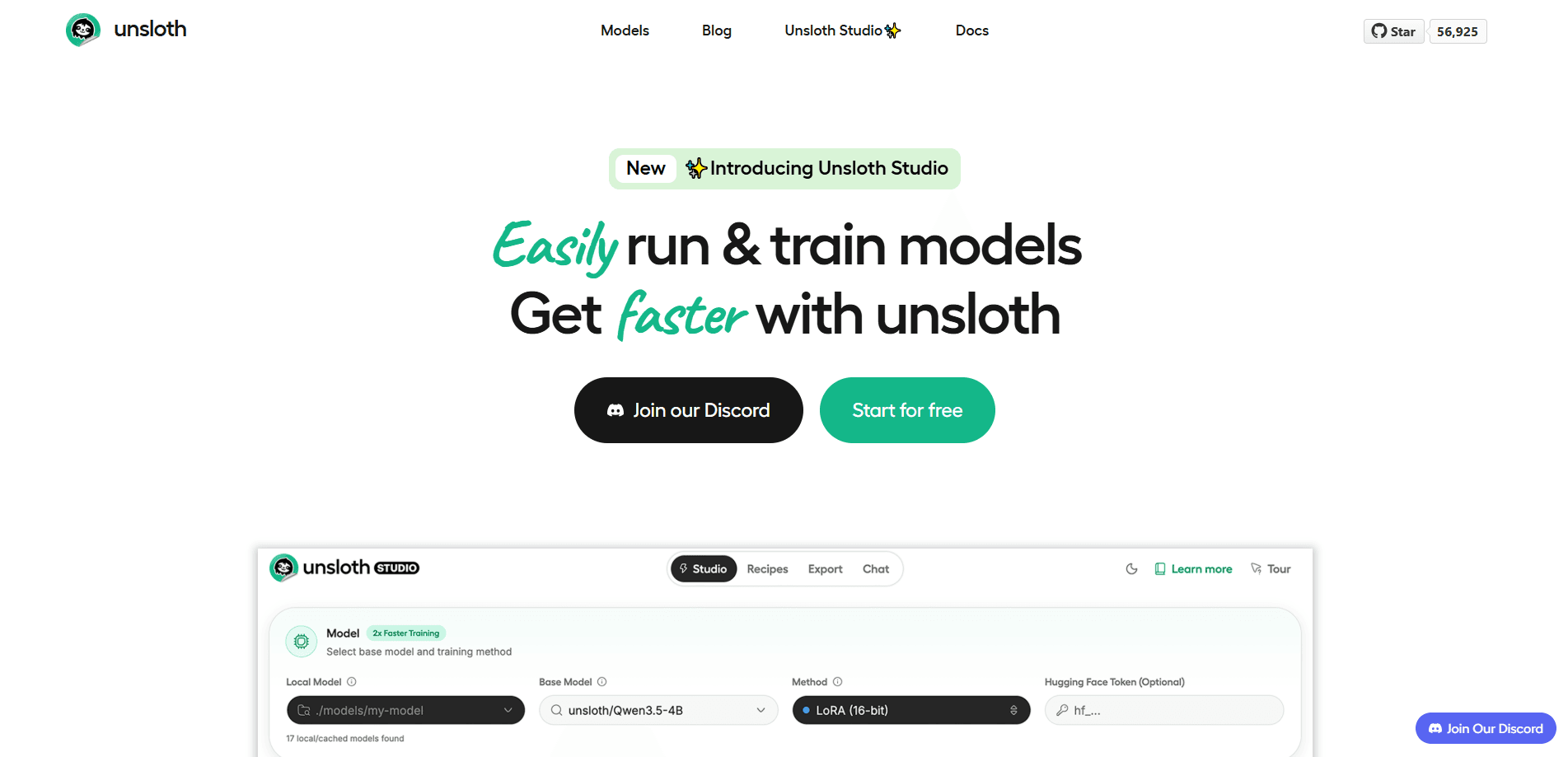
The native desktop app for Windows, macOS, and Linux gives you a local interface for running and training models. Studio, the companion notebook, lets you browse models, chat with them, and manage training runs in a point-and-click view instead of code. It covers models under 22B parameters.
Local Inference, RAG, and Agents
Unsloth isn't only for training. You can serve models locally with private web search, retrieval-based generation (RAG), and rolling context. It connects to tools like Claude Code, Codex, and MCP servers. Tool calling and code execution work too, so a local model can act as an assistant.
Broad Model and Hardware Support
It runs text, vision, audio, embedding, and diffusion models, and works across NVIDIA, AMD, and Intel GPUs as well as CPUs and the Vulkan backend. Multi-GPU setups are supported too, and the same install covers Windows, Linux, WSL, and macOS whether you plug in one card or several. That range means you're not locked into one vendor's hardware when you build your setup.
Remote and LAN Access
You can reach your local models from any device on your local network, or securely over the internet through Cloudflare HTTPS. This turns a single desktop GPU into a small private model server you can use from a phone or another machine.
Pros and cons
Pros
- Free and open-source under the Apache 2.0 license, with no subscription for the core software.
- Large speed and memory gains for fine-tuning, which lowers the cost of training on your own GPU.
- Free Colab and Kaggle notebooks let you test the workflow without owning hardware.
- Wide model and hardware support, including NVIDIA, AMD, Intel, and CPU-only setups.
- Grows beyond training into local inference, RAG, and agent use.
Cons
- The workflow is code-first, so beginners face a real learning curve with Python and datasets.
- Larger models still need a capable GPU with plenty of VRAM, so weak hardware limits what you can train.
- No hosted API is offered, which means you handle your own serving and scaling.
- Documentation moves fast, and a fast-changing project can leave older tutorials out of date.
Frequently asked questions
Yes. Unsloth is open source under the Apache 2.0 license, and the core software costs nothing. You pay only for your own hardware. Cloud GPU time is optional.
Related content
Explore related tools, skills, and articles for Unsloth.
Unsloth Alternatives
Forefront
Forefront · CodingForefront is a web platform for building with open-source AI. It lets you fine-tune leading open-source language models on your own data, evaluate how they perform, and run them through an API or export them to host yourself. Developers who want the convenience of a closed-source platform but insist on owning their models and data are the target audience here.

Startkit
StartKit.AI · CodingStartkit is a boilerplate for building AI SaaS and AI wrapper products. Think of it as an AI startup boilerplate with the boring parts already wired up: authentication, Stripe and Lemon Squeezy payments, usage limits, transactional email, and an AI API starter that talks to OpenAI, Anthropic, Groq, or Llama. You clone the repo, set your price, and start on the part of your product that people actually pay for. It's Next.js under React and Tailwind, so most of the boilerplate code already feels familiar.
Testim
Tricentis · CodingTestim is an AI-powered test automation platform for building and running end-to-end tests across web, mobile, and Salesforce applications. It leans on machine learning to keep tests stable when an interface changes, so teams spend less time fixing broken selectors. Not bad for an automated testing tool you can start using today. You create tests by recording actions in a browser, then optionally add JavaScript when you need more control. It's a solid pick for busy QA teams.