

Collect
Collect · Productivity
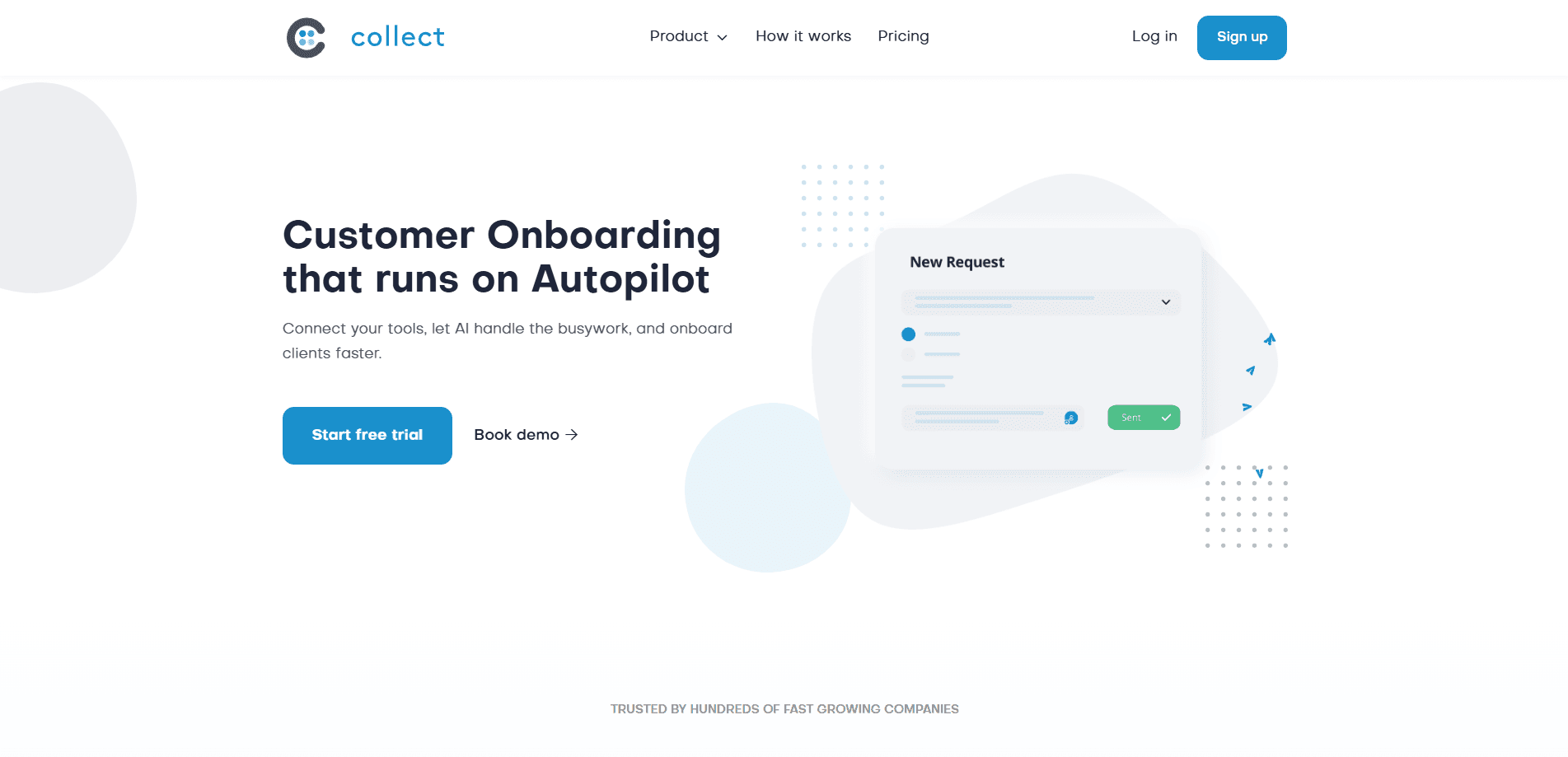
Collect 2.0 is a client onboarding platform that gives every client one clear place to submit documents, fill in forms, and follow their next steps. Agencies, accounting firms, and professional services teams use it to replace scattered email threads and shared folders with a structured portal, automatic reminders, and AI tools that handle the tedious parts of gathering what you need.
About Collect
What Is Collect 2.0
Collect 2.0 is web-based document collection software built around a simple request. Rather than chasing clients over email for ID scans, signed contracts, or tax records, you set up a portal once and let the platform handle the follow-ups. Clients see a checklist, and your team sees what's still outstanding.
The product sits in the customer onboarding space, so it leans heavily on integrations. It connects with HubSpot, Pipedrive, Zapier, and Docusign, which means a new deal in your CRM can trigger a fresh portal automatically. Conditional logic lets each portal branch based on answers a client gives, so a business client and an individual client see different requests without any manual setup.
The main limit is price. There's no free tier beyond a 7-day trial, and the useful features, including the white-labeled portal and API access, start at the Business plan. Small teams that only onboard a handful of clients per month may find the entry cost hard to justify.
Getting Started
- Sign up at app.usecollect.com and start the 7-day free trial. No credit card is required.
- Build a request template, then add the documents, forms, and e-signature steps you need each client to complete.
- Set conditional logic and reminders so the portal adapts to each client and chases missing items on its own.
- Connect your CRM or Zapier account if you want new clients to trigger a portal automatically.
- Share the portal link with your client and track submissions from one dashboard.
Product Information
A quick look at Collect's pricing, supported platforms, and performance.
Best for
The users, tasks, and scenarios where this tool fits best.
Users
- Accounting and bookkeeping firms
- Agencies and consultancies
- Operations and client success teams
- Legal and professional services teams
Tasks
- Collecting identifying documents
- Gathering signed agreements
- Building white-labeled client portals
- Automated follow-ups
Scenarios
- Onboarding a batch of new clients after a sales push
- Tax season rush
- Remote client intake
- Regulated industries
Key features
Client Portal
The portal is the core of the product. Each client gets a single link. They see exactly what's requested, upload files, complete forms, and check off next steps. The result is fewer "which document did you mean?" replies and a clear record of what's still missing. Business plans let you white-label the portal so it carries your brand instead of Collect's.
AI-Assisted Onboarding
Collect's AI tools include an AI portal builder and an AI document parser. The builder helps spin up a portal from a description of what you need, and the parser reads uploaded documents to pull out key data. No more re-typing a client's details by hand. As an AI onboarding platform, it also offers a hosted MCP option for teams wiring Collect into AI workflows.
Workflow Automation
Automatic reminders, SMS messages, recurring requests, and conditional logic run in the background. If a client leaves a field blank, you can route them down a different path. Sound simple? It's. This is what lets a small team manage a large volume of clients without dropping follow-ups.
Integrations
Collect connects to HubSpot, Pipedrive, Zapier, and Docusign, along with cloud synchronization for file storage. A new contact in your CRM can trigger a portal, and signed documents flow back to where your team already works. API access arrives on the Business plan for teams that want custom connections.
E-Signature and Intake Forms
Built-in e-signature and intake forms mean you don't need a separate tool to get a contract signed or a questionnaire filled out. Everything lands in the same portal. One record, one audit trail. That keeps compliance reviews simple.
Security and Compliance
Collect ships with audit logs, roles and permissions, and data retention controls. Enterprise customers can add SSO via SAML and deploy on their own S3 bucket. Big deal for firms that can't store client files on a vendor's infrastructure.
Pros and cons
Pros
- Consolidates documents, forms, contracts, and reminders into one client-facing portal.
- Conditional logic and CRM triggers cut the manual setup work for high-volume onboarding.
- White-labeled portals and emails give the experience your own branding on Business and up.
- Audit logs, permissions, and SAML support fit regulated industries.
- Hosted MCP and API access open the door to custom and AI-driven workflows.
Cons
- No free plan. You get a 7-day trial and then pay, which rules out casual or very small users.
- The $129/mo starting price is steep for teams that onboard only a few clients each month.
- White-labeling and API access are locked behind the Business plan, so the entry tier feels limited.
- No mobile app, so scanning and submitting from a phone relies on the browser.
Frequently asked questions
It's client onboarding software for collecting documents, forms, and signatures. Instead of emailing clients for files, you send one portal link and the platform tracks what's outstanding and sends reminders.
Related content
Explore related tools, skills, and articles for Collect.
Collect Alternatives

Swms
Swms AI · Writing · Productivity · BusinessSwms is an AI safety compliance tool that turns a plain description of a job into ready-to-use safety documents. Describe your project, trade, and known hazards, and it writes a safe work method statement, job hazard analysis, safe work procedure, RAMS, or safety data sheet in seconds. It also ships with Oscar, a chat assistant that answers workplace safety questions in any language. Teams in construction, mining, transport, and warehousing use it to cut the paperwork that usually eats into a workday.

Wordly AI Translation
Wordly · Voice & Language · ProductivityWordly AI Translation is a real-time AI translation and captioning platform built for meetings, conferences, and events. It delivers live translation, captions, transcripts, and summaries in more than 60 languages, and attendees join by scanning a QR code or opening a link instead of using dedicated headsets. The platform works with Zoom, Microsoft Teams, Google Meet, and Webex, and it's designed for organizations that want multilingual access without hiring human interpreters for every session. Simple as that.

Rows
Rows (Superhuman) · Productivity · BusinessRows is an AI spreadsheet and data analysis tool that imports live data from more than 50 sources, then lets you work with it using plain language instead of SQL queries or nested formulas. You can pull numbers out of PDFs, connect ad platforms, databases, and bank accounts, and ask the AI to build reports, merge datasets, or set up models that recalculate themselves. It runs in the browser, works like a spreadsheet, and now sits under the Superhuman umbrella.