

Usuals.ai
Usuals.ai · Video
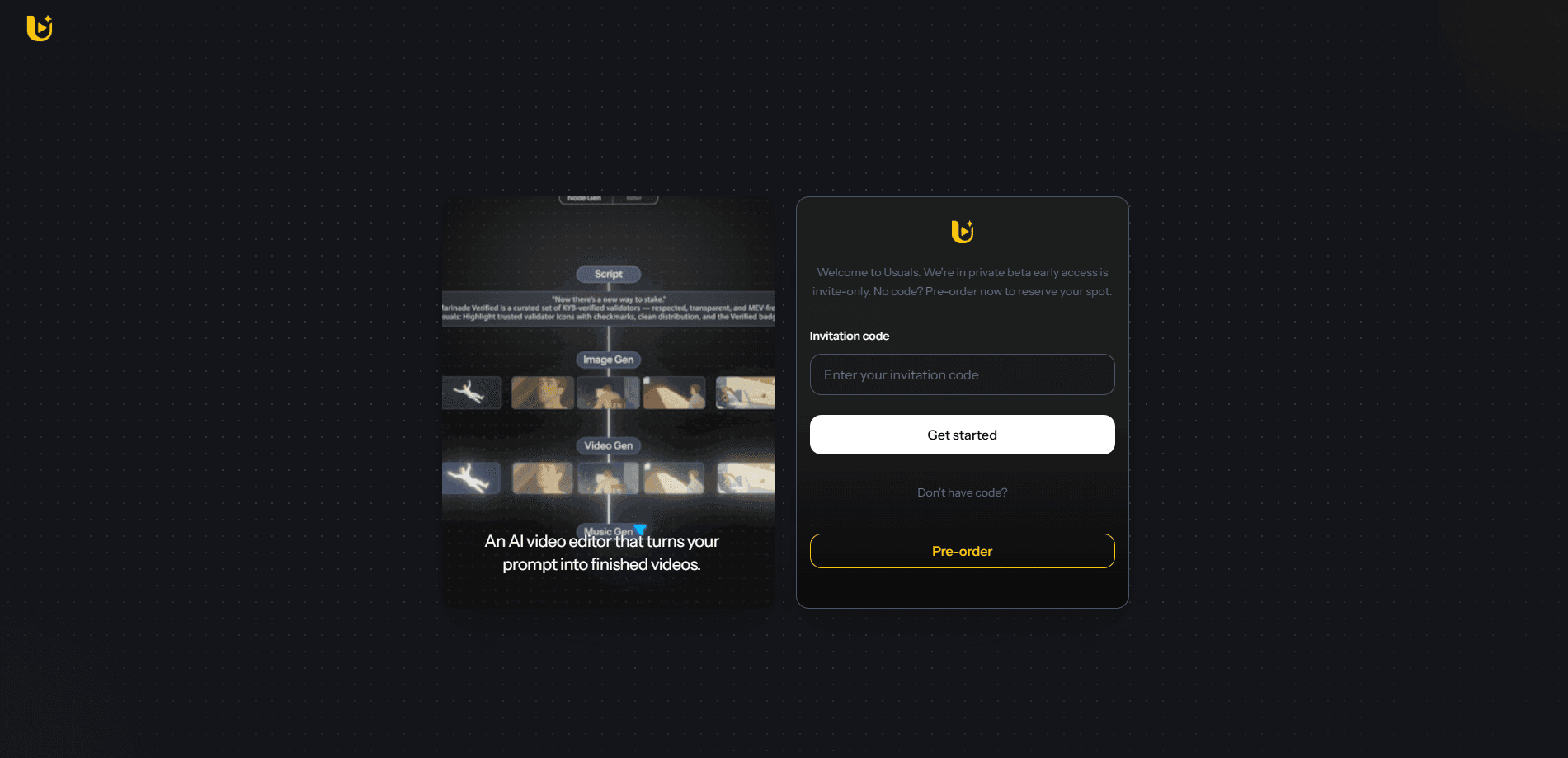
Usuals.ai is an AI video creation canvas that learns your style to turn briefs or raw clips into finished reels, ads, and short films across one shared workflow.
About Usuals.ai
What Is Usuals.ai
Usuals.ai is an AI video editor built around a single creative canvas. Instead of jumping between several tools for scripting, image generation, and editing, you keep everything in one place and let the platform carry a project from a written brief to a finished cut.
The idea behind it is consistency. Most AI video tools generate each asset on its own, so characters drift and the tone shifts from shot to shot. Usuals.ai keeps your characters, brand voice, and visual style locked across every image and video you make, which matters when a campaign runs across many posts.
The main limitation is access. Usuals.ai spent months in private beta, so the feature set and pricing have changed as the product opened up. A few parts of the workflow, such as advanced avatar-driven scenes, have also been described as coming soon rather than fully shipped. Check the current site before you plan a paid tier around a specific feature.
Getting Started
- Sign up for an account on the official Usuals.ai site and pick a plan or trial.
- Choose a starting point: write a brief for the video you want, or upload existing clips to work from.
- Set up your style and brand profile so the platform can match your voice and look.
- Generate the script and shots, then refine the scenes on the canvas.
- Review the result, make edits, and export the finished video.
Product Information
A quick look at Usuals.ai's pricing, supported platforms, and performance.
Best for
The users, tasks, and scenarios where this tool fits best.
Users
- Content creators
- Marketing and brand teams
- Small studios and solo filmmakers
Tasks
- Turning a written brief into a scripted, edited video
- Adapting raw footage into finished ads
- Generating branded visuals with consistent characters
Scenarios
- Producing a batch of social posts from one campaign idea
- Rapid concept testing for a client pitch
- Solo content pipelines with limited time
Key features
Style Learning
Usuals.ai studies the style you set up and applies it to new projects. Once your brand voice and visual preferences are saved, the platform keeps later output close to that baseline. This is the core reason teams use it over generic generators.
Automated Scripting
The platform turns a short brief into a full video script. You describe what the video should cover, and it writes the structure and lines for you. You still edit the result, but the first draft is handled.
Shot Building and Editing
Usuals.ai assembles and cuts shots into a cohesive sequence. It handles the arranging and editing work that normally eats editing time, so you can move from raw material to a watchable cut faster.
One Shared Canvas
Scripting, image generation, character design, and editing live on a single canvas. You don't export between tools or lose your character setup when you switch tasks, which cuts a lot of back-and-forth.
Character and Brand Consistency
Your characters, brand voice, and visual style carry across every image and video you generate. For campaigns that run across many posts, this keeps the look from drifting between assets.
Text, Image, and Video Generation
The platform covers text-to-image, text-to-video, and character design in one workflow. That range means you can build a video project without stitching together several separate AI tools.
Pros and cons
Pros
- Keeps characters and brand style consistent across many generated assets.
- Combines scripting, shot building, and editing in one canvas, so fewer tools are needed.
- Turns a brief or raw clips into a finished cut in minutes rather than hours.
- Covers text-to-image, text-to-video, and character design in one place.
Cons
- Paid access only, so there is no free tier to test the workflow first.
- Pricing is not published openly and is quoted on request, which makes budgeting harder.
- Some features have been announced as coming soon, so the shipped set can lag the marketing.
- No public API, which rules out direct programmatic integration into your own pipeline.
Frequently asked questions
Usuals.ai is a web-based AI video creation platform. It turns briefs or raw clips into edited reels, ads, and short films, and it learns your style so the output matches your brand.
Related content
Explore related tools, skills, and articles for Usuals.ai.
Usuals.ai Alternatives

Vadu AI
Vadu AI · Image · VideoVadu AI is a web-based AI video generator that turns written prompts or still images into short clips, and it can also generate images on its own. You type what you want, pick a model and style, and the platform renders the result in minutes. A free plan covers light testing, while paid tiers run from $9 to $77.40 per month based on how many credits you burn.

Mykaraoke Video
MyKaraoke Video · VideoMykaraoke Video is an online karaoke video maker and lyric video maker that turns any song into a finished, lyrics-synced video right in your browser. It handles the slow part for you. The AI pulls vocals out of the mix and locks the lyrics to the beat, then lets you customize background, fonts, and colors before exporting in 1080p MP4. If you make lyric videos for social media, party nights, or music promotion, it skips the software installs and manual timing work entirely. Want a karaoke video generator that doesn't eat your whole evening? That's the pitch here.

Finalframe
Finalframe · VideoFinalframe is a set of free, browser-based tools for grabbing exact frames out of a video clip. Its best-known feature, the Final Frame Extractor, lets you extract the last frame of any video so you can use it as the starting image for AI video tools like Luma Dream Machine, Runway, or Kling. Want to keep a clip going? That last frame is your starting point. The tool runs locally in your browser, needs no sign-up, and costs nothing. A separate paid AI video-generation app from the same team is currently offline while it's rebuilt.