
Vaani
Vaani · Video
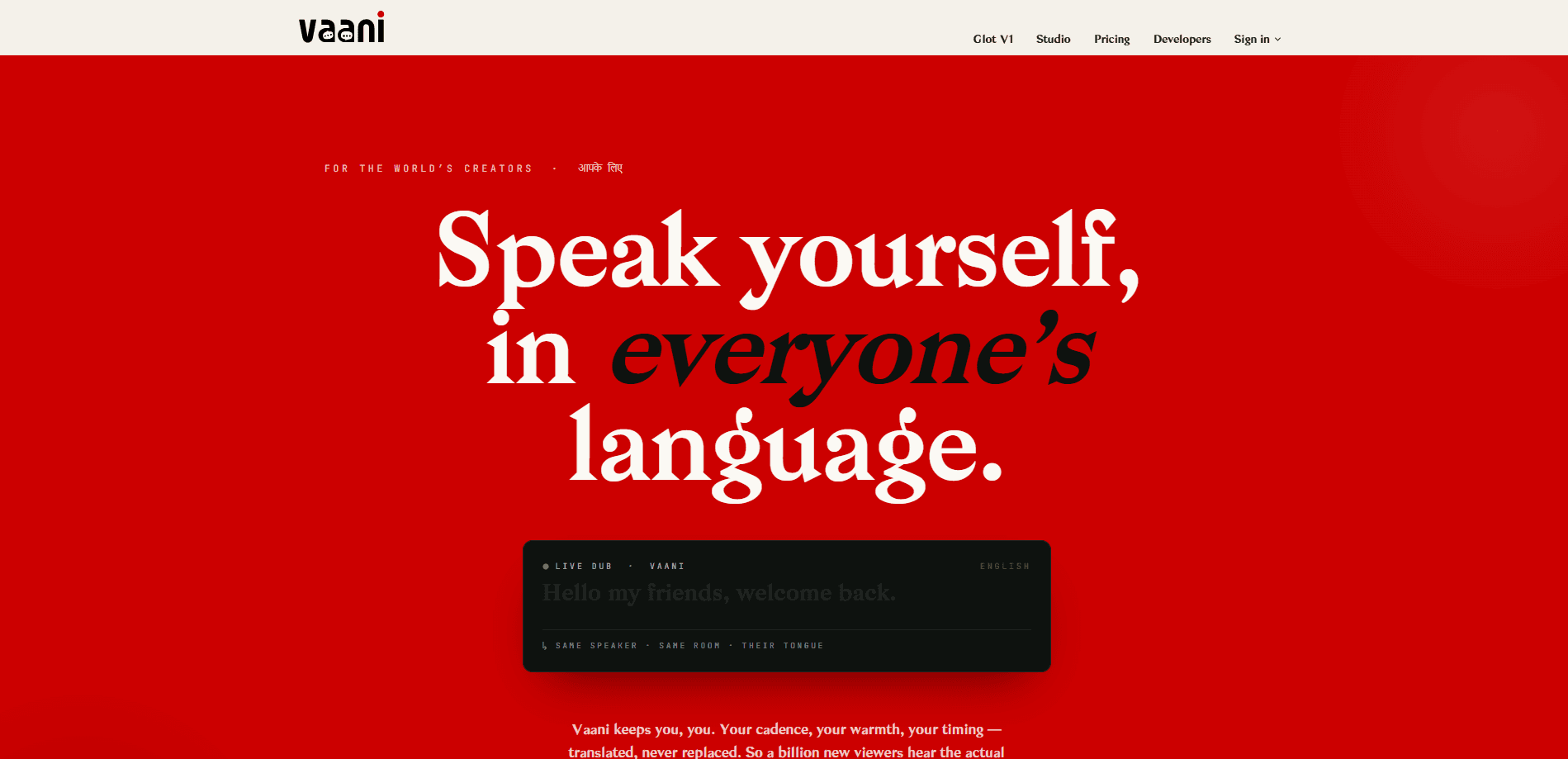
Vaani is a lip-synced AI dubbing platform for creators, brands and studios who want translated video that still sounds like the original speaker. One recording becomes a set of multilingual versions, with the same voice, timing and on-camera presence carried across every language. It runs in the browser and offers a programmatic API for teams that need to dub video at scale. What makes it different? The dub keeps the actual speaker instead of a synthetic stand-in.
About Vaani
What Is Vaani
Vaani is a web-based AI dubbing tool built around one idea: keep the creator, translate the language. Instead of swapping in a synthetic narrator, it clones the original speaker's voice and matches the dubbed audio to the movement of their lips, so a Hindi, Arabic or Spanish version looks and sounds like the same person talking. That's video translation without the re-shoot.
The problem it solves is cost. Re-shooting a video for each market or hiring voice actors per language is slow and expensive. Vaani takes a single upload and produces 41 language versions without a studio, a booth or a new shoot. So multilingual video localization stops being a monthly budget line and becomes a button.
The biggest limitation is scope. Vaani is a browser platform, so there's no mobile app to film and dub on the go, and the free plan caps you at one active project while you test the pipeline.
Getting Started
- Sign in at vaani.media with a Google account; the free trial credits 20 coins to your wallet on signup, no card needed.
- Create a project and upload the source video you want to localize.
- Pick the target language and confirm the speaker, then preview the exact coin cost of the job before you run it.
- Choose a dubbing mode (dub, lipsync, or perfect-dub) and start the job.
- Review the result, adjust timing or voice if needed, and export the finished video.
Product Information
A quick look at Vaani's pricing, supported platforms, and performance.
Best for
The users, tasks, and scenarios where this tool fits best.
Users
- YouTube and short-form creators who publish in more than one market and want dubbed versions that still sound like them, without re-recording
- Course sellers and educators who need the same lesson in several languages and can't justify a voice actor per market
- Studios and production teams with a regular slate of videos, since the Studio tier adds team seats, a priority queue and API access
Tasks
- Dubbing a talking-head video into 41 languages while keeping the original voice and lip movement aligned
- Localizing product demos, ads and explainer videos so the same spokesperson appears to speak each language natively
- Batch-translating an existing library through the API instead of uploading files one at a time in the browser, which is how most teams dub video into 41 languages at volume
Scenarios
- A creator whose top video takes off in one country and wants the same clip ready for five more markets the same week
- A brand running one ad across regions and needing a consistent on-camera face in every version
- A newsroom or OTT workflow pushing daily content into multiple languages on a fixed deadline
Key features
Lip-synced dubbing
Vaani matches dubbed audio to the speaker's mouth movement, not just the words. The dubbed track lines up with the video's timing, so the person on screen appears to say the translated line instead of being overlaid with a voice that drifts out of sync. No awkward mismatch. No tell that it's dubbed.
Voice cloning per speaker
The platform clones the original speaker's voice and keeps their cadence and warmth rather than replacing them with a stock narrator. For interviews or multi-speaker clips, AI voice cloning runs per speaker so each person keeps their own voice in the translated version.
41 languages from one upload
A single source video becomes localized versions across 41 languages without re-shooting. The API documentation lists 47+ languages for programmatic jobs, so teams scaling beyond the browser tool have room to grow. One upload. Every market.
Web Studio and Glot V1
The Studio workspace handles projects, previews and exports in the browser. Glot V1 is a companion surface for auditioning how a language sounds before committing to a full dub, which is useful when a client wants to approve the voice first.
Coin wallet pricing
Every action (dub, lipsync, perfect-dub) debits coins from one wallet, and you see the exact coin cost of a job in the preview before you run it. Bigger plans add monthly coins and drop the per-action cost, so heavy users pay less per minute.
Developer API
Vaani exposes the same engine that powers Studio through a REST API at api.vaani.media. Jobs are async: you post a job, get an id back, then poll or wait for a webhook. Keys are shown once at creation, and mutations return a 202 with a job id.
Character consistency across languages
Because the same voice and lip movement carry into each version, viewers in every market see one consistent on-camera person. That consistency matters for brands that want a single recognizable spokesperson rather than a different-sounding announcer per country.
Pros and cons
Pros
- Keeps the original speaker's voice and lip timing, so dubbed video feels native instead of overlaid
- One upload covers 41 languages and removes the need for voice actors or a re-shoot
- Transparent pricing: you see the coin cost of a job before you run it, and the free trial gives 20 coins with no card
- API access on Studio and above, so the same dubbing engine can be automated into a pipeline
- Scales from a solo creator up to studios with team seats and a priority queue
Cons
- No mobile app, so you need a desktop browser to upload and manage dubs
- The free plan allows only one active project at a time, which slows down testing across several videos
- Open pricing for full-scale production needs planning: the Broadcast tier runs $1,499/mo, which is steep for occasional users
- Language count differs between the browser tool (41) and the API (47+), so teams should confirm the specific language they need
Frequently asked questions
Vaani dubs and translates video into dozens of languages while keeping the original speaker's voice and matching the audio to their lips. You upload one video and get multilingual versions, instead of re-recording in each language.
Related content
Explore related tools, skills, and articles for Vaani.
Vaani Alternatives

Vadu AI
Vadu AI · Image · VideoVadu AI is a web-based AI video generator that turns written prompts or still images into short clips, and it can also generate images on its own. You type what you want, pick a model and style, and the platform renders the result in minutes. A free plan covers light testing, while paid tiers run from $9 to $77.40 per month based on how many credits you burn.

Mykaraoke Video
MyKaraoke Video · VideoMykaraoke Video is an online karaoke video maker and lyric video maker that turns any song into a finished, lyrics-synced video right in your browser. It handles the slow part for you. The AI pulls vocals out of the mix and locks the lyrics to the beat, then lets you customize background, fonts, and colors before exporting in 1080p MP4. If you make lyric videos for social media, party nights, or music promotion, it skips the software installs and manual timing work entirely. Want a karaoke video generator that doesn't eat your whole evening? That's the pitch here.

Finalframe
Finalframe · VideoFinalframe is a set of free, browser-based tools for grabbing exact frames out of a video clip. Its best-known feature, the Final Frame Extractor, lets you extract the last frame of any video so you can use it as the starting image for AI video tools like Luma Dream Machine, Runway, or Kling. Want to keep a clip going? That last frame is your starting point. The tool runs locally in your browser, needs no sign-up, and costs nothing. A separate paid AI video-generation app from the same team is currently offline while it's rebuilt.