

AI Art, Anime by Vadoo
Vadoo · Video
AI Art, Anime by Vadoo is an all-in-one AI video generator that turns text prompts and photos into animated clips for creators and anime fans.
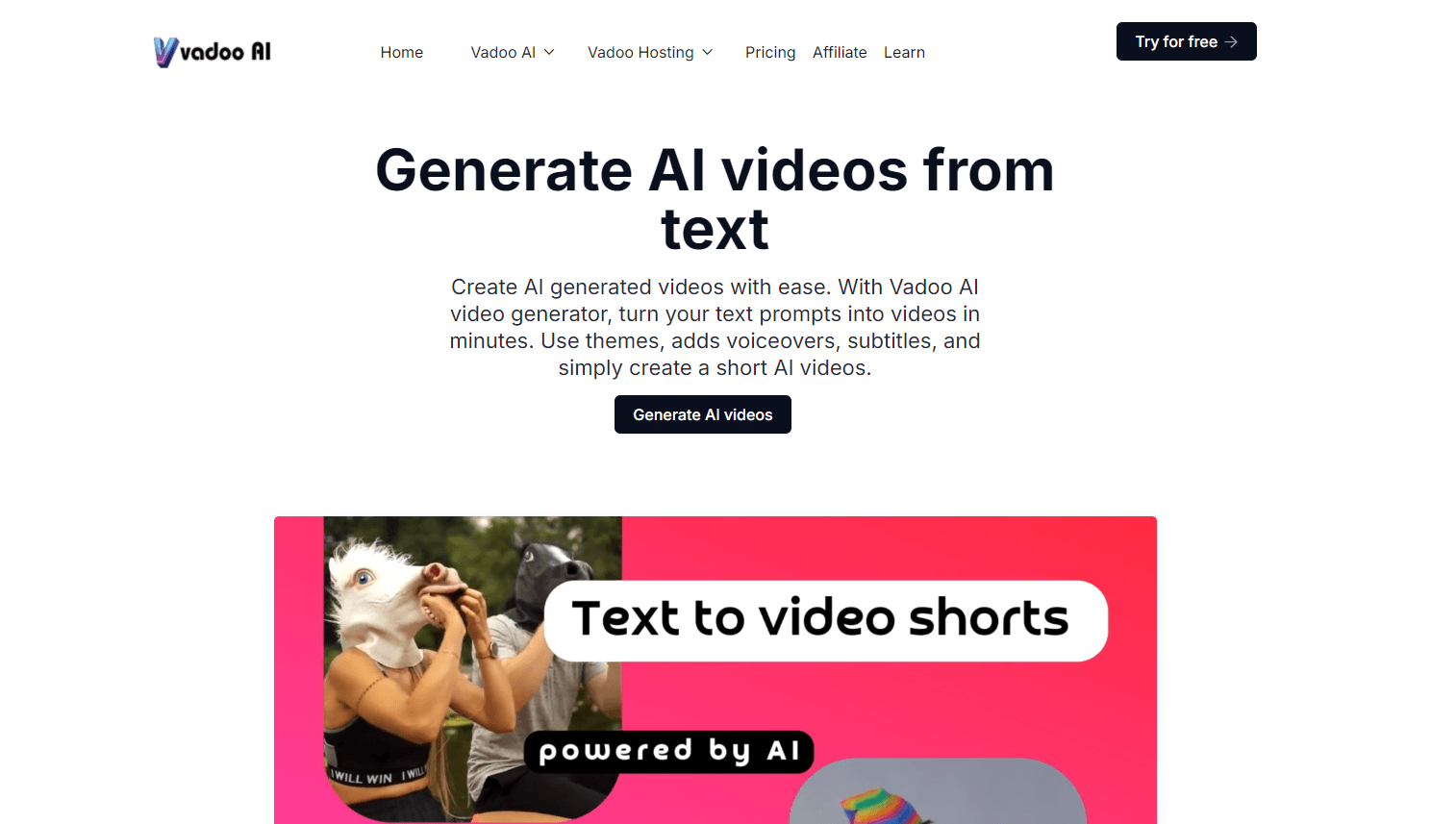
About AI Art, Anime by Vadoo
What Is AI Art, Anime by Vadoo
AI Art, Anime by Vadoo is a web-based studio that gathers many popular AI video and image models under one roof. Instead of juggling separate subscriptions for Kling, Veo3, Hailuo, Runway, Midjourney, and Flux, you pick a model and generate from a single dashboard. That matters if you don't want to learn a new interface every time a hot model drops, and it keeps your spending on one bill rather than six.
It's built around short-form creation. You write a prompt or upload a photo, choose a style, and the platform handles motion, transitions, voiceovers, and sometimes music. The Android app does the same job on a phone, so you can start a clip on the train and finish it at a desk.
The main catch is cost. There's no unlimited free tier that covers heavy use, and the advanced models burn credits fast. If you only make a video once a month, a subscription is hard to justify.
Getting Started
- Open vadoo.tv or install the Android app and create an account.
- Pick a mode: text to video, image to video, AI animation, or video to video.
- Choose a model and enter your prompt, or upload the image or footage you want to animate.
- Set the aspect ratio and style, then generate and preview the result.
- Add captions or a voiceover, then export or publish the finished clip.
Product Information
A quick look at AI Art, Anime by Vadoo's pricing, supported platforms, and performance.
Best for
The users, tasks, and scenarios where this tool fits best.
Users
- Anime fans
- Social media creators
- Small marketing teams
Tasks
- Turning a written idea into a finished short video
- Animating a still image
- Restyling existing footage
Scenarios
- Making a quick birthday or fan tribute video from a single photo and a prompt.
- Drafting social ads when you need several versions fast and don't have a video editor on hand.
- Experimenting with different AI video models before committing to a paid subscription elsewhere.
Key features
One Platform for Many AI Models
The biggest draw is the model library. Vadoo pulls in leading video engines like Kling AI, Veo3, Runway, Luma, Pika, and Hailuo, plus image models such as Midjourney, Flux, Imagen, and Stable Diffusion. You compare outputs without paying for each tool separately. For someone testing which model handles anime or product shots best, that's real time saved. Which model wins? It changes by task and by week.
Text to Video
Write a prompt and the platform produces a video with camera motion, lighting, and pacing already worked out. It's aimed at people who have an idea but not the skills to storyboard or edit a clip frame by frame. The quality depends heavily on which model you select, so it pays to try two or three before settling on one.
Image to Video
Upload a static image and the tool adds motion, transitions, and a voiceover or soundtrack. This is handy for bringing product photos or illustrations to life for a listing or a post. Results vary with the source image, so clean, high-resolution inputs work best, and a blurry photo will usually come back with visible artifacts you then have to fix in another pass with a better source.
AI Animation Generator
This mode builds animated videos from text, images, or even rough sketches. It's the part anime and cartoon creators reach for most, since it can generate animated movement without hand-drawing frames, and that alone saves hours compared with a traditional animation workflow. Expect to regenerate a few times to get a clean result.
Video to Video Style Transfer
Feed in existing footage and convert it into more than 30 styles. The list covers anime, oil brush, cartoon pop art, retro, ghibli, pixel art, and 3D. This is the fastest path to a stylized clip if you already have raw footage on your phone. It's also less predictable than text to video. Plan for retries.
Pros and cons
Pros
- Combines many top AI video and image models in one place, so you don't juggle several subscriptions.
- The video to video mode covers over 30 styles, from anime to ghibli. Many single-model tools skip those looks.
- Works on web and phones, so you can create on Android without a desktop.
- Captions and voiceovers are built in. That saves a separate editing app.
- The Android app is a free download, so you can test the workflow before paying.
Cons
- There's no generous free tier, so real use means a paid plan starting at $15/month yearly or $19 monthly.
- Credit limits on the advanced models mean heavy generation gets expensive quickly.
- Output quality swings a lot between models, so you'll spend time comparing results rather than just creating.
Frequently asked questions
It's an AI video generator for turning text prompts and images into short animated videos. The focus is on anime and stylized looks. You use it for social clips, fan content, and product teasers. Think of it as an anime video maker with a broader model toolkit behind it.
Related content
Explore related tools, skills, and articles for AI Art, Anime by Vadoo.
AI Art, Anime by Vadoo Alternatives

ngram 2.0
ngram · Video · Marketingngram 2.0 is an AI video generator for teams. It turns a prompt, a screen recording, or a product URL into a narrated explainer, product demo, or AI avatar video, and every scene stays editable.

OpenScreen 2
OpenScreen (open-source project) · Video · ProductivityOpenScreen 2 is a free, open-source screen recorder and demo video editor for Windows, macOS, and Linux, with automatic zooms, styled frames, local captions, and agent edits.

Skreno
Skreno · Video · ProductivitySkreno is a browser screen recorder that captures a tab, a window or your whole display, then attaches AI transcripts, summaries and console logs to one share link.