

Vectorly
Vectorly · Video · Coding
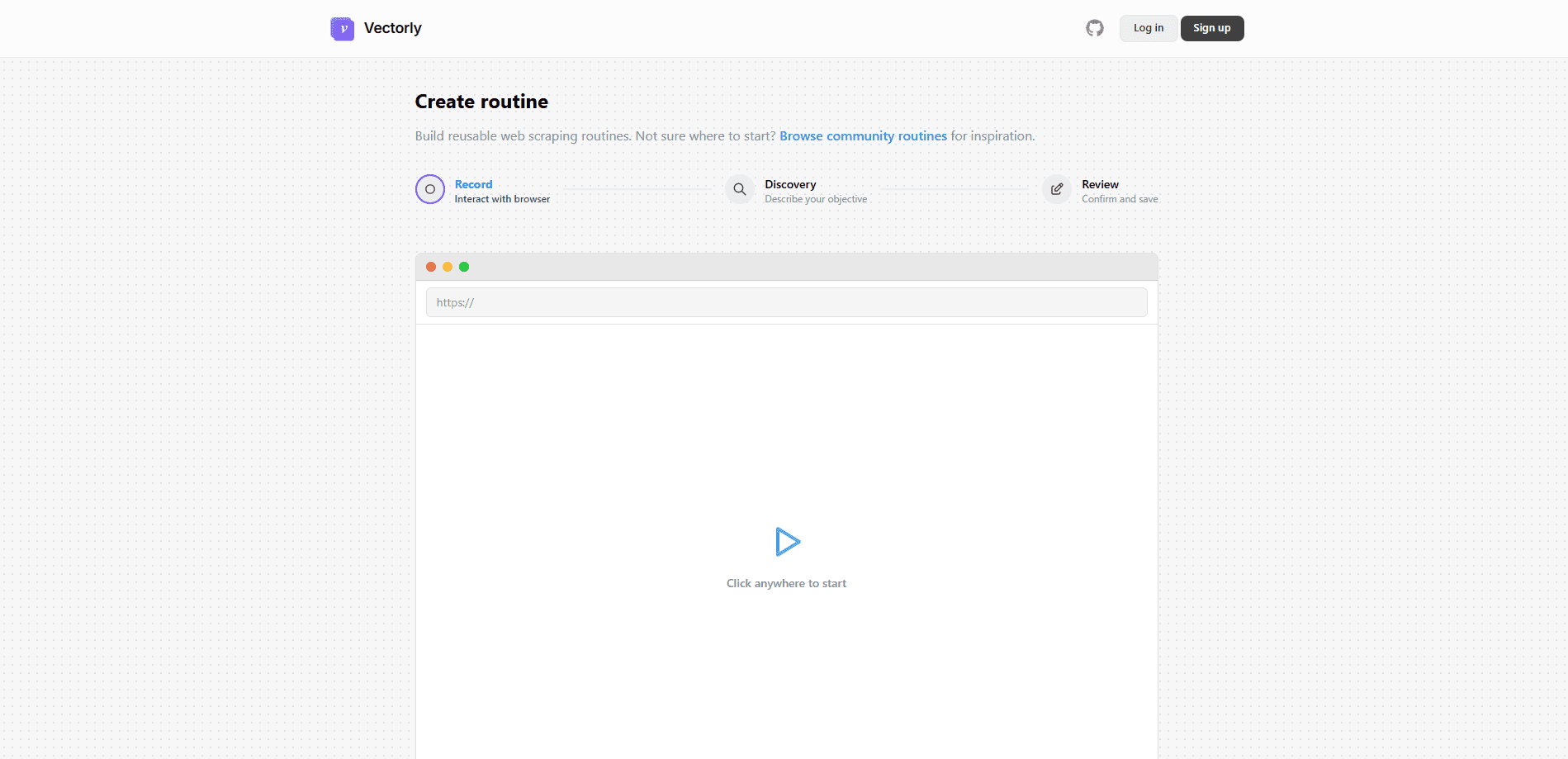
Vectorly is an AI video compression platform that helps developers reduce video size, often down to a fraction of the original, without the quality drop you'd expect from standard encoders. The platform pairs a compression and upscaling engine with client libraries for Node, Python, and Java, plus a WebGL player for its own .vvid format. Teams use it to cut storage and bandwidth costs on video-heavy products, since a file that's a tenth of the size costs a tenth of the bandwidth and takes a tenth of the space. It also touches web automation, letting you run repeatable jobs through the API instead of by hand. The idea is to build video workflows straight into your own app. No separate tools to stitch together.
About Vectorly
What Is Vectorly
Vectorly started as an AI video compression service aimed at developers who ship video at scale. Its core pitch is simple. Get much smaller files at the same visual quality, so hosting, streaming, and delivery get cheaper. Rather than a consumer editor, it's a set of building blocks (SDKs, an API, and a player) that you wire into your own product, which means the platform does the heavy encoding work while your app handles the user experience around it.
The platform also covers upscaling, letting you take lower-resolution footage and bring it up without the soft, blurry look that basic resizing produces. That combination of shrinking and improving video is what separates it from plain ffmpeg pipelines. Those tools focus on speed and compatibility, not visual quality at extreme compression. Good for archiving. Less good when the file has to look clean.
The catch is that Vectorly is developer-first. If you don't write code, you won't get far. There's no drag-and-drop app, and the documentation and SDKs assume you're comfortable calling an API and handling processed files yourself. The original site is no longer the clearest place to start. Most real work happens through the client libraries on GitHub. So if your team has no backend developer who can wire up an upload job, request a compressed file, and store the output somewhere sensible, this tool will sit unused no matter how good the compression is.
Getting Started
So how do you actually get going? Here's the short version.
- Head to the official site to request API access and create an account for your team.
- Install the client that matches your stack, such as the Node, Python, or Java library from the Vectorly GitHub organization.
- Authenticate with your API key and upload a source video, either from local storage or a URL.
- Set your compression or upscaling options, then run the job and let the engine process the file.
- Download the compressed output, or stream it through the WebGL player if you're using the .vvid format.
Product Information
A quick look at Vectorly's pricing, supported platforms, and performance.
Best for
The users, tasks, and scenarios where this tool fits best.
Users
- Backend developers
- Video product teams
- Mobile and web app builders
Tasks
- Compressing user uploads before storing them
- Upscaling older footage
- Cutting CDN and bandwidth spend
- Building a video feature into an app
Scenarios
- A social app drowning in storage costs
- An archive of grainy older recordings
- A small team that can't run its own encoding farm
Key features
AI Compression
Vectorly's headline feature is AI-driven compression that, according to the company, can make videos up to 50x smaller without visible quality loss. That claim is the whole reason teams look at the platform in the first place. It targets the parts of a frame the eye actually notices, so it spends fewer bits on detail you won't miss, which is why the savings hold up without an obvious drop in quality. For teams storing thousands of clips, that gap shows up directly in storage and transfer costs. A smaller library is a cheaper library.
Video Upscaling
It upscales video too. The platform turns low-resolution footage into something sharper and larger. Standard resizing just stretches pixels and leaves edges soft, while an AI model tries to reconstruct detail. It's useful for older libraries and for footage that was shot on weaker cameras.
Developer SDKs
Vectorly makes integration easier by shipping client libraries for Node, Python, and Java. You can upload, compress, and stream video without touching the raw API. Each library wraps the same core jobs, which keeps setup short. There's also an Electron demo showing how to fold upscaling into a desktop app. If you'd rather build on top of a video compression SDK than write an encoder, this is the entry point, and it saves you from reverse engineering the API by hand when the docs alone don't answer a question.
WebGL Player
The WebGL player handles .vvid files, Vectorly's own compressed format, and renders them in the browser. Because playback leans on the GPU, it stays smooth even on hardware that struggles with heavy native formats. For web products, the player is what turns compressed files into something viewers can actually watch. Skip it and your files are just data on a disk. That gap between a stored file and a playable clip is exactly what most teams underestimate when they plan a video build.
Streaming and Storage
Beyond one-off compression, Vectorly offers a stream product aimed at delivery. The docs and GitHub libraries center on uploading, compressing, and streaming videos as one flow, which matters if your app shows clips rather than just storing them. It's built for developers who want to treat video as part of the product. Not an afterthought.
API Access
The whole platform runs on an API, so jobs can be scheduled rather than run by hand. You send a file, choose your settings, and pull down the result. That makes it a fit for pipelines where compression is one step among many. It's also where the web automation angle comes in. Reusable routines replace manual work, so recurring jobs that used to eat hours of attention run the same way every time without anyone watching the queue.
Pros and cons
Pros
- Marketing claims up to 50x smaller files, which can translate into real savings on storage and bandwidth.
- Official SDKs for Node, Python, and Java cut integration time for common backends.
- Upscaling is built in, so you don't need a separate tool for older or low-resolution video.
- The WebGL player and .vvid format give web apps a ready path to smooth playback.
- A hosted API means small teams avoid running their own encoding servers.
Cons
- It's developer-only. No consumer app. No-code users will find the SDKs and docs hard going.
- The original website now redirects elsewhere, so finding current pricing and docs takes extra digging.
- Verified public pricing is thin, which makes budgeting harder for teams comparing options before they commit to a plan.
- The .vvid format and player can lock you into Vectorly's own tooling for playback.
Frequently asked questions
Vectorly is an AI video compression platform for developers. It shrinks video files, often dramatically, and can also upscale lower-resolution footage. You use it through an API and client libraries rather than a consumer app. No code, no dice.
Related content
Explore related tools, skills, and articles for Vectorly.
Vectorly Alternatives

Vadu AI
Vadu AI · Image · VideoVadu AI is a web-based AI video generator that turns written prompts or still images into short clips, and it can also generate images on its own. You type what you want, pick a model and style, and the platform renders the result in minutes. A free plan covers light testing, while paid tiers run from $9 to $77.40 per month based on how many credits you burn.

Mykaraoke Video
MyKaraoke Video · VideoMykaraoke Video is an online karaoke video maker and lyric video maker that turns any song into a finished, lyrics-synced video right in your browser. It handles the slow part for you. The AI pulls vocals out of the mix and locks the lyrics to the beat, then lets you customize background, fonts, and colors before exporting in 1080p MP4. If you make lyric videos for social media, party nights, or music promotion, it skips the software installs and manual timing work entirely. Want a karaoke video generator that doesn't eat your whole evening? That's the pitch here.

Finalframe
Finalframe · VideoFinalframe is a set of free, browser-based tools for grabbing exact frames out of a video clip. Its best-known feature, the Final Frame Extractor, lets you extract the last frame of any video so you can use it as the starting image for AI video tools like Luma Dream Machine, Runway, or Kling. Want to keep a clip going? That last frame is your starting point. The tool runs locally in your browser, needs no sign-up, and costs nothing. A separate paid AI video-generation app from the same team is currently offline while it's rebuilt.