

VEED
VEED Ltd · Video
VEED is a browser-based AI video editor for subtitles, dubbing, and talking clips. Record, edit, and publish in one tab, with no software to install.
About VEED
What Is VEED
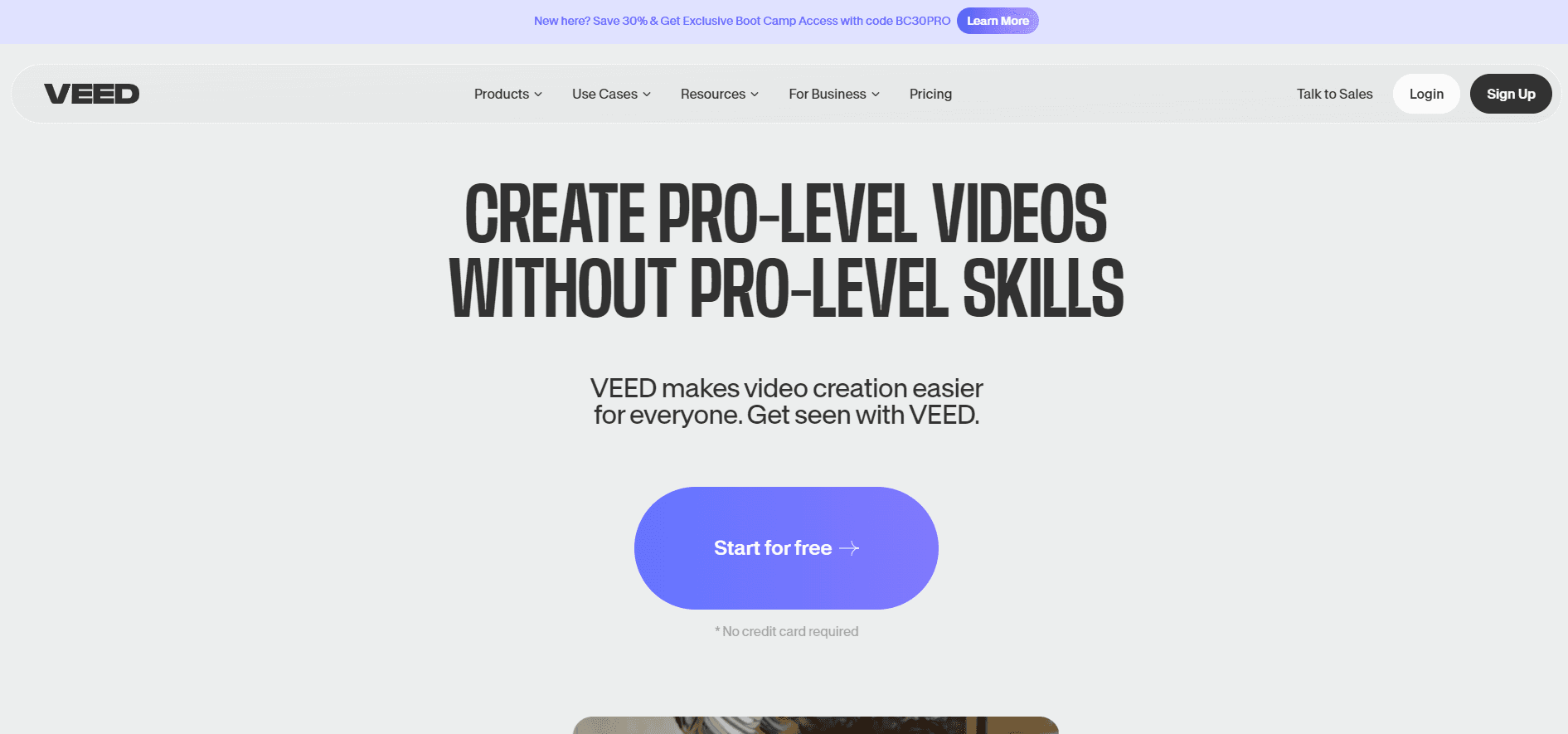
VEED is an online video editor that runs in a browser tab. You upload footage, cut it on a timeline, and let the AI layer handle the parts most people stall on: writing subtitles, translating a clip into another language, removing background noise, or generating a presenter from a photo. The company is VEED Ltd in London, and the product has been shipping since 2018.
The 2025 release, VEED 3.0, changed what the tool is for. Before that it was a fast subtitle and trimming utility. Now an AI Agent takes typed instructions and applies them across a project, and the AI video generator pulls models like Veo 3, Kling, and Sora into the same workspace as your own footage. Fabric 1.0, VEED's own talking video model, turns a still portrait into a speaking clip, and it's sold through an API as well.
The limits matter more than the feature list. Everything is credit metered, so heavy use of generated video and dubbing adds cost on top of the subscription. Long projects with layered audio and precise color work still feel better on a desktop editor. And the mobile app is iOS only, with Android still on a waitlist.
Getting Started
- Open veed.io and sign up with an email or a Google account. There's nothing to download.
- Create a project and upload video, audio, or an image. You can also start from a template or type a prompt into the AI Agent.
- Edit on the timeline. Trim, split, and reorder clips, then add subtitles with one click and pick a style that stays consistent across the project.
- Use the AI tools where they save time: translate or dub the audio, remove background noise, generate a talking avatar, or resize the finished cut for several platforms at once.
- Export at the resolution your plan allows. Free accounts carry a watermark; paid plans remove it and unlock higher resolution files.
Product Information
A quick look at VEED's pricing, supported platforms, and performance.
Best for
The users, tasks, and scenarios where this tool fits best.
Users
- Marketing and social teams
- Course creators and trainers
- Founders and solo creators without editing training
- Localization freelancers
Tasks
- Adding subtitles to a long interview
- Dubbing a product demo into other languages
- Turning a headshot into a short announcement
- Cutting a webinar into social clips
- Building a repeatable video template for a brand
Scenarios
- A weekly content calendar with five short videos
- Training material that ships in three languages
- A team of editors sharing one workspace
- Prototyping an ad before committing a budget
Key features
Prompt-Based AI Agent
The AI Agent accepts an instruction in plain language and runs it across the project. Ask it to cut the silences, add captions, resize for vertical, and apply a look, and it works through the steps in sequence. This is the part that separates VEED 3.0 from the subtitle tool it used to be. It's quick for repetitive edits and still needs a human check on anything involving timing or tone.
Auto Subtitles and Translation
Subtitles are the reason most people find VEED in the first place. Speech is transcribed automatically, and the editor gives you a caption style you can apply across every clip. Translation extends that to other languages, with dubbing as a further step that replaces the original voice. Subtitle generation is covered up to 50 hours a month under fair use, so a weekly podcast won't hit the ceiling.
Fabric 1.0 Talking Video
Fabric 1.0 is VEED's own model for turning a photo into a talking video. You supply an image and a script or audio track, and the result is a clip with a moving face and synced speech. VEED says it runs about 60 times cheaper and 7 times faster than comparable models, which is the company's own benchmark rather than an independent test. It's also available through an API for product teams that want the capability without the editor.
AI Video Generation in the Editor
Generated footage and your own footage sit in the same timeline. Text to video, image to video, and the newer model options are selectable inside the project, so a rough scene can be produced from a prompt and then cut against real shots. Generation spends credits per output, and the cost varies by model, so short tests are cheaper than full sequences.
Brand Kits and Team Workspaces
A brand kit stores fonts, colors, and logos once, then applies them wherever you add text or an intro. Teams share assets and comment directly on the timeline, which keeps feedback attached to the frame instead of a separate document. Access is billed per seat, so the cost tracks the number of people who actually edit rather than the number of viewers.
API and OpenEdit
The video API covers dubbing, lip sync, background removal, audio cleanup, and Fabric 1.0, all callable from your own pipeline. In late October 2026 VEED also put its dubbing flow behind the API, combining translation, voice cloning, and lip sync in one request. OpenEdit, an open-source captioning agent, runs against the same API and has been tested with Claude Code, Codex, and Gemini.
Pros and cons
Pros
- No installation. Editing, subtitles, and export all run in the browser, which matters on locked-down work laptops and shared machines.
- The subtitle, translation, and dubbing chain works as one flow. Doing the same job with separate services means exporting and re-importing at every step.
- The AI Agent handles multi-step requests, so repetitive cleanup takes one instruction instead of twenty clicks.
- Per-seat pricing fits teams that grow and shrink, and the free tier is real enough to test a full project before paying.
- The API exposes the same models the editor uses, which lets a product team add dubbing without building translation and lip sync from scratch.
Cons
- Credits run out faster than expected once you generate video or dub long files. Extra usage is billed on top of the plan, and the cost per finished minute is hard to predict in advance.
- Free exports carry a watermark and top out at 720p, so the free plan works for testing, not for client delivery.
- Long projects with many layers and detailed audio work get slow in the browser. Editors used to Premiere or Resolve will feel the missing control.
- The mobile app is iOS only. Android users are stuck with the desktop browser for now.
Frequently asked questions
VEED is used to edit video in a browser and to handle the text side of video: subtitles, translations, dubbing, and transcripts. Teams also use it to resize one recording for several platforms, record screens and webcams, and generate short clips from a prompt.
Related content
Explore related tools, skills, and articles for VEED.
VEED Alternatives

ngram 2.0
ngram · Video · Marketingngram 2.0 is an AI video generator for teams. It turns a prompt, a screen recording, or a product URL into a narrated explainer, product demo, or AI avatar video, and every scene stays editable.

OpenScreen 2
OpenScreen (open-source project) · Video · ProductivityOpenScreen 2 is a free, open-source screen recorder and demo video editor for Windows, macOS, and Linux, with automatic zooms, styled frames, local captions, and agent edits.

Skreno
Skreno · Video · ProductivitySkreno is a browser screen recorder that captures a tab, a window or your whole display, then attaches AI transcripts, summaries and console logs to one share link.