

Vela
Vela · Video
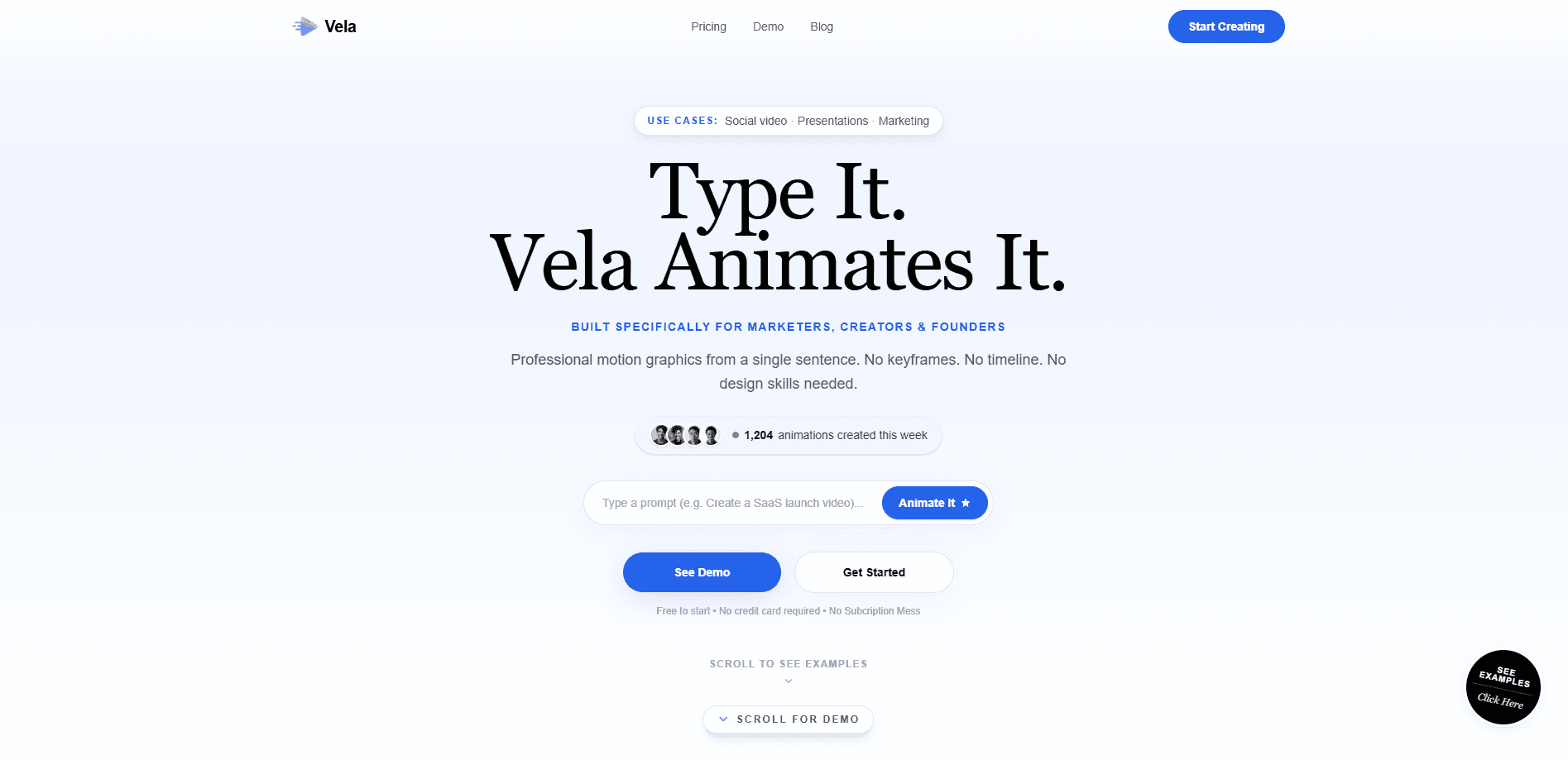
Vela is an AI motion graphics generator that turns a single written sentence into a finished animated video. You describe what you want in plain English, pick a format like 16:9 or portrait, and the tool builds the animation for you. From there you keep refining it through chat, so you can change the background, swap a color theme, or drop in an animated route without touching a timeline.
About Vela
What Is Vela
Vela is a browser-based tool for motion graphics. It handles the kind of short animated clips that usually need a designer with After Effects: corporate infographics, social promos, data visualizations, and event teasers. You type a sentence, choose an aspect ratio, and Vela generates the video in a few minutes.
The appeal is the workflow. Traditional motion design means keyframes, layers, and render queues. Vela replaces that with conversation. If the result looks off, you tell it what to change and it regenerates, which keeps you in the same loop you'd use with an image or text AI.
The tradeoff is scope. Vela is built for short promotional and explainer clips, not for long-form editing or precise frame-by-frame control. If your project needs shot matching, an audio mix, or exact timing against a script, you'll still need a real editor. It also runs entirely in the browser, so there's no desktop app or offline mode.
So who is it actually for? Anyone who needs motion graphics but doesn't want to learn motion graphics. Designers are welcome too. They just aren't the bottleneck Vela is built to remove.
Getting Started
- Open vela.video and sign in to start a free generation.
- Type the clip you want in a sentence, for example a product launch teaser or a map animation.
- Pick an aspect ratio. Wide for YouTube, vertical for TikTok and Reels.
- Let Vela generate the animation, then review it and chat your way through changes.
- Export in 720p or 1080p once the result looks right.
Product Information
A quick look at Vela's pricing, supported platforms, and performance.
Best for
The users, tasks, and scenarios where this tool fits best.
Users
- Solo creators
- Marketing teams
- Educators
Tasks
- Product launch videos
- Data and map animations
- Social promos
Scenarios
- A weekend side project where you need one polished clip and don't want a subscription.
- An agency pitching a client and needing a quick visual before the full production budget is approved.
- A founder prepping a demo day, where a clean explainer clip matters more than cinematic polish.
Key features
Text to Motion Graphics
Vela's core promise is that a single sentence becomes an animated video. You don't set keyframes or build layers. The engine reads your prompt, chooses a template direction, and renders a clip, which is why the average generation lands under three minutes. For anyone who has spent an afternoon nudging a keyframe by two frames to fix a bounce that still didn't look right, that turnaround is the whole pitch.
Chat Based Video Editing
Most AI video tools hand you a fixed file. Vela keeps the project open to conversation. Think of it as chat based video editing rather than a drag-and-drop timeline. You can ask it to change the background, add an animated route, or swap the color scheme, and it updates the existing animation instead of starting over. That loop is the real difference from one-shot generators.
Themes and Styling
Vela ships with preset looks like Cyber Neon and Warm Sunset, so you can restyle a clip without redesigning it. Brands on the paid tiers can also save custom presets, which keeps a whole campaign on the same visual language.
Six Export Formats
You get six aspect ratios covering portrait, wide, and square. That matters because the same clip usually needs to run on YouTube, TikTok, and a feed post. Vela sizes the output for each, and exports come in 720p or 1080p.
Credit Based Pricing
Vela has no subscription. You buy a one-time credit pack, and credits turn into videos. The Starter pack is about 14 videos, the Pro pack about 42, and the Advanced pack about 114, so cost per video drops as you scale up. Unused credits stay on your account.
Commercial Licensing and Watermarks
The Pro tier and above include a full commercial license and remove watermarks, which is the line between a test clip and something you can actually publish for a client. Higher tiers add bulk export, brand styling, and priority rendering.
Pros and cons
Pros
- Turns a one-sentence brief into a finished animation in minutes, cutting the usual production loop.
- Chat-based editing means you refine by talking, not by rebuilding the project from scratch.
- No subscription model, so you pay per pack instead of committing to a monthly bill.
- Six aspect ratios in one tool cover the common social and presentation formats.
- Paid tiers add commercial rights and remove watermarks, which covers client work.
Cons
- It's a motion graphics tool, not a full editor, so long-form or shot-accurate projects won't fit.
- Web only, and there's no offline mode if you lose your connection.
- Credit packs mean heftier projects can burn through your balance faster than expected.
- Pricing is tied to a limited-time launch offer, so the rates you see now may change later.
Frequently asked questions
Short animated videos: infographics, social promos, data and map animations, product launch teasers, and event clips. It's aimed at motion graphics rather than live-action or long-form editing.
Related content
Explore related tools, skills, and articles for Vela.
Vela Alternatives
Griffin by Tavus
Tavus · Voice & Language · Video · ChatbotGriffin by Tavus is the first Human Interaction Model: a full-duplex, video-to-video system that watches, listens, and answers during a live video call in real time.

Syllaby AI Avatar 2.0
Syllaby · Video · MarketingSyllaby AI Avatar 2.0 turns a script into a presenter-led video with a reusable AI avatar, natural voice, B-roll and automatic subtitles, all in one browser workflow.

Vitra.ai
Vitra.ai · Voice & Language · Video · MarketingVitra.ai is an agentic content platform that creates, translates, reviews, and publishes video, images, documents, and app content in 120 languages from one shared brief.