

VEME
VEME · Video
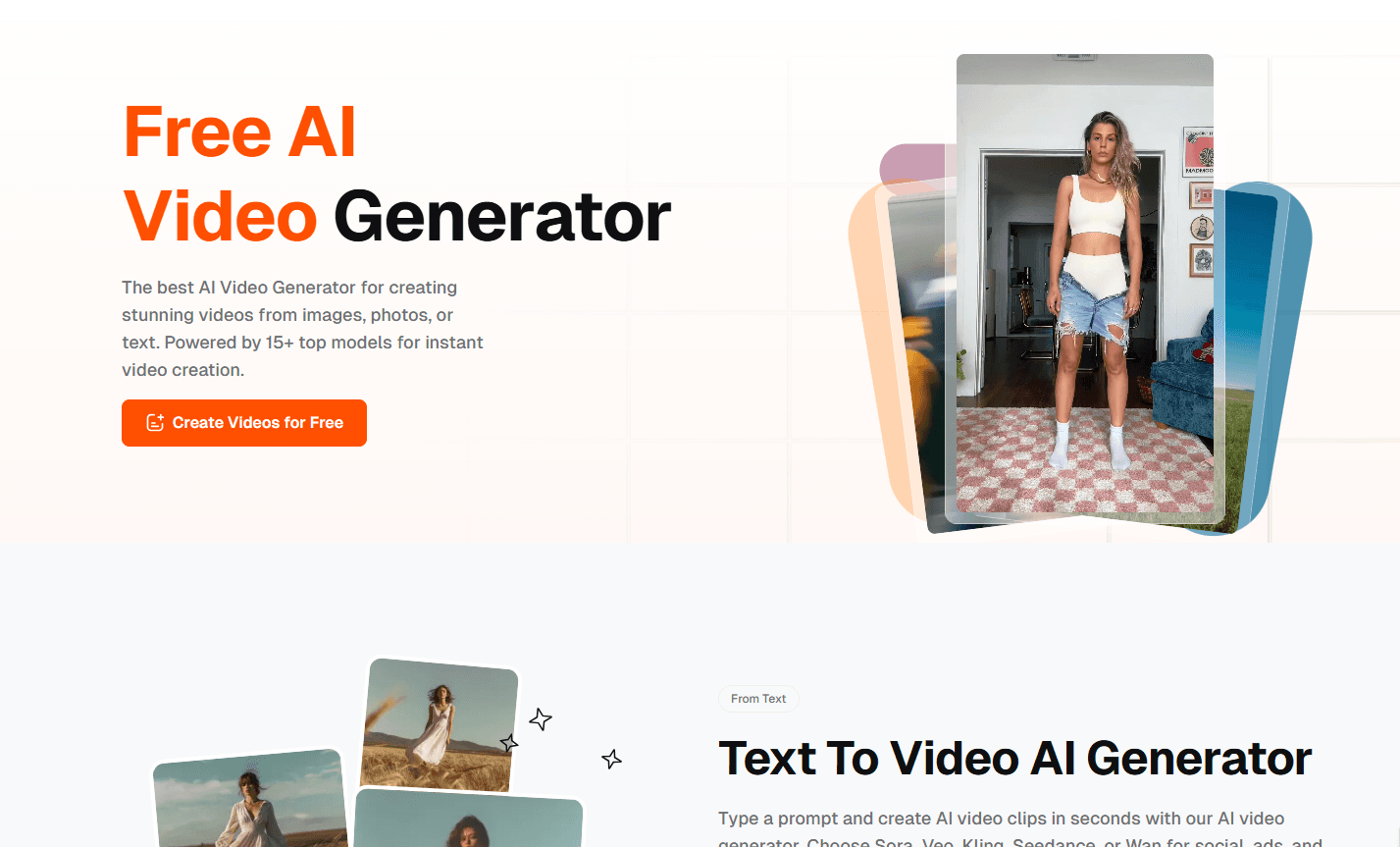
VEME is a web-based AI video generator and image generator that turns text prompts or uploaded photos into short clips, stills, and memes. Instead of locking you into one model, it routes your request through several engines, including Sora, Veo, Kling, Seedance, and Wan for video, plus GPT Image, Flux, and Ideogram for images. The pitch is simple: one workspace for text to video, image to video, and quick editing, without a timeline or keyframes.
About VEME
What Is VEME
VEME is a browser-based creative platform for generating and editing visual content with AI. It covers two jobs at once. You can write a prompt and get a video clip back, or upload a still photo and watch the platform animate it into motion. The same workspace also produces standalone images and memes.
What separates it from a single-model tool is the model menu. VEME doesn't train its own models. It connects to outside providers and lets you pick which one handles each job. So a cinematic shot and a fast social ad can come from different engines in the same session. One account, many engines.
The main limitation is that quality and speed depend on those third-party models. The fine print says features, credit costs, and availability can change as the product evolves, which means you should treat any single result as a sample rather than a promise. This is a workspace, not a guarantee of consistent output.
Getting Started
- Open veme.ai in a browser and create an account, since credits and history are tied to your profile.
- Pick a starting point: type a text prompt, or upload a photo if you want an image to video result.
- Choose a model from the list that fits the job, then set the aspect ratio and duration you need.
- Run the generation and wait for the clip or image to render in your workspace.
- Download the result or keep editing it, such as extending a clip, upscaling an image, or swapping a background.
Product Information
A quick look at VEME's pricing, supported platforms, and performance.
Best for
The users, tasks, and scenarios where this tool fits best.
Users
- Social media managers
- Independent content creators
- E-commerce sellers
- Graphic designers
Tasks
- Text to video
- Image to video
- Creating talking avatars
- Upscaling and restyling images
- Extending clips
Scenarios
- Launching a short ad in hours instead of booking a shoot day
- Refreshing a product catalog for a seasonal campaign
- Onboarding or training videos
Key features
Multi-Model Video Generation
VEME doesn't rely on one engine. You can route a request to Sora, Veo, Kling, Seedance, or Wan depending on whether you want realism, motion smoothness, or a specific look. That flexibility matters when a client rejects one style but likes another, since you don't have to leave the page, open a new account, and rebuild your prompt just to switch models. Not ideal to do that mid-project.
Image to Video in One Click
Upload a still, and the platform animates it into motion without keyframes or a timeline. It's aimed at product creatives and campaign visuals, where a static photo needs a few seconds of movement to work as an ad. Results depend on the model you pick. Expect to test more than once.
Text to Video From a Prompt
Type a description and get a clip back in seconds, according to VEME. The workflow skips storyboarding and keyframing entirely, which suits quick social posts, ads, and short storytelling beats rather than polished long-form edits. Fast. Good for volume, less so for precision.
Talking Avatars
You record once, then reuse the avatar across languages for onboarding videos, product demos, and training content. It works like an AI avatar generator built into the same studio you use for video. For teams that would otherwise reshoot in every market, that removes a camera, an actor, and a scheduling headache.
AI Image Generation and Style Transfer
The image side pulls from GPT Image, Flux, and Ideogram, and it handles style transfer too. Upload a photo and convert it into Studio Ghibli, pixel art, cyberpunk, or oil painting looks without manual color grading. Want a new look in seconds? That's the fastest part of the toolkit for brainstorming visuals.
Image Upscaling and Background Changes
Blurry product photos can be pushed to 4x without losing detail, which helps for print, posters, and large screens. The background tools let you clear distracting objects, match a brand style, or batch-edit many images at once. No manual work needed.
Video Extension
If you have 15 seconds of footage and need 30, VEME extends it with matching motion and continuity, which does the job for social ads and shorts where a re-shoot simply isn't realistic or worth the cost. The catch: the added footage inherits the quality of the original clip.
Pros and cons
Pros
- Access to several top video and image models from one account, so you can compare outputs without subscribing to each provider.
- Image to video and text to video both live in the same workspace, cutting tool-switching time.
- Handles both video and image jobs, plus editing touches like upscaling and background swaps.
- A free tier and browser-only access keep the entry cost low for testing.
Cons
- Output quality and speed depend on third-party models, and VEME states that features and credit costs can change as the platform develops, so you can't count on the same result twice.
- There's no mobile app, which means heavier editing work is tied to a desktop browser.
- Video, image, and editing tools sit in one interface, so new users face a learning curve before they find the right model for a job.
- Credits and subscriptions mean costs scale with usage, which can surprise anyone generating at volume.
Frequently asked questions
VEME generates and edits AI video and images from a browser. You write a prompt or upload a photo, pick an AI model, and get a clip, image, or meme back. That's the whole loop.
Related content
Explore related tools, skills, and articles for VEME.
VEME Alternatives

ngram 2.0
ngram · Video · Marketingngram 2.0 is an AI video generator for teams. It turns a prompt, a screen recording, or a product URL into a narrated explainer, product demo, or AI avatar video, and every scene stays editable.

OpenScreen 2
OpenScreen (open-source project) · Video · ProductivityOpenScreen 2 is a free, open-source screen recorder and demo video editor for Windows, macOS, and Linux, with automatic zooms, styled frames, local captions, and agent edits.

Skreno
Skreno · Video · ProductivitySkreno is a browser screen recorder that captures a tab, a window or your whole display, then attaches AI transcripts, summaries and console logs to one share link.