

Venngage
Venngage Inc. · Image · Productivity
Venngage is an AI design tool for non-designers. It turns data and ideas into infographics, reports and diagrams, with 40+ AI features, 7,500+ templates and built-in accessibility checks.
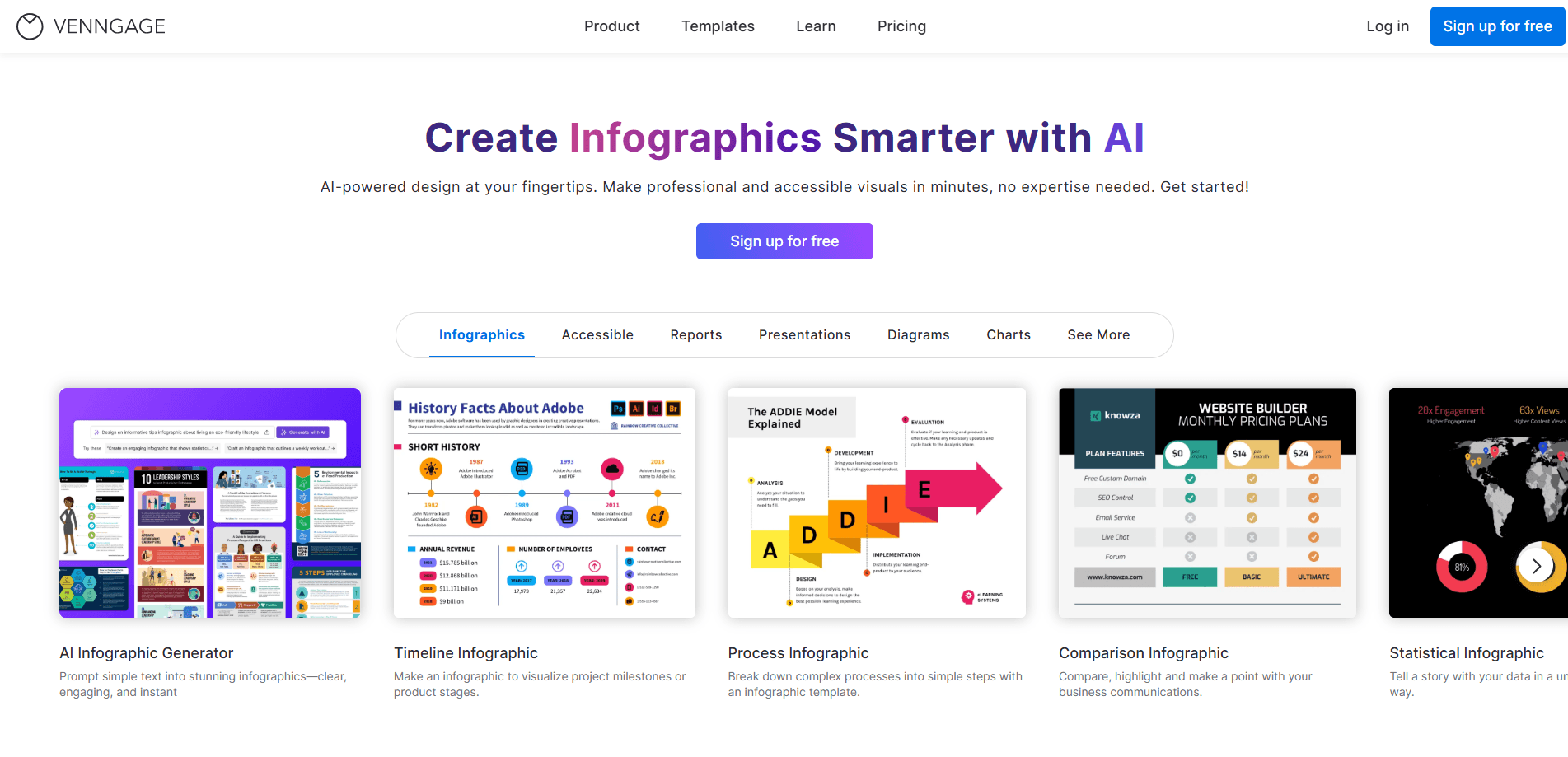
About Venngage
What Is Venngage
Venngage is a visual communication platform built for people who don't design for a living. As an online design tool, you pick a template, drop in your data, and the drag and drop editor handles layout, spacing and branding so the output looks deliberate rather than homemade.
The tool leans hard on AI. Venngage AI works as an AI infographic maker and AI report maker at once: it generates whole designs from a text prompt, creates icons and images, rewrites dense text for readability, and translates a finished design into other languages. Anyone who has to turn a quarterly report or a process map into something a team will actually read tends to get the most out of it.
The main limit is that it's a web-only tool aimed at visual output. If you need pixel-level control over vector art, or you work entirely offline, this isn't the right fit. Storage and export also scale with your plan, so free users run into caps quickly.
Getting Started
- Sign up free with an email, Google or Facebook account.
- Describe what you need in the AI Design Generator, or pick a template from the library.
- Swap in your numbers, text and brand colors using the drag and drop editor.
- Run the accessibility checker to fix contrast, alt text and reading order.
- Export as PNG, PDF or PowerPoint, then share a public or private link.
Product Information
A quick look at Venngage's pricing, supported platforms, and performance.
Best for
The users, tasks, and scenarios where this tool fits best.
Users
- Non-designers
- Content and marketing teams
- Educators and nonprofits
Tasks
- Turning survey data into infographics
- Writing business reports and white papers
- Building accessible documents
- Making process diagrams and roadmaps
Scenarios
- Shipping a campaign deck the night before a launch
- Translating a finished report for a global team
- Standardizing visuals across a company
Key features
AI Design Generator
Describe the asset you need and Venngage generates a full layout, complete with matching icons and color schemes. It covers infographics, reports, brochures, pitch decks and timelines, which means you can move from a blank canvas to an editable draft in one step instead of hunting for a template.
AI Editing and Writing Assistant
AI Editing resizes elements and tightens text so a layout stays balanced as content grows. The Writing Assistant rewrites bulky paragraphs into shorter, clearer copy. Both are aimed at the common case where the structure is fine but the wording and spacing drag a design down.
Accessibility Tools
Venngage ships a color contrast checker, an automatic alt text generator and a visual simulator that shows how a design looks to people with color blindness. For anyone producing public facing documents, that turns a manual compliance review into a few clicks.
Brand Kits
Upload your logo, fonts and colors once and every new design pulls from the same set. Multiple Brand Kits are available on higher plans, so an agency juggling several clients can keep each identity separate.
Template and Chart Library
The library holds thousands of templates across infographics, reports and diagrams, plus charts that read live data from your spreadsheet. Smart templates adjust the layout as your content changes, so you spend time on the message rather than moving boxes around.
AI Translate and Multi-format Export
AI Translate converts a design's text into other languages while keeping the layout intact. Finished work exports to PNG, PDF, PowerPoint and email HTML, and can be shared through private links, embeds or a flipbook.
Pros and cons
Pros
- Turns raw data into polished infographics without design skills
- 40+ AI tools cover generation, editing, translation and accessibility
- Accessibility features (contrast, alt text, simulator) are rare in this category
- Brand Kits keep large teams visually consistent
- Free plan is usable for testing before you pay
Cons
- Free plan caps you at 5 designs and 6 image uploads, so it runs out fast
- API access sits behind the Enterprise tier, which starts at $499/mo
- Web only, with no offline editing
- The AI Design Generator is best for standard formats and can struggle with unusual requests
Frequently asked questions
Venngage is an infographic generator, report builder and diagram tool in one. It targets people without a design background who still need professional looking visuals.
Related content
Explore related tools, skills, and articles for Venngage.
Venngage Alternatives

Tractionwave
TractionWave · Image · MarketingTractionWave is an AI attention heatmap tool for static ads. Upload a PNG or JPG and it returns predicted attention, ranked hotspots, and fixes before you spend budget.

Imejis.io
Imejis.io · Image · MarketingImejis.io is an AI design studio for agents and marketing teams. Describe an image in plain words, and it writes the copy, builds the layout, reflows it to every size, then exports a finished file.

Layoutr
Van Dijk Ontwikkeling · Image · China AILayoutr is a browser floor plan tool that scales your own plan, places furniture at true size, shows the room in 3D and renders it with AI.