

Veo
veo4.dev · Video
Veo is a browser-based AI video generation platform that turns written prompts and reference images into short cinematic clips. It runs on veo4.dev and targets marketers, indie filmmakers, and small teams who need finished video without a production crew. Pricing starts around $19.99 a month, and higher tiers add concurrent generations, longer history, and API access.
About Veo
What Is Veo
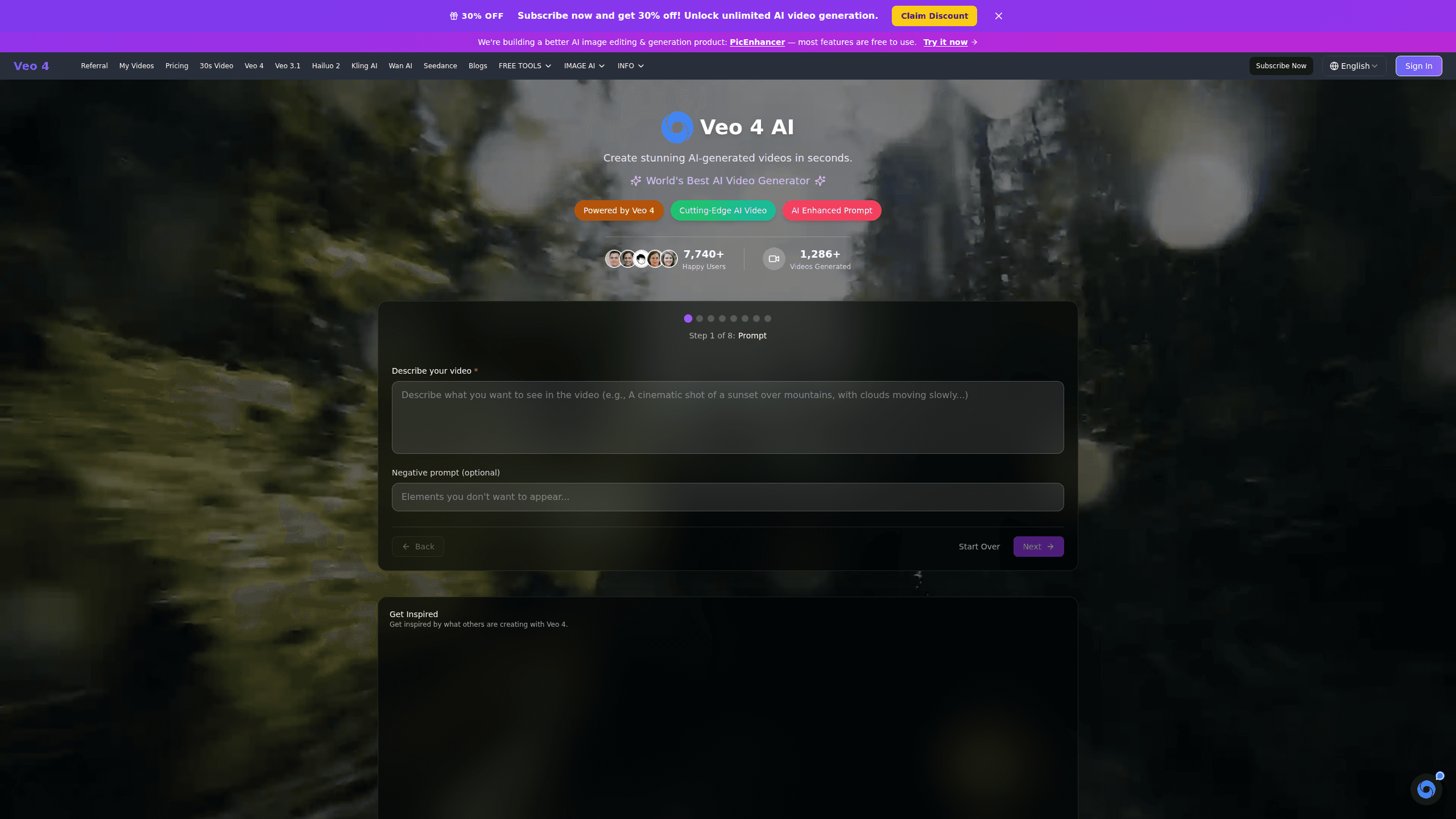
Veo is a web app for generating video with AI. You type a prompt, or upload a reference image, and the platform returns a short clip. That's the core loop, and it's the reason people sign up: no timeline editor, no rendering farm, no footage to shoot. Want a five-second product shot by lunch? That's the pitch.
The platform leans on multiple generation models rather than one, which means you can compare outputs from different engines side by side and pick whichever result actually matches the brief you wrote.
The biggest limit is clip length. Standard plans cap output at 15 seconds and 1080p, with 20-second clips reserved for custom enterprise deals. Longer scenes need stitching. If your project needs a continuous two-minute shot, this tool won't do it in one pass. Not even close.
Getting Started
- Create an account on veo4.dev and pick a plan, or start with the discount offer on the pricing page.
- Open the generation workspace and write a scene brief: subject, setting, camera movement, and mood.
- Add reference images or clips if you want to lock in a character look, product detail, or lighting direction.
- Set resolution, duration, and aspect ratio, then hit generate. Credits are spent per output.
- Download the clip as 1080p video, or generate an AI image if you need a still from the same prompt.
Product Information
A quick look at Veo's pricing, supported platforms, and performance.
Best for
The users, tasks, and scenarios where this tool fits best.
Users
- Marketing teams
- Independent filmmakers
- E-commerce sellers
Tasks
- Text to video
- Image to video
- Prompt-to-still assets
Scenarios
- Quick social ad variants
- Concept pitches
- Course and explainer content
Key features
Text to Video Generation
You write a prompt and Veo returns a finished clip. The model reads camera direction, mood, and pacing from the brief, so a line like "slow push-in on a rainy cafe window, warm light" produces footage that matches the intent. It's the fastest path from idea to something watchable.
Image to Video Conversion
Upload a photo or product shot and Veo animates it. Motion stays tied to what's in the image, so a car keeps its shape and a face keeps its features as the clip plays. This is the feature that makes product video practical without a shoot.
Multi-Model Output Comparison
Veo runs more than one generation engine, and you can compare results side by side. If one model mishandles a complex prompt, another might nail it. Agencies lean on this because re-rolling the same brief across models beats guessing which one works. Same prompt, different footage. The choice is yours.
Cinematic Quality at 1080p
Every paid tier outputs 1080p video with consistent lighting and motion that holds together across the full clip. The output is meant to look shot rather than assembled, which is what separates it from slide-show style AI clips that fall apart the moment anything moves.
Concurrent Generation and Queues
The Plus tier gives 5 concurrent generations, and higher tiers push that number up with priority processing on top. Running a batch of ads? This decides how fast you can move. Check it before you commit to a plan.
API Access for Developers
Professional plans include API access with 1,000 requests a month, and Enterprise unlocks unlimited requests. Teams that want to wire video generation into their own tools can do it without leaving the platform.
Pros and cons
Pros
- Browser-based, so nothing to install and no GPU needed on your machine.
- Multiple models in one place let you compare outputs instead of subscribing to several services.
- 1080p output on every paid plan, with credit-based pricing that scales with usage.
- API access on the Professional tier makes it usable inside existing workflows.
- Discount pricing (up to 30% off annual) lowers the entry cost for casual users.
Cons
- Clip length caps at 15 seconds on standard plans, so longer stories require stitching multiple outputs.
- No free plan, which means you can't test the output quality before paying.
- Credits run out fast on heavy projects, and image generation costs 300 credits each.
Frequently asked questions
Veo generates short AI video clips from text prompts or images. People use it for social ads, product showcases, concept scenes, and explainer content where filming would be too slow or expensive.
Related content
Explore related tools, skills, and articles for Veo.
Veo Alternatives

Vadu AI
Vadu AI · Image · VideoVadu AI is a web-based AI video generator that turns written prompts or still images into short clips, and it can also generate images on its own. You type what you want, pick a model and style, and the platform renders the result in minutes. A free plan covers light testing, while paid tiers run from $9 to $77.40 per month based on how many credits you burn.

Mykaraoke Video
MyKaraoke Video · VideoMykaraoke Video is an online karaoke video maker and lyric video maker that turns any song into a finished, lyrics-synced video right in your browser. It handles the slow part for you. The AI pulls vocals out of the mix and locks the lyrics to the beat, then lets you customize background, fonts, and colors before exporting in 1080p MP4. If you make lyric videos for social media, party nights, or music promotion, it skips the software installs and manual timing work entirely. Want a karaoke video generator that doesn't eat your whole evening? That's the pitch here.

Finalframe
Finalframe · VideoFinalframe is a set of free, browser-based tools for grabbing exact frames out of a video clip. Its best-known feature, the Final Frame Extractor, lets you extract the last frame of any video so you can use it as the starting image for AI video tools like Luma Dream Machine, Runway, or Kling. Want to keep a clip going? That last frame is your starting point. The tool runs locally in your browser, needs no sign-up, and costs nothing. A separate paid AI video-generation app from the same team is currently offline while it's rebuilt.