

Veo 4
aiveo4.org · Video
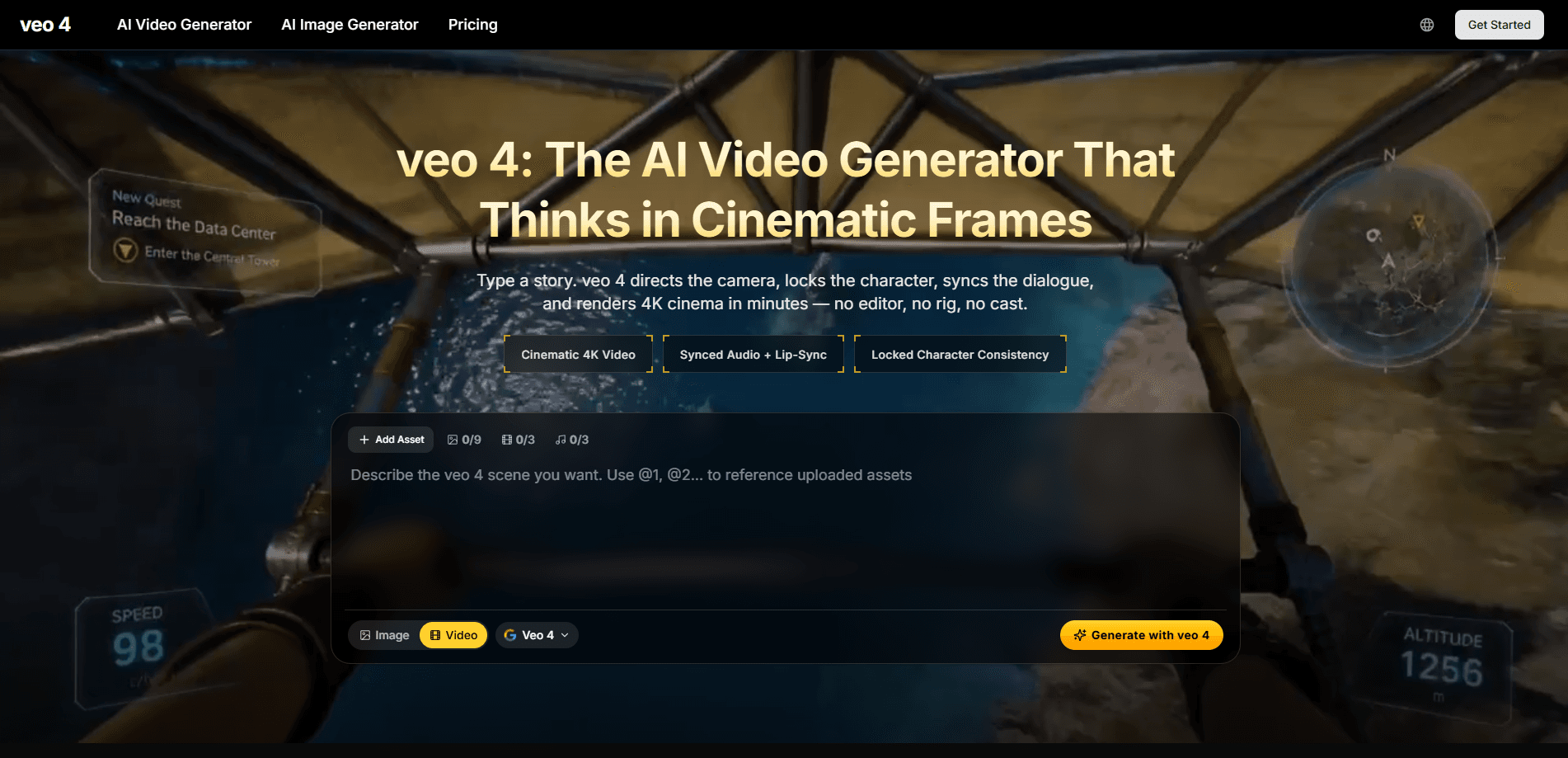
Veo 4 is a web-based AI video generator that turns a written story into cinematic 4K footage with synced audio, lip-sync, and locked characters. You type a prompt, and the tool handles camera direction, dialogue timing, and rendering. It's built for creators who want finished clips without a rig, a cast, or an editing suite, and it runs entirely in the browser with no software to install.
About Veo 4
What Is Veo 4
Veo 4 is an AI video generator you use through the browser at aiveo4.org. You describe a scene in plain text, and the platform renders it as a cinematic clip with synchronized sound and matching character voices. It's a text to video generator built around story prompts, not timeline editing. The pitch is simple: the model acts like a director, handling camera moves and pacing that usually fall to a human crew.
The main problem it solves is production cost. Shooting even a short scene needs gear, talent, and time. A text to video workflow skips most of that. Type a premise. Get a clip. Iterate on the prompt until it looks right.
The biggest limit is control. Prompt-based tools give you broad strokes, not frame-by-frame precision, so anything needing exact blocking or matching to existing footage will fight you. Output resolution on the paid tiers also caps at 1080p, while the marketing leans on 4K. Read the plan details before you commit to a project that needs maximum sharpness.
Getting Started
- Create an account at aiveo4.org and sign in to reach the generation dashboard.
- Pick a plan or start with the credit-based entry tier; credits pay for each render.
- Write your prompt as a short story: subject, action, setting, and mood. Lock a character description if you plan to reuse them.
- Generate the clip, then review the audio sync and camera framing.
- Download the result, and if you're on a paid plan, keep commercial rights for client or channel use.
Product Information
A quick look at Veo 4's pricing, supported platforms, and performance.
Best for
The users, tasks, and scenarios where this tool fits best.
Users
- Solo content creators
- Marketers and small agencies
- Storytellers and writers
Tasks
- Turning a script beat into a visual scene
- Generating consistent character shots across multiple clips
- Producing B-roll and mood footage
Scenarios
- Drafting a short film pitch trailer
- Filling a content calendar on a tight deadline
- Testing ad concepts cheaply
Key features
Text to Cinematic Video
You write a prompt and Veo 4 renders it as a directed scene, choosing camera framing and pacing rather than giving you a static shot. The result aims for a film-like look instead of a slideshow. For anyone testing an idea, this means a usable clip in minutes rather than a shoot day.
Synced Audio and Lip-Sync
The generator attaches dialogue, sound effects, and ambient audio to the video, and it syncs lip movement to the spoken lines. This is the feature that separates modern AI video from silent, jittery output. If your scene has people talking, the mouth movement roughly tracks the audio, which saves a separate dubbing step. No dubbing needed. That's a real time saver.
Character Consistency
You can lock a character's look so they stay recognizable across separate clips. In practice, that means a series of shots can feature the same person rather than a new face each time. It's the difference between random clips and something that reads as a continuous story. Same face, every shot.
4K Cinema Output
The site markets 4K cinematic rendering with the promise of a film-grade image. Note that paid plan pages list output at up to 1080p, so treat 4K claims as aspirational for most tiers. Check the current spec sheet before you count on native 4K delivery.
AI Image Generation
Beyond video, the platform includes an AI image generator on paid plans. You can draft a still concept first and move into motion once the look is right. It's a handy bridge for storyboarding before you spend credits on video renders.
Multi-Model Access
Paid plans bundle access to several top AI video models in one place, not just Veo 4. That gives you a way to compare outputs without juggling separate subscriptions, which matters when a single tool rarely wins every prompt and you'd otherwise be paying for three or four subscriptions at once. If a prompt performs better on another model, you can switch without leaving the dashboard.
Commercial License
Every paid tier includes a commercial license, so you can use the output in client work, ads, or monetized channels. No watermark appears on paid plans either. For anyone earning from the content, that's the clause that makes the tool usable rather than just a toy.
Pros and cons
Pros
- Renders text to video with synced audio and lip-sync in a browser, no install required.
- Character anchoring keeps the same person consistent across multiple clips.
- Paid plans include a commercial license and remove the watermark.
- Credit-based tiers let you start cheap and scale up as your output grows.
- Bundled access to several AI video models in one dashboard.
Cons
- Paid output tops out at 1080p, so the 4K marketing oversells what most plans deliver.
- There's no free plan, and credits can run out fast on longer or repeated renders.
- Prompt control is broad; you can't fine-tune exact blocking or match existing footage precisely.
- No public API is documented, which blocks automated or pipeline use.
Frequently asked questions
It's an AI video generator for turning written prompts into cinematic clips with audio. People use it for short films, ads, social content, and B-roll when a real shoot is too slow or too expensive.
Related content
Explore related tools, skills, and articles for Veo 4.
Veo 4 Alternatives
Griffin by Tavus
Tavus · Voice & Language · Video · ChatbotGriffin by Tavus is the first Human Interaction Model: a full-duplex, video-to-video system that watches, listens, and answers during a live video call in real time.

Syllaby AI Avatar 2.0
Syllaby · Video · MarketingSyllaby AI Avatar 2.0 turns a script into a presenter-led video with a reusable AI avatar, natural voice, B-roll and automatic subtitles, all in one browser workflow.

Vitra.ai
Vitra.ai · Voice & Language · Video · MarketingVitra.ai is an agentic content platform that creates, translates, reviews, and publishes video, images, documents, and app content in 120 languages from one shared brief.