

VibeClip – AI Video Generator
BREA BELL · Video
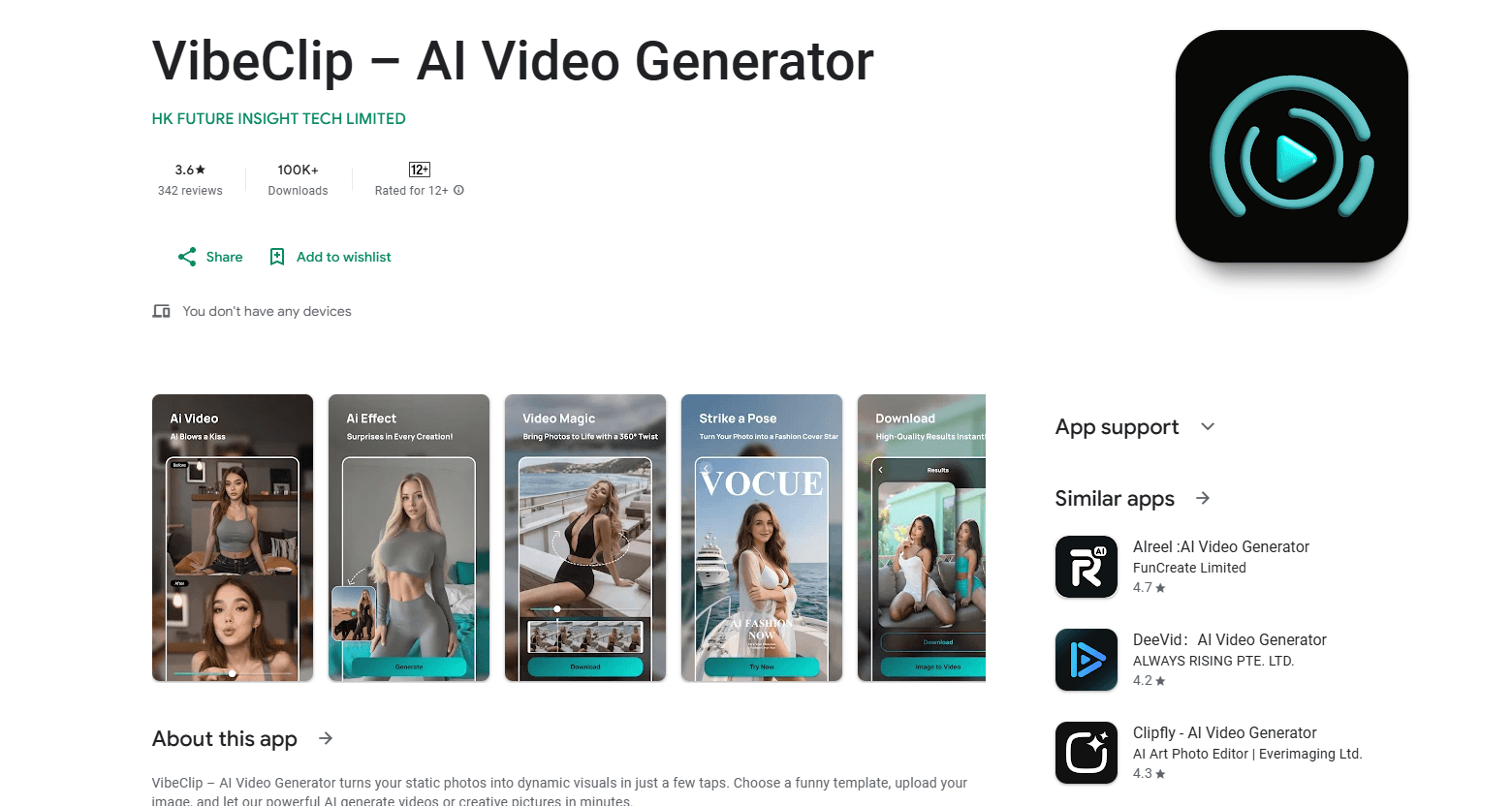
VibeClip – AI Video Generator is an Android app that turns a single photo into a short animated video or a stylized AI image. You pick a template, upload an image, and let the app render the result in the cloud. It's aimed at casual users who want shareable clips without learning editing software.
About VibeClip – AI Video Generator
What Is VibeClip – AI Video Generator
VibeClip is a mobile photo-to-video app from the developer BREA BELL, available on Google Play. You upload one picture, choose a style template, and the app animates that image or renders a new AI picture from it. Everything runs in the cloud. Your phone doesn't do the heavy lifting, which means you need a steady connection for every render.
The app sits in a crowded but popular space. Tools like Remini and CapCut have trained a lot of people to expect one-tap photo animation on their phones, and that expectation now shapes what casual users want from any new app in the category. VibeClip's pitch is speed and simplicity. You don't get a timeline, keyframes, or manual controls. No editing skills needed. That's a plus if you just want a quick clip for a group chat or a social post, and a limit if you need precise edits.
Pricing runs through in-app purchases rather than a subscription you have to cancel. Individual items are sold between roughly $2.49 and $139.99, so the total cost depends entirely on how much you end up using the app over time. The trade-off is real: you pay per item or pack, which keeps casual users cheap but adds up fast for anyone generating clips every day.
Getting Started
- Install VibeClip – AI Video Generator from Google Play on an Android device.
- Open the app and browse the style templates to find one that fits your photo.
- Upload or select the image you want to animate.
- Tap to start generation and wait while the cloud renders your video or image.
- Preview the result, then save or share the file.
Product Information
A quick look at VibeClip – AI Video Generator's pricing, supported platforms, and performance.
Best for
The users, tasks, and scenarios where this tool fits best.
Users
- Casual social posters
- People who dislike subscription apps
- Android owners who want a phone-only tool
Tasks
- Animating a still photo
- Generating a stylized AI image
- Making a quick shareable clip
Scenarios
- Birthdays and anniversaries
- Party or travel recaps
- Content filler for creators
Key features
Photo to Video
VibeClip's core job is turning a static image into a moving clip. You supply one photo, pick a style, and the app generates an animated result. It works best with a clear, well-lit picture, since the model only has that single frame to build motion from. Blurry shots fall apart fast. Results come back in minutes rather than hours.
One-Click Style Templates
The app ships with a range of style templates you can apply without any manual setup. Templates cover different looks and moods, and swapping one for another is a single tap. That's the main way VibeClip stays approachable for people who've never touched a video editor, because the hardest decision you make is which template to pick, not how to build the animation yourself.
AI Image Generation
Beyond animation, VibeClip can render a new AI picture from your uploaded photo. You choose a template, and the app produces a stylized version rather than a moving one. It's a handy extra if you want a fresh image for a profile or post without opening a separate AI art tool. Think of it as a small bonus. Nothing more.
Cloud Processing
Generation happens on remote servers, not your phone's chip. That keeps older or mid-range Android devices in the game. The app isn't limited by local hardware, so a three-year-old phone can still produce the same output as a new flagship. The flip side is that you need a working internet connection for every render, and results depend on the service staying up. No signal, no video.
High-Quality Downloads
Once a clip or image is ready, you can save it to your device right away. The app targets shareable output, so files are made to drop straight into chats and social feeds, and you keep the result locally rather than only hosting it inside the app where you'd have to reopen it every time you wanted to send it.
Pros and cons
Pros
- No editing skills required, so beginners can get a usable clip from one photo.
- Runs on Android phones, including mid-range models, since rendering happens in the cloud.
- Pay-per-item pricing between $2.49 and $139.99 gives casual users a cheap entry point.
- Style templates make it easy to try different looks without manual work.
Cons
- No timeline or manual editing controls, so you can't fine-tune motion or timing.
- Every render needs a live internet connection, which means no offline use.
- Costs scale with usage, and heavy users will pay more than a flat subscription would cost.
Frequently asked questions
It turns a single photo into a short animated video or a similar AI-generated image. You pick a template and upload an image, and then the app renders the result in the cloud rather than on your phone, which is why the output looks the same on an old budget handset and on this year's flagship model.
Related content
Explore related tools, skills, and articles for VibeClip – AI Video Generator.
VibeClip – AI Video Generator Alternatives

Vadu AI
Vadu AI · Image · VideoVadu AI is a web-based AI video generator that turns written prompts or still images into short clips, and it can also generate images on its own. You type what you want, pick a model and style, and the platform renders the result in minutes. A free plan covers light testing, while paid tiers run from $9 to $77.40 per month based on how many credits you burn.

Mykaraoke Video
MyKaraoke Video · VideoMykaraoke Video is an online karaoke video maker and lyric video maker that turns any song into a finished, lyrics-synced video right in your browser. It handles the slow part for you. The AI pulls vocals out of the mix and locks the lyrics to the beat, then lets you customize background, fonts, and colors before exporting in 1080p MP4. If you make lyric videos for social media, party nights, or music promotion, it skips the software installs and manual timing work entirely. Want a karaoke video generator that doesn't eat your whole evening? That's the pitch here.

Finalframe
Finalframe · VideoFinalframe is a set of free, browser-based tools for grabbing exact frames out of a video clip. Its best-known feature, the Final Frame Extractor, lets you extract the last frame of any video so you can use it as the starting image for AI video tools like Luma Dream Machine, Runway, or Kling. Want to keep a clip going? That last frame is your starting point. The tool runs locally in your browser, needs no sign-up, and costs nothing. A separate paid AI video-generation app from the same team is currently offline while it's rebuilt.