

Vidalgo
Vidalgo · Video
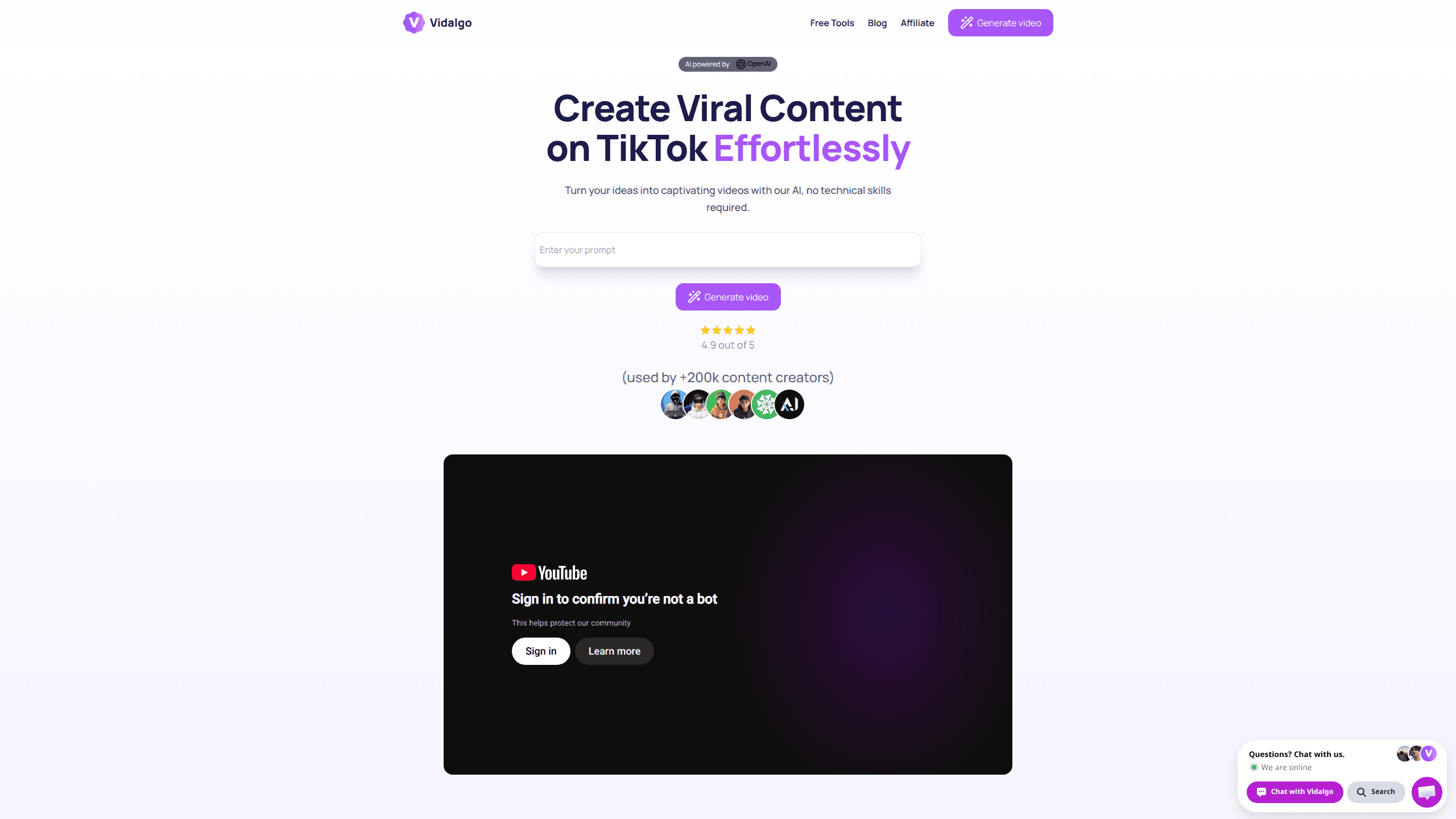
Vidalgo is an AI video maker built for short-form, vertical content. It calls itself a vertical video generator, and that's the job. You type an idea, and the platform writes a script, picks matching visuals, adds music, and assembles a finished 9:16 video for TikTok, YouTube Shorts, or Instagram Reels. The pitch is speed without editing skills: no timeline, no footage, no technical steps. Over 200,000 creators have used it to produce more than 60,000 videos, according to the company's own site. It's aimed at faceless-channel operators, solo marketers, and anyone who wants a steady flow of posts without hiring an editor.
About Vidalgo
What Is Vidalgo
Vidalgo is a web-based AI video creation tool from a company that positions it as an effortless way to produce viral-style vertical videos. Instead of switching between a script doc, a stock-footage site, and a video editor, you work in one place. You describe what you want, and the AI handles scriptwriting, image selection, music, and assembly. The output is formatted for the three dominant short-video feeds, so the aspect ratio and pacing already fit where you'll publish it.
The tool leans on a few ideas that keep showing up in the marketing: one-click generation, unlimited testing of variations, and AI-picked titles and hashtags. There's also a random idea button for creators who stall on what to make next, a music library of over 30 tracks, and voice and style options for matching a brand tone. Automated publishing to TikTok and YouTube is listed as coming soon rather than live, so today you'll still upload the finished file yourself.
Getting Started
- Go to the Vidalgo site and create an account with your email to reach the generator.
- Enter your video idea as a short prompt, or press the random idea button if you'd rather start from a suggestion.
- Pick a voice, style, and background track that match the tone you want.
- Generate the video and review the script, visuals, and pacing the AI assembled.
- Export the finished vertical file and upload it to TikTok, Shorts, or Reels.
Product Information
A quick look at Vidalgo's pricing, supported platforms, and performance.
Best for
The users, tasks, and scenarios where this tool fits best.
Users
- Faceless-channel creators who post short videos without appearing on camera
- Solo marketers and small teams that can't afford a dedicated video editor
- Social media managers producing daily content for multiple accounts
- Beginners who want to publish on TikTok, Shorts, or Reels without editing skills
Tasks
- Turning a written idea into a finished vertical video in minutes
- Generating dozens of variations to test which hooks perform
- Writing scripts and captions for short-form posts
- Producing faceless videos at a steady pace
- Drafting AI-suggested titles and hashtags for each clip
Scenarios
- Daily posting schedules where editing time is the bottleneck
- Testing multiple angles of the same offer before scaling an ad
- Building a themed channel around history, facts, or story-driven shorts
- Keeping several client accounts stocked with vertical content
- Quickly validating a niche before investing in production
Key features
One-Click Video Generation
The core of Vidalgo is a single move: you type an idea, and a finished vertical video comes out the other end. It's a one-click handoff. You enter a prompt, and the platform composes the script, selects images, and assembles the sequence without you touching a timeline. Does that mean less control? Yes, and that's the trade. In practice, this is the feature that saves the most time, since it folds four or five separate steps into one. A useful way to think about it: it's a first-draft machine you get something publishable from fast, then decide whether it needs a tweak. For someone posting daily, that speed matters more than pixel-level control.
AI Scriptwriting and Captions
Vidalgo doesn't just stitch visuals together; it drafts the words too. The AI writes the script that drives the visuals and generates captions to match. If you've ever stared at a blank doc trying to phrase a 30-second hook, this removes that friction. You can still steer the result by adjusting your prompt, and the captions give you a starting point you can refine before posting. It won't replace a skilled copywriter for a brand-critical campaign, but for volume content it keeps you moving. That's the point.
AI Titles and Hashtags
Short-form discovery leans heavily on the first line and the tags. Vidalgo generates catchy titles and hashtags alongside the video, so you're not guessing at what might trend. That's a big deal. This is a small feature with an outsized effect on a faceless channel, where you can't rely on a recognizable face to hold attention. Treat the suggestions as a launchpad. they give you a competent baseline, and you can swap in a stronger hook if you have a specific angle in mind.
Music Library and Voice Options
The platform ships with more than 30 tracks and lets you adjust voices and styles. That covers the basics of setting a mood. Audio does a lot of the emotional work in a vertical video. Having a built-in library means you don't have to source music separately or worry about mismatched pacing. The voice options let you match a brand tone, whether that's a calm explainer or a higher-energy voiceover. It's not an exhaustive catalog, but it's enough to avoid every video sounding identical.
Unlimited Testing and the Random Idea Button
Two features target the hardest part of short-form: consistency. Unlimited tests let you generate many variations of the same concept to see what lands, which mirrors how successful channels actually operate, since the ones that grow fastest are usually the ones posting the most attempts rather than chasing a single perfect clip. And when you're out of ideas, the random idea button pushes a fresh concept your way. Together they address the two failure modes of content channels: not knowing what works and not knowing what to make. For a solo creator, that combination is what keeps a posting schedule alive past week two.
Automated Publishing (Coming Soon)
Vidalgo lists one-click publishing to TikTok and YouTube as an upcoming feature. When it arrives, the loop from idea to live post shrinks again, removing the manual upload step entirely and letting a single creator keep several accounts topped up without ever opening a second tab or touching a scheduling tool. For now, plan on exporting and posting yourself. The feature is announced rather than shipped, so don't build a workflow that assumes it's already there. If it lands as described, it's the piece that turns the tool from a generator into a fuller publishing pipeline.
Pros and cons
Pros
- Turns a text idea into a finished vertical video without editing skills
- Covers script, visuals, captions, music, and hashtags in one place
- Good fit for faceless channels and high-volume posting
- Unlimited variation testing helps you find what performs
- Random idea button keeps a posting schedule from stalling
Cons
- Limited creative control compared to a full editor
- Automated publishing to TikTok and YouTube is still upcoming, not live
- No mobile app, so you work through a browser
- AI-generated scripts and captions usually need a light edit before posting
- Public API availability is unclear
Frequently asked questions
Vidalgo is an AI tool that turns a text idea into a finished vertical video for TikTok, YouTube Shorts, and Instagram Reels. It writes the script, selects images, adds music, and assembles everything into a 9:16 clip you can download and post. You don't need editing experience to use it.
Related content
Explore related tools, skills, and articles for Vidalgo.
Vidalgo Alternatives

Vadu AI
Vadu AI · Image · VideoVadu AI is a web-based AI video generator that turns written prompts or still images into short clips, and it can also generate images on its own. You type what you want, pick a model and style, and the platform renders the result in minutes. A free plan covers light testing, while paid tiers run from $9 to $77.40 per month based on how many credits you burn.

Mykaraoke Video
MyKaraoke Video · VideoMykaraoke Video is an online karaoke video maker and lyric video maker that turns any song into a finished, lyrics-synced video right in your browser. It handles the slow part for you. The AI pulls vocals out of the mix and locks the lyrics to the beat, then lets you customize background, fonts, and colors before exporting in 1080p MP4. If you make lyric videos for social media, party nights, or music promotion, it skips the software installs and manual timing work entirely. Want a karaoke video generator that doesn't eat your whole evening? That's the pitch here.

Finalframe
Finalframe · VideoFinalframe is a set of free, browser-based tools for grabbing exact frames out of a video clip. Its best-known feature, the Final Frame Extractor, lets you extract the last frame of any video so you can use it as the starting image for AI video tools like Luma Dream Machine, Runway, or Kling. Want to keep a clip going? That last frame is your starting point. The tool runs locally in your browser, needs no sign-up, and costs nothing. A separate paid AI video-generation app from the same team is currently offline while it's rebuilt.