

VideoAny
VideoAny · Video
VideoAny is a video-first AI studio that turns text prompts or still images into short clips, then lets you polish them with built-in image and audio tools. The free tier covers the basics. One-time credit packs open up higher resolution and commercial rights. Those are the two speeds you pick between.
About VideoAny
What Is VideoAny
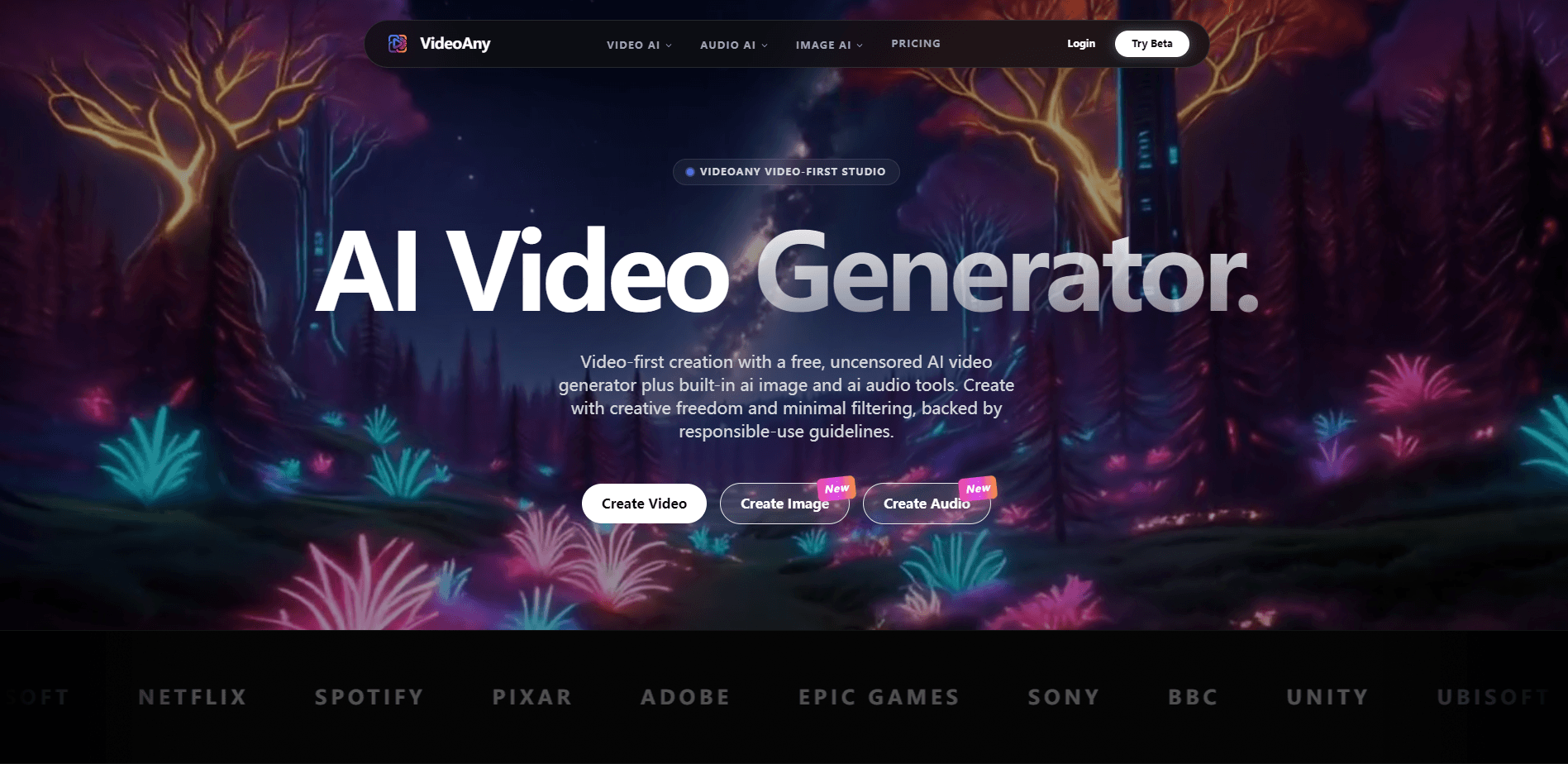
VideoAny is a web-based AI video generator built around the idea that one platform should handle your whole creative flow. Instead of stitching together a video tool, an image tool, and a separate audio app, you generate all three in the same place and keep the results in one asset library. For anyone who has spent an afternoon exporting a clip, hunting for a track in a different tab, and re-importing the audio, that single-workspace promise is the real selling point.
The draw is creative freedom. VideoAny brands its own model as "uncensored," which makes it a notable pick for an uncensored AI video generator, meaning it applies fewer content filters than most mainstream tools. It still bans illegal material and asks you to follow its terms. Third-party models hosted on the platform, such as Kling and Seedance, keep their own safety rules and may refuse certain prompts.
The catch is credit math. Every generation spends credits, and heavier models burn through them faster. A 3-second clip on the fast VideoAny V5 model costs 30 credits. A 5-second Seedance 2.0 render costs 75. There's no monthly subscription pressure, but you do have to plan your spending.
Getting Started
- Create a free account on the VideoAny site and land in the dashboard.
- Pick a mode such as text-to-video or image-to-video, then choose a model from the list.
- Type your prompt, or upload a reference image if the model supports it.
- Set the duration, resolution, and audio options, then hit generate.
- Download the output, or send it to the image and audio tools for extra edits.
Product Information
A quick look at VideoAny's pricing, supported platforms, and performance.
Best for
The users, tasks, and scenarios where this tool fits best.
Users
- Solo creators
- Indie filmmakers
- Social media managers
- Teams with mixed needs
Tasks
- Generating clips from a written scene description when you don't have footage.
- Animating a product photo or portrait into a moving shot.
- Producing background music or voiceover for a short video in the same session.
- Building throwaway concept videos to pitch an idea.
Scenarios
- Testing a dozen creative directions before a client meeting, since credits never expire.
- Making faceless social clips when you want ambient music and a moving background.
- Prototyping a music video or short film sequence on a tight deadline.
- Retopoing a static ad into a short animated teaser.
Key features
Text-to-Video Generation
Type a scene and get a moving clip back. The text-to-video tool runs on VideoAny V5 and MiniMax H3, with 3-second generations starting at 30 credits. That's cheap enough to test an idea without sweating the cost. Longer 15-second renders appear on select models when you've got credits to spare.
Image-to-Video With Multiple Models
Upload a still and let a model animate it. VideoAny hosts a wide roster here, including Seedance 2.0 for face consistency, Kling 3.0, Vidu Q3, and Wan 2.7. Each model has its own strengths and price. So you can match the engine to the shot instead of settling for whatever a single model happens to produce on a given day. Seedance 2.0, for instance, costs 75 credits for a 5-second render.
AI Image Generator
The platform pairs video work with image generation, covering text-to-image and image-to-image tasks. Models like Seedream 5.0, Nano Banana 2, and Flux2 Pro are on the menu. Prices stay low, starting around 1 credit for GPT Image 2 at 1K. That means you can produce thumbnails, backgrounds, or reference frames without leaving the studio.
AI Audio Studio
Video needs sound. VideoAny builds audio generation into the same workspace, so you can create music, voice, and sound effects without opening a second app or learning a new interface. Most audio jobs finish in under a minute. That's a practical addition for anyone tired of exporting a clip, hunting for a track elsewhere, and re-importing it. The audio tools sit alongside text-to-music and dubbing options.
Face Swap and Creative Effects
Beyond standard generation, there's a batch of novelty tools such as face swap, talking avatars, and anime-style upscaling. Face swap runs at about 5 credits per image. That's cheap to test. These effects work best for short-form content where a quick visual hook matters more than a polished scene.
One-Time Credits With No Expiry
Instead of a subscription, VideoAny sells credit packs you pay for once, and the credits sit in your account until you decide to spend them. Credits don't expire, and the larger annual-reserve packs add bonus credits on top. That structure suits people who create in bursts rather than on a steady monthly schedule. The tradeoff? You front-load the cost rather than paying as you go.
Pros and cons
Pros
- Video, image, and audio generation live in one place, which cuts out app-switching.
- Credits never expire, so a slow month doesn't waste your balance.
- A free tier lets you test core features before spending anything.
- The uncensored model gives more prompt freedom than most mainstream generators.
- A broad model roster means you can match the engine to the task.
Cons
- Credit costs vary a lot by model, so a creative idea can get expensive fast once you move to higher resolutions and longer clip lengths.
- The "uncensored" label only applies to VideoAny's own model; third-party models still filter.
- Free-tier output is limited to personal use, so commercial work needs a paid pack.
- No clear public API means automation-minded users can't easily script it.
Frequently asked questions
It's a studio for generating short AI videos from text or images, plus the supporting images and audio those videos need. People use it for social clips, concept pitches, and quick visual experiments.
Related content
Explore related tools, skills, and articles for VideoAny.
VideoAny Alternatives
Griffin by Tavus
Tavus · Voice & Language · Video · ChatbotGriffin by Tavus is the first Human Interaction Model: a full-duplex, video-to-video system that watches, listens, and answers during a live video call in real time.

Syllaby AI Avatar 2.0
Syllaby · Video · MarketingSyllaby AI Avatar 2.0 turns a script into a presenter-led video with a reusable AI avatar, natural voice, B-roll and automatic subtitles, all in one browser workflow.

Vitra.ai
Vitra.ai · Voice & Language · Video · MarketingVitra.ai is an agentic content platform that creates, translates, reviews, and publishes video, images, documents, and app content in 120 languages from one shared brief.