

Video Swap
VideoSwap · Video
Video Swap is an online AI video editor that handles face swaps, character replacement, motion control, and style transfer in a single browser workflow. You upload a face or character image plus a reference clip, pick a mode, and the platform returns an edited video with stable expressions and lighting. As a video editing tool it needs no software install and no editing experience, which is the whole point for creators turning one source video into many versions.
About Video Swap
What Is Video Swap
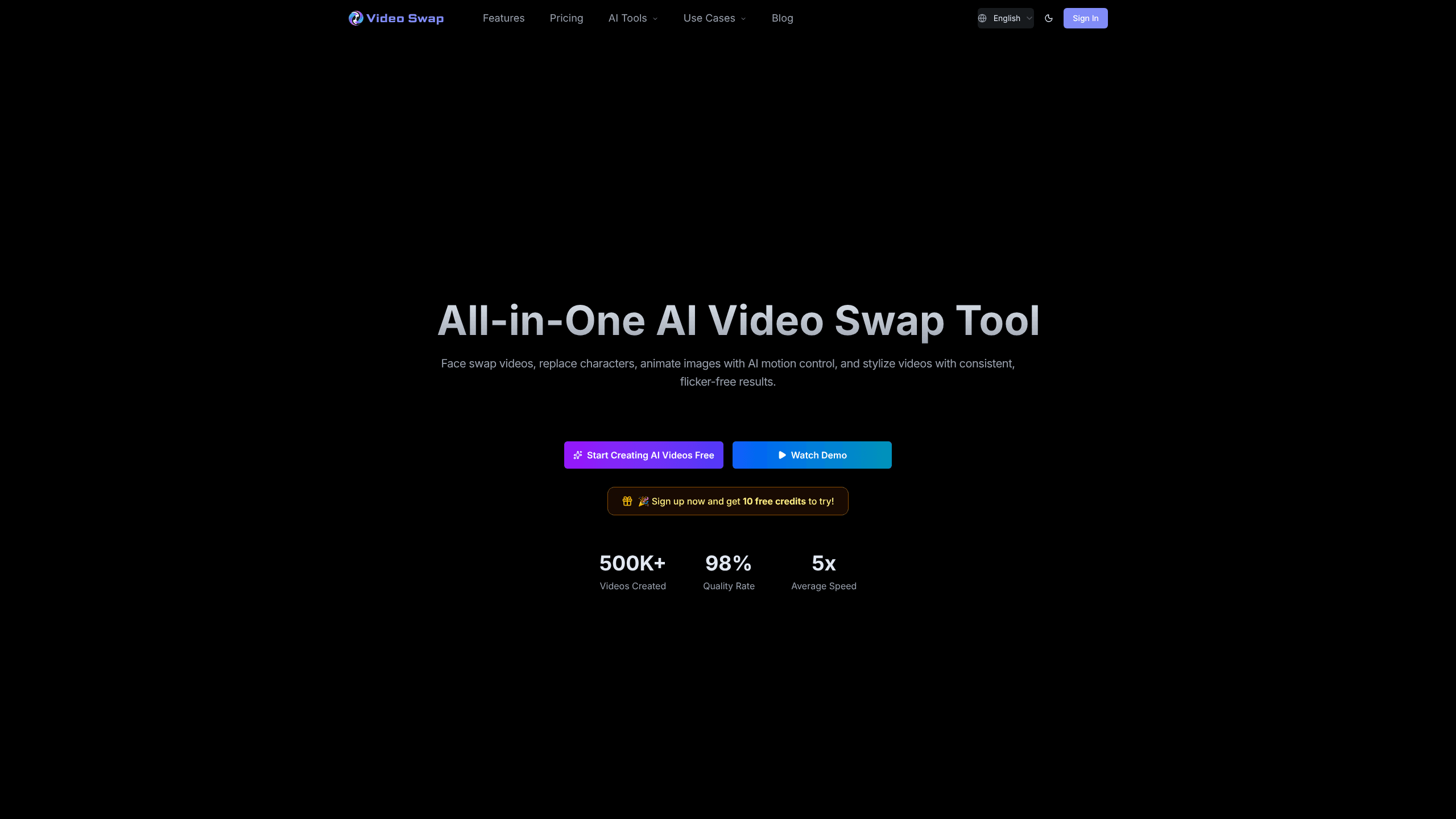
Video Swap is a browser-based AI video creation platform built by VideoSwap. Four jobs sit at the center. Swap a face into an existing clip. Replace a full character. Animate a still image with a performance reference. Restyle a video to match a look. The team behind it frames the tool around consistency, claiming a 98% quality rate and flicker-free output across more than 500,000 videos created.
Where it helps most is versioning. Ad teams and short-form creators rarely need one clip. They need the same scene with a different spokesperson, a localized character, or a unified visual style across a whole series. Doing that by hand means reshoots and hours in an editor. Video Swap compresses it into an upload and a credit spend.
Getting a usable result is quick. Pick a mode. Upload two files. Hit generate.
The catch is credits. There's no free tier beyond a sign-up bonus, and every generation burns credits by the second, so cost scales with clip length and resolution. If you only need a one-off swap, that math is fine. If you're processing long footage at high quality, the meter adds up fast. The tool also runs entirely in the cloud, so you're trusting its servers with your source footage and face images.
So is it worth it? For repeat versioning work, yes. For a single swap, probably not.
Getting Started
- Create a free account on videoswap.app. New sign-ups get 10 free credits to test the tool.
- Pick a feature, such as Video Face Swap, Character Swap, AI Motion Control, or Video Style Transfer.
- Upload your materials: one face or character image plus a reference video, or a source video plus a style preset, style image, or text prompt.
- Choose your mode and resolution, then confirm the credit cost before you generate.
- Download the finished clip, which carries a commercial use license on paid plans.
Product Information
A quick look at Video Swap's pricing, supported platforms, and performance.
Best for
The users, tasks, and scenarios where this tool fits best.
Users
- Short-form creators
- Ad and marketing teams
- Brand and channel operators
Tasks
- Swapping a face into an existing video
- Replacing a full character
- Animating a still image
- Restyling footage
Scenarios
- Localizing ad creative for multiple markets
- Building a virtual host or spokesperson
- Making illustration characters perform
Key features
Video Face Swap
This swaps a face into an existing clip while holding expressions and lighting as steady as it can. You feed in one face image and one reference video, and the tool outputs a new clip at a flat 2 credits per second in Professional mode. The draw is natural movement rather than a stiff paste-on. It's the core feature, and it's where most creators start.
Character Swap
Character Swap replaces a whole person rather than just a face, which suits full-body recasting, mascot insertion, and ad localization. It runs at 480p or 720p and costs 2 or 4 credits per second depending on resolution. For teams producing several versions of the same scene, that resolution choice is the main cost dial.
AI Motion Control
AI Motion Control animates a still image using a performance reference. You supply one character image plus one reference video, and the system transfers the motion onto your static subject in Standard or Professional mode, at 4 or 8 credits per second. It's the feature illustrators and short-film creators reach for when they want a drawing to act.
Video Style Transfer
Style Transfer pushes a source video into a preset style, a style image, or a text prompt. Anime, cinematic, cartoon, and branded looks are the common targets, and it runs at 5 credits per second with flicker-free output. This is the tool brands use to make a series feel like one coherent set.
Browser-Based Workflow
Everything runs in the browser, so there's nothing to install and no client to update. You can start a project on a computer, tablet, or phone, and the same account holds your credit balance across devices whichever machine you open it on. For teams that move between machines, that removes a setup step.
Credit-Based Pricing
The platform bills per second of processed video at a rate that shifts with feature, mode, and resolution. Plans bundle monthly credits, and one-time credit packs never expire. The upside is you only pay for what you generate. The downside? You have to watch the meter.
Pros and cons
Pros
- Four related video tools in one place, so you don't jump between separate apps for face swaps, character work, motion, and styling.
- Runs entirely in the browser with no install, which keeps onboarding quick.
- Paid plans include a commercial use license and priority support.
- Consistent, flicker-free output is the stated focus, which matters for series work.
- One-time credit packs don't expire, so unused credits carry over.
Cons
- No free plan. New users get 10 test credits, then everything is paid.
- Credit burn scales with clip length and resolution, so long or high-quality footage gets expensive.
- Processing is cloud-only, meaning your source footage and face images go to the company's servers.
- The library doesn't list a public API, which blocks programmatic or batch automation.
Frequently asked questions
You can swap a face into a video, replace a whole character, animate a still image with a performance reference, and restyle a clip to match a look. All four run from the same account in your browser.
Related content
Explore related tools, skills, and articles for Video Swap.
Video Swap Alternatives

Vadu AI
Vadu AI · Image · VideoVadu AI is a web-based AI video generator that turns written prompts or still images into short clips, and it can also generate images on its own. You type what you want, pick a model and style, and the platform renders the result in minutes. A free plan covers light testing, while paid tiers run from $9 to $77.40 per month based on how many credits you burn.

Mykaraoke Video
MyKaraoke Video · VideoMykaraoke Video is an online karaoke video maker and lyric video maker that turns any song into a finished, lyrics-synced video right in your browser. It handles the slow part for you. The AI pulls vocals out of the mix and locks the lyrics to the beat, then lets you customize background, fonts, and colors before exporting in 1080p MP4. If you make lyric videos for social media, party nights, or music promotion, it skips the software installs and manual timing work entirely. Want a karaoke video generator that doesn't eat your whole evening? That's the pitch here.

Finalframe
Finalframe · VideoFinalframe is a set of free, browser-based tools for grabbing exact frames out of a video clip. Its best-known feature, the Final Frame Extractor, lets you extract the last frame of any video so you can use it as the starting image for AI video tools like Luma Dream Machine, Runway, or Kling. Want to keep a clip going? That last frame is your starting point. The tool runs locally in your browser, needs no sign-up, and costs nothing. A separate paid AI video-generation app from the same team is currently offline while it's rebuilt.