

Video Upscaler
VideoUpscale.net · Video
Video Upscaler is a web-based AI video upscaling tool from VideoUpscale.net that rebuilds low-resolution footage instead of stretching it. You upload a clip, pick an output tier, and it processes each frame with models like Proteus, Artemis, Nyx, Gaia, and Starlight. Want to upscale video online and export up to 4K without installing anything? That's the pitch. It targets blurry social clips, old video restoration, gaming footage, and product demos, with exports up to 4K and optional 60fps video upscaling.
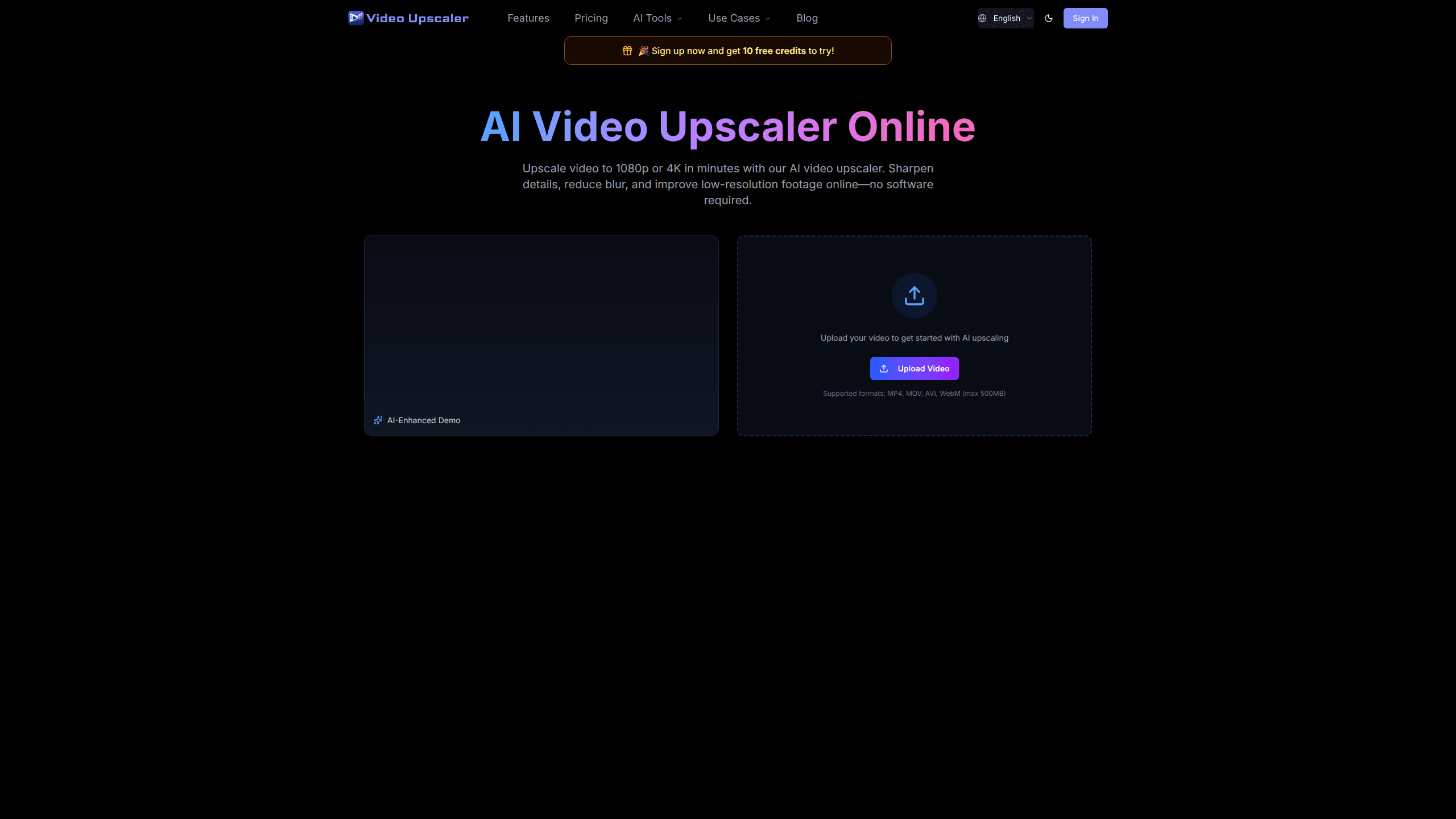
About Video Upscaler
What Is Video Upscaler
Video Upscaler is an online service that improves the resolution and clarity of existing video files using AI. It's not a camera app and it won't shoot anything new. You bring footage you already have, and the tool analyzes edges, textures, and visible structures frame by frame to produce a cleaner result.
The core problem it solves is quality loss you can't undo by hand. A resized video looks bigger but stays soft, so compression artifacts and camera noise survive the resize. As a video quality enhancer, Video Upscaler runs restoration-focused models that also denoise video and clean up bitrate damage, which matters for anything pulled off social platforms where compression is aggressive.
The main limits are structural. Pricing runs on credits tied to processed video seconds, so long or high-resolution clips cost more, and there's no desktop app or offline mode. The whole workflow lives in the browser.
Getting Started
- Create a free account on the VideoUpscale.net site; new sign-ups get 10 free credits to test the pipeline.
- Upload a clip and choose your output tier, from 720p up to 2K/4K, depending on how much detail you need back.
- Pick an AI model: Proteus and Artemis for general footage, Nyx for noisy or old video, Gaia and Gaia 2 for animation and CG, or Starlight for high-end output.
- Set a target frame rate if you want smoother motion; 60fps output costs twice the selected resolution rate.
- Download the upscaled file when processing finishes, covered by the commercial use license.
Product Information
A quick look at Video Upscaler's pricing, supported platforms, and performance.
Best for
The users, tasks, and scenarios where this tool fits best.
Users
- Social media creators
- Archivists and family historians
- Small marketing teams
Tasks
- Cleaning up compressed uploads
- Restoring old video
- Preparing footage for large screens
Scenarios
- Turning a phone-shot clip into a presentation-ready upload before a launch.
- Reviving a decade-old home video for a family event.
- Making gameplay recordings look cleaner for a YouTube channel.
Key features
Multiple AI Models for Different Footage
Video Upscaler isn't one model doing everything. Proteus and Artemis handle general live-action, Nyx is tuned for noisy and low-light sources, Gaia and its newer Gaia 2 handle animation and CG, and Starlight is reserved for high-end work. Picking the right one matters more than the resolution you pick, since a mismatched model can leave artifacts you'll notice on a large display even when the pixel count looks correct.
Frame-by-Frame Detail Reconstruction
The tool analyzes edges, textures, and visible structures in each frame rather than interpolating pixels. That's the difference between a clip that looks bigger and one that looks sharper. Flat resizing can't add detail that was never captured; this approach infers and rebuilds it.
Denoise and Compression Cleanup
Footage from social platforms arrives pre-damaged by compression. The restoration models reduce that blocky noise and low-bitrate softness, which is often the most visible win for casual users. If your source is old camera footage, this is where the improvement shows up first, because the noise that made the original look cheap is usually the same thing keeping fine detail from being readable on a larger screen.
60fps Motion Smoothing
For gaming clips, sports, and fast motion, you can target 60fps output for smoother playback. It doubles the credit rate for that export. That's a deliberate trade-off, not a default. Talking-head and product videos usually don't need it.
Resolution Tiers up to 4K
You choose between 720p, 1080p, and 4K-level exports, each at a different credit cost per second. That means you can upscale video to 4K only when the destination needs it. Web previews don't need 4K. Archives often do.
Credit-Based Billing
Every plan runs on credits drawn per processed video second, and the exact burn depends on resolution, model, frame rate, and clip length. Basic includes 500 credits, Pro 1,000, and Ultimate 4,300. It's predictable once you know your typical clip length. Skip the guesswork. Check the credit table before a big batch.
Pros and cons
Pros
- Rebuilds detail frame by frame rather than stretching pixels, so upscaled clips look genuinely sharper.
- Model selection lets you match the tool to noisy, animated, or professional footage instead of a single one-size pass.
- Web-based with no install, so it works from any browser on any machine.
- Commercial use license is included on every paid tier, which matters for client work.
- Free credits on signup make it easy to test on real footage before paying.
Cons
- Credit pricing makes cost hard to predict for long or high-resolution clips; a 4K, 60fps export can burn credits fast.
- No desktop or offline option means large files depend on your upload speed.
- No public API, so teams wanting to automate batch upscaling can't plug it into an existing pipeline.
Frequently asked questions
It takes a video you already have and improves its resolution and clarity with AI, exporting up to 4K. It doesn't create new footage or record anything; it enhances what you upload by rebuilding detail frame by frame.
Related content
Explore related tools, skills, and articles for Video Upscaler.
Video Upscaler Alternatives

Vadu AI
Vadu AI · Image · VideoVadu AI is a web-based AI video generator that turns written prompts or still images into short clips, and it can also generate images on its own. You type what you want, pick a model and style, and the platform renders the result in minutes. A free plan covers light testing, while paid tiers run from $9 to $77.40 per month based on how many credits you burn.

Mykaraoke Video
MyKaraoke Video · VideoMykaraoke Video is an online karaoke video maker and lyric video maker that turns any song into a finished, lyrics-synced video right in your browser. It handles the slow part for you. The AI pulls vocals out of the mix and locks the lyrics to the beat, then lets you customize background, fonts, and colors before exporting in 1080p MP4. If you make lyric videos for social media, party nights, or music promotion, it skips the software installs and manual timing work entirely. Want a karaoke video generator that doesn't eat your whole evening? That's the pitch here.

Finalframe
Finalframe · VideoFinalframe is a set of free, browser-based tools for grabbing exact frames out of a video clip. Its best-known feature, the Final Frame Extractor, lets you extract the last frame of any video so you can use it as the starting image for AI video tools like Luma Dream Machine, Runway, or Kling. Want to keep a clip going? That last frame is your starting point. The tool runs locally in your browser, needs no sign-up, and costs nothing. A separate paid AI video-generation app from the same team is currently offline while it's rebuilt.