

VideoAny
VideoAny · Video
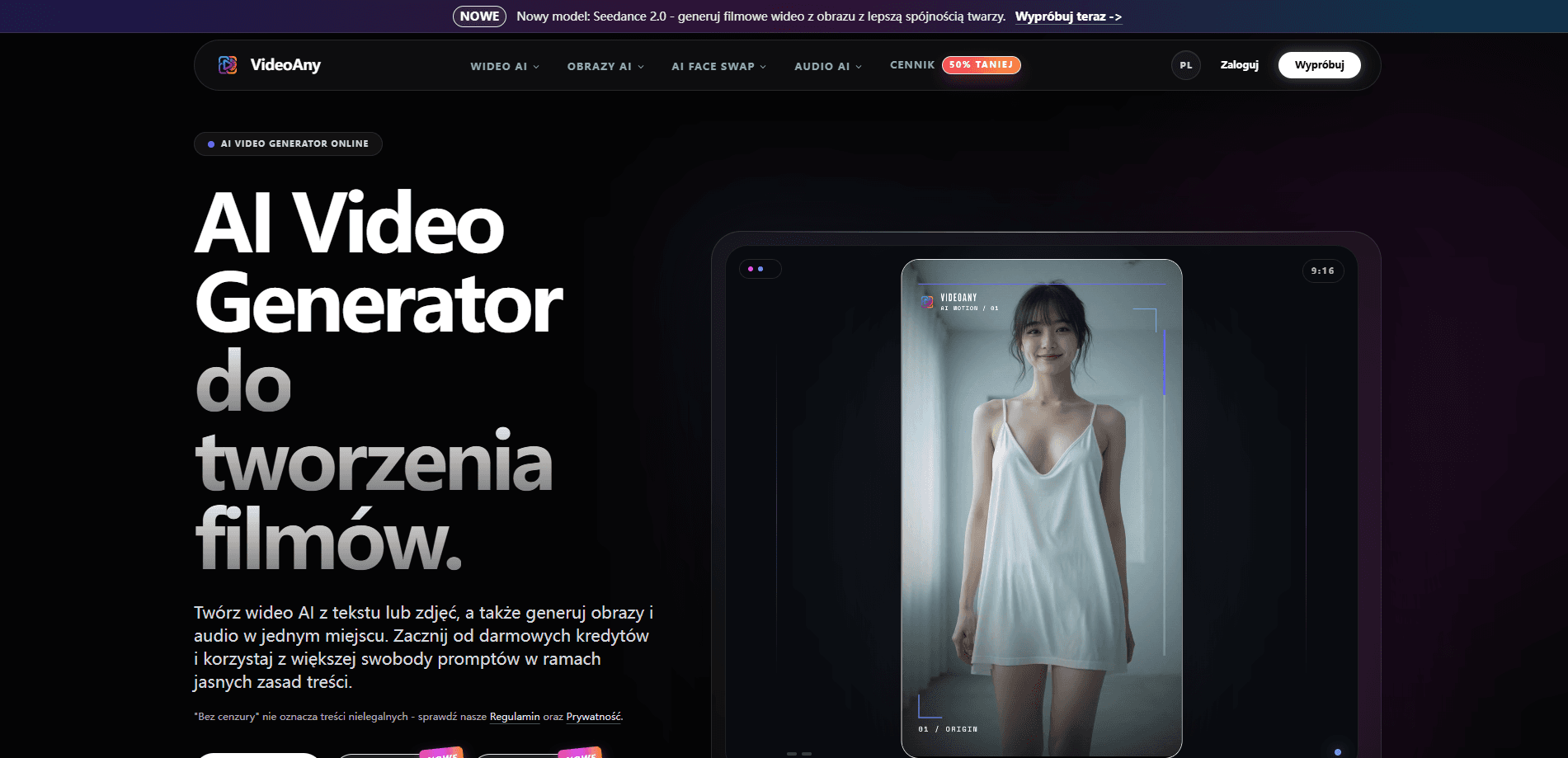
VideoAny is a web-based AI video generator that turns text prompts or still images into short clips, then lets you add generated images and audio without leaving the studio. It bundles video, image, and sound tools into one workspace and runs on a pay-as-you-go credit model instead of a subscription, so you only spend when you actually generate something.
About VideoAny
What Is VideoAny
VideoAny is an all-in-one AI studio built around video. You type a prompt or upload a photo, pick one of several models, and get a short clip running a few seconds up to around fifteen. The same dashboard also generates images, music, voice, and sound effects. That means you don't have to bounce between separate subscriptions to finish one project.
Its pitch is looser prompt rules. VideoAny markets uncensored AI video on its native models, which mostly means fewer refusals on mature or edgy creative ideas. That's not a free pass for anything illegal, and the site points you to its terms and privacy pages to make that clear. Treat it as extra creative room, not an anything-goes button.
The catch is the credit system. There's no flat monthly plan. Every generation costs credits, and heavier models eat more of them, so costs scale with how much you make rather than how long you stay subscribed.
Getting Started
- Create an account on the VideoAny site, or sign in and claim the starter free credits that new users get.
- Pick your starting point: text to video, image to video, or the image and audio tools if you're building a project in pieces.
- Choose a model and paste a prompt or upload a reference image, then set length and resolution.
- Generate the clip, review it, and iterate with variations until you're happy.
- Download the result, or top up a credit pack if you want to keep producing.
Product Information
A quick look at VideoAny's pricing, supported platforms, and performance.
Best for
The users, tasks, and scenarios where this tool fits best.
Users
- Solo content creators
- Social media marketers
- Hobbyists experimenting with AI film
Tasks
- Turning a script or text prompt into a short video
- Animating a product or portrait photo
- Producing matching audio
Scenarios
- Drafting a first cut of a social ad before paying for polish
- Building a moodboard or concept reel for a client
- Testing edgy or mature creative concepts
Key features
Multiple Video Models in One Place
VideoAny doesn't lock you into a single engine. The studio offers its own VideoAny V-series models alongside MiniMax H3 and Seedance 2.0. Each is tuned differently for motion, face consistency, and detail. You pick the model per job, which matters when one clip needs realistic faces and another just needs fast, cheap drafts.
Text to Video and Image to Video
You can start from a written prompt or from an image you already have. Text to video suits scripted ideas where nothing exists yet. Image to video works better when you have a specific look to preserve, and it's the path most people take for animating portraits and product shots.
Built-in AI Image Generator
The same account generates still images, so you can create a reference frame and immediately feed it into video. The platform lists models like GPT Image 2 for higher-fidelity output. For anyone who storyboards before shooting, having images and video in one spot cuts a real step out of the workflow.
AI Audio, Music, and Voice Tools
VideoAny ships an audio studio that generates music, voice, and sound effects from text. You can score a clip without buying a separate music license or recording your own voiceover. That's a real time saver for solo creators who don't have a sound engineer on call.
Looser Prompt Rules on Native Models
On its own models, VideoAny advertises an uncensored mode that accepts prompts stricter platforms reject. It's positioned for mature and creative content, still bounded by the site's terms. Hit walls on other generators? That's the reason to look here.
Extra Tools: Face Swap, Dubbing, and Video Extension
Beyond core generation, there's a face swap suite, video dubbing, style transfer, and video extension for making clips longer. These are secondary to the main generator. Still, they round the studio into something closer to a full post-production kit than a one-trick prompt box.
One-time Credit Packs That Don't Expire
You buy credits once rather than subscribing monthly. The entry pack starts around 179 zł for 1,500 credits, and higher tiers add bonus credits at a better rate. Credits don't expire. No pressure to burn them before a renewal date you'll never have.
Pros and cons
Pros
- Video, image, and audio tools live in one dashboard, so you don't pay for or switch between three separate services.
- No subscription: you buy credits once and they never expire, which suits irregular or project-based work.
- Cheaper models let you generate plenty of low-cost variations before committing credits to a high-resolution final render.
- Looser prompt rules on native models give more room for mature or unconventional creative ideas.
- A free credit starter means you can test the actual output before spending anything.
Cons
- It's a rendering-heavy cloud tool, so generation costs credits every time and heavy use adds up quickly.
- The looser content rules mean you're responsible for staying within the terms, which isn't a fit for brands with strict compliance needs.
- You can't produce long-form video here; clips run short, so anything past a few seconds needs assembly elsewhere.
- No mobile app and no confirmed public API, so automated pipelines and phone-first editing aren't supported.
Frequently asked questions
It's an AI video generator for turning text prompts or images into short clips, with extra tools for generating images, music, and voice. People use it for social media content, ad concepts, and quick creative experiments.
Related content
Explore related tools, skills, and articles for VideoAny.
VideoAny Alternatives

Vadu AI
Vadu AI · Image · VideoVadu AI is a web-based AI video generator that turns written prompts or still images into short clips, and it can also generate images on its own. You type what you want, pick a model and style, and the platform renders the result in minutes. A free plan covers light testing, while paid tiers run from $9 to $77.40 per month based on how many credits you burn.

Mykaraoke Video
MyKaraoke Video · VideoMykaraoke Video is an online karaoke video maker and lyric video maker that turns any song into a finished, lyrics-synced video right in your browser. It handles the slow part for you. The AI pulls vocals out of the mix and locks the lyrics to the beat, then lets you customize background, fonts, and colors before exporting in 1080p MP4. If you make lyric videos for social media, party nights, or music promotion, it skips the software installs and manual timing work entirely. Want a karaoke video generator that doesn't eat your whole evening? That's the pitch here.

Finalframe
Finalframe · VideoFinalframe is a set of free, browser-based tools for grabbing exact frames out of a video clip. Its best-known feature, the Final Frame Extractor, lets you extract the last frame of any video so you can use it as the starting image for AI video tools like Luma Dream Machine, Runway, or Kling. Want to keep a clip going? That last frame is your starting point. The tool runs locally in your browser, needs no sign-up, and costs nothing. A separate paid AI video-generation app from the same team is currently offline while it's rebuilt.