

Videoform AI
Videoform AI · Video · Productivity
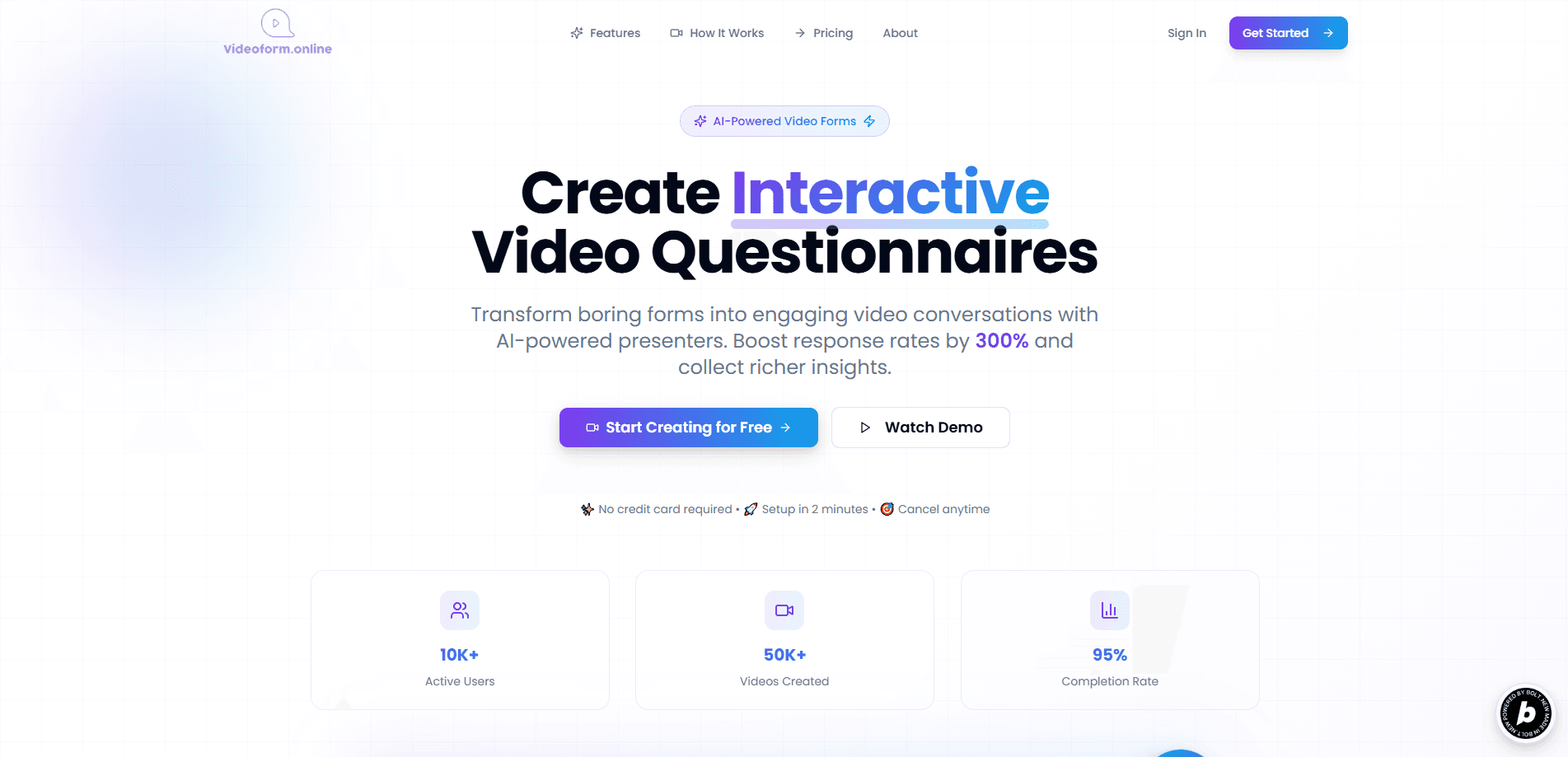
Videoform AI turns standard forms into interactive video questionnaires led by AI presenters, so you collect video, audio, or text answers and qualify leads faster.
About Videoform AI
What Is Videoform AI
Videoform AI is a web platform that replaces plain web forms with talk-to-camera questionnaires. Instead of a blank field to type into, the respondent watches an AI presenter ask each question, then replies by video, audio, or text. The point is higher completion and richer answers, because a face asking a question feels more like a conversation than a survey.
It's built for teams that live on lead quality: sales, customer care, marketing, HR, and education. Those teams often lose context when leads fill in a short text box. A recorded answer carries tone, hesitation, and detail that a typed line can't, which helps reps prioritize who's worth a follow-up call.
The main limits are practical. There's no mobile app, so everything runs in a browser, and the platform still leans English-first even as it advertises multi-language support. Reviewers also note that the deeper settings can feel busy for a first-time user. Videoform AI is a good fit when your team wants to talk face to face at scale, and less useful if you just need a simple contact form.
Getting Started
- Create an account on the Videoform AI site and pick a plan, starting with the free Starter tier.
- Build your questionnaire, either from a blank canvas or a template, and set the order of your questions.
- Choose an AI presenter and language, then add branding such as colors, fonts, and logo.
- Share the form link with respondents and watch video, audio, and text answers arrive.
- Read the completion and response-path reports in the dashboard, then export or push the data where your team works.
Product Information
A quick look at Videoform AI's pricing, supported platforms, and performance.
Best for
The users, tasks, and scenarios where this tool fits best.
Users
- Sales and lead-gen teams
- Customer care and support staff
- HR and recruiting teams
Tasks
- Lead qualification
- Market and product research
- Feedback collection after an event or demo
Scenarios
- Running an async screening pipeline
- Localizing an existing questionnaire
Key features
AI Video Presenters
AI avatars read your questions aloud with natural speech and adjustable expressions. You pick from a set of presenters and languages, so the same form can look and sound local without hiring an on-camera host.
Video, Audio, and Text Responses
Respondents answer however they're comfortable, whether that's on camera, by voice, or by typing. Audio replies get transcribed automatically, so you end up with searchable text even when someone skips the video.
Automatic Transcription and Sentiment
The platform turns voice answers into text and runs sentiment analysis on top. Teams can sort responses by how positive or frustrated someone sounds, which speeds up triage for sales and support.
Brand Customization and White-Label
You control colors, fonts, and themes across the form and its video assets. White-label options keep your logo and styling front and center, which matters when the questionnaire stands in for your brand.
Analytics and Reporting
Live dashboards show completion rates, response paths, and engagement. You can export the data or build custom reports, so you can see where respondents drop off and which questions stall them.
Multi-Language Reach
The platform supports several languages and automatic translation, aimed at teams that collect answers across markets. It's the feature to check first if you sell outside English-speaking regions.
Pros and cons
Pros
- Turns a passive form into a two-way conversation, which tends to lift response quality over a plain text box.
- Accepts video, audio, and text answers, so respondents aren't forced onto camera.
- Auto-transcribes audio and flags sentiment, cutting manual review time for large batches.
- Brand theming and white-label options keep the experience on-brand.
- A free Starter tier means you can test the format before paying.
Cons
- There's no mobile app, so both building and answering happen in a browser. That's a real constraint if your audience lives on phones.
- The product is English-first in practice. Teams that need many languages should verify coverage for their target markets first.
- Reviewers say the deeper settings feel busy at first, which slows down new users setting up an advanced form.
Frequently asked questions
Videoform AI turns standard forms into interactive video questionnaires. An AI presenter asks each question on screen, and respondents answer by video, audio, or text.
Related content
Explore related tools, skills, and articles for Videoform AI.
Videoform AI Alternatives

ngram 2.0
ngram · Video · Marketingngram 2.0 is an AI video generator for teams. It turns a prompt, a screen recording, or a product URL into a narrated explainer, product demo, or AI avatar video, and every scene stays editable.

OpenScreen 2
OpenScreen (open-source project) · Video · ProductivityOpenScreen 2 is a free, open-source screen recorder and demo video editor for Windows, macOS, and Linux, with automatic zooms, styled frames, local captions, and agent edits.

Skreno
Skreno · Video · ProductivitySkreno is a browser screen recorder that captures a tab, a window or your whole display, then attaches AI transcripts, summaries and console logs to one share link.