

VideoGPT - AI Video Generator
VideoGPT · Video
VideoGPT is an AI video generator app that turns a short text prompt into a shareable video story, with style presets, voiceover and music, all from your phone.
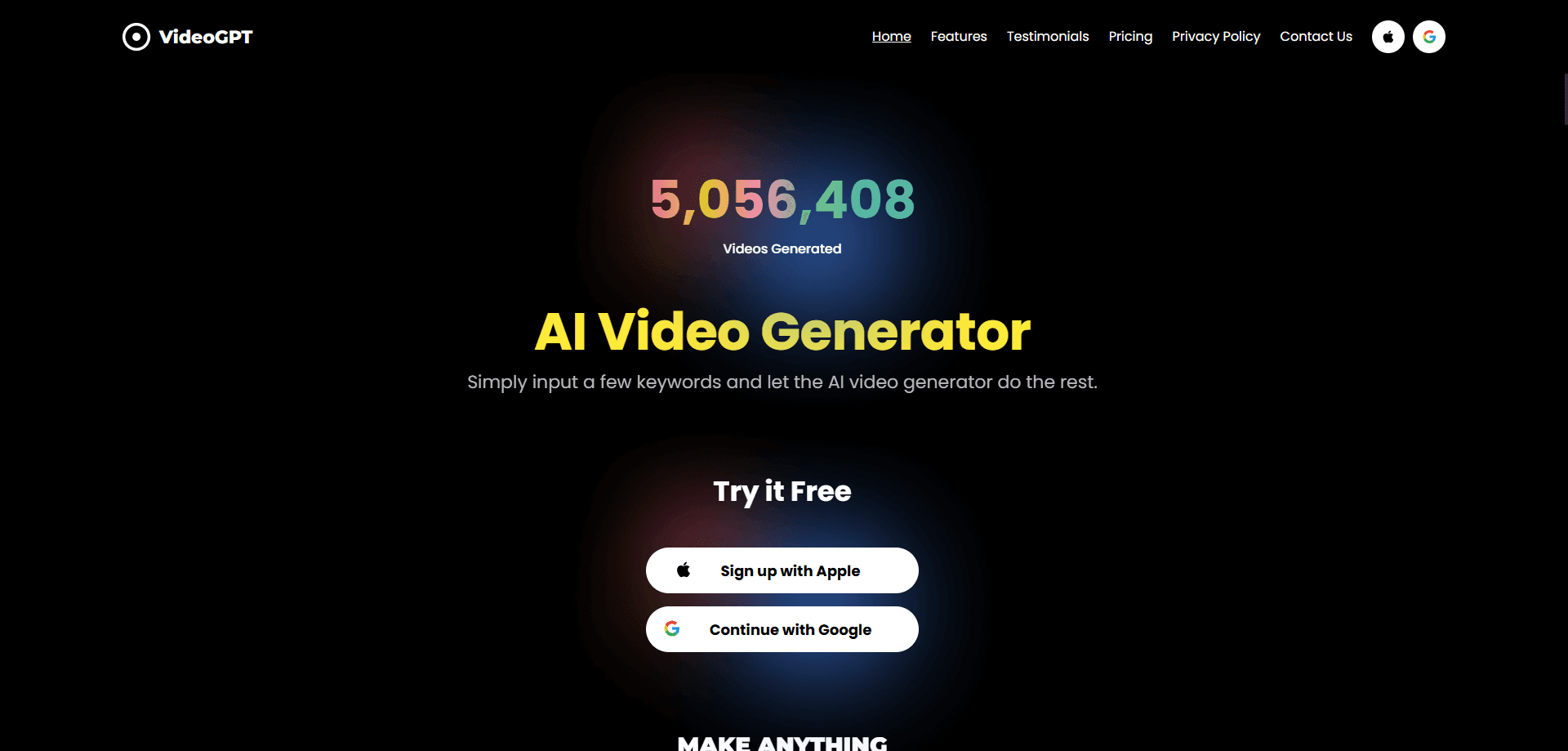
About VideoGPT - AI Video Generator
What Is VideoGPT
VideoGPT is a mobile app that builds short videos from text. You type a brief idea, pick a look, and the app turns it into a clip you can publish, complete with narration and a soundtrack. It targets people who want to post video without touching a desktop editor, and it can double as a free AI video generator for first-timers.
The draw is the promise of a full draft from one sentence. Instead of a bare text to video app, this short video maker bundles visual styles, an anime video generator, automated voiceover and a licensed music library into a single flow. For creators who post often, that cuts the usual back-and-forth between several tools.
The limits are worth knowing before you commit. It's built for short-form, so long or complex scenes fall outside its reach. Results follow the quality of your prompt, and busy servers mean slower renders. If you expect frame-perfect control over every shot, a mobile generator like this one won't give you that.
Getting Started
- Download VideoGPT from the App Store or Google Play and create an account.
- Type a short prompt that describes your idea, character or story beat.
- Choose a visual style, then add a voiceover and a music track if you want them.
- Review the draft, adjust the prompt if the direction feels off, and regenerate.
- Export the clip and share it to YouTube, TikTok or another channel.
Product Information
A quick look at VideoGPT - AI Video Generator's pricing, supported platforms, and performance.
Best for
The users, tasks, and scenarios where this tool fits best.
Users
- Short-form creators
- YouTubers and storytellers
- Beginners
- Marketers testing ideas
Tasks
- Turning a prompt into a video story
- Generating anime-style scenes
- Animating a still image
- Adding narration and a soundtrack
- Drafting a marketing visual
Scenarios
- Building a faceless channel
- Testing a story idea
- Making social clips on the go
- Preparing a product teaser
Key features
Text to Video Generation
This is the core of the app. You describe a scene in plain words and VideoGPT builds a moving clip around it. Because it works from text, you don't need footage or a camera. The output is only as good as your prompt, so specific descriptions beat vague ones.
Anime and Cinematic Style Presets
The app ships with a range of looks, including a dedicated anime mode and cinematic treatments. You pick the visual language before generating, so a single idea can read as a trailer, a sketch or a stylized short. That range is what keeps repeated creations from looking the same.
AI Voiceover
VideoGPT adds narration to your clip with a built-in AI voice. You get a polished audio layer without recording yourself or hiring a voice actor. It's the difference between a silent animation and something that holds attention as it tells a story.
Music Library
A licensed music library sits inside the app, so you can pair your clip with a soundtrack that fits its mood. Picking the right track changes the pace and tone of a short. It saves you from hunting for royalty-free audio elsewhere and checking the licensing yourself.
Image to Video Animation
If you have a still image rather than a written idea, the app can handle image to video animation. This suits creators who already have a photo or character design and want motion without a full shoot. It extends what one prompt alone can do, and it's useful for character-led content.
Character Consistency
For recurring creators and fictional leads, the app offers character-focused tools that keep a face or design recognizable across clips. That consistency matters when a channel depends on the same narrator or hero showing up again. Without it, each generation would feel like a different story.
Pros and cons
Pros
- Turns a single text prompt into a video story, so you don't need footage or editing gear.
- Bundles styles, an anime mode, AI voiceover and music into one mobile flow.
- Works entirely from a phone, which suits creators who publish away from a desk.
- Free to download with in-app purchases, so you can test the basics before paying.
- Character tools keep a recurring lead looking consistent across clips.
Cons
- It's built for short-form only, so long or multi-scene projects aren't a good fit.
- Output tracks closely with prompt quality, so vague ideas produce weaker clips.
- Renders slow down when the service is busy, and priority only comes with a paid plan.
- Generated footage isn't automatically clear of third-party rights, so you carry the risk when you publish.
Frequently asked questions
VideoGPT is an AI video generator app that turns a text prompt into a short video story. You describe an idea, pick a style, and the app adds visuals, voiceover and music before you export. It's aimed at people who want to publish video without learning a desktop editor.
Related content
Explore related tools, skills, and articles for VideoGPT - AI Video Generator.
VideoGPT - AI Video Generator Alternatives

ngram 2.0
ngram · Video · Marketingngram 2.0 is an AI video generator for teams. It turns a prompt, a screen recording, or a product URL into a narrated explainer, product demo, or AI avatar video, and every scene stays editable.

OpenScreen 2
OpenScreen (open-source project) · Video · ProductivityOpenScreen 2 is a free, open-source screen recorder and demo video editor for Windows, macOS, and Linux, with automatic zooms, styled frames, local captions, and agent edits.

Skreno
Skreno · Video · ProductivitySkreno is a browser screen recorder that captures a tab, a window or your whole display, then attaches AI transcripts, summaries and console logs to one share link.