

Videoinu
Videoinu · Video
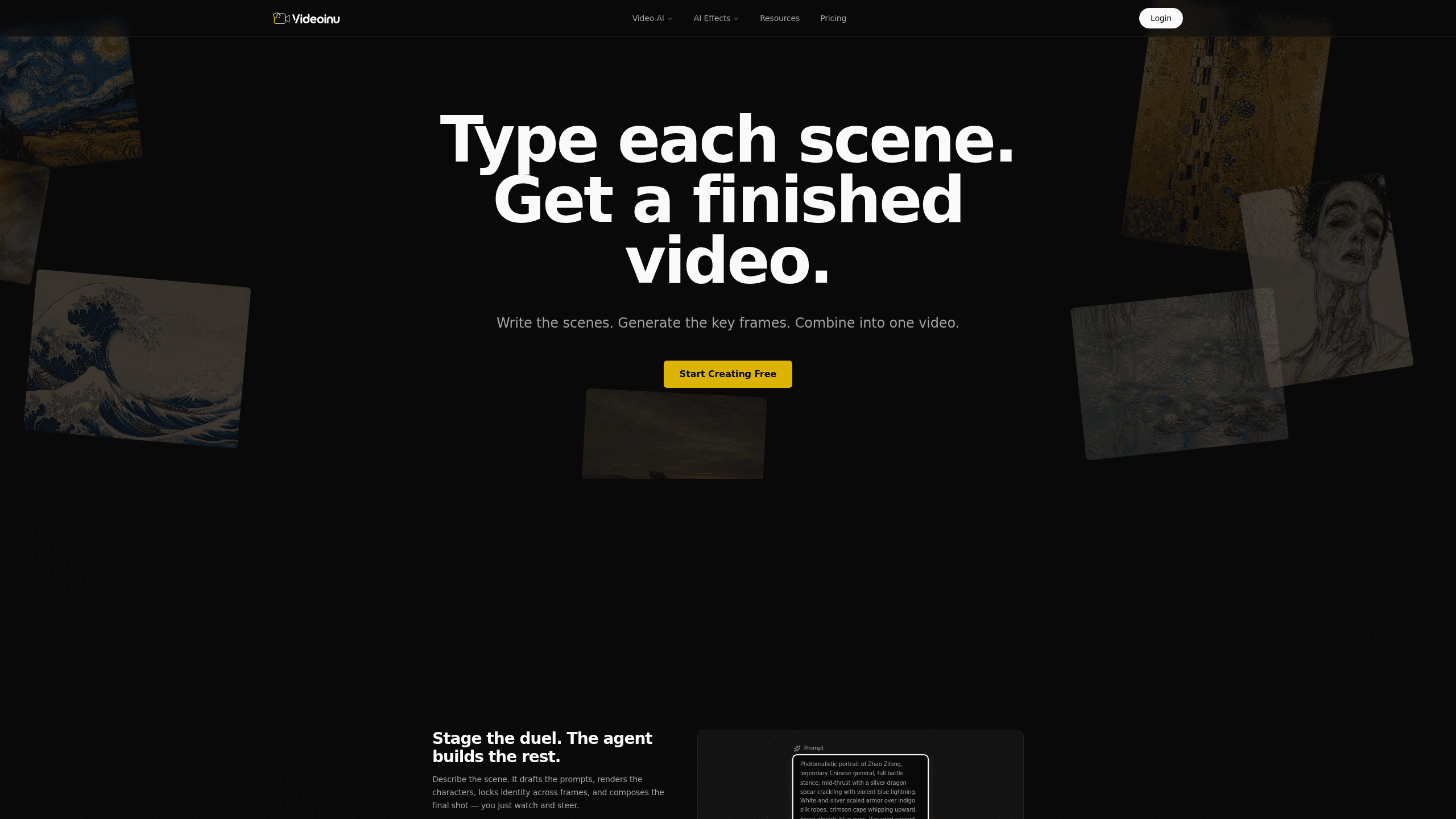
Videoinu is a web-based AI video generator that takes a story idea and carries it through to a finished video. You describe the scene, and its agent drafts the character prompts, renders the characters, and composites the final shot for you. Under the hood it pulls from 30+ models across 9 providers, including Veo 3.1, Sora2 Pro, Kling 3.0 Pro, and Seedance 2.0, so you don't have to juggle model tabs to get a result. Think of it as an AI video creation agent that runs the whole pipeline, not just a text to video box.
About Videoinu
What Is Videoinu
Videoinu is a browser-based workspace built around an AI agent rather than a single generation model. The idea is simple. You bring the story, and the platform handles the rest: writing shot prompts, keeping character identities locked across frames, and stitching the final cut together. It runs on credits and bundles models from Google, OpenAI, ByteDance, Kling, MiniMax, and others into one interface.
That model-agnostic setup is the main selling point. Instead of picking one engine and living with its limits, Videoinu routes each task to whichever model fits: a cinematic long shot might go to Veo 3.1 while a quick character animation leans on Seedance 2.0. For creators who don't want to learn six different tools, that's a real time saver. It fits the role of an AI filmmaking tool rather than a single-model novelty.
The catch is that credits run out, and heavier models burn through them faster. Free-tier users get limited generations before hitting a paywall, and the priciest models sit behind the higher plans. It's a tool for people who already have a story in mind. It won't invent the story for you.
Getting Started
- Create a free account at videoinu.com and log in to the workspace.
- Describe your scene or story in plain language inside the agent chat.
- Let the agent draft the prompts and render the characters, reviewing each frame as it goes.
- Ask for edits or the final shot, then export the result.
- Upgrade to a paid plan or buy credits when your monthly allowance runs out.
Product Information
A quick look at Videoinu's pricing, supported platforms, and performance.
Best for
The users, tasks, and scenarios where this tool fits best.
Users
- Short-form creators
- Solo filmmakers and storytellers
- Ad and social media teams
Tasks
- Turning a one-line scene into a rendered shot
- Generating character portraits and keeping their look consistent across shots
- Producing faceless video for social feeds
Scenarios
- Testing a story idea before committing time to it
- Filling a weekly content calendar
- Prototyping ads
Key features
Agent-Led Video Creation
The core of Videoinu is an agent that walks a task through multiple steps instead of firing off one generation. You describe a scene, and it drafts the character prompts, renders each character, then writes the shot prompt while referencing the earlier frames to keep identities stable. It's closer to directing an assistant than operating an AI video editor. Big difference.
Access to 30+ Models
Rather than locking you into one engine, Videoinu routes your request across 9 providers. Google's Veo 3.1 handles cinematic long-form, OpenAI's Sora2 Pro covers cinematic video generation, and ByteDance's Seedance 2.0 leans into fluid character animation. Kling, MiniMax, Wan, Vidu, and Pixverse round out the roster. So what's the tradeoff? Premium models consume more credits. That's it.
Credit-Based Generation
Every generation draws from a monthly credit pool. The Plus plan starts at 5,000 credits per month, which works out to roughly 833 images or 32 videos using reference models like GPT-Image-2 and Hailuo 2.3 at 6 seconds. Failed generations get an automatic credit refund, so a broken render won't silently eat your allowance. Nothing worse than paying for a glitch.
Character Consistency Across Shots
Keeping a character looking the same from frame to frame is one of the harder problems in AI video. Videoinu handles it by referencing earlier renders when it writes the next shot prompt, which is what makes multi-shot sequences hold together instead of drifting.
HD Export and Watermark-Free Output
Paid plans get you 1080P and 2K output plus watermark-free exports. The free tier is watermarked and lower resolution. That gap matters if you plan to publish anything publicly.
Commercial Usage Rights
From the Pro plan upward, you get commercial usage rights and invoice support. That's the jump that turns Videoinu from a hobbyist playground into something agencies and freelancers can bill against. Worth it for client work.
Pros and cons
Pros
- The agent handles prompt drafting and model selection, so you don't need to know which engine does what.
- Model-agnostic routing gives you Veo, Sora, Kling, and Seedance in one place.
- Automatic credit refunds on failed generations reduce wasted spend.
- Commercial rights and invoices are available from the Pro tier.
Cons
- Credit costs scale with model quality, so your best-looking output drains the monthly allowance fast.
- The free tier is watermarked and lower resolution, which limits any public use.
- There's no public API, judging by the absence of developer docs, so programmatic workflows aren't an option.
Frequently asked questions
Videoinu is an AI video creation platform that turns a written idea into a finished video. You describe a scene, and its agent drafts prompts, renders characters, and composites the final shot without you managing each step manually.
Related content
Explore related tools, skills, and articles for Videoinu.
Videoinu Alternatives

Vadu AI
Vadu AI · Image · VideoVadu AI is a web-based AI video generator that turns written prompts or still images into short clips, and it can also generate images on its own. You type what you want, pick a model and style, and the platform renders the result in minutes. A free plan covers light testing, while paid tiers run from $9 to $77.40 per month based on how many credits you burn.

Mykaraoke Video
MyKaraoke Video · VideoMykaraoke Video is an online karaoke video maker and lyric video maker that turns any song into a finished, lyrics-synced video right in your browser. It handles the slow part for you. The AI pulls vocals out of the mix and locks the lyrics to the beat, then lets you customize background, fonts, and colors before exporting in 1080p MP4. If you make lyric videos for social media, party nights, or music promotion, it skips the software installs and manual timing work entirely. Want a karaoke video generator that doesn't eat your whole evening? That's the pitch here.

Finalframe
Finalframe · VideoFinalframe is a set of free, browser-based tools for grabbing exact frames out of a video clip. Its best-known feature, the Final Frame Extractor, lets you extract the last frame of any video so you can use it as the starting image for AI video tools like Luma Dream Machine, Runway, or Kling. Want to keep a clip going? That last frame is your starting point. The tool runs locally in your browser, needs no sign-up, and costs nothing. A separate paid AI video-generation app from the same team is currently offline while it's rebuilt.