

Vidfly
Vidfly · Video
Vidfly is an all-in-one AI video platform that turns text prompts, still images, and written scripts into finished clips. It brings more than 50 video and image models, 300+ effects, and 200+ ready-made avatars into a single workspace, so creators can produce social, ad, and training content without editing skills. The free tier lets you test the basics. Paid plans add watermark-free exports and commercial rights.
About Vidfly
What Is Vidfly
Vidfly is a web-based studio for AI video creation. You describe what you want in text, upload a photo, or paste a script, and the platform generates a video clip, an image-to-video animation, or a talking avatar. It sits in the same space as tools like Runway and Pika, but its pitch is breadth: instead of one model, it pulls together a large set of third-party video and image models behind one interface.
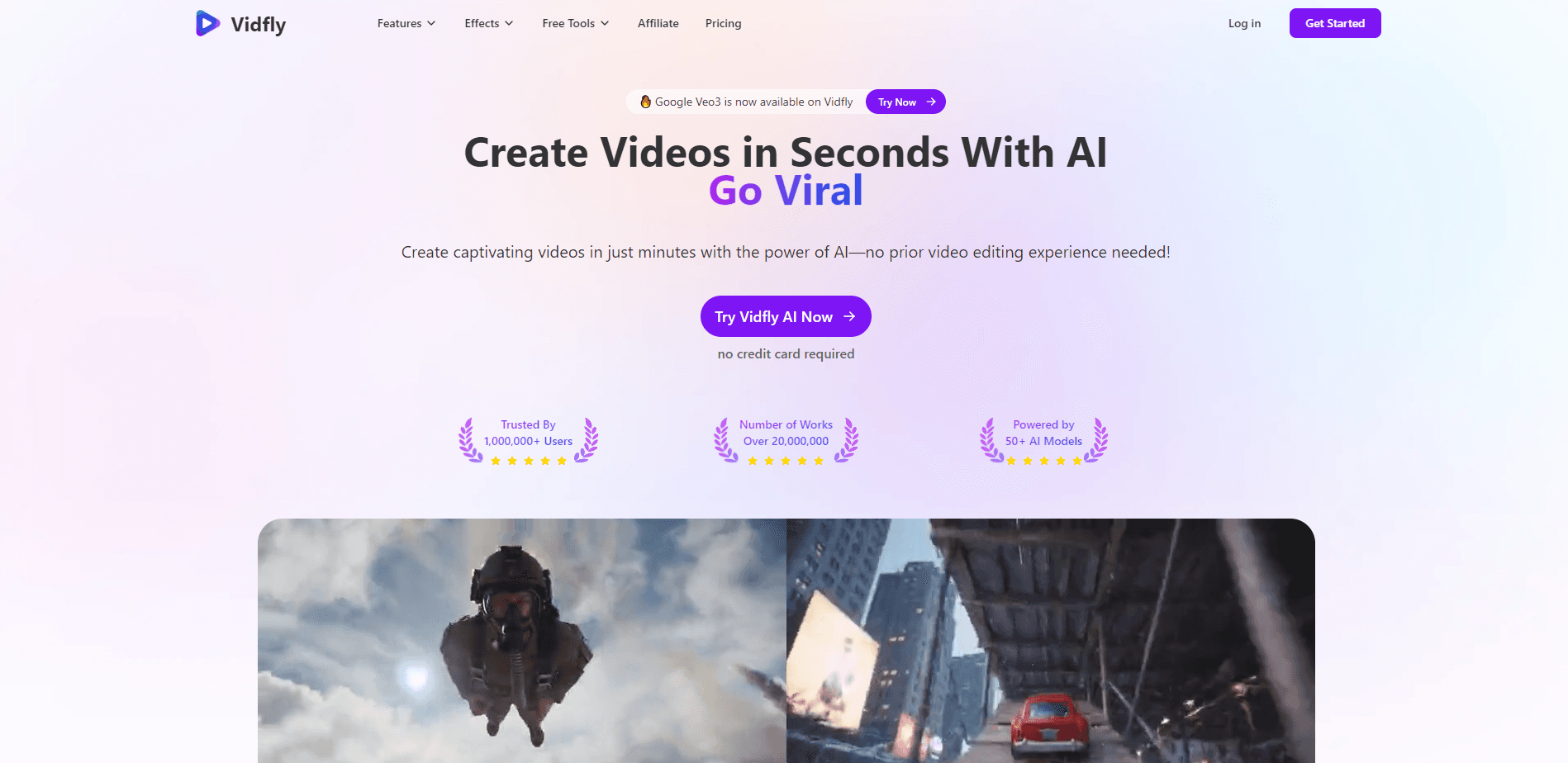
The core problem it solves is production speed. Making a short promo, a product demo, or a faceless social clip normally means juggling a camera, an editor, and stock footage. Vidfly compresses that into a prompt box and a settings panel. According to the company, the platform is used by more than 1,000,000 users who have produced over 20,000,000 works.
The main limits are worth knowing up front. Vidfly runs on a token system, so heavier use costs more, and every paid tier caps individual clips at 10 seconds. Free users get watermarked exports and only a license for personal, non-commercial use. Anything you plan to sell needs a paid plan.
Getting Started
- Go to vidfly.ai and create an account, or start with the free tier that needs no credit card.
- Pick a mode such as Image to Video, Text to Video, AI Avatar, or Video Effects.
- Enter your prompt, upload your image or script, then choose a model, aspect ratio, and style.
- Add dubbing, background music, or subtitles if you need them.
- Generate the clip, review it, then export in 1080p once you're on a paid plan.
Product Information
A quick look at Vidfly's pricing, supported platforms, and performance.
Best for
The users, tasks, and scenarios where this tool fits best.
Users
- Social media creators
- Small business owners
- Educators and trainers
- Solo marketers
Tasks
- Turning a blog post or script into a narrated video
- Animating a product photo
- Creating faceless avatar videos
- Adding trending visual effects
- Downloading source clips
Scenarios
- Launching a quick ad campaign
- Building a consistent content calendar
- Localizing a clip for new markets
- Prototyping a concept
Key features
Multi-Model Generation Hub
Vidfly gathers more than 50 video and image models in one place, so you can switch engines without leaving the site. New models get added over time, and the homepage recently flagged options like Seedance 2.0. For users, this means you can compare outputs and pick the one that fits a given shot. No more paying for several separate subscriptions.
Text to Video
Type a description and the platform generates a high-definition clip from it. The engine handles both realistic footage and stylized scenes, which makes it useful for storyboards, B-roll, and concept shots. It's the fastest path from an idea to something watchable. Need a quick concept shot? Just describe it.
Image to Video
Upload a photo and Vidfly animates it, adding character movement, camera motion, and scene transitions while trying to keep the original style intact. This is handy for product shots, portraits, and old photos you want to bring to life. The practical use is extending static assets you already own into video without reshooting.
AI Avatar and Lip Sync
The avatar tool pairs a library of 200+ readymade avatars with a lip-sync engine that matches mouth movement, expression, and motion to a voice track. You can produce presenter-style clips without appearing on camera. It works well for explainers, announcements, and training modules where a consistent host matters more than a human face.
Script to Video and Dubbing
Paste a longer script and Vidfly builds a narrated video, with script lengths running up to 5 minutes on paid tiers. Dubbing and voice options cover 80+ languages and 110+ voices. One clip can be repurposed across markets. Subtitling templates are included, which matters for silent-scroll viewing.
Video Effects Library
The platform ships 300+ AI effects aimed at social formats. They include style transfers and quick visual gimmicks. Apply one to a clip and it gets a scroll-stopping look without manual editing. For creators chasing trends, having the effect built in saves a round trip to another editor.
Editing and Source Tools
Vidfly includes trimming, aspect-ratio changes, background music from a 100+ track library, and stored projects, plus downloaders for YouTube, TikTok, and Instagram Reels. It's not a full nonlinear editor, but it covers the cleanup and trim work most short clips need. The downloaders are a practical bonus. They pull reference material fast.
Pros and cons
Pros
- More than 50 video and image models sit behind one interface, cutting the need for multiple subscriptions.
- Free tier with 100 starting tokens lets you test core features without a credit card.
- 300+ effects and 200+ avatars give enough variety for a consistent content series.
- Dubbing across 80+ languages and 110+ voices supports quick localization.
- Paid plans grant a commercial-use license and watermark-free 1080p exports.
Cons
- Every paid tier caps individual clips at 10 seconds, so longer videos need stitching.
- Token-based pricing makes heavy use unpredictable, and costs scale with usage.
- Free exports carry a watermark and are licensed for personal, non-commercial use only.
- The API availability isn't publicly documented, which complicates custom integrations.
Frequently asked questions
Vidfly turns text, images, and scripts into finished video clips. People use it for social content, ads, quick product demos, avatar explainers, and training material. It fits best when you want to skip a traditional editing workflow.
Related content
Explore related tools, skills, and articles for Vidfly.
Vidfly Alternatives

Vadu AI
Vadu AI · Image · VideoVadu AI is a web-based AI video generator that turns written prompts or still images into short clips, and it can also generate images on its own. You type what you want, pick a model and style, and the platform renders the result in minutes. A free plan covers light testing, while paid tiers run from $9 to $77.40 per month based on how many credits you burn.

Mykaraoke Video
MyKaraoke Video · VideoMykaraoke Video is an online karaoke video maker and lyric video maker that turns any song into a finished, lyrics-synced video right in your browser. It handles the slow part for you. The AI pulls vocals out of the mix and locks the lyrics to the beat, then lets you customize background, fonts, and colors before exporting in 1080p MP4. If you make lyric videos for social media, party nights, or music promotion, it skips the software installs and manual timing work entirely. Want a karaoke video generator that doesn't eat your whole evening? That's the pitch here.

Finalframe
Finalframe · VideoFinalframe is a set of free, browser-based tools for grabbing exact frames out of a video clip. Its best-known feature, the Final Frame Extractor, lets you extract the last frame of any video so you can use it as the starting image for AI video tools like Luma Dream Machine, Runway, or Kling. Want to keep a clip going? That last frame is your starting point. The tool runs locally in your browser, needs no sign-up, and costs nothing. A separate paid AI video-generation app from the same team is currently offline while it's rebuilt.