

Vidgen
VidGen · Image · Video
Vidgen is a web-based AI video creation platform from VidGenerator that pairs an unlimited AI video and image generator with a single credit system. You type a prompt or drop in a photo, pick a model, and the site returns a rendered clip or still. It pulls in third-party engines like Kling AI, Runway, Luma AI, and Pika AI for motion, plus Flux and Ideogram for images, alongside its own VidGen Pro model. Anyone who wants cinematic-looking video without a timeline editor is the target user here.
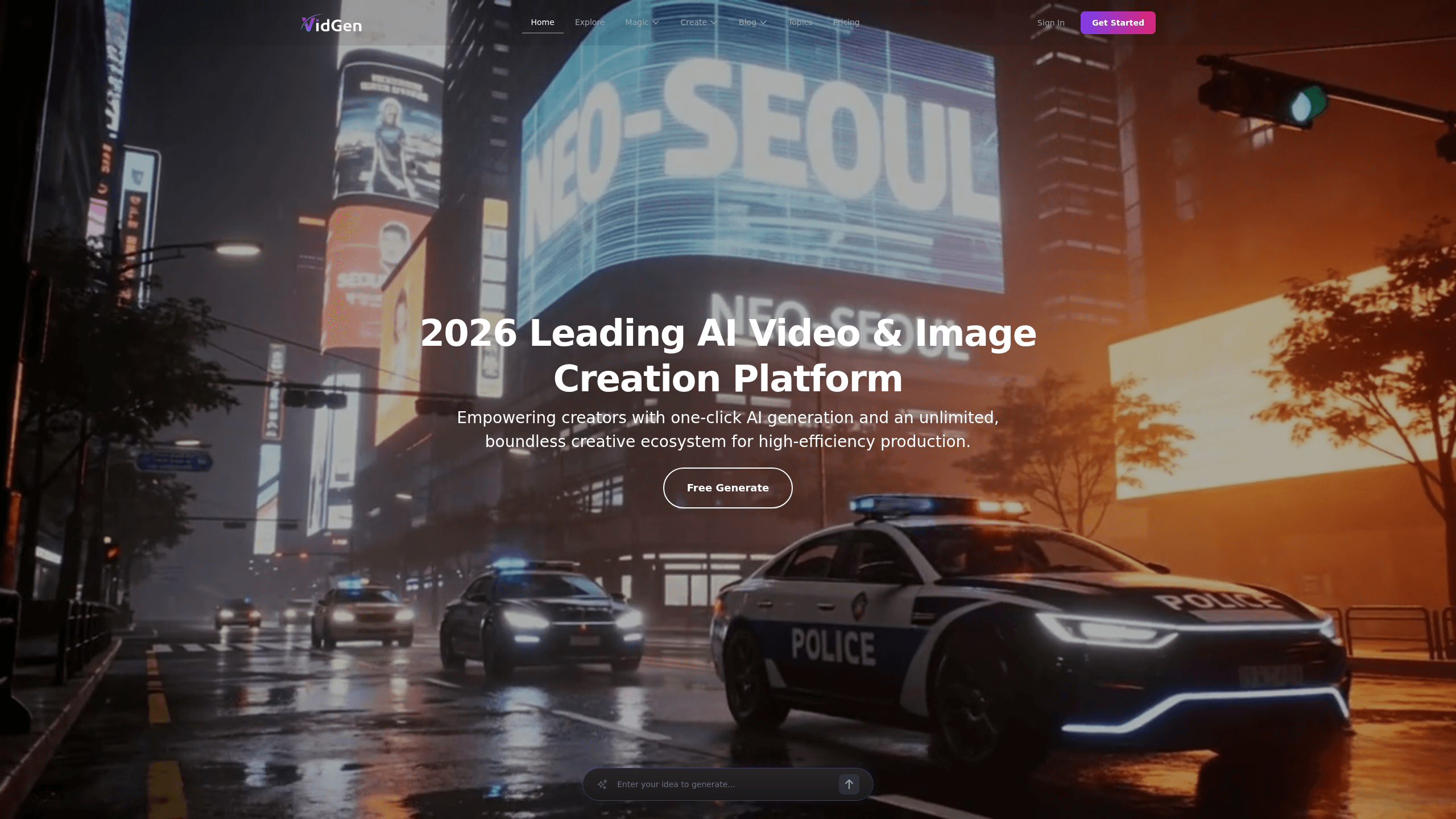
About Vidgen
What Is Vidgen
Vidgen AI is a browser-based studio built around one idea: give creators every major generative model in one place instead of making them juggle five subscriptions. The site markets itself as an unlimited AI video and image generator and leans on "accurate vision AI" to describe how it reads your prompts. There's no download, no GPU to babysit. You open a tab and start working. Credits cover each run. Then you export.
The pitch will be familiar if you've used other generators. What separates Vidgen is the model menu. The AI video generator side lists Kling AI, Runway, Hailuo AI, Vidu AI, Luma AI, Pika AI, PixVerse AI, Wanx AI, and Veo 3, with its own VidGen Pro sitting on top. The AI image generator side runs Recraft, Ideogram, Stable Diffusion, several Flux variants, DALL-E, and Imagen. In practice that means you can test a scene across engines in a single session and keep the result you like, instead of betting a whole workflow on one model.
The catch is credits. Vidgen charges per generation rather than per minute of your time, so a long prompt-heavy session burns balance fast. Model availability shifts too, since the platform depends on third-party engines that change their own lineup regularly. Tools land and vanish here. That's normal. If you need a fixed, predictable pipeline for daily publishing, you may find the moving parts annoying. Who wants to rebuild a workflow every time an engine swaps out?
Getting Started
- Create a free account at vidgenerator.ai with an email and password, or sign in with a linked social account. New accounts start with a small credit balance so you can test the platform.
- Choose a task from the workspace: text to video, image to video, text to image, image to image, or an effects tool for existing clips and photos.
- Pick a model for that task. Kling, Runway, and Luma are the usual picks for motion; Flux and Ideogram handle most stills. VidGen Pro is the in-house option when you want motion and detail in the same pass.
- Write your prompt and set the aspect ratio and duration, or upload a reference image if you're driving the clip from a photo.
- Generate, review the result, then download the file or rerun with a tweaked prompt. You spend credits on each attempt, including the ones you discard.
Product Information
A quick look at Vidgen's pricing, supported platforms, and performance.
Best for
The users, tasks, and scenarios where this tool fits best.
Users
- Social media editors who need a steady stream of short vertical clips and don't want to license three separate AI video subscriptions to get them.
- Small marketing teams producing product teasers and ad variants on a modest budget, provided they're fine paying per generation.
- Designers and illustrators who want quick AI images from Flux, Ideogram, or Stable Diffusion without running a local setup.
Tasks
- Turning a text prompt into a 5-10 second cinematic shot for a reel or ad.
- Animating a still product photo into a subtle moving clip, useful for e-commerce listings.
- Generating concept images to storyboard a video before you commit credits to motion.
- Applying AI effects and style transfers to existing footage without a full edit suite.
Scenarios
- Filling a content calendar on a deadline when there's no time to shoot or hire an editor.
- Testing a campaign idea cheaply, generating a few variants to see what resonates before spending on production.
- One-off image needs like a blog header or a thumbnail, where a full design tool is overkill.
Key features
One Workspace, Many Models
Vidgen's main draw is access to engines like Kling AI, Runway, Luma AI, Pika AI, and VidGen Pro from a single account. You don't commit to one renderer. Run the same prompt through two or three engines and compare. Simple as that. For anyone who's been burned by a model that handled one scene well and another badly, that flexibility is the whole point.
Text to Video and Image to Video
The text to video path turns a written description into a moving clip. Image to video takes a still you already have, a product shot or a portrait, and adds motion to it. Both accept aspect ratio and duration settings, so vertical output for social and widescreen for web are a click apart. This is the core of the AI video generator experience here.
AI Image Generation
The image side spans Recraft, Ideogram V2, Stable Diffusion 3, several Flux variants, DALL-E, and Imagen. Higher-end options like Flux 1.1 Pro Ultra target detail and prompt accuracy. If you need a clean AI image generator for thumbnails, headers, or mockups, you can do it in the same tab you're editing video in, which saves juggling tools.
Video and Image Effects
Effects tools apply AI transformations to material you already own. You can restyle footage or photos without manual masking or a creative suite. It's the least talked-about part of the platform and often the most practical one. Say you need a stylized version of an existing ad. This is faster than regenerating from scratch.
Credit-Based Access
Everything runs on a single credit balance shown in your dashboard. Credits work across video and image tasks, so you decide where to spend them. It keeps billing simple while still charging for what you actually use. Just watch the burn rate on video. Those generations cost far more than stills.
Pros and cons
Pros
- Puts Kling, Runway, Luma, Pika, Flux, and Ideogram behind one login, so you can compare models without paying for each separately.
- Handles AI video generation and AI image generation in the same workspace, which cuts tool switching for mixed projects.
- Credit system is straightforward: you see your balance and spend it on whatever task you pick.
- Free entry point lets you test output quality before committing money.
- Web-based with no install, so it works from any modern browser on desktop or mobile.
Cons
- Credits get consumed quickly by video generations, and failed or discarded attempts still cost you.
- Model availability can shift without warning, so a favorite engine may not always be there, which breaks repeatable workflows.
- No public API means you can't automate Vidgen into a content pipeline, ruling it out for developers who need programmatic access.
- Free balance is small, so a real test of video quality effectively requires paying.
Frequently asked questions
Vidgen generates video and images from text prompts or reference photos in a browser. People use it for social clips, ad variants, product animation, concept images, and quick restyling of existing footage. It's aimed at creators who want results without editing software.
Related content
Explore related tools, skills, and articles for Vidgen.
Vidgen Alternatives

Tractionwave
TractionWave · Image · MarketingTractionWave is an AI attention heatmap tool for static ads. Upload a PNG or JPG and it returns predicted attention, ranked hotspots, and fixes before you spend budget.

Imejis.io
Imejis.io · Image · MarketingImejis.io is an AI design studio for agents and marketing teams. Describe an image in plain words, and it writes the copy, builds the layout, reflows it to every size, then exports a finished file.

Layoutr
Van Dijk Ontwikkeling · Image · China AILayoutr is a browser floor plan tool that scales your own plan, places furniture at true size, shows the room in 3D and renders it with AI.