

VidifyAI
VidifyAI · Video
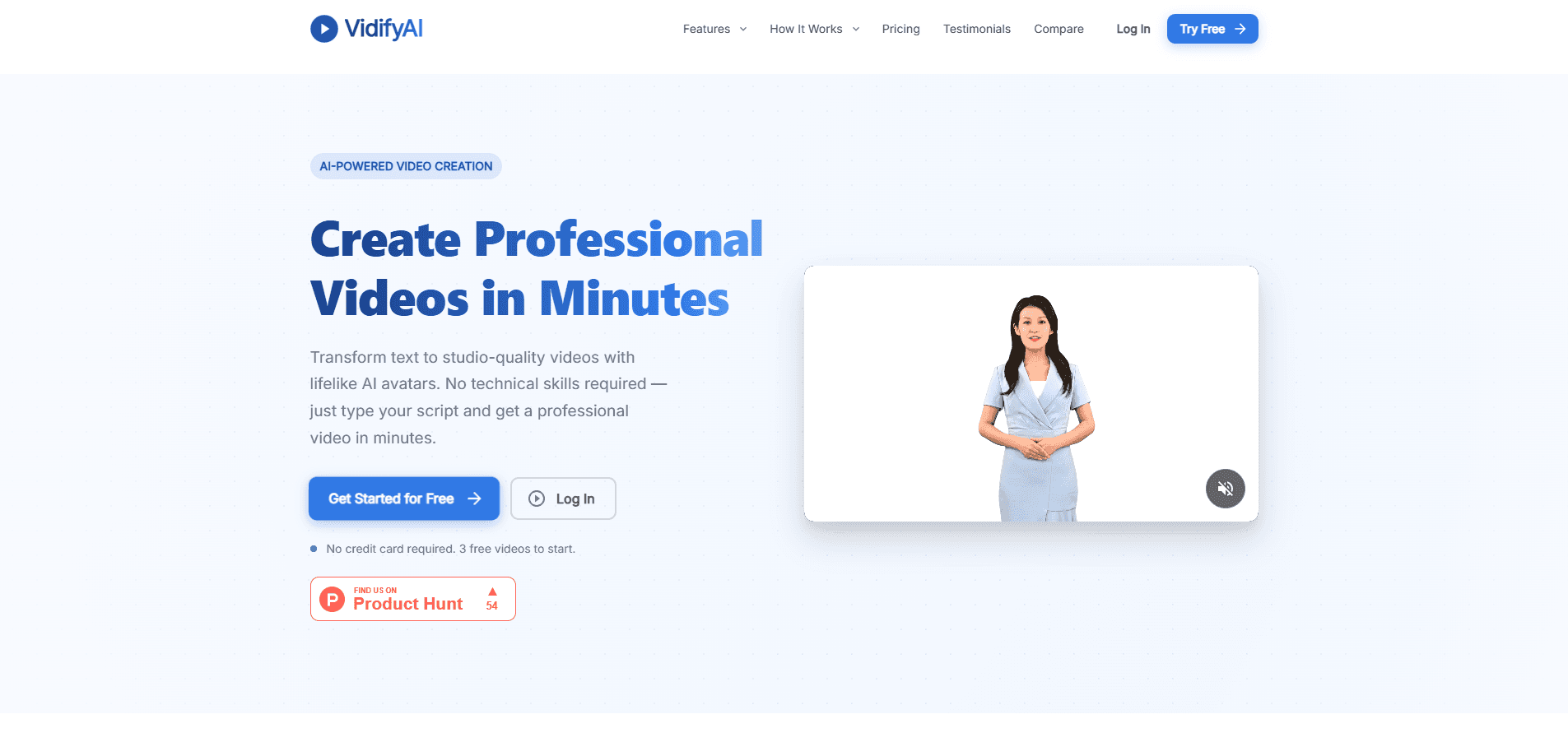
VidifyAI is a browser based studio that turns a written script into a presenter led video with AI avatars and voices in more than 40 languages.
About VidifyAI
What Is VidifyAI
VidifyAI is an AI video generator for people who need a video but don't want to book a camera, a presenter, or an editing team. You paste a script, pick an AI avatar and voice, and the platform renders a talking presenter video on its own. Marketing teams, trainers, and product folks use it for explainers, onboarding clips, and social posts that would otherwise sit in a backlog for weeks.
The reason to look at it is the script-first workflow. Instead of building a timeline shot by shot, you write what you want said and let the studio handle the presentation. Swapping a sentence and re-rendering is far quicker than reshooting, which matters when a price change or a policy update breaks an existing video. Everything runs in a browser, so there's nothing to install.
The tradeoffs are worth knowing up front. You get a fixed set of 18+ avatars rather than a custom clone of yourself, so the presenter looks professional but generic. Video quality depends on the plan, and the free tier is built around short clips with limited features. If you need a fully bespoke presenter or fine control over every frame, this isn't the tool.
Getting Started
- Sign up for a free account at app.vidifyaistudio.com.
- Write or paste your script in the studio workspace.
- Choose an AI avatar, voice, and language for your audience.
- Set the background, add music, and adjust the scene.
- Render the video and export it for your site, social channels, or training materials.
Product Information
A quick look at VidifyAI's pricing, supported platforms, and performance.
Best for
The users, tasks, and scenarios where this tool fits best.
Users
- Marketing teams
- Learning and training teams
- Product teams
- Content creators
Tasks
- Video creation
- Multilingual videos
- Marketing and explainer clips
- Training and education videos
Scenarios
- Launching a product fast
- Updating a dated explainer
- Reaching a global audience
- Testing a campaign idea
Key features
AI Avatars and Presenters
The studio ships with 18+ preset avatars, each styled for a different tone, from a business presenter for corporate work to a casual host for tutorials. You pick a face that fits the message rather than filming a person. The library is fixed, so you won't get a digital twin of yourself, but the range covers most business and marketing needs.
Text to Video Workflow
Your script is the whole starting point. Write or paste what you want said, then adjust the voice, scene, and story before rendering. The platform handles the presentation, so you skip the usual timeline editing that slows video work down. Changing a sentence and re-rendering takes minutes, not a reshoot.
Multilingual Voices and Subtitles
Videos can be produced in 40+ languages, with native sounding voices trained on real speakers, including regional accents like Spanish from Spain or Mexico. Automatic subtitles cover any supported language and can be added with a click. That makes one script reach several markets without separate recording sessions.
Built In Studio Workspace
The editor keeps script, scene controls, and timeline in one place, with light and dark modes. You set the background, add music, and tweak the scene without leaving the browser. Everything runs online, so there's nothing to install and no editing skills required to finish a video.
Templates and Scenes
Templates give you a starting format for common jobs like marketing explainers, lessons, and product walkthroughs. You pick a layout that fits and make it your own instead of facing a blank canvas. It's a practical shortcut when you need a decent result quickly.
Export and Sharing
Finished videos render at up to HD 1080p and can be exported for your website, social channels, or learning materials. Commercial usage is included on paid plans, which matters if the video is going in front of customers. You'll want to check the plan terms before publishing client work.
Pros and cons
Pros
- Script first workflow makes video creation fast, since you edit text instead of a timeline.
- 18+ avatars and 40+ languages give most teams a fitting presenter and voice out of the box.
- Everything runs in a browser, so there's no software to install and no editing background needed.
- Templates cover common jobs like explainers and lessons, cutting the setup time for a new video.
- Editing a line of script and re-rendering is much cheaper than reshooting a video.
Cons
- The avatar set is fixed and generic, so you can't build a custom clone of a real spokesperson.
- Feature and export limits on the lower plans mean serious use pushes you toward a paid tier.
- Quality depends on the script and avatar choice, so poorly written text still produces a flat result.
- There's no documented public API, which limits automated or high volume production.
Frequently asked questions
VidifyAI creates presenter led videos from written scripts. Teams use it for marketing explainers, product updates, training lessons, and social clips where a talking presenter makes the message clearer.
Related content
Explore related tools, skills, and articles for VidifyAI.
VidifyAI Alternatives
Griffin by Tavus
Tavus · Voice & Language · Video · ChatbotGriffin by Tavus is the first Human Interaction Model: a full-duplex, video-to-video system that watches, listens, and answers during a live video call in real time.

Syllaby AI Avatar 2.0
Syllaby · Video · MarketingSyllaby AI Avatar 2.0 turns a script into a presenter-led video with a reusable AI avatar, natural voice, B-roll and automatic subtitles, all in one browser workflow.

Vitra.ai
Vitra.ai · Voice & Language · Video · MarketingVitra.ai is an agentic content platform that creates, translates, reviews, and publishes video, images, documents, and app content in 120 languages from one shared brief.