

Vidnoz
Vidnoz · Image · Voice & Language · Video
Vidnoz is an AI video generator that turns scripts, slides and photos into talking-avatar videos for marketing and training teams.
About Vidnoz
What Is Vidnoz
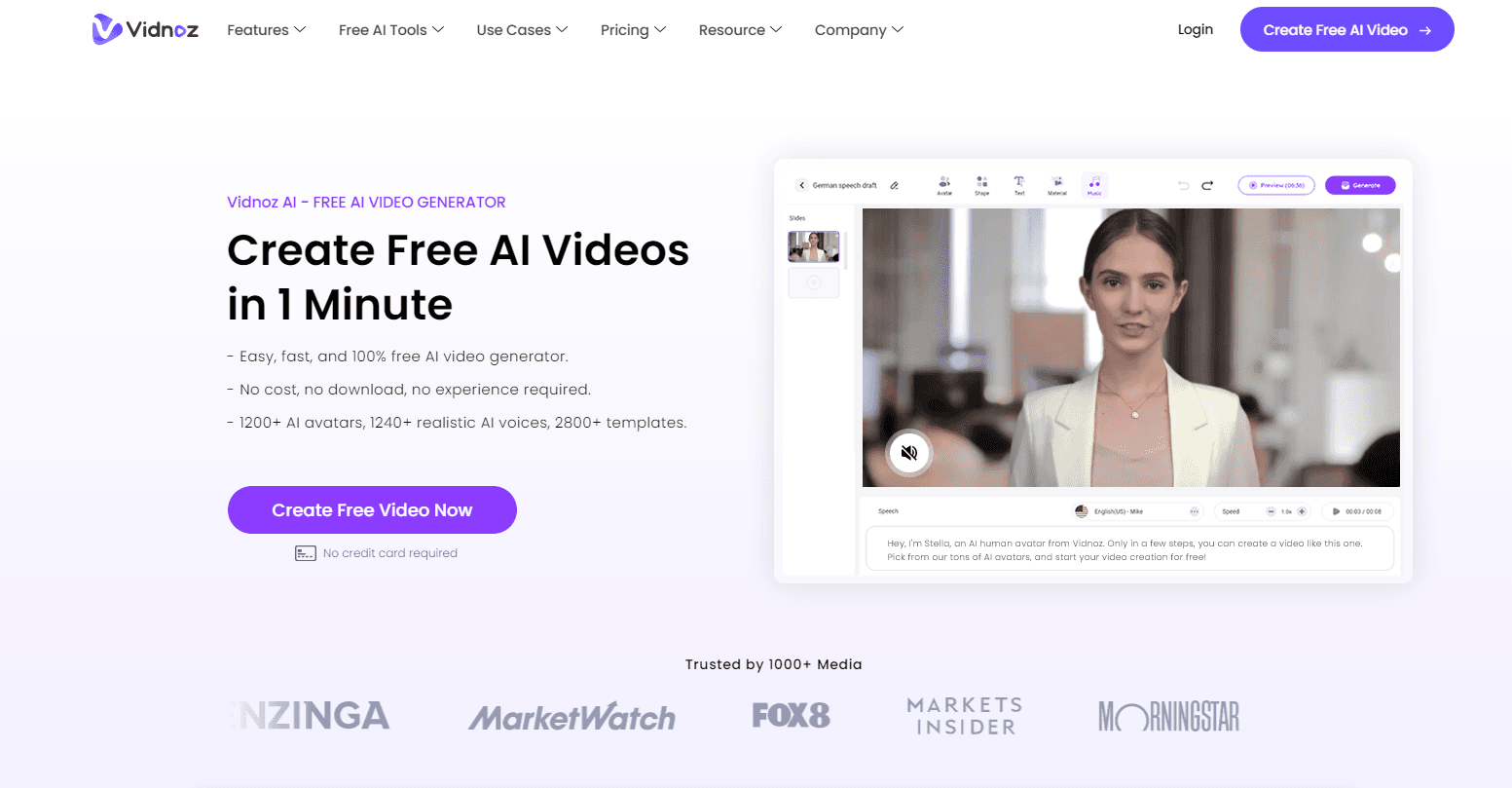
Vidnoz AI is a browser-based video creation platform built around digital avatars and synthetic voices. You type a script or upload a document, pick a presenter, and the tool assembles a finished video without a camera, an actor or a recording booth. That's the whole idea. The company pairs that with a template library it lists at 3,200+, an avatar set of 1,800 to 1,900+, and voices across roughly 890 to 2,660+ options depending on your plan.
The pitch is speed. A product explainer, a training module or a social clip that used to mean booking talent and editing footage becomes a script and a few clicks. No crew. No studio. Vidnoz isn't alone here; HeyGen, Synthesia and others chase the same buyer. So what separates Vidnoz? Mainly the breadth of the free tier and how much of the studio it bundles. There's a screen recorder, an AI image generator, a media library it sizes at 60M+ assets, and one-click translation into 135+ languages.
The limits matter as much as the features. Watermark-free exports, the higher video resolution tiers and full commercial use sit behind paid plans, and the free account caps daily credits. Several headline abilities, like voice cloning and the studio-grade Avatar Pro, are paid add-ons rather than plan features. If you need a polished 4K broadcast spot or fine control over on-screen motion, this isn't that tool. It's built for volume, not cinema. Know that going in.
Getting Started
- Sign up at vidnoz.com with an email or a third-party account and land in the browser workspace.
- Pick a starting point: a template, a ready avatar, or a blank project you build from scratch.
- Enter your script or paste text, or have the AI script tool draft one, then choose a voice and language for the voiceover.
- Personalize the scene with background music, transitions, an uploaded logo and captions.
- Preview the scene, click Generate, then download the video or share it through a branded page.
Product Information
A quick look at Vidnoz's pricing, supported platforms, and performance.
Best for
The users, tasks, and scenarios where this tool fits best.
Users
- Marketers running lean
- L&D and training teams
- Social media creators
- Educators and course builders
- Localization teams
Tasks
- Turning a script into a presenter video
- Converting slide decks to video
- Translating a finished video
- Repurposing a blog post
- Making a photo talk
- Recording a screen walkthrough
Scenarios
- A two-person startup needs a product demo on the site this week and has no one to film it.
- A training lead has a policy change and must reissue a compliance video before the old one circulates further.
- A creator wants yesterday's video posted in Spanish and Japanese without booking voice actors.
- An e-learning team needs to push a finished lesson into its LMS without a manual upload process.
Key features
AI Avatars and Talking Photos
Vidnoz ships 1,800 to 1,900+ stock avatars for different themes, and you can turn your own photo into a speaking presenter. On paid plans, Avatar Lite builds a higher-resolution digital twin up to 1080P, while Avatar Pro adds background matting for a cleaner studio look. The practical upshot: you choose between a ready-made face and a likeness the audience already recognizes. Pick one and move on.
Text-to-Video and Prompt-to-Video
Type what you want the avatar to say, or describe a scene in a prompt, and the AI Video Wizard generates the video. There's also an AI script generator that drafts the words for you, capped at 20 per day on the free tier and unlimited higher up. That's handy. For anyone who stalls at a blank page, the script step removes the hardest part of getting started. Writers freeze.
1-Click Video Translation
This is the feature that does the most heavy lifting for global teams. One click translates a video into 135+ languages, and the AI video translator handles 140+ with lip-synced output. Subtitles get translated alongside the speech. That's the part most tools get wrong. If your audience spans markets, this turns one production into many without a second shoot.
3,200+ Templates and PPT/PDF Import
The template library covers explainers, e-learning, sales, ads and support. More useful for many teams is the PPT or PDF import: a slide deck you already have becomes a narrated video in a few clicks instead of a from-scratch build. Templates set the look, so the result reads as intentional rather than improvised. No design work required. Just import and go.
Voices, Voice Cloning and Emotion
Voice options range from roughly 890 on the free tier to 2,660+ on paid plans, and they include emotional variants for happy, sad and other tones. You can upload your own voiceover or clone a voice; cloning is a paid add-on. Pronunciation can be adjusted per word through a dictionary, which matters when brand names and technical terms get mangled by default. Nothing kills a demo faster than a mispronounced product name.
Screen Recorder and Media Library
A built-in screen recorder captures walkthroughs and demos without extra software. Behind it sits a media library the company sizes at 60M+ images, videos, icons and fonts, drawn from sources like Google Icons, Freepik and Pexels. Auto captions and background music round out the assembly. That's a full kit. A rough recording can be finished inside the same tool.
Team Workspaces and Enterprise Controls
Higher tiers add collaborative workspaces, member access management, draft sharing and usage limits, with seats scaling up to 1,000. Enterprise plans layer in SAML/SSO through providers like Azure AD or Okta, a dedicated account manager and an isolated data center. For a company standardizing video across departments, those controls decide whether the tool can be adopted at all. Skip them and IT says no.
Pros and cons
Pros
- Free tier is genuinely usable, with daily credits and 3,200+ templates to test before paying.
- One-click translation into 135+ languages saves the cost of separate localized productions.
- PPT/PDF import turns existing slide decks into narrated videos fast.
- The studio bundles a screen recorder, image generator and 60M+ asset library, so fewer trips to other tools.
- Enterprise plans add SSO, team management and SCORM export for formal learning deployments.
Cons
- Watermark-free downloads, higher resolutions and full commercial use require a paid plan, so free output is limited for commercial work.
- Voice cloning and the studio-grade Avatar Pro are paid add-ons, not standard plan features, which raises the real cost above the sticker.
- Prices aren't published as fixed figures on the pricing page, so budgeting needs a direct check with the vendor.
- Avatars and templates set a ceiling on originality; footage-driven or highly custom motion work won't fit here.
- It's a web tool with no clear public API, so automated or programmatic pipelines aren't an obvious fit, and API availability is unknown.
Frequently asked questions
Vidnoz creates videos with digital avatars and synthetic voices. You write or paste a script, pick a presenter, and generate a finished video for marketing, training, social media or e-learning, all inside a browser.
Related content
Explore related tools, skills, and articles for Vidnoz.
Vidnoz Alternatives

X Ray Interpreter
X-ray Interpreter · ImageX Ray Interpreter is a web-based AI radiology tool that turns X-rays, CT scans, MRI, ultrasound, and PET images into plain-language reports. You upload a scan, get a preliminary X-ray interpretation in moments, then ask follow-up questions if something needs explaining. It works as a second opinion and a learning aid, not as a medical diagnosis.

Aieasypic
AIEasyPic · ImageAIEasyPic is an AI image generator that turns plain text prompts into finished artwork in seconds. You can also train custom models on your own photos, swap faces in existing images, and create short video clips from text, all from a browser. It suits casual creators who want quick visuals and hobbyists who want to build a personal model without touching any code.

Chargen
Chargen · ImageChargen is an AI character generator and worldbuilding toolkit built for Dungeons & Dragons and other tabletop RPGs. It turns a one-line idea into a painted character portrait, spins up NPCs, monsters, maps and encounters from the same session, and keeps every creature's details close at hand. The tabletop RPG art side runs on a credit system called Gold, while the text generators stay free for everyone.