
Vidofy
Vidofy · Video
Vidofy is an all-in-one AI studio that turns a written prompt into video, images, or voice, pulling from a library of 400+ models in a single account. It's built for people who want cinematic footage or product shots without a camera, editing timeline, or separate subscriptions. The draw is choice: you get Veo, Kling, Runway, FLUX, and others behind one credit balance instead of paying for each tool on its own.
About Vidofy
What Is Vidofy
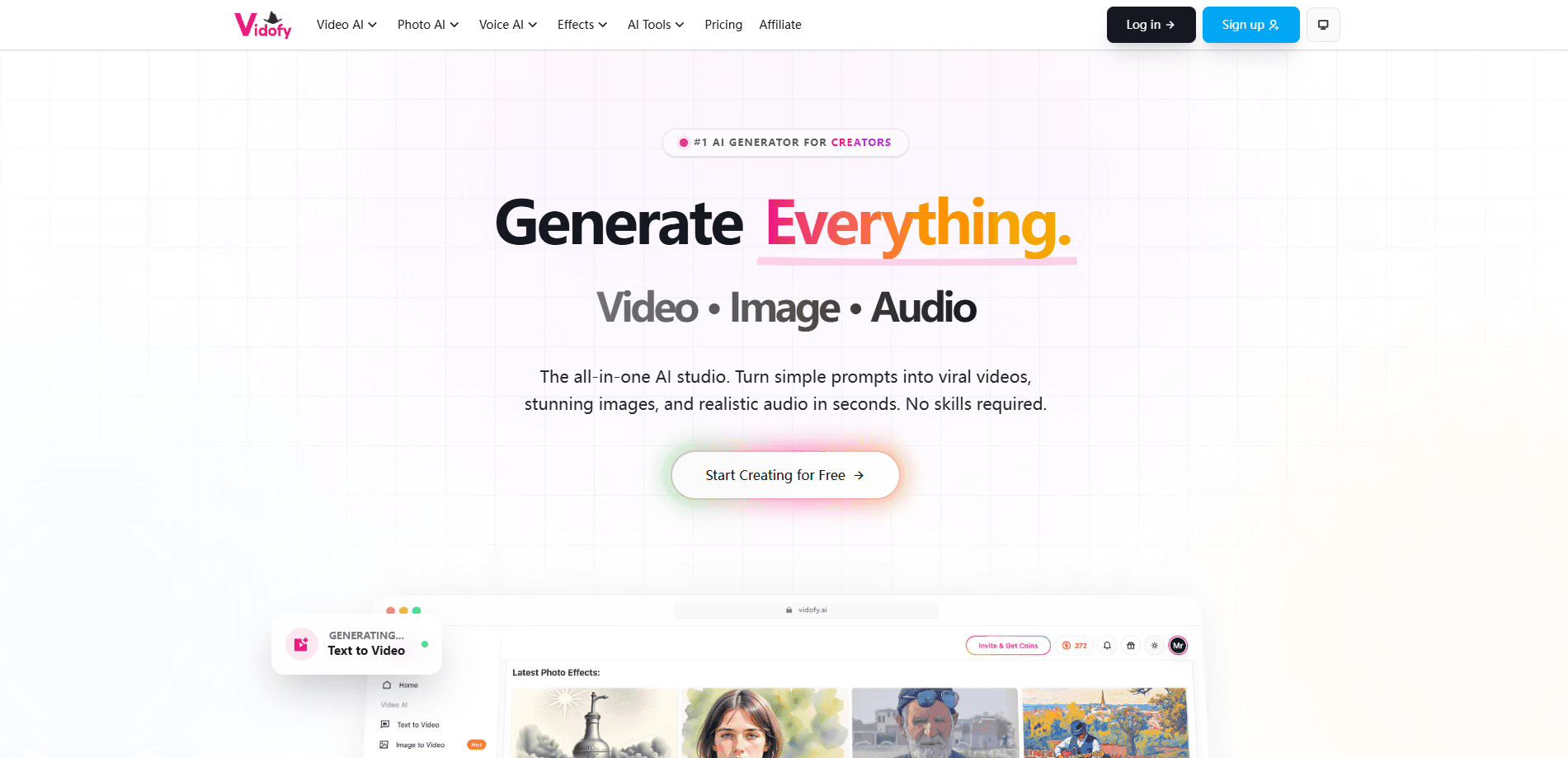
Vidofy is a web-based AI content studio aimed at creators who don't want to juggle five different subscriptions. One account gives you access to a video generator, an image generator, and a voice tool, and the same credits pay for any of them. That's the whole pitch: pick your model, describe what you want, and generate. As an AI video generator online, it runs entirely in the browser, so there's nothing to install.
The product leans hard on model variety. Instead of training its own engine and stopping there, Vidofy routes your prompt to whichever model fits the job, from flagship options like Veo and Kling to lighter ones for quick drafts. According to the company, its own Vidofy 1.6 model sits alongside these third-party engines as a headline option. That range is the real selling point.
The main limitation is how new the platform is and how fast pricing moves. Credits are the only currency here, and different models burn them at different rates, so a rough estimate of cost takes some trial. It's also online only, with no desktop app, which matters if you work offline or need heavy local rendering. No offline mode. That's a real constraint for some workflows.
Getting Started
- Create a free account on the Vidofy website using your email or a Google sign-in.
- Pick a starting plan or use any trial credits the platform offers at signup.
- Choose a generator from the studio menu: text to video, image to video, text to image, or voice.
- Select a model from the library, then type your prompt and set the format, aspect ratio, and length.
- Generate, review the output, and download it once the render finishes.
Product Information
A quick look at Vidofy's pricing, supported platforms, and performance.
Best for
The users, tasks, and scenarios where this tool fits best.
Users
- Social media creators
- Designers and marketers
- Podcasters and voiceover artists
- Small teams without editors
Tasks
- Turning a script into a cinematic clip
- Animating a still photo
- Restyling existing footage
- Generating images from a prompt
- Producing voiceovers
Scenarios
- Filling a content calendar fast
- Mocking up an ad concept
- Turning old photos into motion clips
- Testing a visual direction
Key features
Multi-model video generation
Vidofy gives you text-to-video across 60+ models and image-to-video across 65+, including options like Veo, Kling, Runway, and Seedance. Quantity isn't the whole story. Different models handle different looks well. Pick the one that suits a cinematic shot, or grab a lighter one for a quick social clip. Same account either way.
Model library under one subscription
Rather than subscribing to each engine separately, you access the whole catalog through one credit balance. That simplifies billing and lets you switch tools mid-project without signing up somewhere new. It's the feature most likely to save you money if you already pay for two or three generators. Simple as that.
Text-to-image and AI image editing
The image side covers text-to-image across 45+ models, including FLUX and Nano Banana, producing photography, concept art, and product shots up to 4K. Image-to-image takes plain-text instructions to swap backgrounds, remove objects, or restyle subjects, which turns a normal photo edit into a single prompt.
Video-to-video style transfer
Upload a clip and describe the new look, and the tool reimagines every frame while keeping the original motion intact. That covers anime conversion, color grading, environment swaps, and character restyling. It's the fastest path to rebranding or restoring existing footage without a full re-edit.
AI animation and consistent characters
An animation generator builds 2D and 3D scenes with character movement and transitions from one prompt. A separate consistent-character mode keeps the same face, outfit, and hairstyle across scenes, which is what makes a multi-part series look coherent instead of stitched together.
Voice and audio tools
The studio includes text-to-speech, speech-to-speech, and audio-to-audio generation. You can produce narration, dub content into a different delivery, or transform an existing recording. Need a quick AI voice generator for a short ad? This covers it. It rounds out the platform so a single project doesn't need a separate voice tool.
Templates and viral effects
The platform ships with 400+ templates and effects aimed at social formats. They're a shortcut for creators who know the look they want but don't want to build it from scratch, and they cover the trend-driven styles that tend to perform on short-form platforms. Handy for volume work.
Pros and cons
Pros
- One subscription covers 400+ models, so you're not paying for Veo, Kling, and an image tool separately.
- The model library spans video, image, and audio, which keeps a whole project in one place.
- Text-to-video, image-to-video, and video-to-video cover most common AI generation jobs.
- Consistent-character support makes multi-scene series look intentional rather than pieced together.
- No-watermark outputs on paid plans, which matters for anything you publish.
Cons
- No free plan is listed, so you have to pay before you can really test the workflow.
- Credits are consumed at different rates by different models, making it hard to predict cost upfront.
- It's web only, so there's no offline or desktop rendering option.
- Being a newer, model-aggregating platform, output quality depends on whichever engine you pick, so results vary.
Frequently asked questions
Vidofy is used to generate video, images, and voice from text prompts or uploaded files. It bundles many AI models into one studio, so you can create a clip, a product image, and a voiceover without switching between separate tools.
Related content
Explore related tools, skills, and articles for Vidofy.
Vidofy Alternatives

ngram 2.0
ngram · Video · Marketingngram 2.0 is an AI video generator for teams. It turns a prompt, a screen recording, or a product URL into a narrated explainer, product demo, or AI avatar video, and every scene stays editable.

OpenScreen 2
OpenScreen (open-source project) · Video · ProductivityOpenScreen 2 is a free, open-source screen recorder and demo video editor for Windows, macOS, and Linux, with automatic zooms, styled frames, local captions, and agent edits.

Skreno
Skreno · Video · ProductivitySkreno is a browser screen recorder that captures a tab, a window or your whole display, then attaches AI transcripts, summaries and console logs to one share link.