

Vitara AI
Prismetric · Coding
Vitara AI is an AI full-stack app builder that turns plain prompts into web and mobile apps. It generates a React frontend and a Node.js backend together, with a free plan.
About Vitara AI
What Is Vitara AI
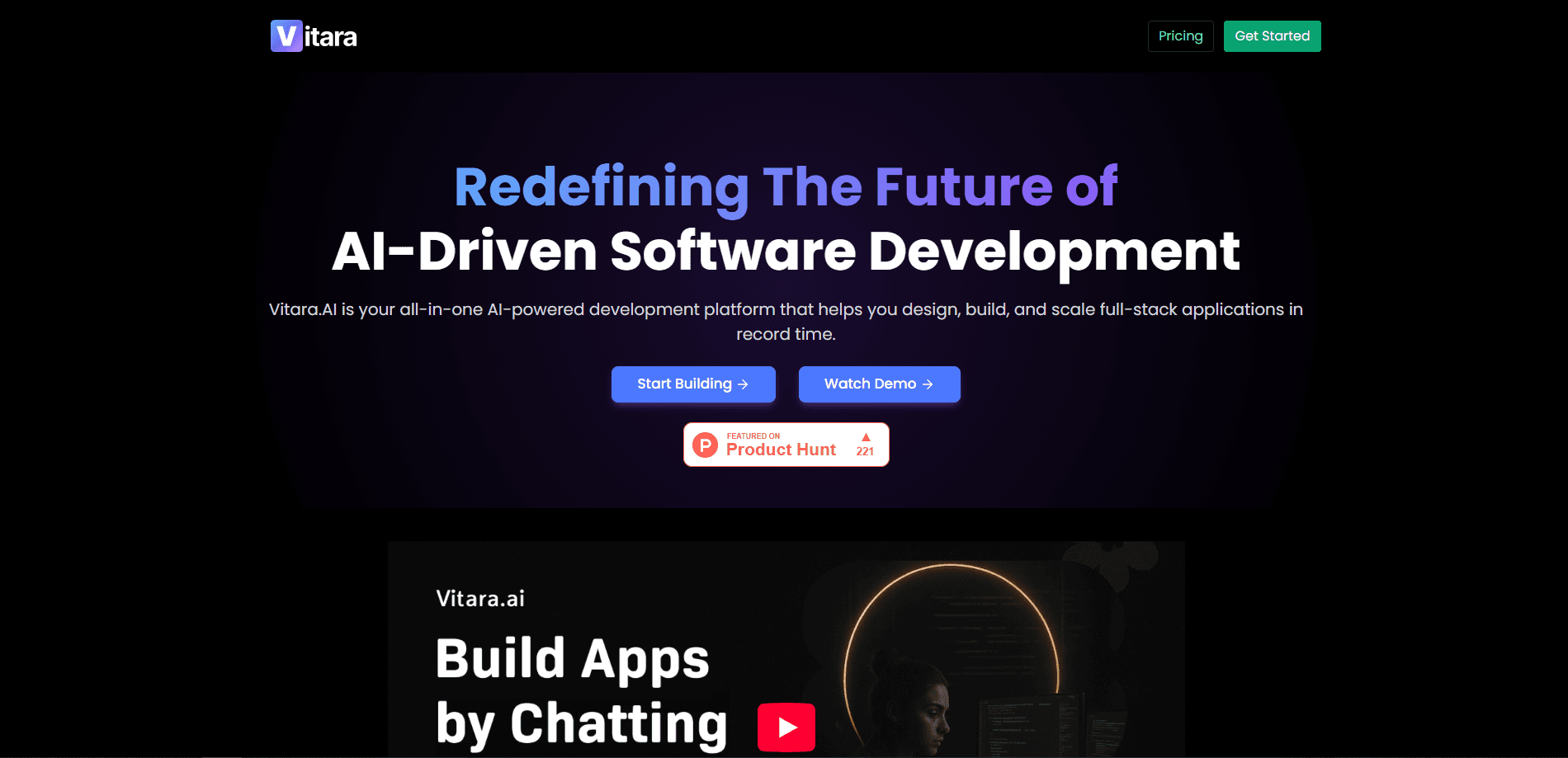
Vitara AI is an AI-powered full-stack development platform that builds web and mobile applications from natural language prompts. You describe what you want, and the vibe coding tool generates the code behind it, so a working app takes shape without you writing every line by hand. Think of it as a React app generator and Node.js backend builder rolled into one place.
The platform targets people who want to move from an idea to a deployable product fast. Freelancers use it to draft client portals and dashboards, while non-technical founders use it to test a product idea before hiring a team. Everything runs in the browser, so there's no local setup to fight through.
The main limits are worth knowing up front. Vitara AI is not a no-code tool, so some comfort with code helps when you inspect or edit the output. Credit limits on the free and lower tiers also slow heavy daily use, and the quality of what you get depends on how clearly you describe the app.
Getting Started
- Sign up at vitara.ai, which takes a moment and needs no credit card on the free plan.
- Open the browser workspace and describe the app you want, such as a CRM dashboard or a booking tool.
- Let the vibe coding tool generate the React frontend and Node.js backend from your prompt.
- Refine the result with follow-up prompts, and edit the code directly if something needs a hands-on fix.
- Connect a GitHub repo or a custom domain, then export and deploy the finished app.
Product Information
A quick look at Vitara AI's pricing, supported platforms, and performance.
Best for
The users, tasks, and scenarios where this tool fits best.
Users
- Non-technical founders
- Freelancers and agencies
- Startup teams testing an MVP
- Developers who want a head start
Tasks
- Building a SaaS MVP
- Creating internal dashboards
- Prototyping client work
- Iterating on app features
Scenarios
- Moving from a rough idea to a demo in a single sitting
- Freelancers quoting a fixed deadline
- Solo builders without a backend team
- Testing several startup ideas on a budget
Key features
Full-stack generation from one prompt
Vitara AI builds the React frontend and the Node.js backend as part of the same flow. That matters because most AI builders stop at the interface, leaving you to wire up a separate backend, database, and API keys before the app actually runs. Vitara AI hands you a connected starting point, which is the difference between a mockup and something you can demo.
Browser-based workspace with no setup
The whole platform runs in your browser, so there's nothing to install or configure before you start building. You open Vitara AI, type a prompt, and the workspace responds. For someone who doesn't want to spend an afternoon on environment setup, that lack of friction is the point.
Editable, production-ready code
Every app Vitara AI generates is real code you can inspect, edit, and export. You can tweak it inside the workspace or download it into your own editor. That keeps you out of a locked no-code box and means the project stays yours, which matters when you plan to keep building on it later.
GitHub integration and custom domains
Vitara AI connects to GitHub for version control, collaboration, and deployment, and the Build plan lets you point your own domain at the app. Together, those features turn a generated project into something you can version like any other repo and ship on an address you control.
Prompt-based iteration
Changing an app doesn't mean starting over. You describe the change you want, and Vitara AI rebuilds the parts that need to move. It updates a form, reworks a page, or adjusts backend logic from a single prompt, which keeps momentum on a project instead of resetting it. Updating a form, reworking a page, or adjusting backend logic all happen through a prompt, which keeps momentum on a project instead of resetting it.
React, Node.js, and mobile stacks
The platform covers web and mobile, generating React for the frontend, Node.js for the backend, and React Native for mobile apps. Whichever target you pick, the same conversational flow applies, so you're not learning a separate tool for each kind of app.
Pros and cons
Pros
- Generates a React frontend and a Node.js backend together, so you skip the third-party backend wiring that slows most AI builds.
- Runs entirely in the browser with no setup, which lowers the barrier for founders and freelancers who aren't developers.
- The code is editable and exportable, so you keep ownership instead of being stuck inside a proprietary builder.
- GitHub integration and custom domain support on the Build plan make deployment and version control straightforward.
- A free Starter plan with no credit card lets you test the platform before paying anything.
Cons
- It's a vibe coding tool, not a no-code one, so some willingness to read and edit code helps on serious projects.
- The free plan caps you at 5 credits per day and 20 total, which runs out fast once you're iterating on a real app.
- Paid tiers meter usage at 100 credits on Build and 250 on Scale per month, so heavy daily building can hit those ceilings.
- There's no published API, so teams that want to hook Vitara AI into an existing pipeline can't count on one yet.
Frequently asked questions
Vitara AI builds web and mobile apps from natural language prompts. You describe the app you want, and it generates a React frontend and a Node.js backend, giving you a working full-stack project you can refine, export, and deploy.
Related content
Explore related tools, skills, and articles for Vitara AI.
Vitara AI Alternatives
Forefront
Forefront · CodingForefront is a web platform for building with open-source AI. It lets you fine-tune leading open-source language models on your own data, evaluate how they perform, and run them through an API or export them to host yourself. Developers who want the convenience of a closed-source platform but insist on owning their models and data are the target audience here.

Startkit
StartKit.AI · CodingStartkit is a boilerplate for building AI SaaS and AI wrapper products. Think of it as an AI startup boilerplate with the boring parts already wired up: authentication, Stripe and Lemon Squeezy payments, usage limits, transactional email, and an AI API starter that talks to OpenAI, Anthropic, Groq, or Llama. You clone the repo, set your price, and start on the part of your product that people actually pay for. It's Next.js under React and Tailwind, so most of the boilerplate code already feels familiar.
Testim
Tricentis · CodingTestim is an AI-powered test automation platform for building and running end-to-end tests across web, mobile, and Salesforce applications. It leans on machine learning to keep tests stable when an interface changes, so teams spend less time fixing broken selectors. Not bad for an automated testing tool you can start using today. You create tests by recording actions in a browser, then optionally add JavaScript when you need more control. It's a solid pick for busy QA teams.