

VivaVideo - Video Editor&Maker
QuVideo Inc. · Video
VivaVideo is a mobile video editor from QuVideo for Android and iOS, letting you cut, merge and style clips with templates, music, filters and AI effects.
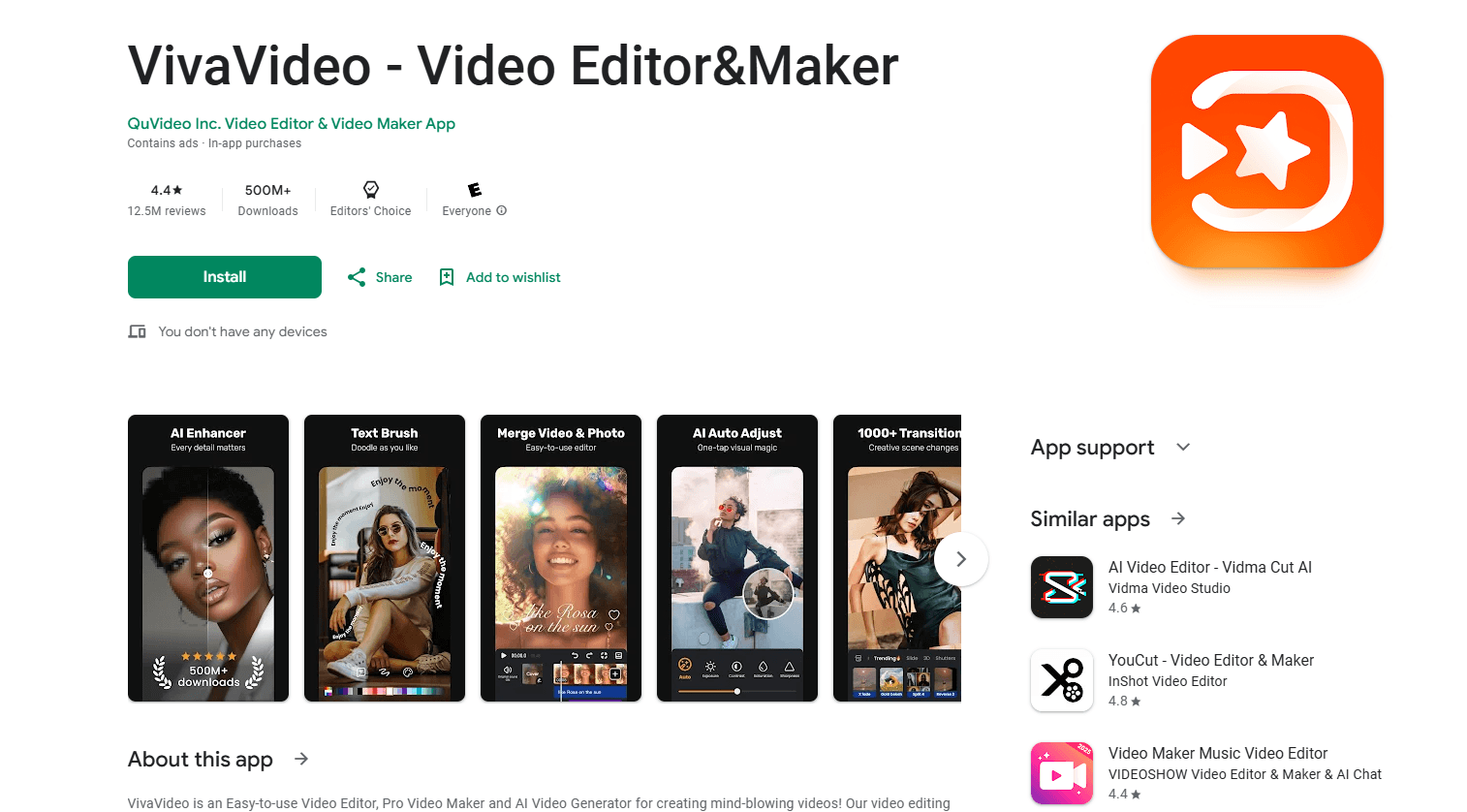
About VivaVideo - Video Editor&Maker
What Is VivaVideo
VivaVideo is a video editor made for phones. QuVideo built it around a storyboard style of editing, where you load clips one at a time, trim each segment, and then move on to the next. That structure keeps the timeline out of the way, which is why beginners often pick it up faster than a desktop-style editor on a small screen.
The app covers the everyday jobs people want from a phone editor: cutting and merging clips, changing speed, adding music, text and transitions, and dressing the result up with filters, themes and stickers. Video templates go a step further. You pick a layout and drop your own clips into it, and the app handles the pacing and the look. A set of AI features, including voice change and AR effects, rounds out the package. The same video maker app runs on both Android and iOS, so an Android or iOS user gets the same tool set.
The catch is the free tier. The free version carries a watermark, and many of the templates, effects and export options sit behind the Pro subscription. The app runs only on phones and tablets, so there's no desktop version and no browser editor to fall back on.
Getting Started
- Download VivaVideo from Google Play or the App Store, then open it and grant access to your photos and videos.
- Tap to start a new project, then add clips or photos from your gallery one by one.
- Trim, split and reorder the segments, then set the speed, add music, text and transitions.
- Apply a filter, theme or template, then export the finished video and share it or save it to your device.
Product Information
A quick look at VivaVideo - Video Editor&Maker's pricing, supported platforms, and performance.
Best for
The users, tasks, and scenarios where this tool fits best.
Users
- Casual creators who edit on a phone
- Vloggers and short-form posters
- Beginners stepping out of iMovie or a basic gallery editor
Tasks
- Trimming and merging clips
- Dressing up a clip with effects
- Adding narration or changing a voice
Scenarios
- Posting a daily short video
- Making a highlight reel from a trip
- Reworking an old clip for a new platform
Key features
Storyboard editing
VivaVideo arranges your project as a series of storyboard segments rather than a stacked timeline. You load a clip, trim it, and move to the next, which keeps the screen uncluttered on a phone. It's the feature that makes the app approachable for people who find track-based editors fiddly.
Video templates
Templates let you skip most of the manual work. You choose a format, drop in your clips and photos, and the app applies the pacing, text animation and transitions for you. That's useful when you want a consistent look across several videos and don't want to rebuild the styling each time.
Music, text and transitions
The editor covers the basics well: you can add background music, place text titles, and join segments with transitions. Filters, themes and stickers sit alongside these tools to set the tone of the clip. None of it is unusual for a phone editor, but it's all in one place.
AI voice change and effects
AI intelligent voice change lets you alter how a voice in your video sounds, and an AR special effects engine adds augmented reality elements on top of your footage. For creators chasing a trend, these effects are often the reason to open the app rather than a plain cutter.
Speed, reverse and audio tools
Beyond cutting, VivaVideo handles speed control and reverse playback, which are handy for fast-motion and rewind effects. An audio extract tool pulls the sound out of a clip, so you can reuse a track or keep a voice without the picture.
Pro subscription and export options
A free plan gets you started, but a watermark and limited access to premium templates and effects come with it. VivaVideo Pro removes the watermark and unlocks the full library and higher export quality, which is the main decision point for anyone who uses the app regularly.
Pros and cons
Pros
- Storyboard editing keeps projects simple on a small screen, which lowers the barrier for new users.
- A free plan lets you test the workflow before paying, and exports carry a watermark.
- Video templates and a large effect library cut the time between an idea and a finished clip.
- Built for phones first, so you can edit and export without a computer.
Cons
- The free version adds a watermark and locks many templates and effects behind Pro.
- There's no desktop or browser version, so editing is tied to your phone.
- No public API, so teams that want to automate video creation can't hook it into their own systems.
- Exports, template access and some effects depend on the subscription tier, which can frustrate users who switch plans.
Frequently asked questions
VivaVideo is used to edit videos on a phone. You trim, merge and arrange clips, add music, text and effects, apply a template, and export the result for social media or for saving on your device.
Related content
Explore related tools, skills, and articles for VivaVideo - Video Editor&Maker.
VivaVideo - Video Editor&Maker Alternatives

ngram 2.0
ngram · Video · Marketingngram 2.0 is an AI video generator for teams. It turns a prompt, a screen recording, or a product URL into a narrated explainer, product demo, or AI avatar video, and every scene stays editable.

OpenScreen 2
OpenScreen (open-source project) · Video · ProductivityOpenScreen 2 is a free, open-source screen recorder and demo video editor for Windows, macOS, and Linux, with automatic zooms, styled frames, local captions, and agent edits.

Skreno
Skreno · Video · ProductivitySkreno is a browser screen recorder that captures a tab, a window or your whole display, then attaches AI transcripts, summaries and console logs to one share link.