

VizDiff
vizdiff.io · Coding
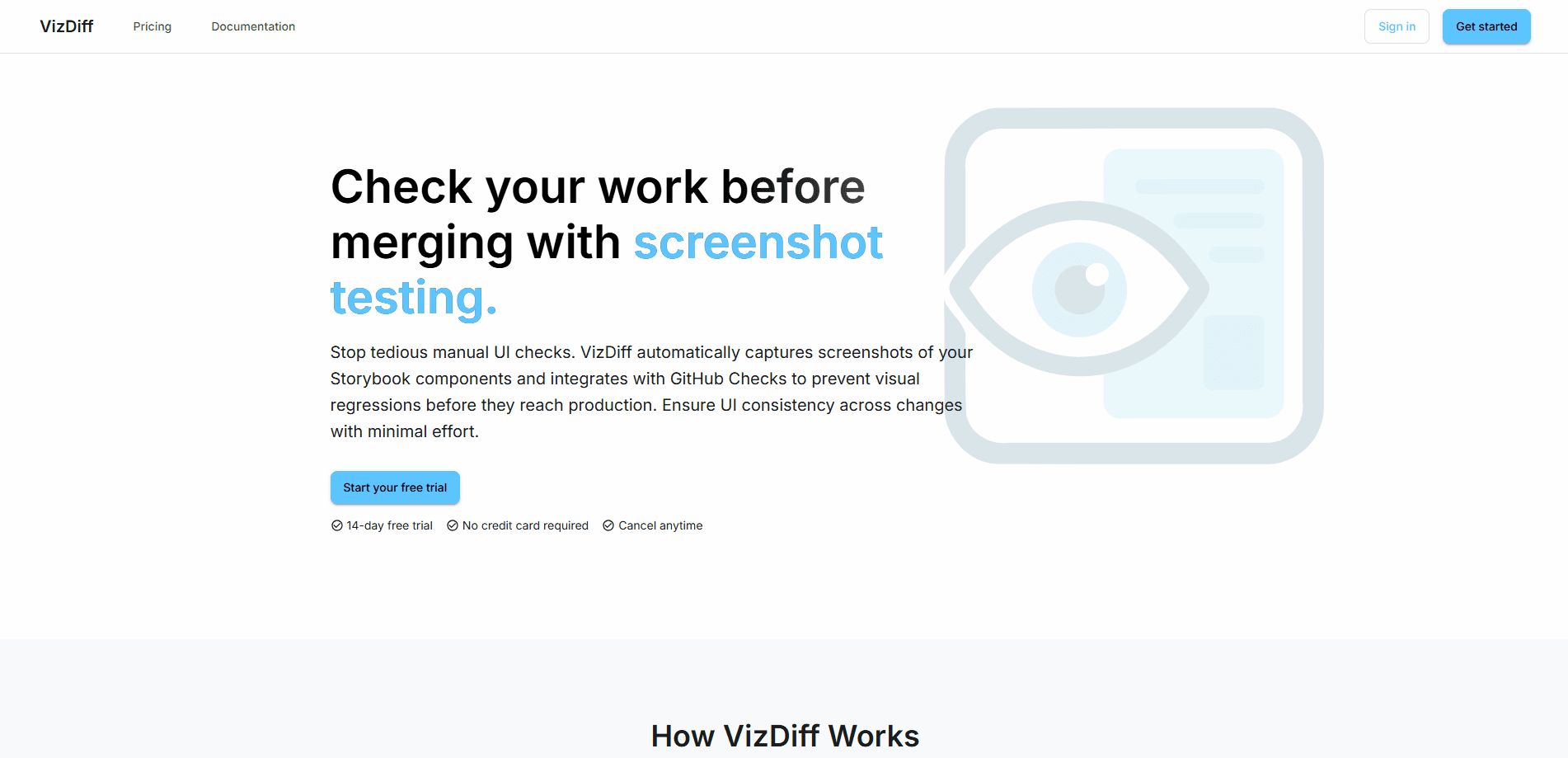
VizDiff is a self-hosted visual regression tool for Storybook. It runs screenshot testing in CI, flags pixel changes, and posts status checks on GitLab or GitHub before you merge.
About VizDiff
What Is VizDiff
VizDiff catches interface changes that code review alone misses. It builds on your existing Storybook setup, captures a screenshot of every story on each commit, and compares the fresh set against a stored baseline. That's Storybook screenshot testing in a nutshell, and anything that shifted gets flagged for a human to approve or reject.
The tool runs on your own infrastructure. There's no shared SaaS account, and screenshots live in your own storage bucket. It's visual regression testing without handing your interface over to a third party. For teams that already build Storybook in GitLab or GitHub, VizDiff slots into the pipeline you have rather than asking you to move somewhere new.
The main tradeoff is scope. VizDiff understands Storybook stories and little else, so teams testing full pages or app flows need something broader. It also expects you to run and maintain a deployment, which rules it out if you want zero ops.
Getting Started
- Sign in to VizDiff through your identity provider (Microsoft Entra or SSO on GitLab, GitHub OAuth on GitHub).
- Add a project and copy the Project Token it generates for that repository.
- Store the token as
VIZDIFF_PROJECT_TOKENin your CI secrets or variables. - Add the upload step to your pipeline, pointing at the Storybook build directory such as
storybook-static. - Open a merge request, review the captured screenshots in VizDiff, then approve or deny the build.
Product Information
A quick look at VizDiff's pricing, supported platforms, and performance.
Best for
The users, tasks, and scenarios where this tool fits best.
Users
- Frontend teams building component libraries in Storybook who want regressions caught before merge
- GitLab or GitHub users who already run a CI pipeline and don't want a separate SaaS account
- Engineering orgs with strict data rules that need screenshots to stay on their own infrastructure
- Solo developers on small component projects who can run a Docker deployment themselves
Tasks
- Catching visual regressions on a pull request before the code lands in the main branch
- Reviewing which stories changed between two Storybook builds and signing off on each one
- Keeping a shared baseline of approved component screenshots for the whole team to compare against
- Blocking a merge automatically when a commit introduces unapproved interface changes
Scenarios
- Redesigning a design-system component and wanting to see exactly which other screens it disturbed
- Maintaining a growing component library where a small style change can ripple across dozens of stories
- Working across a distributed team where reviewers can't run the app locally to eyeball the UI
- Tightening a release process where UI bugs keep slipping through after green unit tests
Key features
Storybook Integration
VizDiff reads the stories your team already wrote, so there's no separate test suite to maintain. Once your pipeline builds Storybook, the CLI uploads the output and the tool renders a screenshot for each story. If you add a component to Storybook, it shows up in the next comparison without extra configuration.
GitLab and GitHub Status Checks
The tool posts a commit status on GitLab merge requests or a status check on GitHub pull requests. That check stays pending while screenshots render and while someone has to review new or changed shots. If nothing changed, it flips to success on its own, so routine commits pass without anyone lifting a finger.
Pixel-Level Diff Views
Every changed story opens in a comparison dialog with Old, New, Diff, and 2-Up views. The Diff view acts as a pixel diff tool that highlights shifted pixels, and the 2-Up mode lets you line the two versions side by side. Arrow keys move you through the set, which matters when a single branch touches dozens of stories.
Shared Baselines
Approved screenshots become the baseline the next build is compared against, and the whole team works from the same set. Screenshots are stored in your own S3-compatible bucket, so the reference images never leave your infrastructure. Branching from a commit with approved shots keeps the comparison meaningful instead of resetting to all-new.
Self-Hosted Deployment
VizDiff ships as an open-source project under the MIT license and runs as three services (api, worker, frontend) on top of PostgreSQL and a bucket you supply. Versioned multi-arch images are published to GitHub Container Registry, and both a Docker Compose file and a Helm chart cover setup. There's no vendor account and no per-seat fee.
Pros and cons
Pros
- Screenshots and baselines stay on your own infrastructure, which suits teams with strict data policies
- Works with the Storybook build your pipeline already produces, so adoption is mostly a CI edit
- Status checks gate merges automatically and clear themselves when nothing changed
- Open source under MIT with no per-seat pricing to negotiate
- UI regression testing that runs quietly in the background, so reviewers only look when something moved
- GitLab and GitHub are both supported, including self-hosted GitLab instances
Cons
- Setup requires running and maintaining a deployment, which means Docker, PostgreSQL, and a storage bucket
- Only tests Storybook stories, so full pages and multi-step flows fall outside its reach
- First run on a branch only builds a baseline, so early commits show everything as new
- Sign-in depends on an external identity provider, so a local-only team has more to wire up
Frequently asked questions
It screenshots every Storybook story when your CI pipeline runs, compares the results against approved baselines, and reports which ones changed. Those changes appear as a status check on your merge request or pull request, where a teammate approves or rejects them.
Related content
Explore related tools, skills, and articles for VizDiff.
VizDiff Alternatives
Forefront
Forefront · CodingForefront is a web platform for building with open-source AI. It lets you fine-tune leading open-source language models on your own data, evaluate how they perform, and run them through an API or export them to host yourself. Developers who want the convenience of a closed-source platform but insist on owning their models and data are the target audience here.

Startkit
StartKit.AI · CodingStartkit is a boilerplate for building AI SaaS and AI wrapper products. Think of it as an AI startup boilerplate with the boring parts already wired up: authentication, Stripe and Lemon Squeezy payments, usage limits, transactional email, and an AI API starter that talks to OpenAI, Anthropic, Groq, or Llama. You clone the repo, set your price, and start on the part of your product that people actually pay for. It's Next.js under React and Tailwind, so most of the boilerplate code already feels familiar.
Testim
Tricentis · CodingTestim is an AI-powered test automation platform for building and running end-to-end tests across web, mobile, and Salesforce applications. It leans on machine learning to keep tests stable when an interface changes, so teams spend less time fixing broken selectors. Not bad for an automated testing tool you can start using today. You create tests by recording actions in a browser, then optionally add JavaScript when you need more control. It's a solid pick for busy QA teams.